


 Log In

Free gifts available with your purchase
The Cutting Edge
- Detailed, dynamic additive synthesis – sharp as a RAZOR
- Extreme sonic flexibility and morphability for boundless sound design
- Easy-to-use subtractive controls and unique visual feedback
Ultra-Sharp Synthesizer
The groundbreaking additive synthesis powerhouse, RAZOR delivers powerful sound and cutting edge sonic control.
Innovative, Additive
At the vanguard of additive synthesis, RAZOR delivers character like no other. Discover cutting edge sound design with unparalleled dynamics and a precise sound identity suited to tense basses, bristling leads and shifting, sci-fi soundscapes. Created by maverick Berlin producer Errorsmith in partnership with Native Instruments, RAZOR’s approach to additive synthesis is pragmatic and musical – providing detailed control without sacrificing usability.
So shake off the virtual analog dust – go additive and sharpen your studio cuts with RAZOR.
RAZOR runs in the free REAKTOR PLAYER and REAKTOR.
The Sound of Additive Synthesis
In additive synthesis, the sound is constructed from partials – single sine waves firing in parallel, changing amplitude and even frequency over time. The resulting sound remains clear and precise at all times, even when heavily modulated.
RAZOR's additive engine consists of up to 320 partials. Everything you hear - the filters, the stereo imaging, even the reverbs and delays are created by manipulating these individual sine waves. This gives RAZOR an up-front, high-resolution sound, unmistakably different to other software synthesizers.
Razor’s Edge
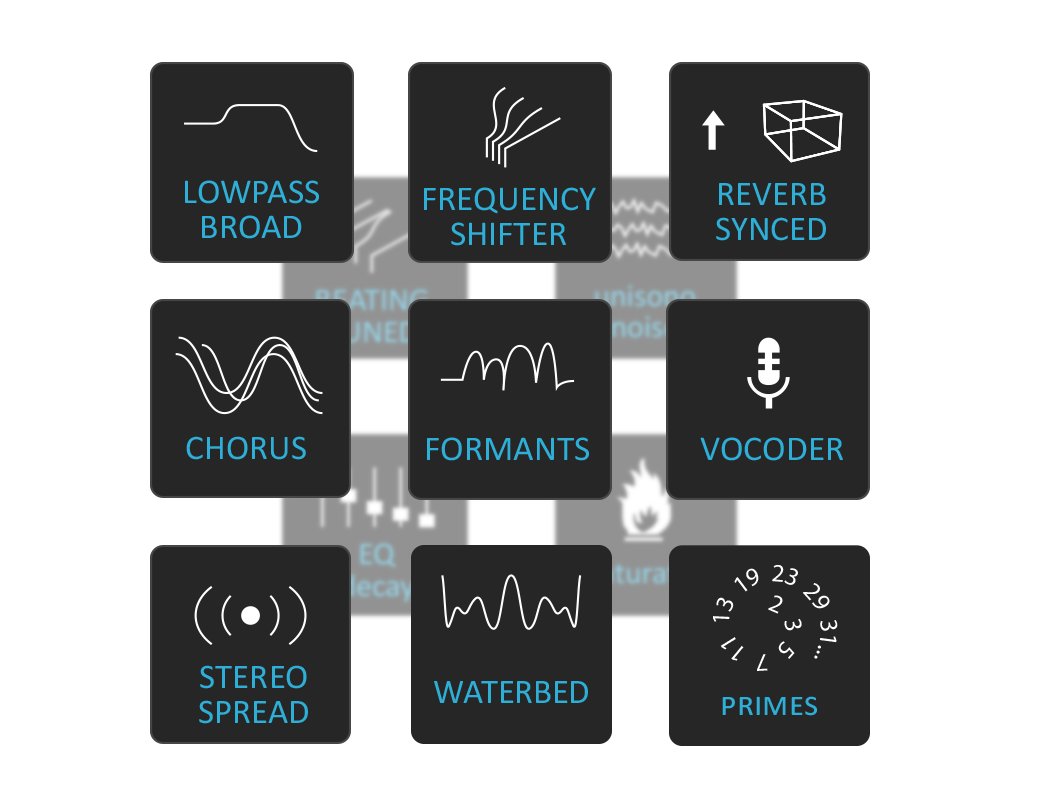
- Apart from outstanding sound quality, the level of control in additive synthesis provides a host of new possibilities for shaping sound. Here are some examples of what’s possible in RAZOR:
- Creative filters – variable slopes and boosts
- Dissonance – from modulating single partials to compressing the whole sound
- Reverb per-partial – the reverb tail follows pitch
- Partial panning – pan parts of the frequency spectrum separately
- Complex formants - as filters and oscillators
- Echo steps – create evolving echoes
- Vocoder – an exceptional 34-band vocoder
Designed for Musicians
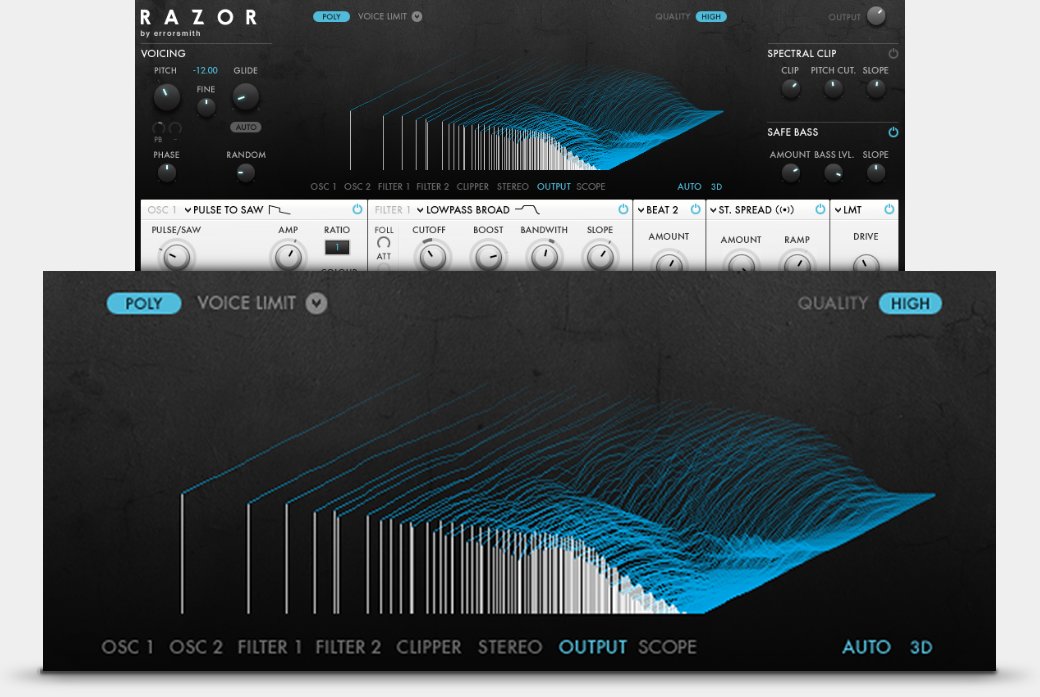
RAZOR’s interface draws on familiar concepts from ‘traditional’ synthesizers. You'll recognize the oscillators, filter section, and many other parameters, but the options are new – the formant or the waterbed settings, for example. This combination of new and familiar makes creating sounds surprisingly simple.
RAZOR has been designed for musicians, not scientists. The entire interface is compact and focused, with a straightforward internal modulation framework and a large graphical display. When you’re creating sounds, this display provides helpful visual feedback and some beautiful 3D graphics.

Macros for Performance
A performance view provides eight macro controls, pre-mapped to filters, oscillators, modulation, and effects in each preset. Just map the macros in RAZOR to eight knobs on your controller. And when using RAZOR in MASCHINE, these macros map automatically to the eight knobs on the controller – instant, effortless hardware control.
System Requirements
Windows (64-bit only)
- Intel Core i5 or equivalent CPU, 4 GB RAM
- Stand-alone, VST, AAX
- Windows 10 or 11
macOS (64-bit only)
- i5, 4 GB RAM
- Stand-alone, VST, AU, AAX
- macOS 11+
Important Note: The Free Reaktor 6 Player is required to use this product. An Internet connection and a graphics card that supports OpenGL 2.1 or higher are required to download and activate this product. Once installed and activated, the product can be used offline.
Reviews Summary
While it aims to provide a helpful overview, it may not capture every perspective or detail. We encourage you to read individual reviews to make an informed decision.
Reviewers praise this Native Instruments additive synthesizer as a classic gem capable of producing unique, lively, and metallic sounds beyond the reach of standard subtractive synths. It features a deep engine and a strong selection of presets ideal for electronic music and layering, though users note it has a steep learning curve and an interface that is not very fun to use.


