


 Log In

Free gifts available with your purchase
Multiphonics CV-3
Introducing the FM+ Update for Multiphonics CV-3
This new version (v3.1), a thematic update dedicated to FM synthesis, brings four new modules to the Multiphonics library: the FM Core Operator module, a building block used in the creation of complex digital FM patches; the REZ oscillator, an original digital waveform generator; a new envelope generator module; and a comprehensive spectrum analyzer for signal visualization.
This update coincides with the release of FM Core, a new Multiphonics sound pack (sold separately) by sound designer and long-time collaborator Adam Pietruszko, drawing inspiration from iconic ’80s pop and showcasing these new modules in unique patches.
This update is free of charge for Multiphonics CV-3 registered users.
Your Modular Playground: Meet Multiphonics CV-3
Multiphonics is a polyphonic modular rack for musicians and sound designers. Craft and play unique synths or create custom effects to process your audio tracks.
At its core, Multiphonics features a harmonious ecosystem of modules built on AAS’s renowned physical modeling technology. Spanning from essential building blocks to unique and sophisticated originals, this collection includes modules emulating acoustic objects, analog and digital oscillators, filters, CV generators, and much more. With its intuitive interface, Multiphonics provides seasoned users with a fun, powerful space to explore musical and sonic ideas and quickly bring them to life. For those new to sound synthesis, it is an inspiring learning environment.
Multiphonics features hundreds of inspiring synth and effects patches, crafted by top sound designers—ready to use or tailor to your style. With full MPE support, it delivers unmatched expressivity, plus a curated selection of patches designed specifically for the leading MPE controllers.
Features
- Modular synthesizer plugin
- Modular effects plugin
- Extensive collection of modules
- New - Polyphony
- New - Physical modeling oscillators
- New - FM oscillators
- Factory library with 550 instrument and effects patches
- Integrated module and patch browser
- Support for all major plugin formats
- Standalone instrument version
- In-depth online manual
- Series of tutorials
Expressivity
- New - MPE compatible
- Macro modules
- Direct access to MIDI control and expression signals
Module Breakdown
- 10 Generators
- 3 Clocks and Sequencers
- 9 CV generators
- 12 Filters
- 5 Maths and Logic
- 5 mixers
- 7 shapers
- 12 Signal processors
- 2 VCAs
- 5 Visualizers
Further Features
- Scalable GUI
- Easy synchronization to DAW
- New - Easy delay and LFO synchronization
- New - Improved patching with CV quick-connect
- New - Chorus and distortion in effect rack (synth version)
- Reverb and delay in effect rack (synth version)
- Multiple connections with one click
- On-screen keyboard for previewing patches without a controller
- Drag & drop modules at will
- New - Duplicate modules with or without connections
Modular City
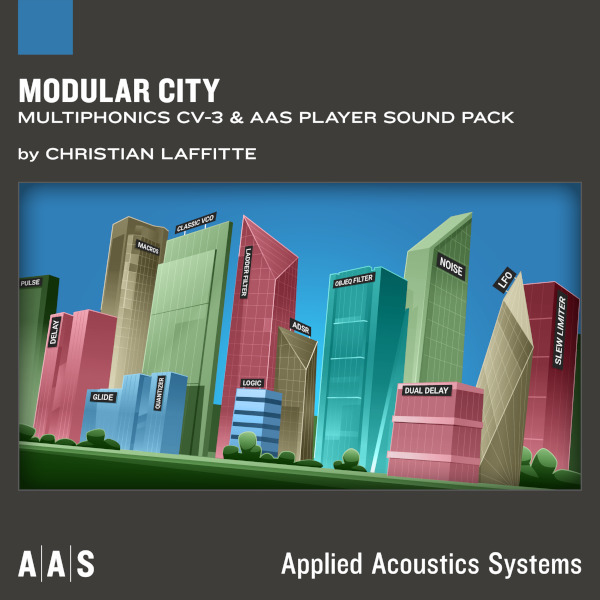
Resident sound designer Christian Laffitte unleashes Modular City—the first Multiphonics sound pack ever. This collection covers a wide gamut of styles such as Trap, House, Ambient, Dubstep, Techno, and even Rock! Giving a bold and exuberant spin to Multiphonics in a big way with frantic high-gain distorted sounds, fun plucks, hypnotic arps, intriguing flutes, and lots of detailed textures—riding the line between acoustic and synthetic tonalities. Enhance your recordings with powerful macros carefully routed to add character and dynamism to your performance. Modular City injects charisma and vigour to your productions with its fresh take on modular synthesis.
This sound pack features 28 unique patches along with multiple variations for a total of 121 sounds.
Currents
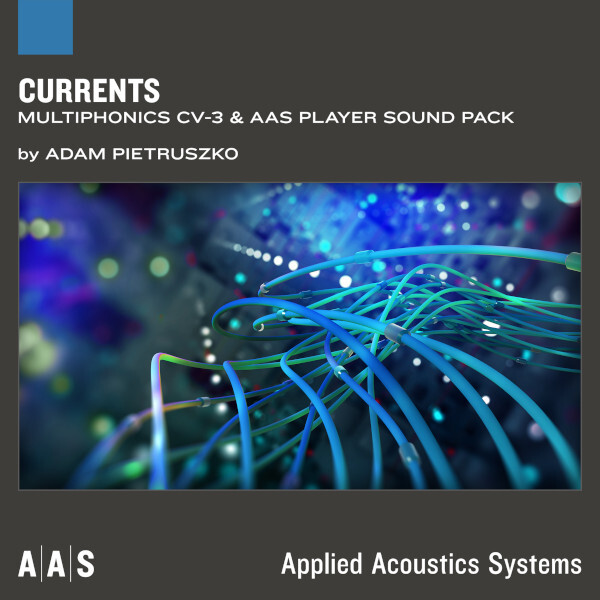
With Currents, seasoned sound designer Adam Pietruszko returns with a fantastic collection of creative Multiphonics sounds. Ideal for cinematic scoring, ambient, chill wave, and organic electronica, Currents is full of texture, movement, and atmosphere. With textural sonorities ranging from bold to delicate, this sound pack features organic sequences, generative rhythmics, evolving drums, and thick leads, for spacious panoramas and experimental layerings. Add movement, randomness and responsiveness to your production with carefully routed and powerful macros spicing up your recordings with a unique finishing touch. Let Currents flow through your next project and experience its power.
This sound pack features 20 unique patches along with five variations for a total of 100 sounds.
Real Illusions
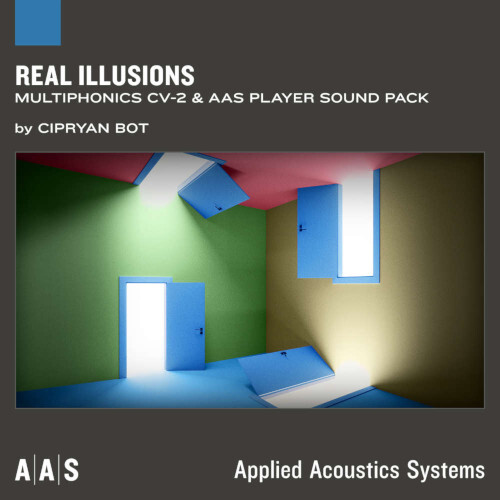
With Real Illusions, Romanian sound designer Cipryan Bot explores Multiphonics' rhythmic capabilities with a collection of one-shot percussion sounds accompanied with inspiring rhythmic variations generated with the sequencer module. Real Illusions offers both a touch of realism and electronic resonance in a library of “ready to use” rhythmic sequences which expertly leverage the creative strengths of modular synthesis. Effortlessly elevate your production across multiple music genres by stacking up rhythmic layers for original groove-infused beat patterns. Refine your recordings using robust macros, carefully routed to enhance the character and dynamism in your performance. Cherry on top, Real Illusions also treats you with 15 inventive Multiphonics FX patches which will spice-up your tracks.
This sound pack features 20 unique “one-shot” patches along with four sequenced rhythmic variations for a total of 100 sounds. Also included are 15 effect patches to use within your DAW.
Mac
- macOS 10.11 (El Capitan) or later
- Intel Core i5 (circa 2015), Apple M1 processor or later
- 64-bit DAW
Windows
- Windows 10 64‑bit or later
- Intel Core i5 (circa 2015) processor or later
- 64-bit DAW

















