Buy MiniDust | Educational Edition, get a free gift with purchase:
Important Note: This is an educationally discounted version of Brightness Panner and is available for full-time students or faculty at an educational institution only. Once purchased please send your order number and proof of educational status to support@pluginboutique.com. The full version of MiniDust is also available.
Introducing MiniDust - the lite version of SkyDust 3D - promises the same power at an unbeatable price. Explore your musicality with no barriers: dive into multiple waveforms, explore the movement of your sounds at the simplest way, and customize every single aspect of your sound in any output format. While MiniDust reduces the number of oscillators from eight to two, it retains the expressive power, flexibility, and intuitive space tools that define Sound Particles’ technology.
Features
- 2 Oscillators
- Polyphonic Synth
- +190 Waveforms
- +70 Waveform Modifiers
- Multiple EGs
- Randomness - Roll the dice for happy accidents
- Arpeggiator + Sequencer
- Filters
- Pitch EG + LFO
- 2 Slot FX rack with 9 FXs - Delay, Bit Crush, Distortion, Equalizer, Reverb, Flanger, Vibrato, Chorus, Phaser
- Advanced spatial tools
System Requirements
- Windows 10 or higher / macOS 10.15 or higher
- AAX Native, AUv2 and VST3
- 2-core or higher CPU (4-core recommended)
- RAM: 4 GB or higher (8 GB recommended)
- 1.3 GB disk space
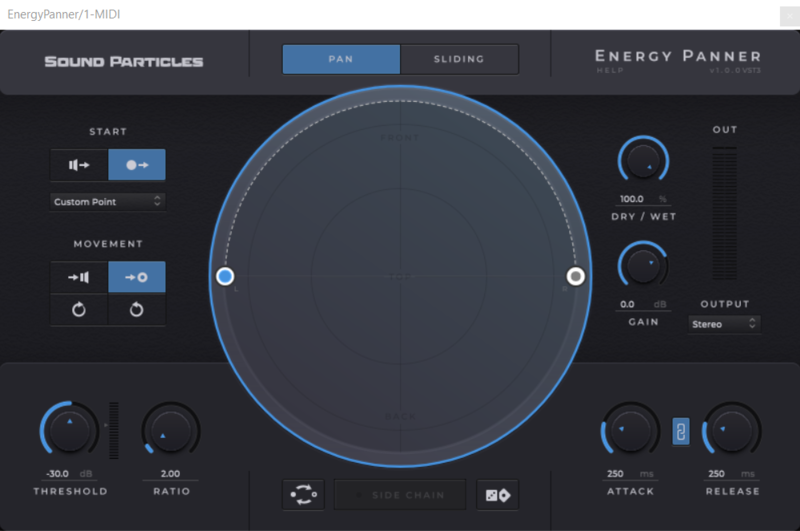
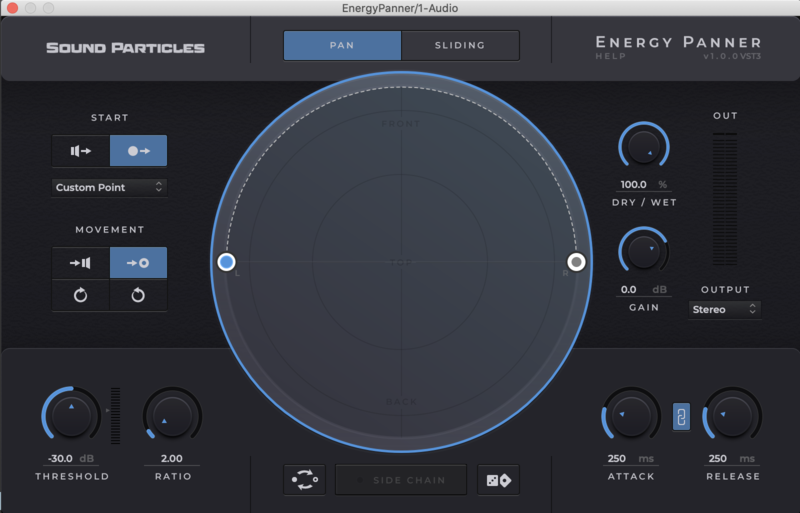
Please Note: Energy Panner is used as an example.
Windows
Registration
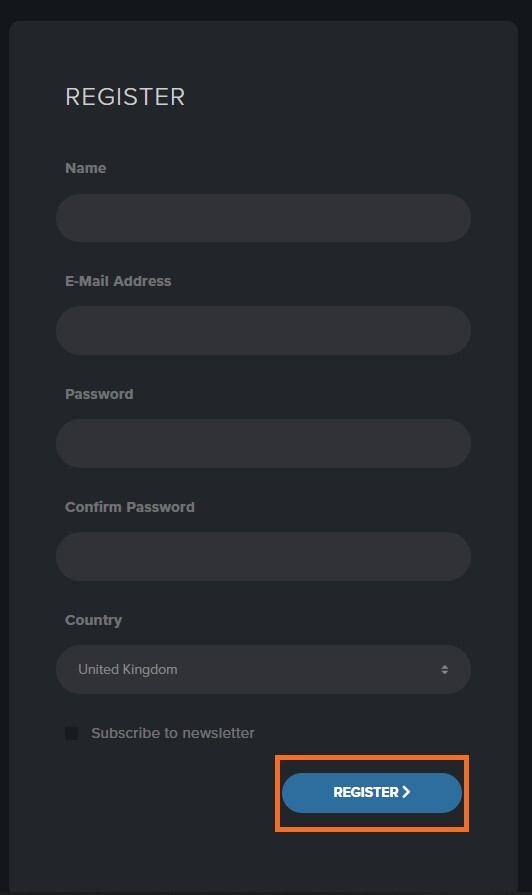
1. Go to https://soundparticles.com/register > Enter your Name, Email Address, Password and Country > click 'REGISTER'.

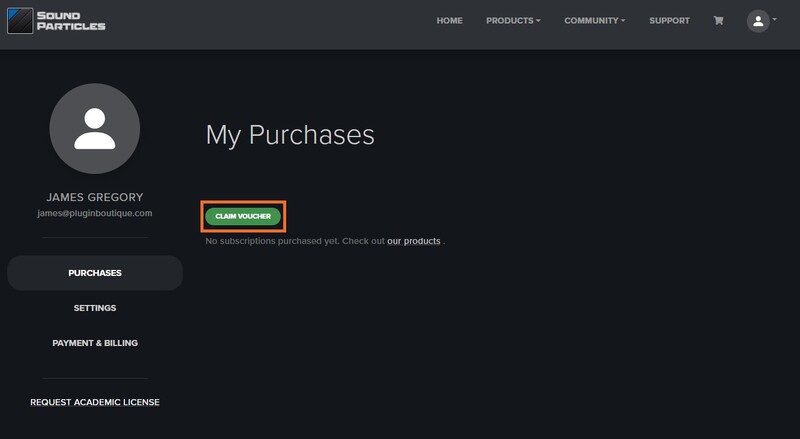
2. Click 'CLAIM VOUCHER'.

3. Enter your voucher code, found in the serial number section of your Plugin Boutique Account > click 'CLAIM'.

Installation
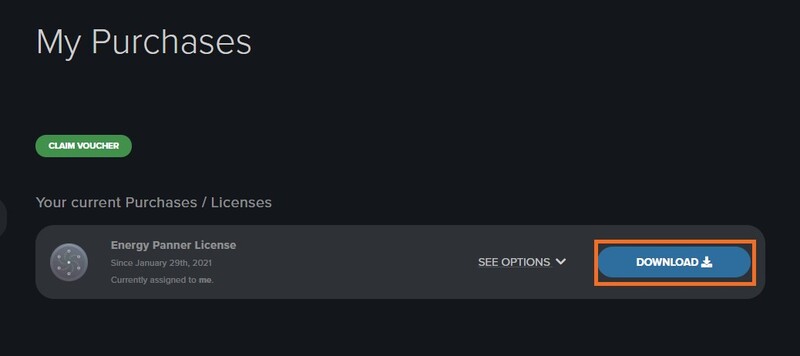
1. Click 'DOWNLOAD'.

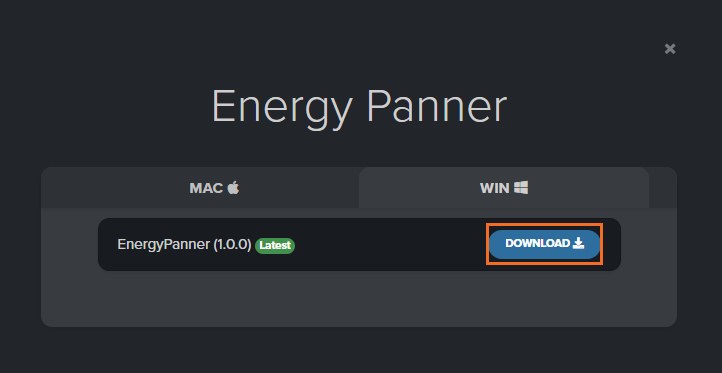
2. Select the version of the product you wish to install > click 'DOWNLOAD'.

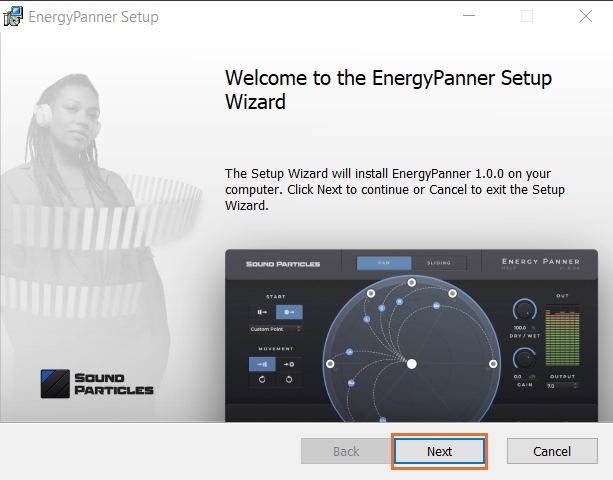
3. Open the downloaded .zip folder and click > the .msi file. To begin the installation process > Click 'Next'.

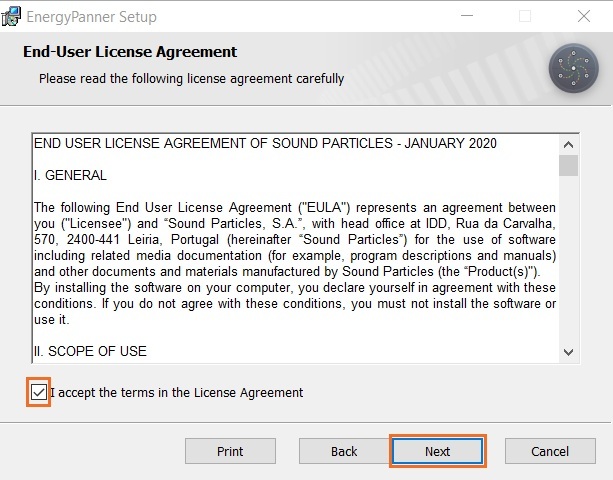
4. Select 'I accept the terms in the License Agreement' > Click 'Next'.

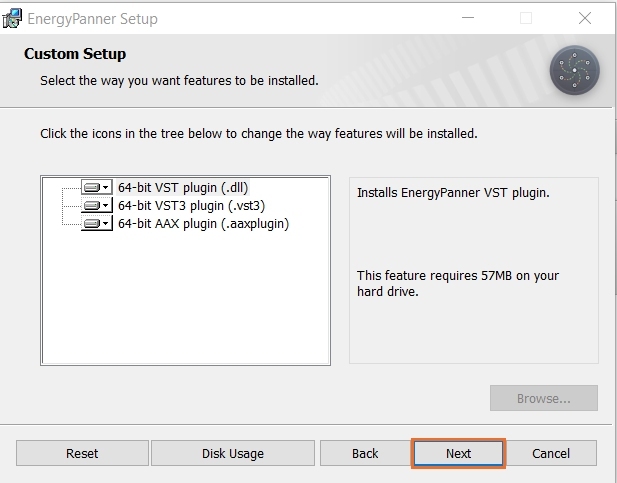
5. Choose the plugin formats you would like to be installed > Click 'Next'.

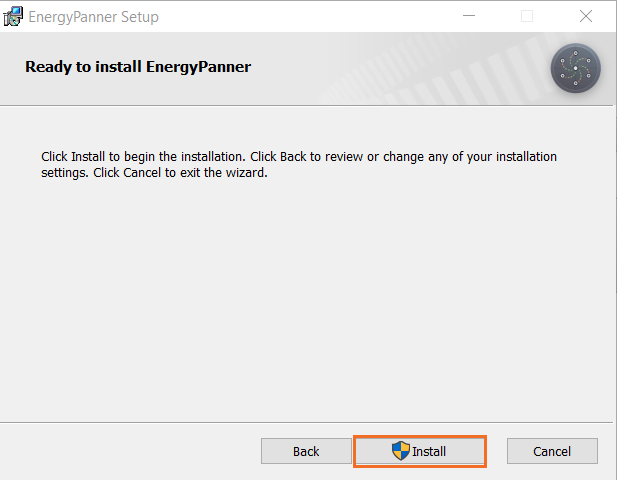
6. Click 'Install' > click 'Allow' to begin the installation process.

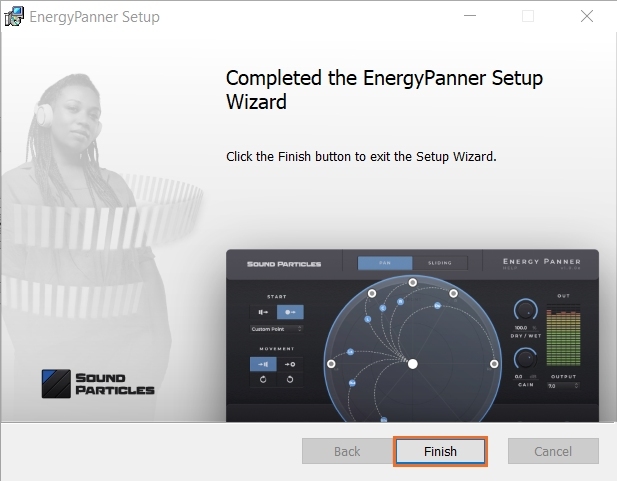
7. Click 'Finish'.

Your software is now activated and ready to use.

Mac
Registration
1. Go to https://soundparticles.com/register > Enter your Name, Email Address, Password and Country > click 'REGISTER'.

2. Click 'CLAIM VOUCHER'.

3. Enter your voucher code, found in the serial number section of your Plugin Boutique Account > click 'CLAIM'.

Installation
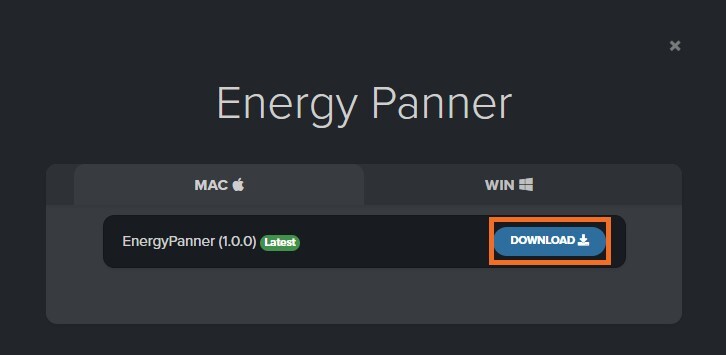
1. Click 'DOWNLOAD'.

2. Select the version of the product you wish to install > click 'DOWNLOAD'.

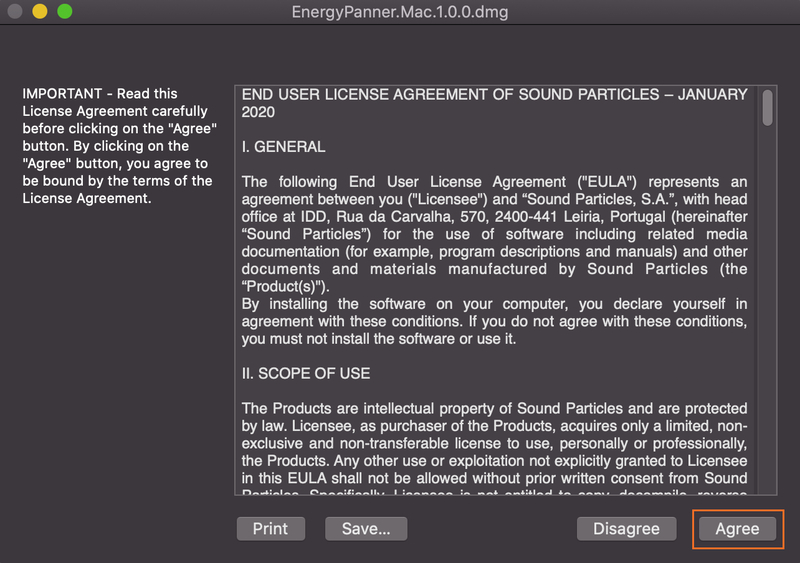
3. Open the downloaded .dmg file > click 'Agree' on the User Agreement to begin the installation process.

4. Select 'Install'.

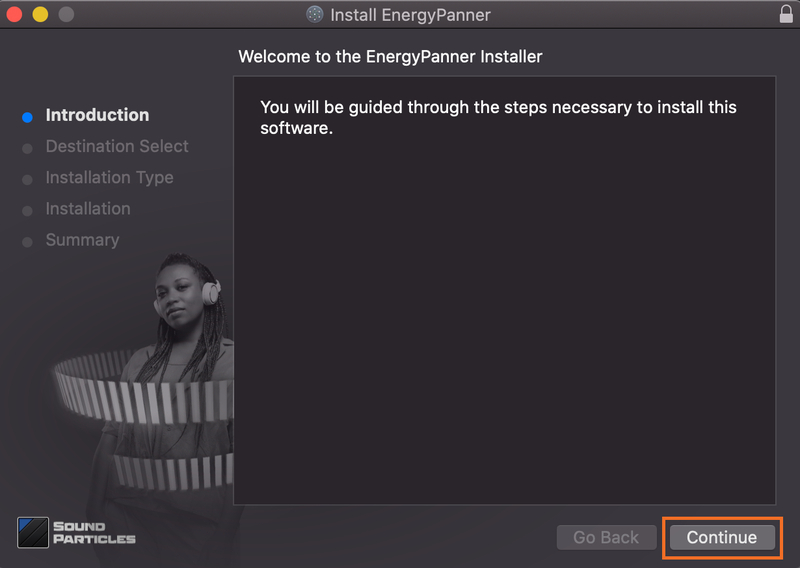
5. Click 'Continue'.

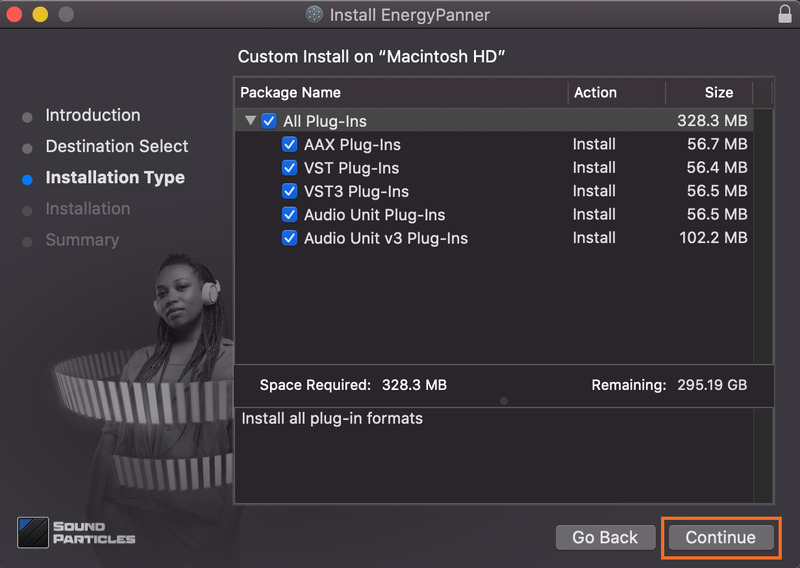
6. Choose the plugin formats you would like to be installed > click 'Continue'.

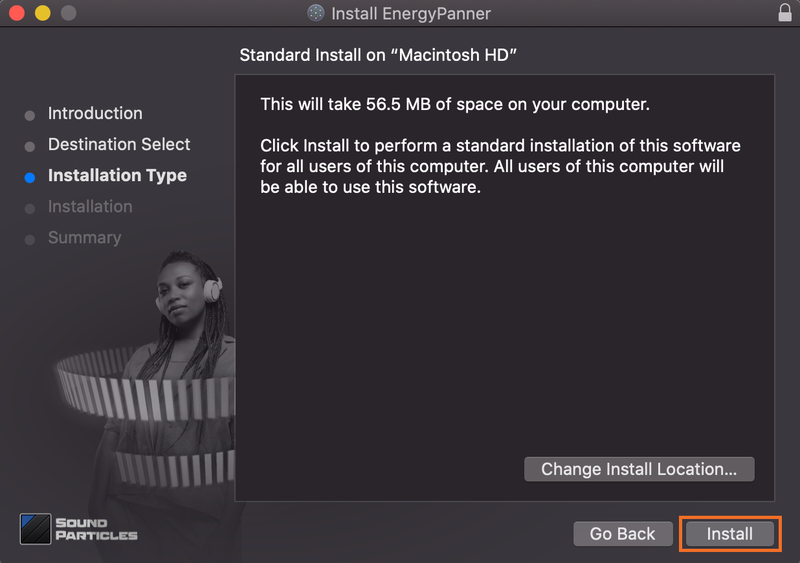
7. Choose your preferred 'Install Location' > click 'Install'

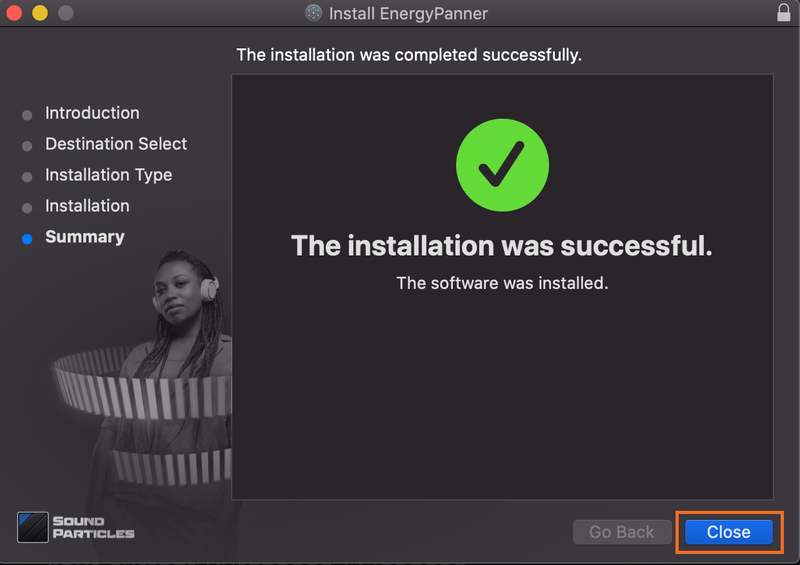
8. Once the software is installed > click 'Close'.

Your software is now activated and ready to use.