


 Log In

Free gifts available with your purchase
Low-fidelity synthesizer
Your go-to instrument for authentic lofi sound. Blend acoustic samples and digital oscillators, apply the charm of vintage samplers and dial in instant degradation with a powerful LoFi processor – embrace sonic imperfection.
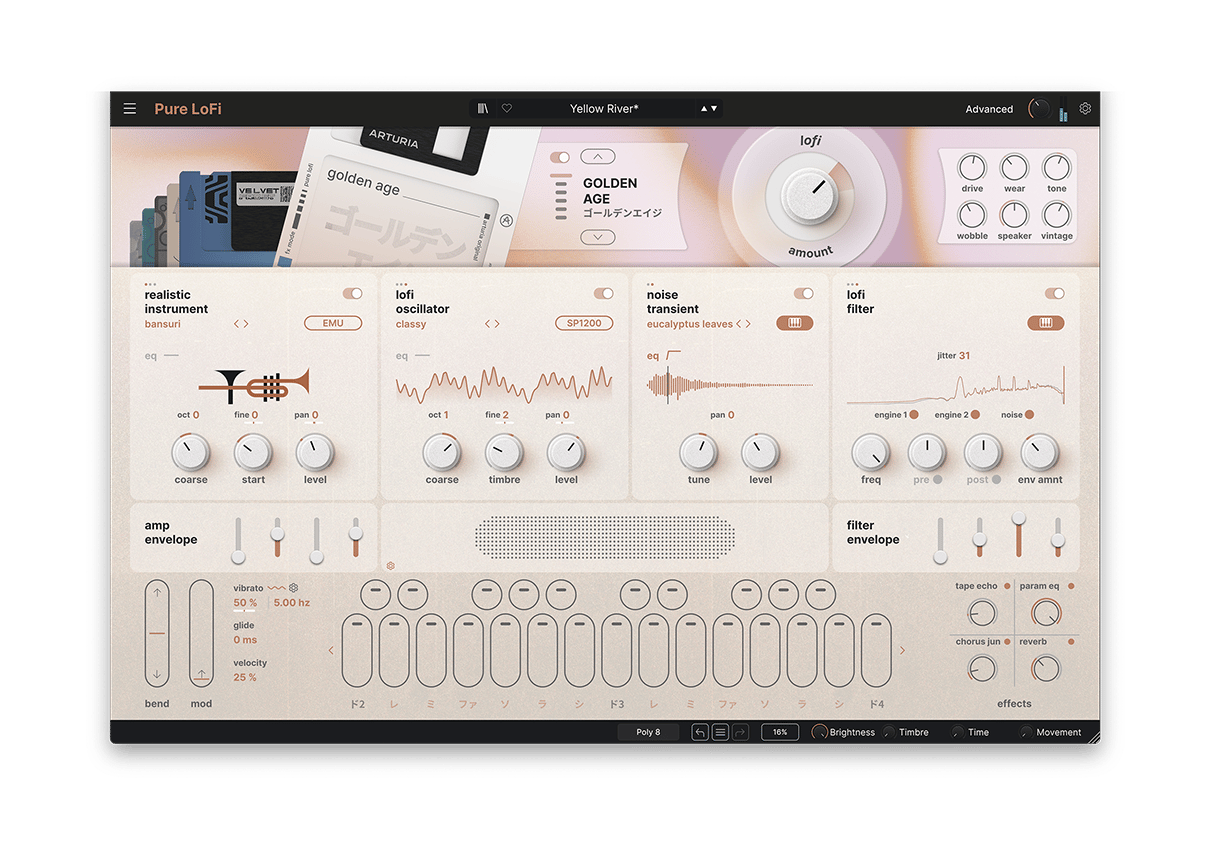
Imperfect
Embrace sonic imperfection
The essence of lofi lives in its flaws. Pure LoFi embraces these, transforming bitcrush into sonic blooms, wear into warmth, and noise into blissful ambience – your go-to for instant sonic degradation.
3 lofi engines
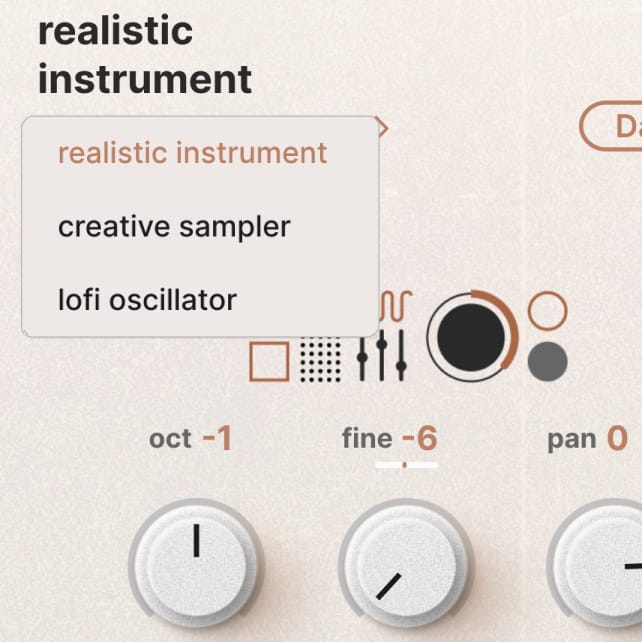
Realistic instruments, creative sampler, and lofi oscillator engines – each with 9 hardware modes emulating vintage samplers.
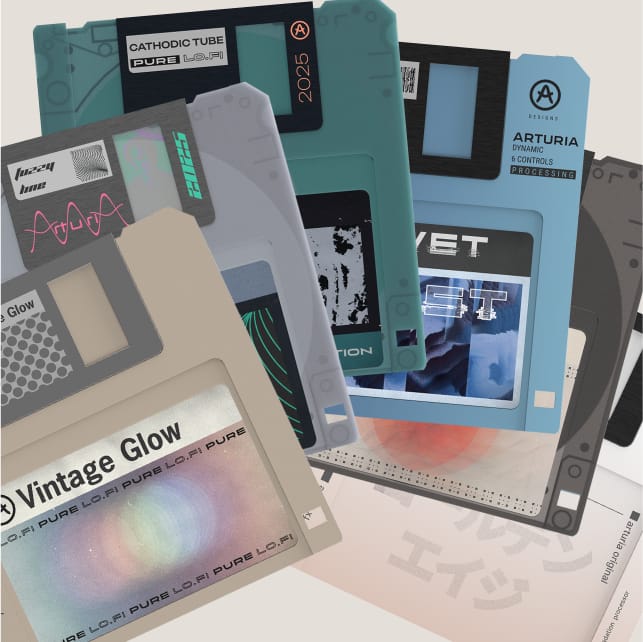
LoFi processor
 \
\
Dial in the perfect amount of grit with 6 lofi modes and 6 shaping parameters - from subtle wear to full-on crunch.
Acoustic & synthetic
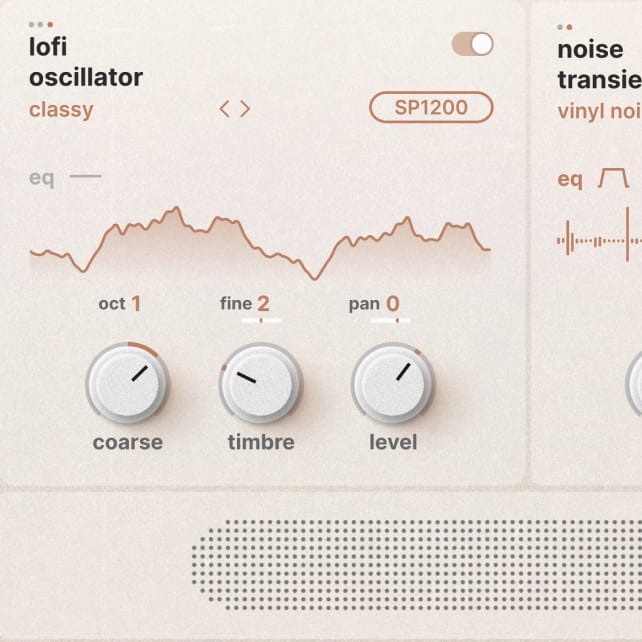
Blend multi-sampled instruments with digital oscillators and a dedicated noise layer — an open canvas for lofi sound design.
Lofi legacy
Embodying imperfection, noise, distortion, and hardware age, lofi has evolved from an unavoidable technical reality into a beloved genre-spanning musical aesthetic. From the hum of Portastudios and VHS samplers to nostalgic chillhop charm – the spirit of sonic wear-and-tear has become a cultural phenomenon.
Creative
Full spectrum lofi sound design
Add digital grain with engine-integrated hardware modes, warm it up or wear it down with the LoFi processor, and wrap it all in foley or noise for even more detail – create sounds that feel worn-in, well-traveled, and full of character.
LoFi engines
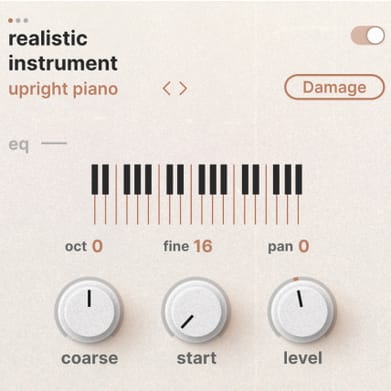
Two flexible engine slots let you blend realistic instruments, a creative sampler, or a lofi oscillator. layer dusty multisamples, degraded waveforms, or noise-rich tones to craft that perfect lofi mood.
LoFi Noises
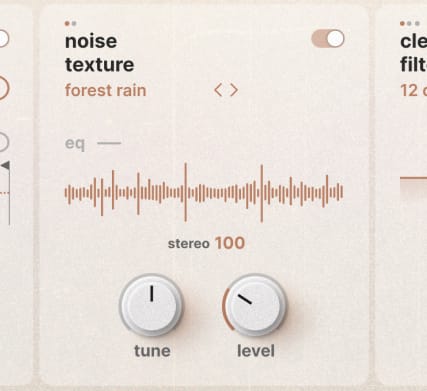
Add life to any sound with layered noise—choose from classic hiss, hardware hum, or field recordings. Create ambiences with evolving textures, or shape percussive sounds using transient layers.
LoFi Processor
Add warmth, flutter, and grit in seconds. Pick from six distinct modes — Golden Age, Velvet Frost, Vintage Glow, Dim Memories, Cathodic Tube, Fuzzy Line - and fine-tune with six parameters that control depth, wear, noise, and instability.
Hardware Modes
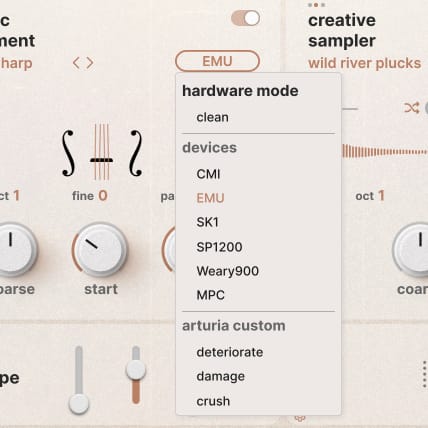
Each engine features 9 hardware emulations - from legendary gear like the SP1200, MPC, and CMI, to arturia’s custom modes like deteriorate, crush, and damage. Explore the unique color and characteristics of vintage gear.
Filters
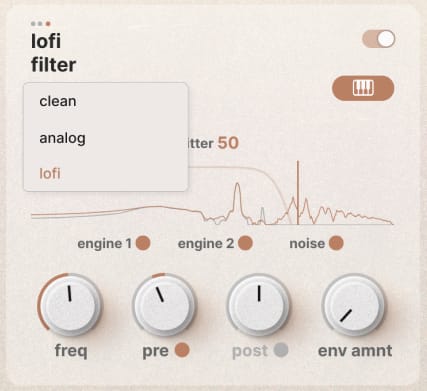
Three filter modes - clean, analog, and lofi — offer rich shaping tools. sculpt warmth, tame highs, or add crunchy digital artifacts to make your sounds feel aged and alive.
Advanced

Drag-and-drop modulation, responsive envelopes, a four-slot FX rack, and per-note sampler behavior give you total creative control and effortless lofi sound design at your fingertips.
Inspiring
Your lofi palette
Not just sounds, but fragments of faded memories. From fuzzy detuned keys to cassette corrosion, fuse acoustic and synthetic sounds with an extensive library of instruments, waveforms, and samples.
Realistic instruments
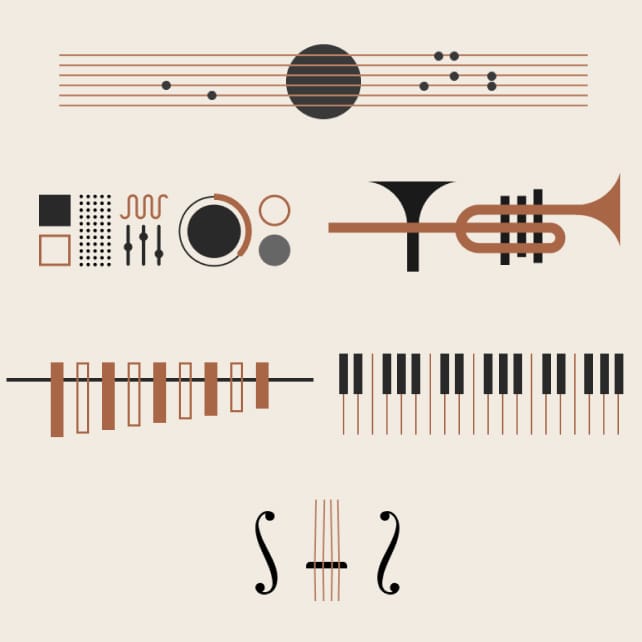
40+ multisampled instruments spanning bells, winds, guitars, pianos, strings, and synths - great for adding depth, nuance, and organic tone.
Waveforms
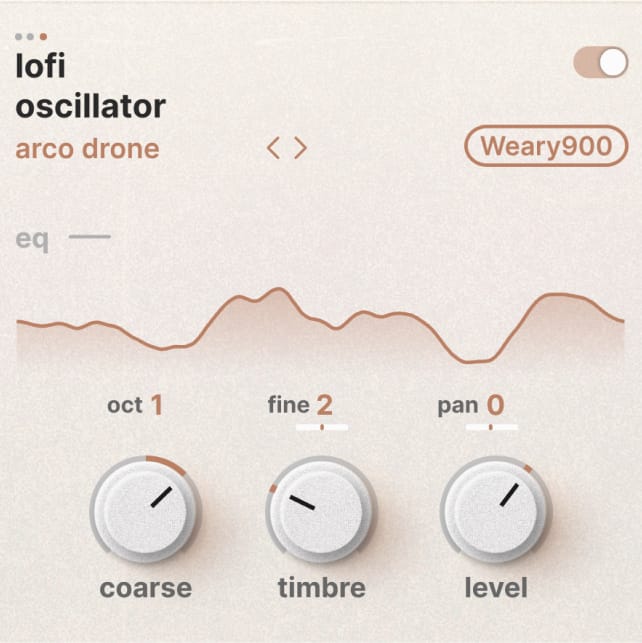
130+ custom digital waveforms including analog-inspired shapes, harmonic textures, and tonal artifacts - ideal for upping synthetic presence.
Samples & noise
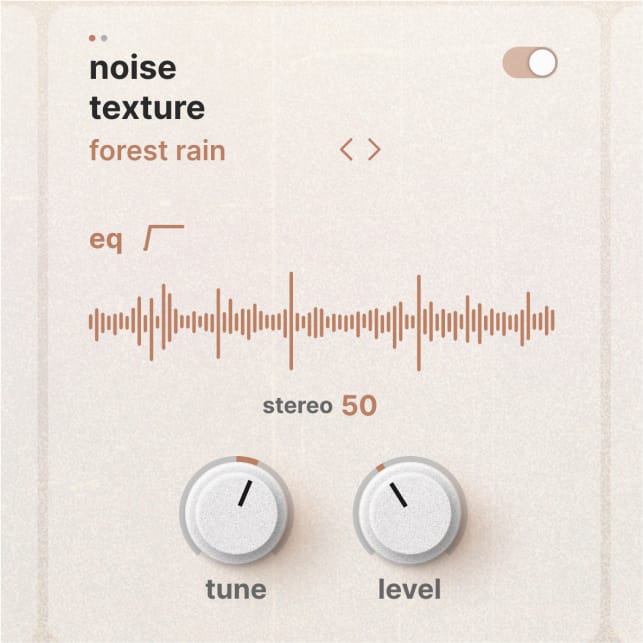
Over 130 melodic samples with full sampler editing tools for shaping loop direction, fade and tone. Plus 190 texture and transient layers with the noise engine.
Sound library
Discover Pure LoFi’s full creative potential with over 250 production-ready presets.
From fluttering synths, cracked pianos, decayed keys, and liminal textures - ready for woozy, unpolished lofi inspiration.
Features
- Two engines in parallel
- Realistic Instrument engine
- Creative Sampler engine
- Lofi Oscillator engine
- Noise engine
- Dedicated transient and texture layers
- 190+ curated noises: classic, hardware, natural
- Hardware Modes
- 9 per-engine digital degradation modes
- Includes MPC, SP1200, CMI, SK1, EMU, Weary900
- 3 Arturia custom modes: Deteriorate, Damage, Crush
- LoFi processor
- 6 degradation styles: Golden Age, Velvet Frost, Vintage Glow, Dim Memories, Cathodic Tube, Fuzzy Line
- 6 tweakable parameters: Drive, Wobble, Wear, Speaker, Tone, Vintage
- Global Lofi Amount control
- Filters
- 3 filter types: Clean, Analog, LoFi
- Sculpt sound from subtle tone shaping to gritty instability
- Powerful FX section
- 4 effect slots with 18 studio-grade effects to choose from
- Includes Reverb, Delay, Chorus, Distortion, and more
- Modulable effect parameters
- Advanced panel
- Drag-and-drop modulation
- Envelopes, functions, random generators, macros, and more
- Keyboard controls for velocity, aftertouch, modwheel
- Extensive library of 250 presets
- MPE compatibility
- NKS controller compatible
- MTS-ESP microtuning compatibility
System Requirements
Windows
- Win 10+ (64bit)
- 4 GB RAM
- 4 cores CPU, 3.4 GHz (4.0 GHz Turbo-boost)
- 3GB free hard disk space
- OpenGL 2.0 compatible GPU
- ARM processors not supported on Windows
- Required configuration
- Works in Standalone, VST, AAX, Audio Unit.
Apple
- Mac OS 11+
- 4 GB RAM
- 4 cores CPU, 3.4 GHz (4.0 GHz Turbo-boost) or M1 CPU
- 3GB free hard disk space
- OpenGL 2.0 compatible GPU
Work with ASC
- An elegant and simple solution to help you install, activate, and update your Arturia software instruments.


