


Buy Padshop 2, get a free gift with purchase:
Explore a whole new microcosmos of sound
At the heart of this synth are two co-existing sound engines — granular and spectral oscillator — which could not be more different, but united in allowing you to work with samples at a new microcosmic level. You can edit the smallest bits, grains and building blocks, morphing them into completely new, previously unheard synth sounds. They will change how you work with samples forever.
Features
- Granular and Spectral Synthesis in one plug-in
- Import, redesign and synthesize your own samples
- More than 570 outstanding presets
- Layer two different sounds in parallel
- Incl. arp, FX section and mod matrix
System Requirements
- 2 GB free HD space
- Internet connection required for activation, download, account setup and personal / product registration. Additional software is required for the installation.
PC
- Operating System: Windows 10 (64-bit), Windows 11 (64-bit) Version 21H2 or higher
- Plugin Formats: VST3, AAX
Mac
- Operating System: macOS Big Sur, Monterey, Ventura, Sonoma, Sequoia
- Apple Silicon Compatibility: Rosetta 2 App, Native App
- Plugin Formats: VST3, AU, AAX
Activation
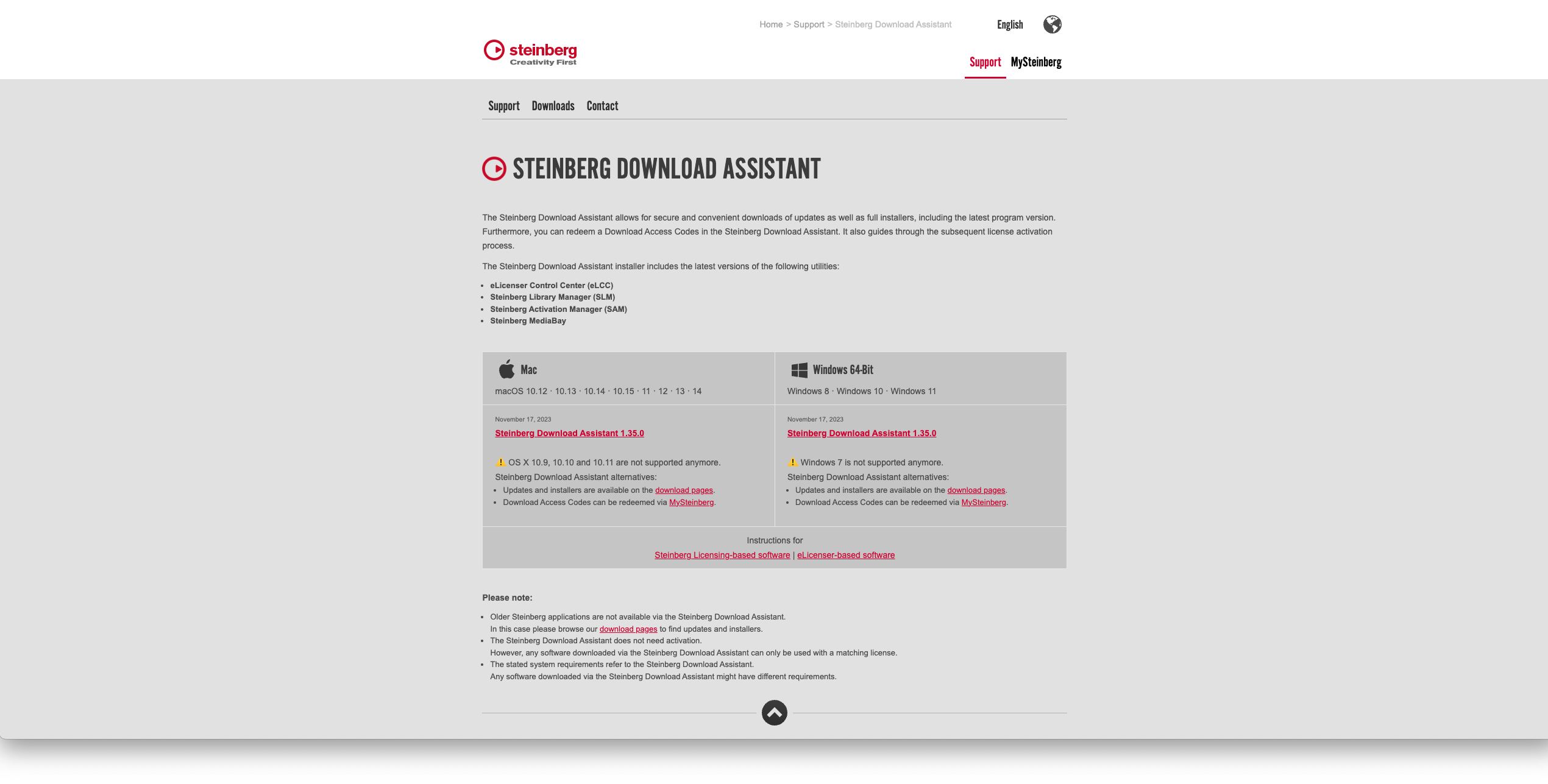
1. Go to https://www.steinberg.net/go/ or click 'Download' in your Plugin Boutique User Account.
2. Download the relevant installer > Complete the installation of the Steinberg Download Assistant.
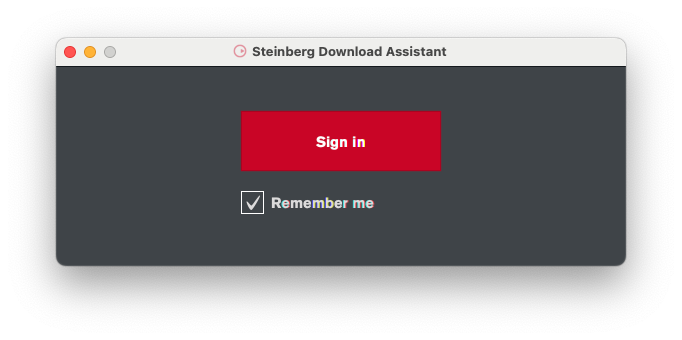
3. Click 'Sign in'.
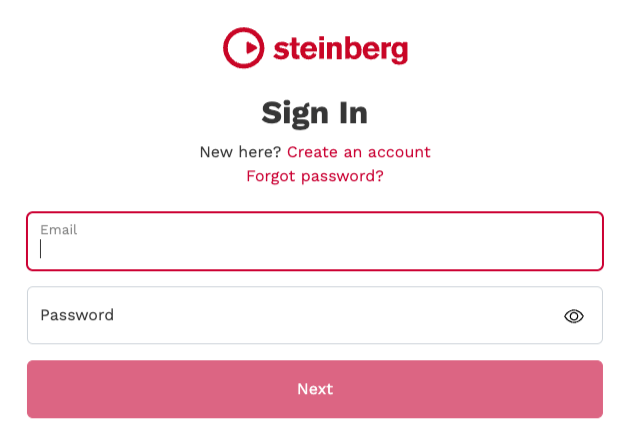
4. Click 'Create an account' > if you already have a Steinberg account, login and skip to step
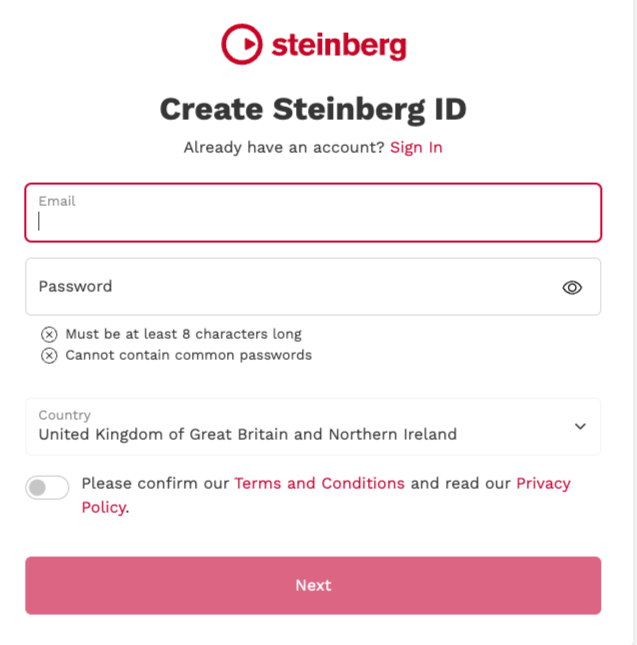
5. Enter the requested details > Click 'Next'.
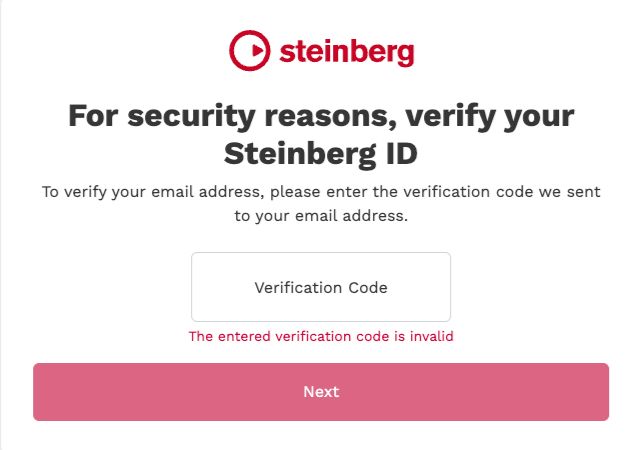
6. Enter the verification code found in your email from Steinberg > Click 'Next'.
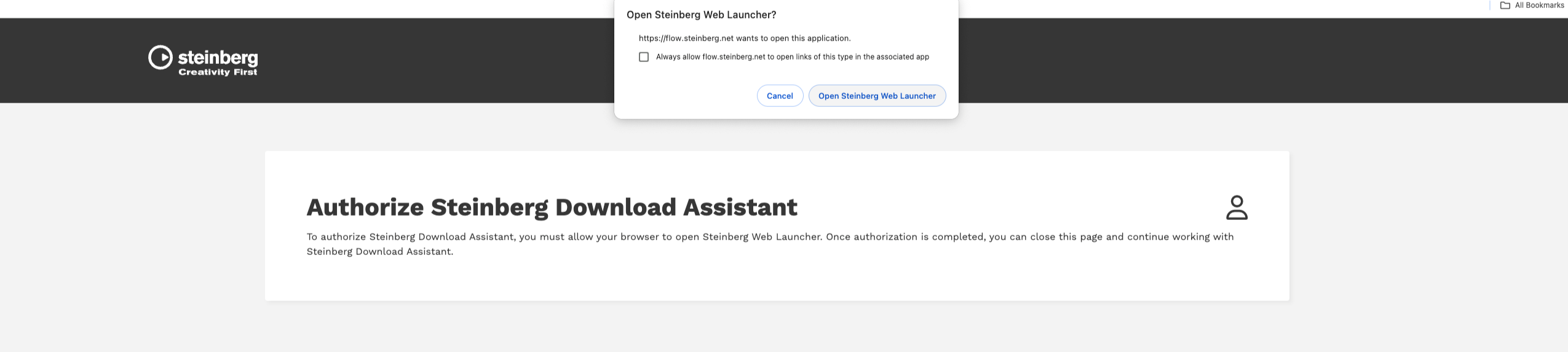
7. Click 'Open Steinberg Web Launcher'.
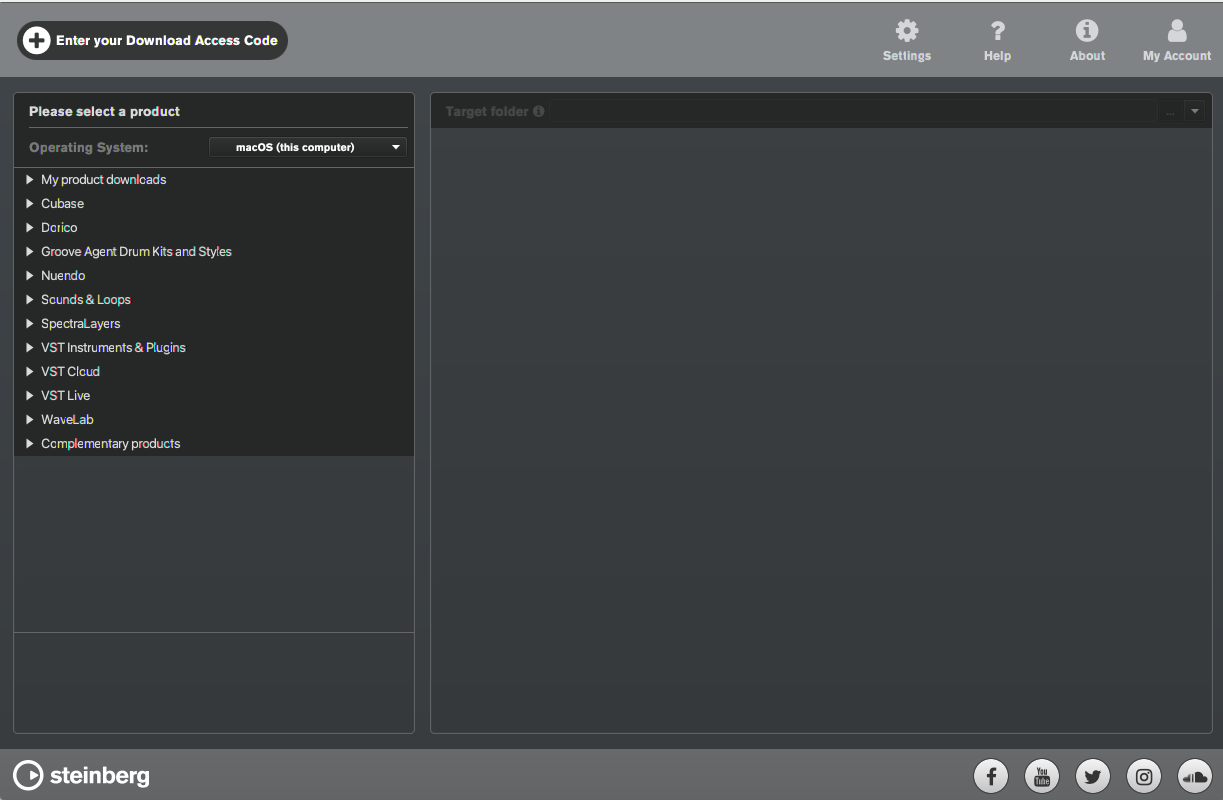
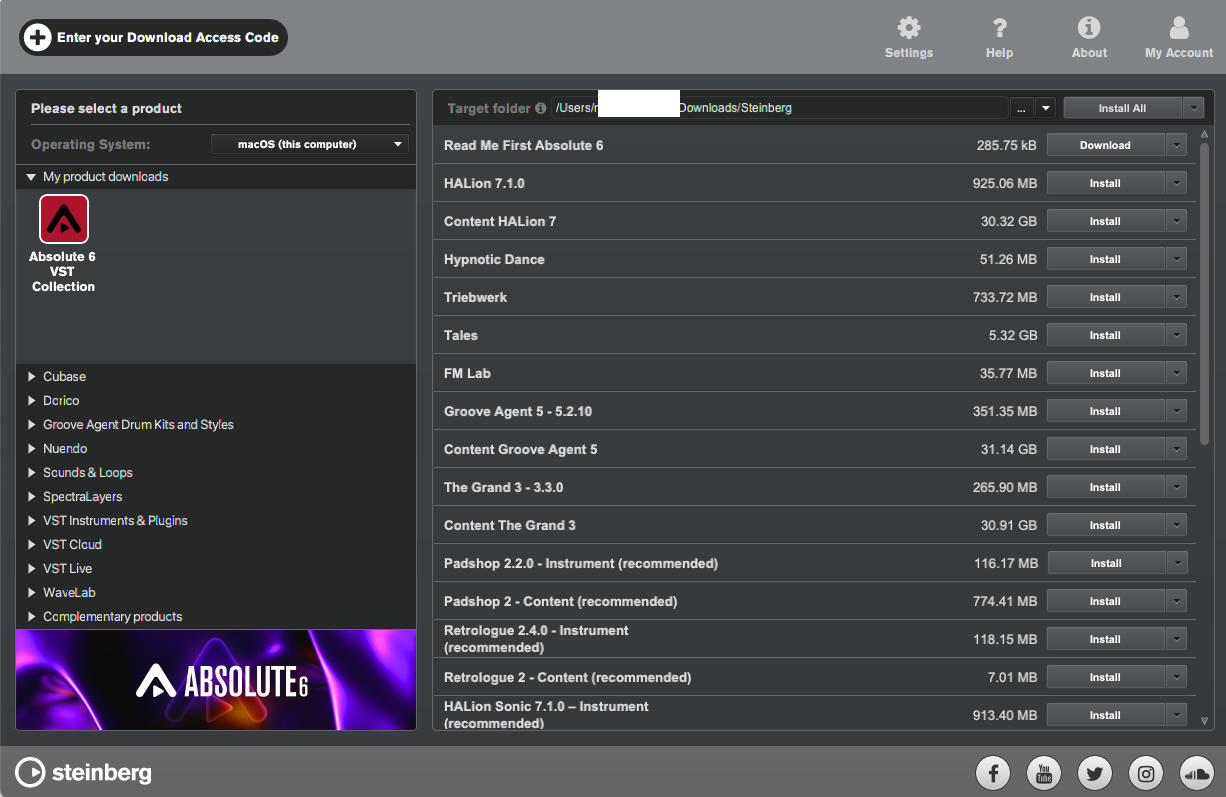
8. Click 'Enter your Download Access Code'.
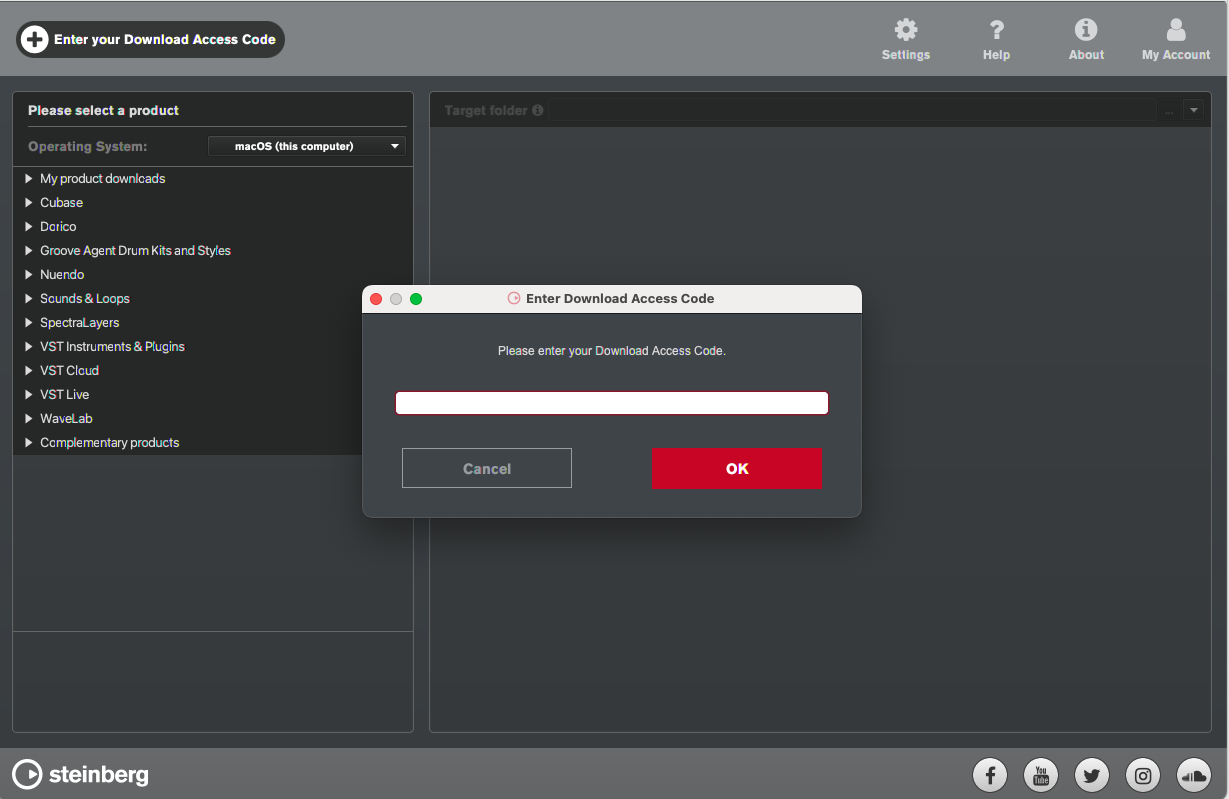
9. Enter the serial number found in your Plugin Boutique User Account.
10. Download/Install the relevant products.
Your software is now installed and ready to be used!


