


 Log In

Free gifts available with your purchase
Product information
Virtual analog synthesizer
The flexible, intuitive Retrologue emulates the warmth and fatness of classic analog synthesizers. Three virtual analog oscillators and a first-class set of filters produce a wealth of rich, inspiring sounds; its adaptable arpeggiator, powerful modulation system and FX rack help make Retrologue the first choice for producers everywhere.
Features
- Over 700 outstanding presets
- 3 oscillators with up to 8 de-tunable voices
- 16-stage drag and drop modulation matrix
- 24 first-class filter types
System Requirements
- 150 MB free HD space
- Internet connection required for activation, download, account setup and personal / product registration. Additional software is required for the installation.
PC
- Operating System: Windows 10 (64-bit), Windows 11 (64-bit) Version 21H2 or higher
- Plugin Formats: VST3, AAX
Mac
- Operating System: macOS Big Sur, Monterey, Ventura, Sonoma, Sequoia
- Apple Silicon Compatibility: Rosetta 2 App, Native App
- Plugin Formats: VST3, AU, AAX
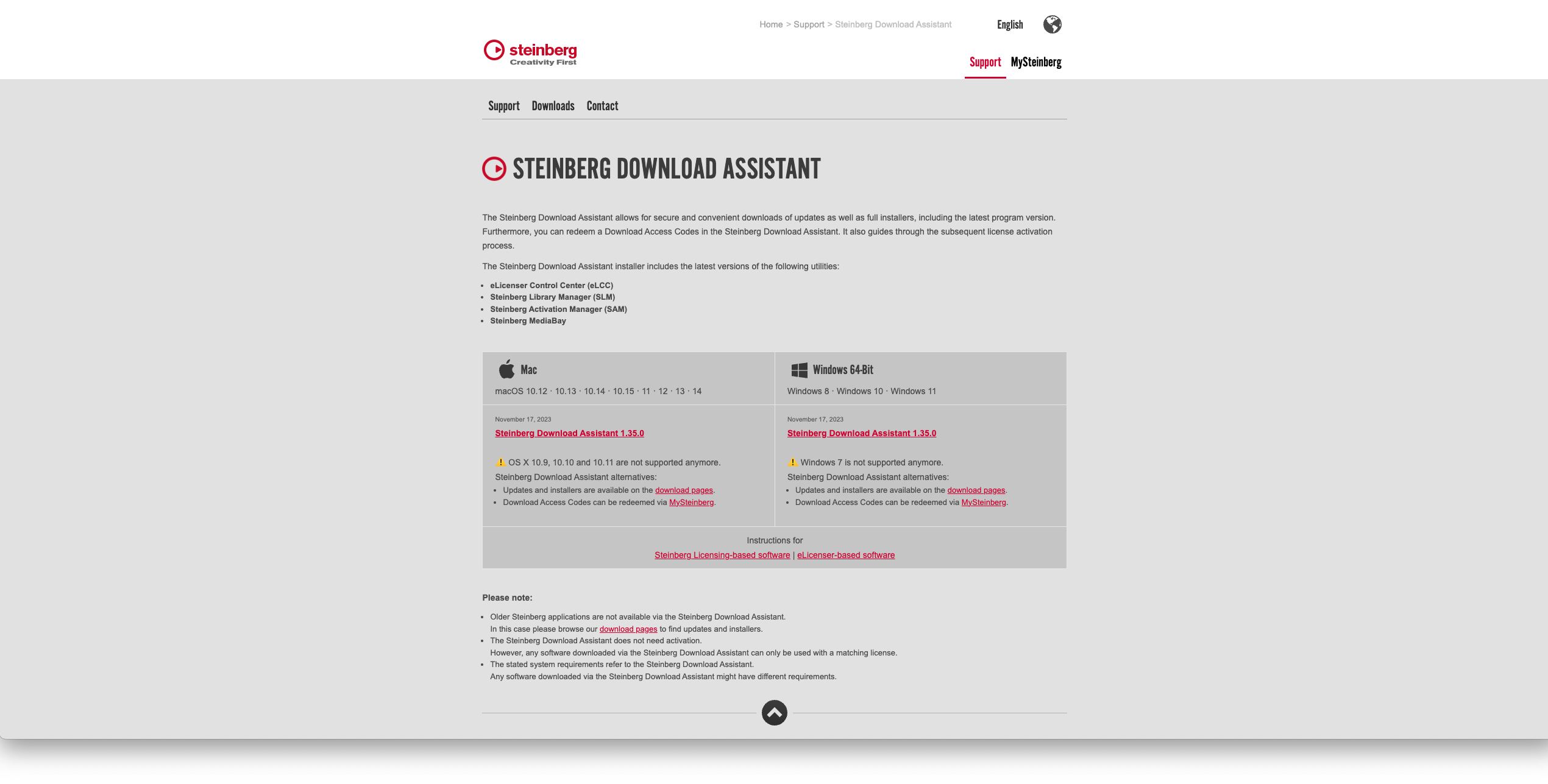
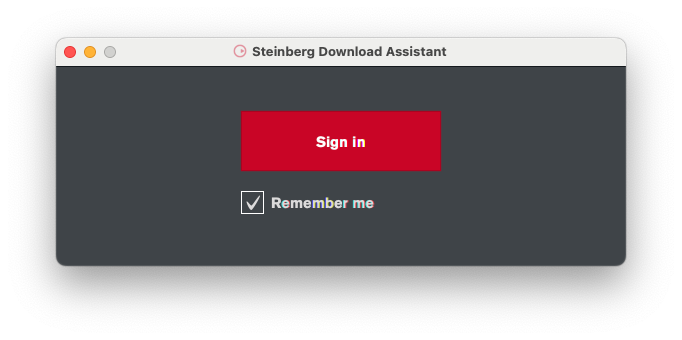
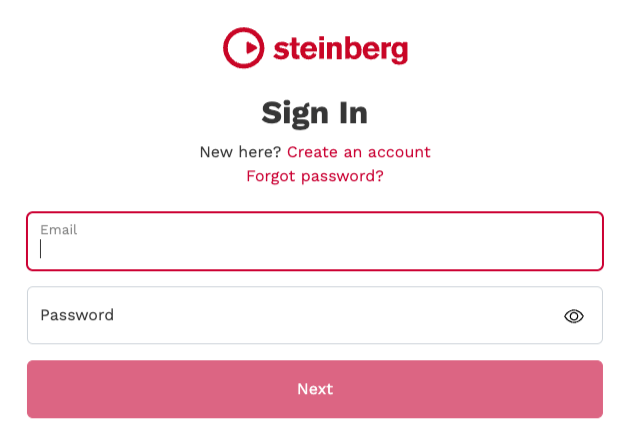
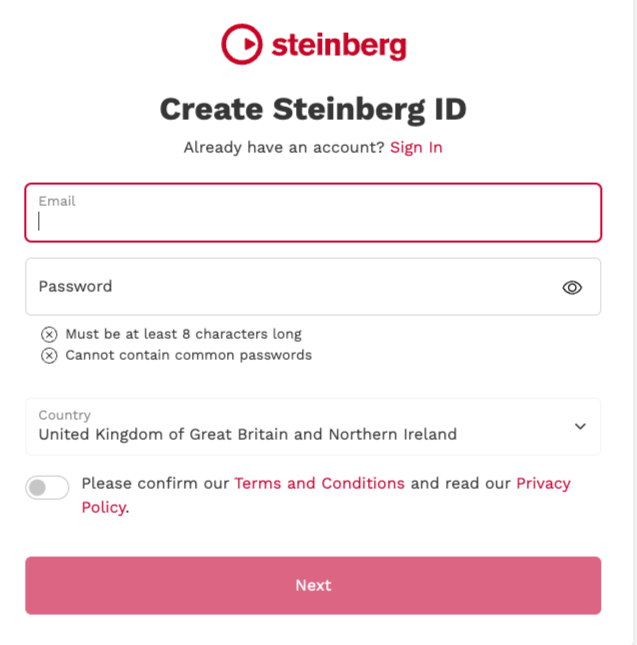
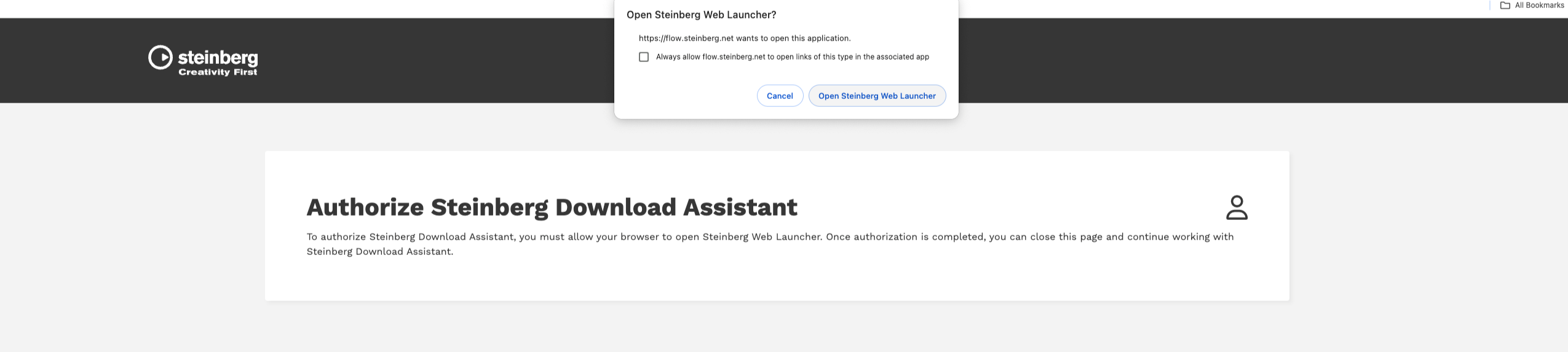
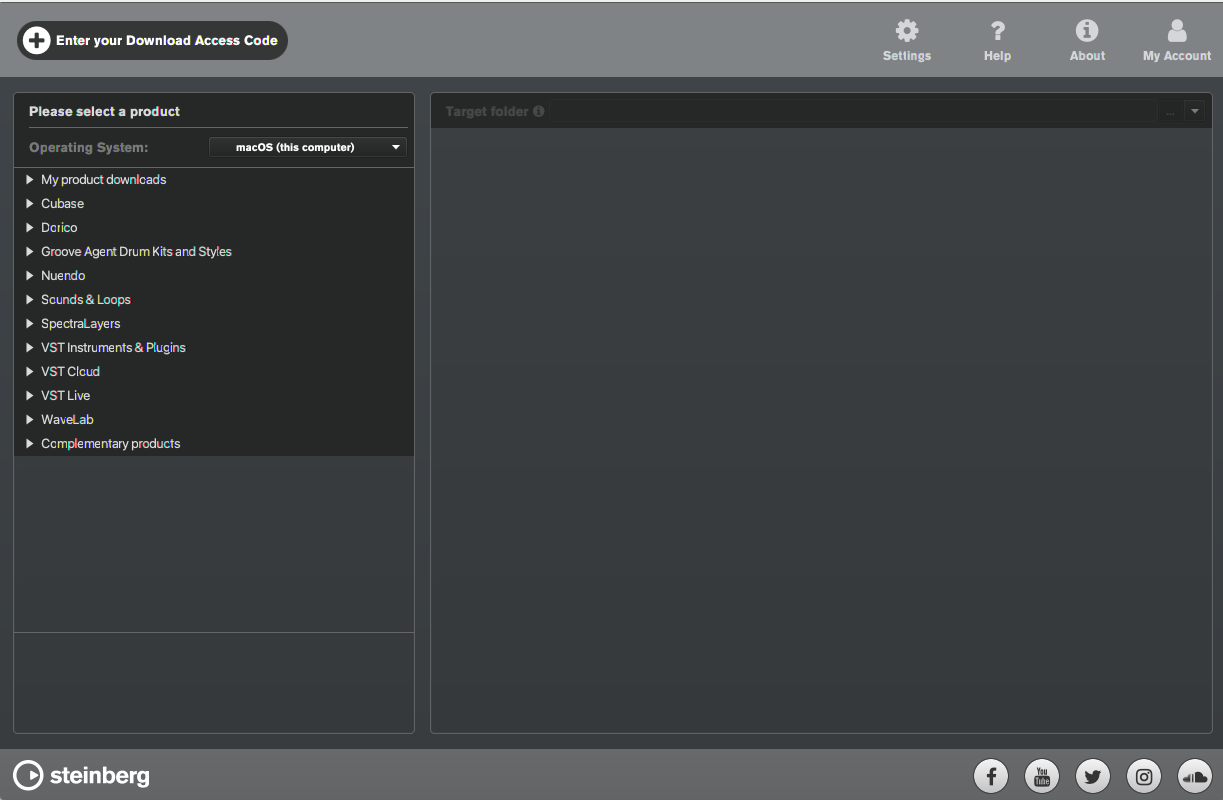
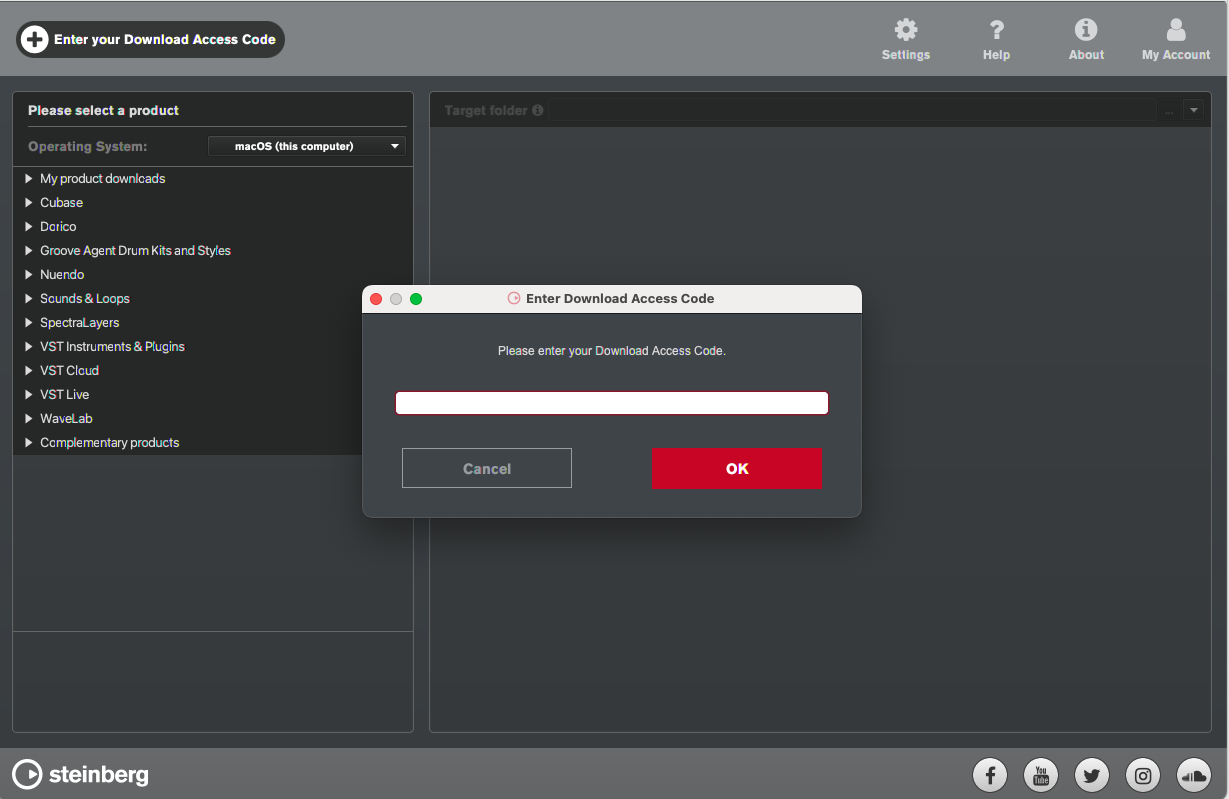
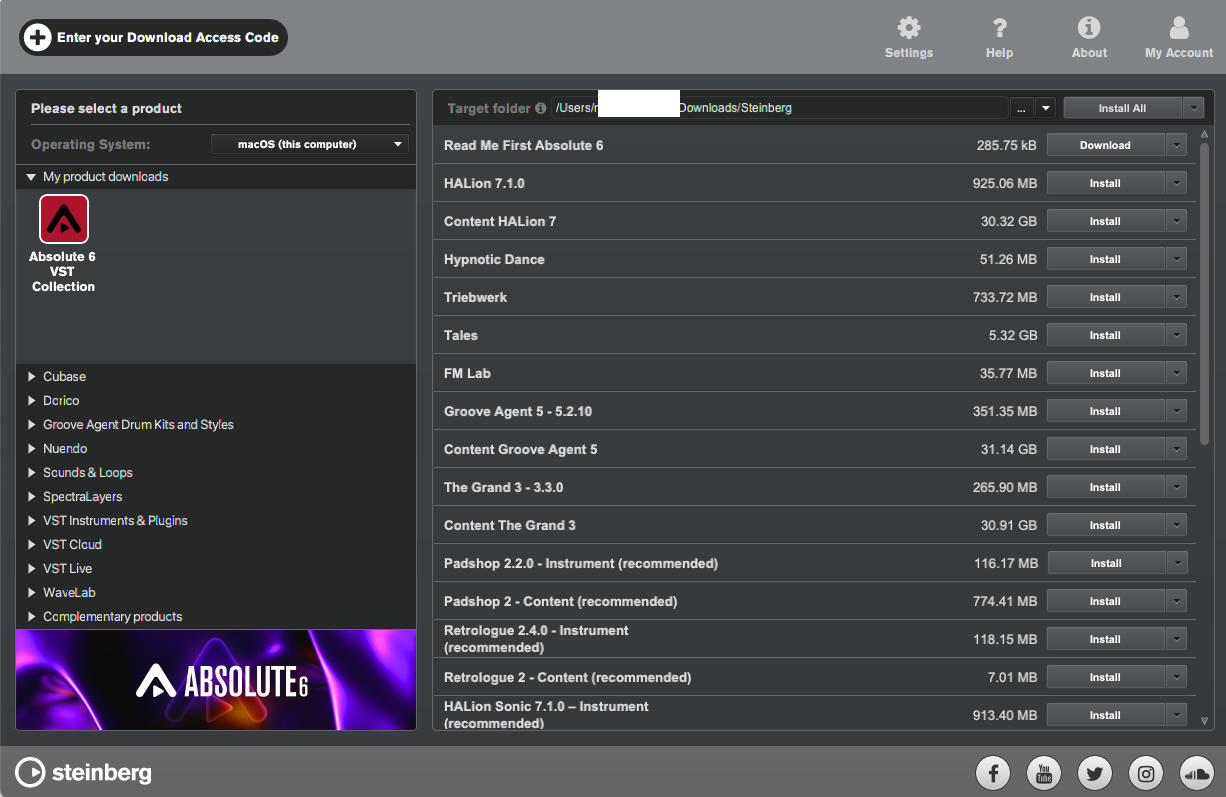
Installation Instructions

Customer Reviews
(5)
Reviews Summary
This AI-generated summary is based on an analysis of verified customer reviews. It identifies recurring themes, strengths, and potential considerations mentioned by users.
While it aims to provide a helpful overview, it may not capture every perspective or detail. We encourage you to read individual reviews to make an informed decision.
While it aims to provide a helpful overview, it may not capture every perspective or detail. We encourage you to read individual reviews to make an informed decision.
Users generally praise this classic synth VST for its great sound quality, extensive library of presets, and appealing visual interface, though some find it slightly complex. However, there are significant stability concerns, with reports of frequent crashes when using Ableton on an M4 Mac.


