Log In
Free gifts available with your purchase
Product information
Please note: This is an update product for owners of PPG Wave 3.V Version 1.
With the new Update 2.0 of the PPG Wave 3.V plugin, Waldorf builds a bridge between the past and present of wavetable synthesis.
The legendary Waldorf Microwave was originally inspired by the PPG Wave, with personal input from Wolfgang Palm, and Waldorf took the concept to the next level. With the new update, Waldorf now brings some of these Microwave innovations back to the PPG – as a tribute to a legacy without which Waldorf would not exist today.
What’s new in 2.0
- Resizeable user interface – adapt the UI to different screen sizes
- User wavetables with an integrated Wavetable Editor
- “Mutator” patch randomizer (inspired by the Microwave plugin)
- Brand-new factory wavetables
Features
- Up to 256 voices per instance (depending on available CPU power)
- 8 part Multimode
- 8 Stereo Outputs
- Host automation of most parameters
- MIDI Controller automation of most parameters
- More than 100 new Wavetables created by Wolfgang Palm
- Original Waveterm B Factory Sample Library
- Original PPG Wave Factory Sounds
System Requirements
- Microsoft Windows – 7/10/11 • Intel- or AMD- based PC
- MacOS – 10.13.x or higher • Intel- or M1-based Mac
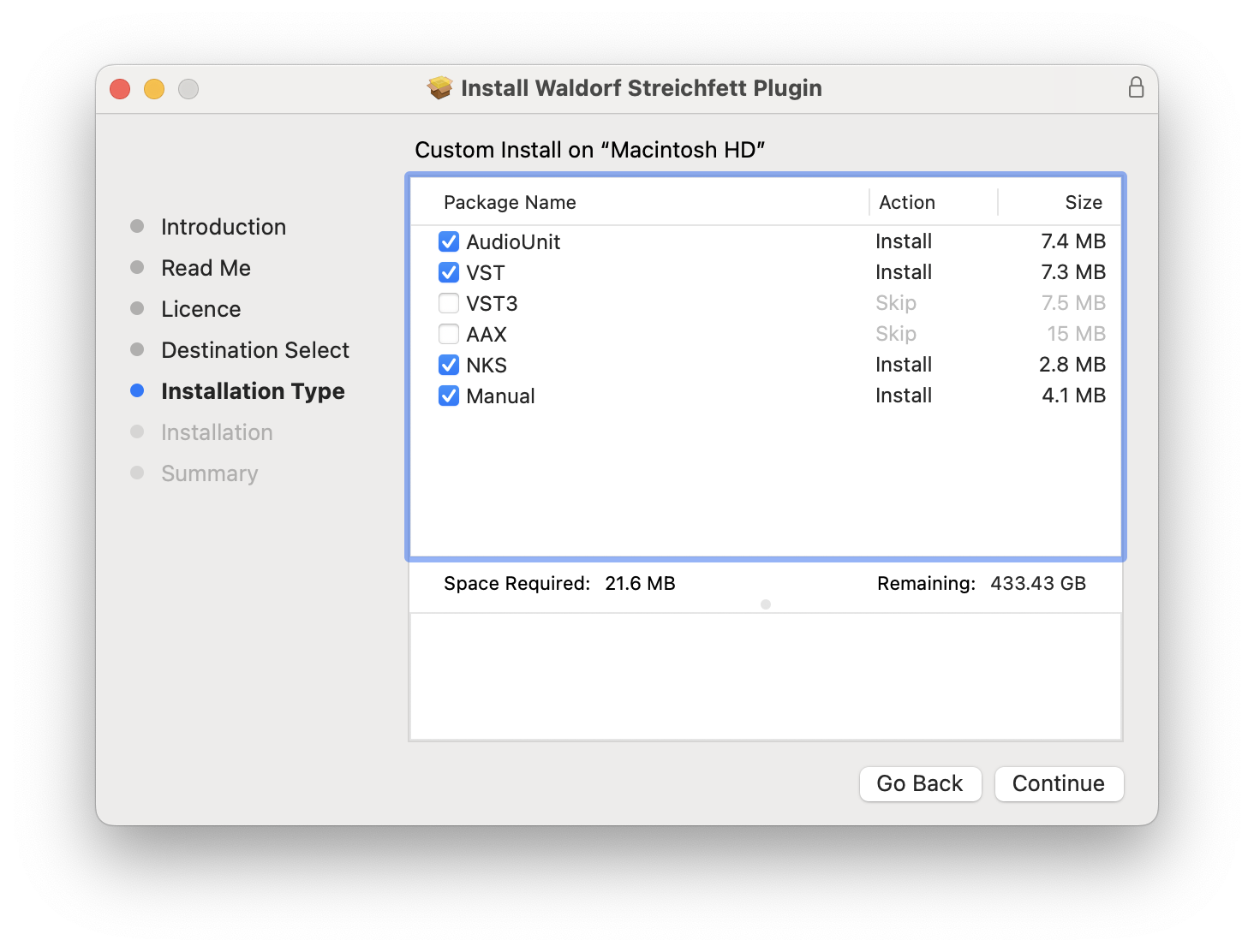
- Supported formats: VST2 / VST3 / AU / AAX
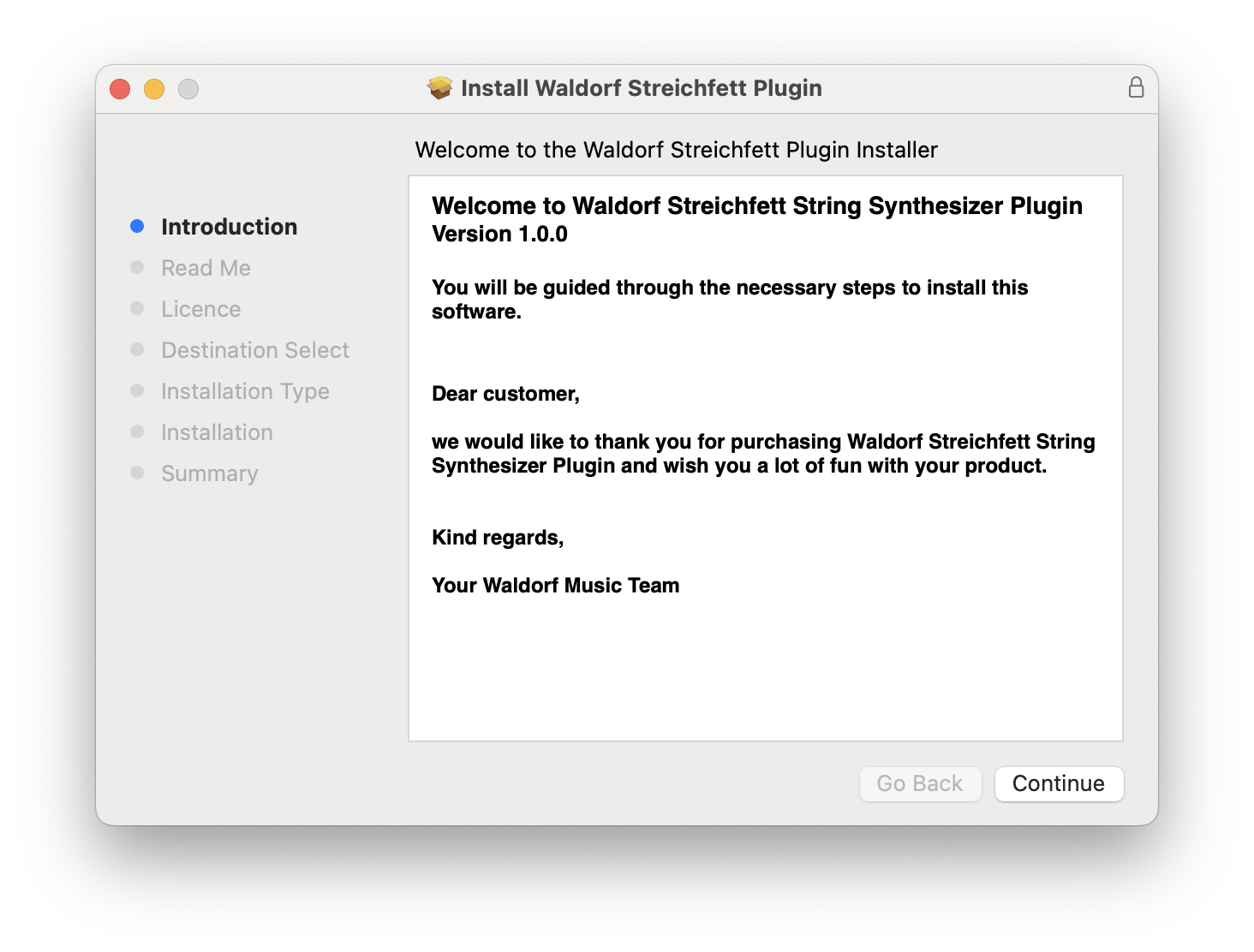
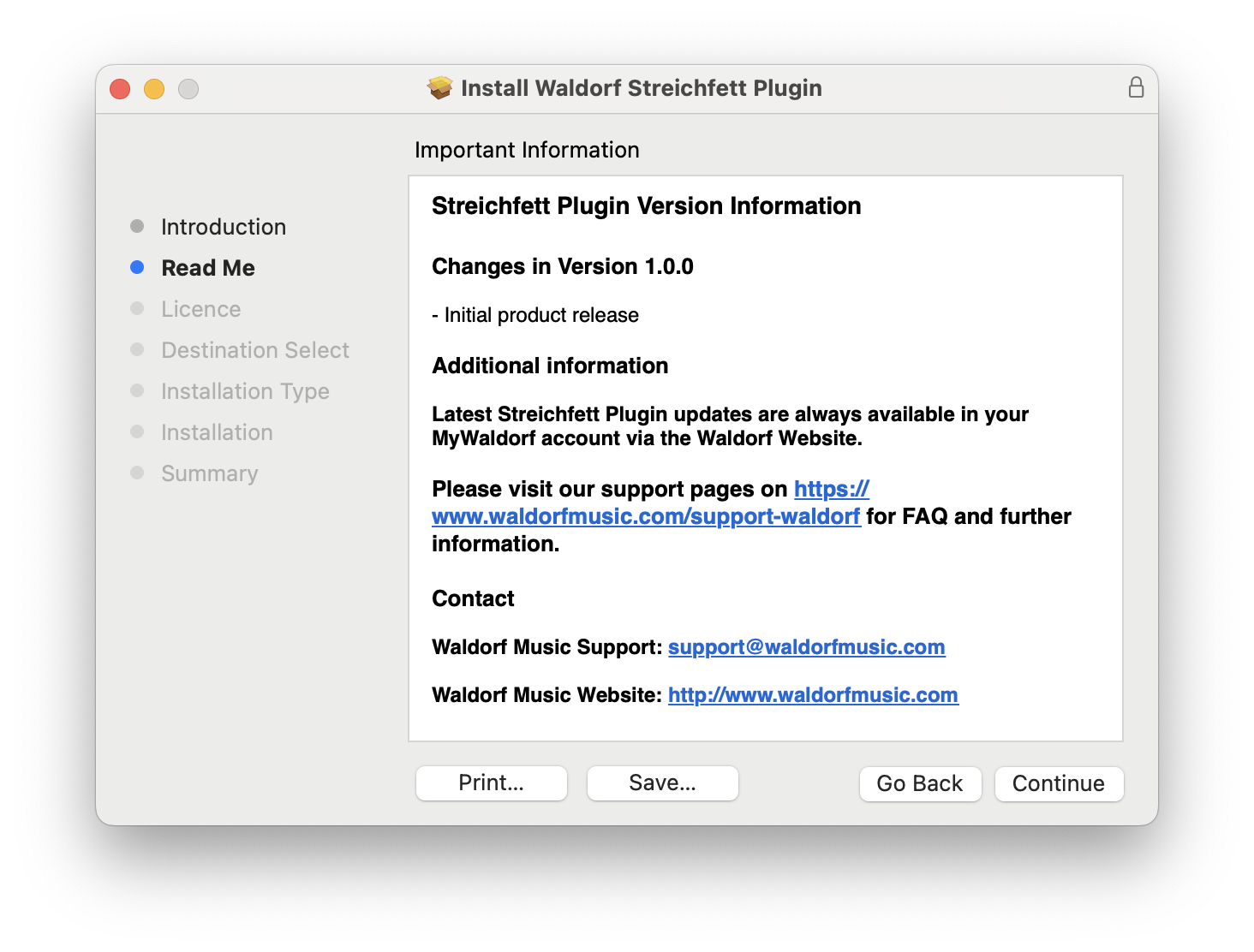
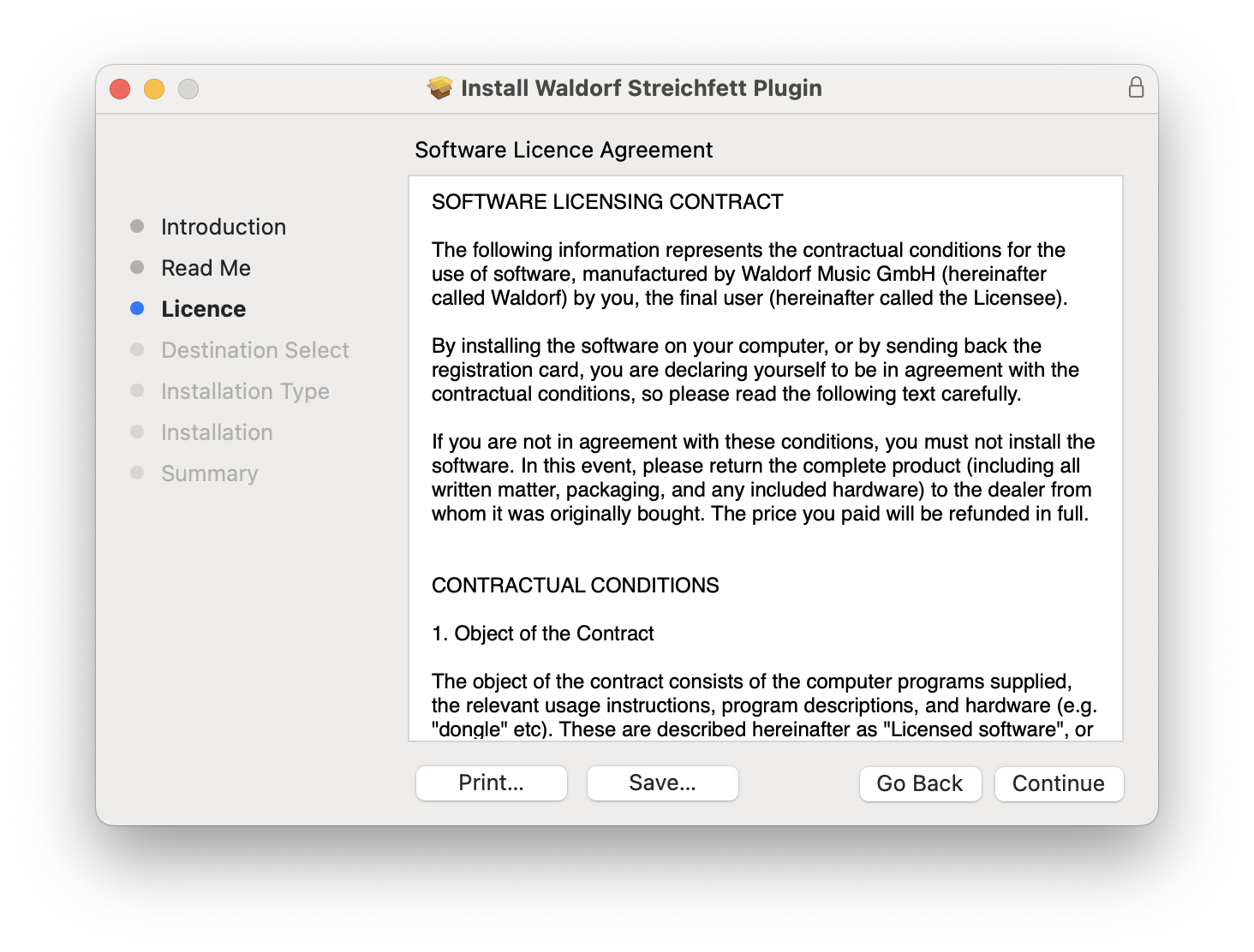
Installation Instructions