Log In
Free gifts available with your purchase
SynthMaster 3 Player Upgrade from SynthMaster One
Product information
Important Note: This is an upgrade path for existing owners of SynthMaster One. The standard purchase path is also available here.

SynthMaster 3 Player is a stripped down version of SynthMaster 3 tailored towards users who prefer tweaking existing presets over designing sounds from scratch. It comes with all factory presets of SynthMaster One, SynthMaster 2 and SynthMaster 3 software synthesizers. It is much more than a ROMpler though: Users can edit layer voice, zone, fx, arpeggiator and sequencer parameters, and load presets into new layers to create multi-layer patches or drum kits.
Features
- Rich Factory Content: with 4450 factory presets designed by a world class team of sound designers: Arksun, Aiyn Zahev, Bluffmunkey, Brian Transeau, BigTone, Cipryan Bot, Davide Puxeddu, Demis Hellen, Electronisounds, Francis Preve, Gercek Dorman, Insigna, Howard Smith, Kevin Schroeder, Kurt Ader, Mirko Ruta, NatLife, New Loops, Nori Ubukata, Rob Lee, Selcuk Ergen, Xenos Soundworks, XTD, Ufuk Kevser, Venus Theory, Vandalism, Vorpalsound and Yuli Yolo.

- Rich Expansion Content: SynthMaster 3 Player can load SynthMaster One, SynthMaster 2 or SynthMaster 3 expansions. There are currently 58 expansion banks for a wide range of genres to choose from. Users can easily preview the presets in those banks and purchase them through the In-App Shop inside the plugin user interface.

-
Multiple Views for Editing: SynthMaster 3 Player provides 2 different types of views to edit layer parameters.
- Track View: This view is used for editing keyboard zones, velocity zones, voicing, unison, arpeggiator and sequencer parameters of multiple layers.
- Mix View: This view is used for editing insert FX and FX send parameters of multiple layers.


- Arpeggiator / Sequencer: Each layer in SynthMaster 3 Player has a separate arpeggiator and sequencer. The MIDI input signal first goes through the sequencer followed by the arpeggiator. Each step in an arpeggiator / sequencer can have random values for trigger, hold and slide parameters.

- Preset Browser: SynthMaster 3 Player features an intuitive preset browser with advanced search features. Presets can be filtered by Product, Author, Bank, Instrument Type, Attributes, Styles (Genres), Preset name, Release Date or Favourite.

- NKS Support: SynthMaster 3 Player is compatible with Native Kontrol Standard (NKS). All factory presets are tagged according to NKS and can be browsed inside Komplete Kontrol / Maschine.

- In App Shop: SynthMaster 3 Player features a Shop page where multiple products are displayed with their individual price and sale details. Users can easily purchase our products through this page.

System Requirements
- CPU: 2.0 Ghz, Intel SSE3 instruction set
- RAM: 2 GB
- Windows: Windows 7 and above
- Mac: MacOSX 10.9 and above
- For AAX: ProTools 11 and above
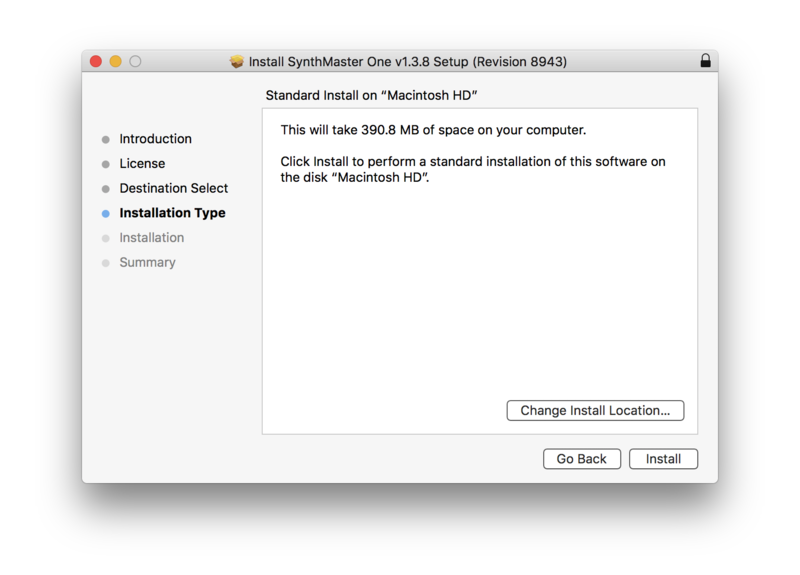
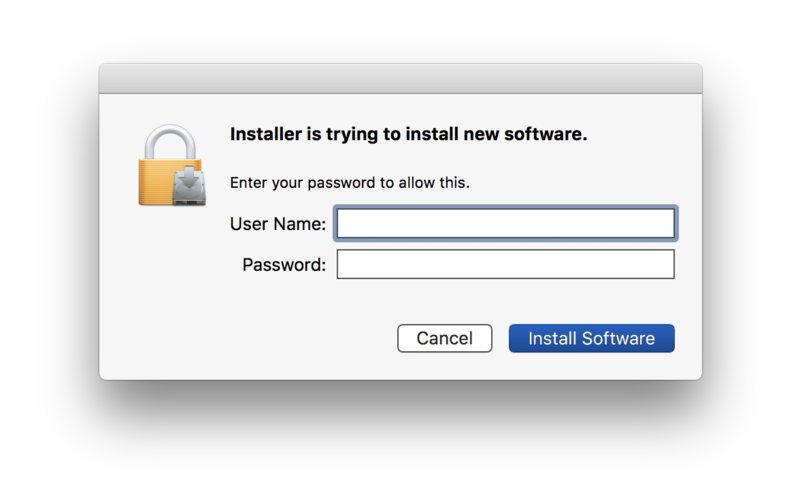
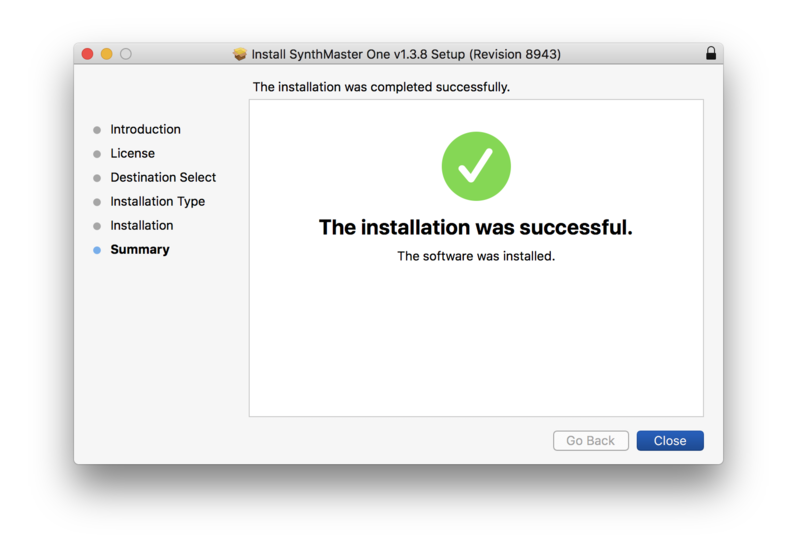
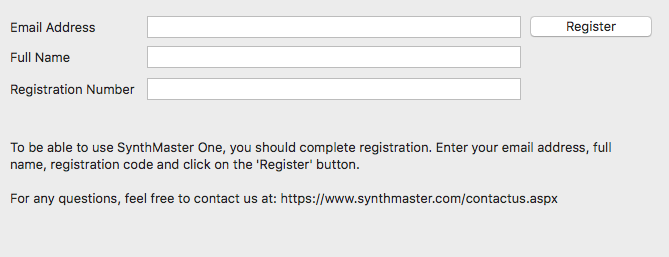
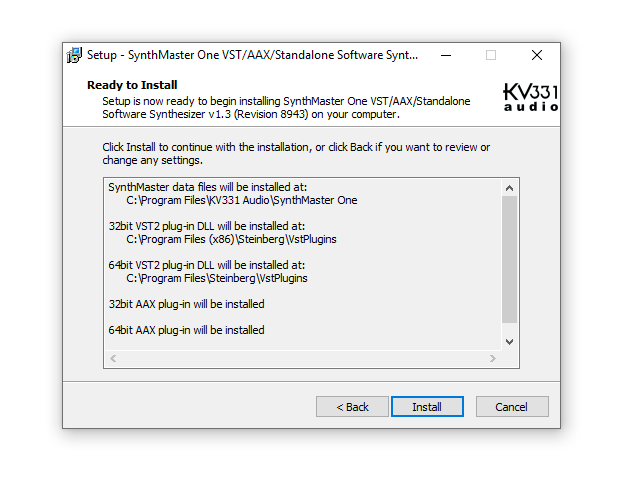
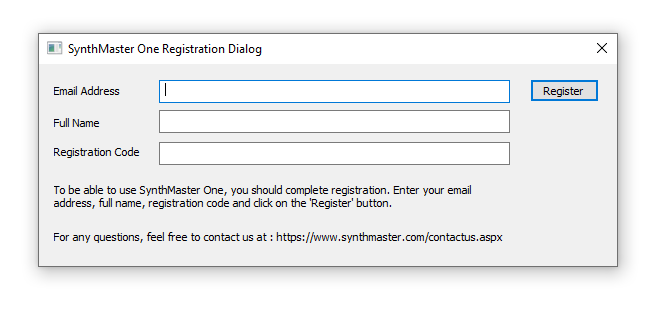
Installation Instructions