


 Log In

Free gifts available with your purchase
FM MADE EASY
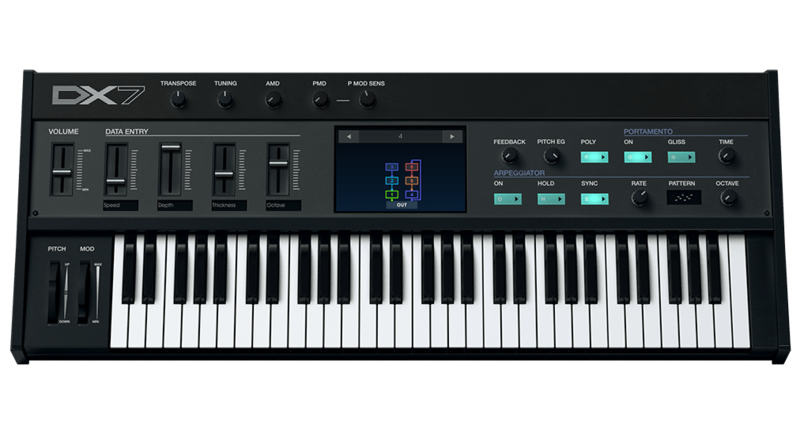
The DX7 V accurately models the FM digital synthesizer that became synonymous with the sound of the ‘80s. Our enhancements add more of everything to make the new DX7 V a sound for all time.
In 1983, the DX7 changed the world of music. Today, the DX7 V gives you the power to change it again.
Nothing says ‘80s like the sound of the DX7. Our authentic recreation gives you all the same FM digital technology and sounds that earned the instrument a revered place in the history of both keyboards and contemporary music. We didn’t stop at just replicating it, though —we re-imagined it. New operator waves, extensive modulation additions, arpeggiator and onboard FX chains enhance your sonic possibilities exponentially. For bonus points, an intuitive graphic interface makes what was once a daunting programming task a creative joy today.
We put booster rockets on the instrument that created innumerable ‘80s hits. Now you can create the definitive sounds of today and tomorrow.
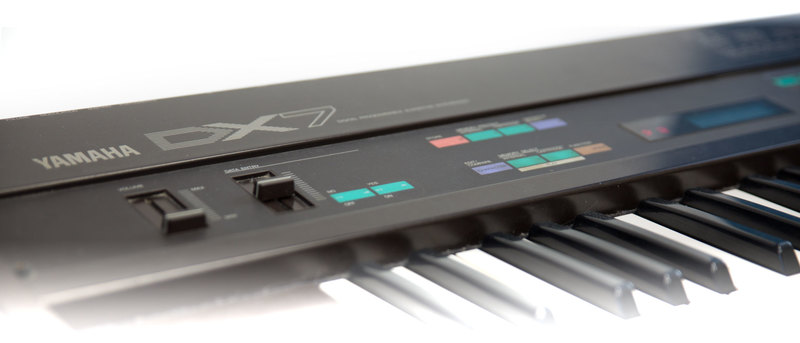
The inimitable sound of FM
Your music is unique. So is the sound of the DX7 V.
Frequency modulation (FM) synthesis works by modulating one waveform with another to produce much more complex harmonic profiles than its analog brethren. These sounds run the gamut from acoustic and organic to synthetic and mechanical, spanning energies from subtle to radical along the way. Thanks to an extensive preset library, you don’t have to be an expert on FM in order to tap into all this sonic power. The DX7 V comes complete with a library of all the signature 80’s hit-making FM sounds like electric pianos, basses, marimbas, synths and more, plus an extensive battery of hot new sounds from our elite sound design team.
Whether you’re looking for the familiar sounds that put FM synthesis on the map or charting new territory, the DX7 V is the definitive digital synth to have in your keyboard collection.
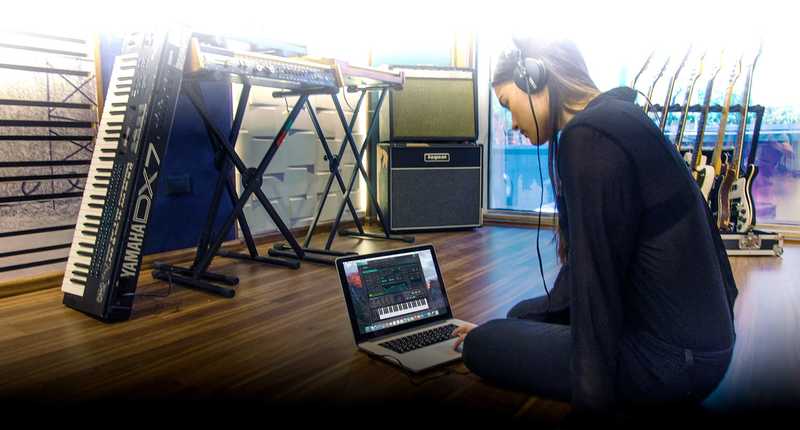
Unleash your inner sound designer with expanded features
The DX7 V gives you a unique tool for customizing and creating new musical instruments and sound effects.
With its radical departure from analog designs, FM synthesis helps you chart new sonic spaces. The DX7 V is capable of producing an incredible spectrum of sounds ranging from natural-sounding instruments to unique synths to alien worlds—complete with all the crystal clarity and punchy transients uniquely associated with FM. Since having an instrument with such extreme depth and potential is the dream of every sonic explorer, we challenged ourselves to go even further. We added a host of new features including multiple waveforms, a filter and feedback loop on each operator, new modulation sources, a monster unison mode, and more.
The DX7 V is the perfect design tool for designing unique new instruments and ear candy that help you make your own distinct musical statement.

Design elegance meets sound design power
The DX7 V sports a stunning interface allowing intuitive control over all of the instrument’s dramatically expanded features.
While retaining the feel of the original design, we’ve streamlined the main interface of the DX7 V to make it much simpler to use and understand. Here you’ll find an uncluttered presentation of only your everyday performance controls, as well as the fundamentals to start visualizing and exploring new sonic structures. When you’re ready to dig deeper and flesh out the detailed character and animation of your sounds, one click presents a programmer’s paradise of incisive controls and displays light years beyond the tedious original hardware interface. Balancing usability and all the added power in the DX7 V, tabbed windows easily put your fingers on logically grouped functions spanning enhanced operators, additional envelopes, matrix modulation, step sequencer, FX architecture, and more.
Whether you just want to play the extensive library sounds or program your own, the DX7 V is a dream to use.
Main Features
- 32 original DX7 algorithm
- All DX7 original parameters
- Original DX7 SysEx import
- 25 available waveforms per operators
- 6 Operators with multi-mode filter and feedback per operators
- DX7, DADSR and Multi-Segments envelopes (syncable and loopable) per operators
- 2 Modulation envelopes
- 4 assignable macros
- Advanced modulation matrix
- A step sequencer, 2 LFOs with 6 waveforms and an arpeggiator
- 4 FXs slots that can be routed in parallel or in series
- An oscilloscope
Preset Browser
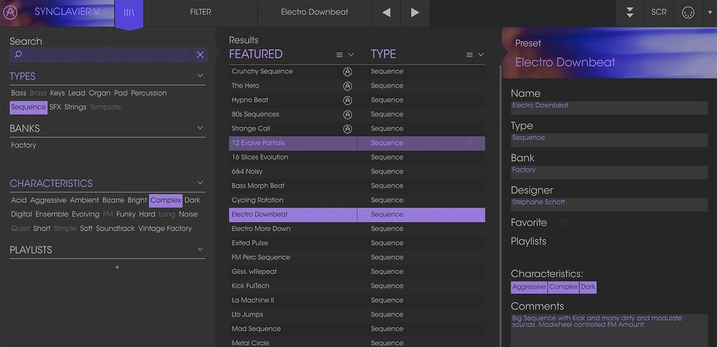
Our redesigned preset browser lets you quickly find just the sound you’re looking for.
Search by name or simply select the appropriate tags to dial in on the exact sonic character you’re looking for. You can mark and recall your own favorites, enter comments, and set up playlists. There’s never been a more intuitive way to manage your library of designer and personal presets.
Resizable GUI
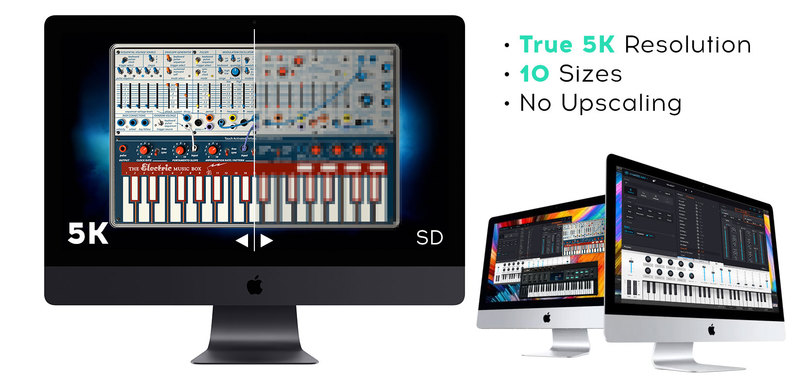
The user interfaces for all your Arturia instruments are now resizable, making it easy to work with any High Resolution screen, UHD or Retina.
You can decide whether you want to fill the screen with awesome graphic reproductions of classic instrument goodness, scale the window down when you’re working in a DAW and screen real estate is at a premium, or even zoom for detailed work.
System Requirements
- Works in Standalone, VST, AAX, Audio Unit, NKS (64-bit DAWs only).
Mac
- Mac OS 10.13+
- 4 GB RAM
- 4 cores CPU, 3.4 GHz (4.0 GHz Turbo-boost) or Apple Silicon CPU
- 3GB free hard disk space
- OpenGL 2.0 compatible GPU
Windows
- Win 10+ (64bit)
- 4 GB RAM
- 4 cores CPU, 3.4 GHz (4.0 GHz Turbo-boost)
- 3GB free hard disk space
- OpenGL 2.0 compatible GPU
- ARM processors not supported on Windows
Protection
All Arturia software is protected by the Arturia Software Center.


