


 Log In

Free gifts available with your purchase
British Silver Machine
Synthi V completely captures the spirit of the unique analog synth that burst out of ‘70s London to inspire the entire emerging electronic music world—and it has new superpowers to inspire your world today.
Your music is begging for a different kind of synth sound. Look no further than Synthi V.
Synthi V brings you all the experimental excitement of EMS’ legendary 3-oscillator analog synths—now infused with thoroughly modern enhancements. Venture beyond unusual lead and bass sounds to create soundscapes and sci-fi effects ranging from beautiful to bizarre and everything in between.
Synthi V will bring out the synth wizard in you. What new sounds will you conjure up?
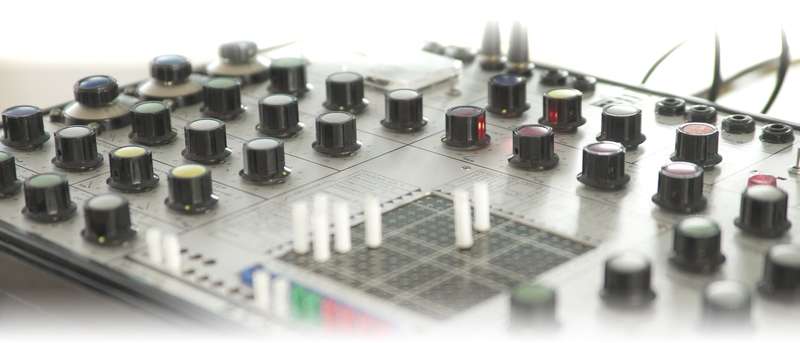
Compact form meets modular function
The British-born EMS family of synths—featuring the sonically identical Synthi AKS and VCS3—were among the first to distill modular synthesizer functionality into a more portable form. Where most competitive designs like the Minimoog sacrificed flexibility to size and simplicity, EMS retained a modular heart through the genius of one of the first matrix patchbays to grace a synth. That additional versatility led to more experimentation outside of melodic norms and into the more electronic realms of psychedelia and sci-fi effects. Cue Pink Floyd’s “On the Run” from “The Dark Side of the Moon” LP.
Synthi V is the perfect evolution of the synth that turned a lot of heads. Now you can use it to turn some heads of your own.
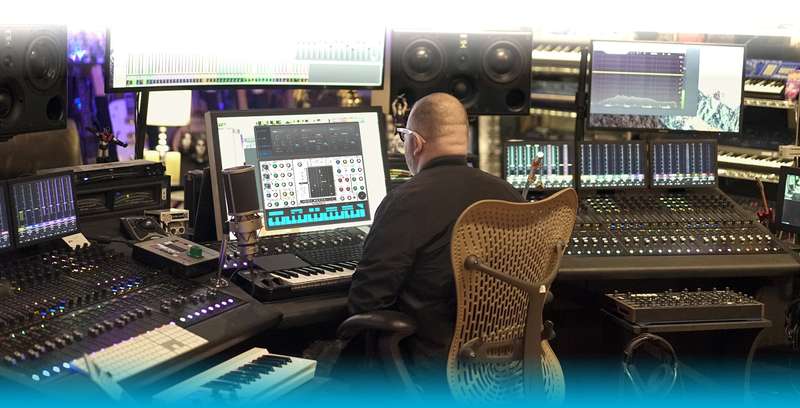
Re-Make/Re-Model
If you're one of the lucky ones who owns or has played a Synthi or VCS3, you'll not only be amazed at how accurate our model is, but also blown away by its dramatic enhancements and new features. If you've never had the joy of experiencing the original, you're in for a treat with Synthi V.
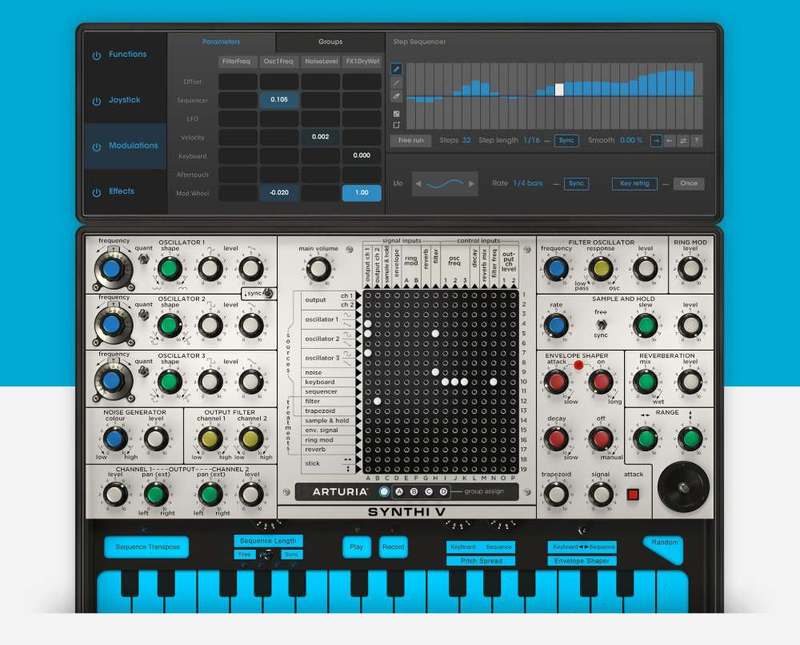
Like the original, Synthi V is one fat, edgy beast that begs experimentation. In addition to making minor mods, we’ve added a whole new set of digital tools that bring this instrument to the vanguard of today’s music. A modern step sequencer, dedicated beat-syncable LFO, and on-board effects are just some of the sonic goodies that will make Synthi V your new obsession. You also now have the power of full matrix modulation targeting every single parameter with totally variable signal strength.
Oh, yeah… did we mention that we’ve turned this awesome monophonic synth into a 4-voice poly? You’re welcome!
With Synthi V, you can add spice to any genre—or create your own.
With infinite sonic possibilities, it’s still easy to find just the right sound
Synthi V’s comes with an extensive library of leads, basses, textures, sound effects and more. Yet, it’s always easy to find the sound you’re looking for because of our universal system of categories and tags. Of course, you can organize your own patches using that same elegant system.
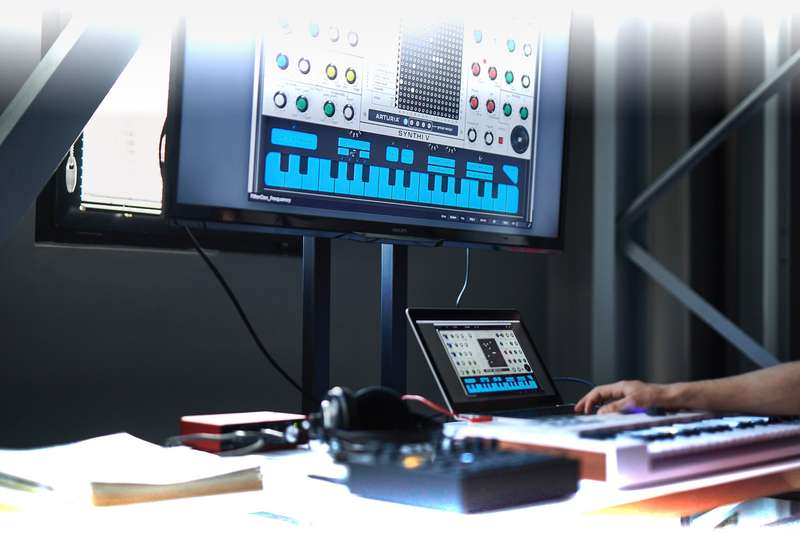
Arturia Software Center
ASC is the central software that elegantly manages all your Arturia software licenses. It activates your licenses and synchronizes them across multiple devices (you get five instances with each instrument license). ASC also notifies you of updates and downloads them.
Features
- A component-level model of the EMS Synthi AKS
- 3 oscillators with waveform mix, noise generator, 18 dB/oct resonant filter, output section with spring reverb modelling
- Modular architecture, allowing to route signals in unexpected ways
- Ring Modulator, loopable Envelope Shaper, 2 axis Joystick and Sample and Hold modules for advanced modulations
- Original keyboard sequencer module with sync to DAW tempo
- 2 matrix behavior modes: modern and vintage for cross-talk simulation
- 5 assignable voltage functions to create multi-point envelopes and LFOs synced to DAW tempo
- Advanced joystick automation module for modulating parameters in a 2D space
- Matrix pin amounts modulations possibilities (with 4 independent groups)
- 10 effects, Reverb Phaser, Flanger, Chorus, Overdrive, Delay, ...
- Up to 4 voices of polyphony
- Over 250 factory presets
System Requirements
- Works in Standalone, VST, AAX, Audio Unit, NKS (64-bit DAWs only).
Mac
- Mac OS 10.13+
- 4 GB RAM
- 4 cores CPU, 3.4 GHz (4.0 GHz Turbo-boost) or Apple Silicon CPU
- 3GB free hard disk space
- OpenGL 2.0 compatible GPU
Windows
- Win 10+ (64bit)
- 4 GB RAM
- 4 cores CPU, 3.4 GHz (4.0 GHz Turbo-boost)
- 3GB free hard disk space
- OpenGL 2.0 compatible GPU
- ARM processors not supported on Windows
Protection
All Arturia software is protected by the Arturia Software Center.


