


 Log In

Free gifts available with your purchase

Iconic FM Synthesizer
Synth of Rage
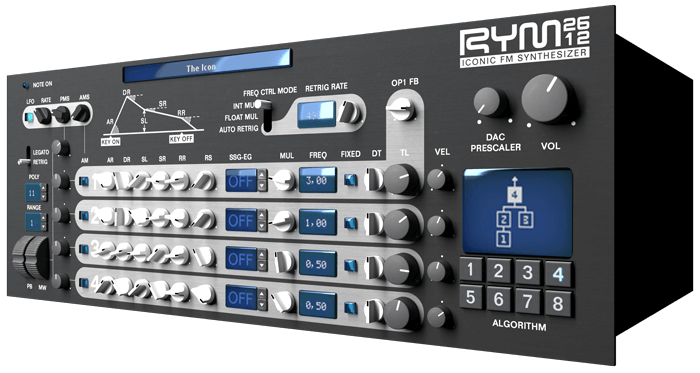
RYM2612 is a software FM synthesizer in VST, Audio Unit and AAX formats. It’s an emulation of the Yamaha YM2612 sound chip, best known for being the vibrant voice of the Sega Genesis/Megadrive videogame console. More than a simple sound-alike, the emulation is cycle-accurate to the original chip, that allows reproducing every unique possibility of the synth. On top of this, the amp circuitry of the console has been reproduced too, in order to obtain the same grain you'd get if you plugged the real hardware into your DAW.
Key Features
- Cycle-accurate emulation of the YM2612 FM soundchip
- Genuinely reproduces the unique and characteristic sound of its hardware counterpart (digital saturation, huge feedback amount, natural distortion, …)
- Audio input for adding 8-bit PCM sweetness to any signal
- Low CPU usage
- Switchable output filtering and ladder effect
- A couple of limitations from the soundchip have been taken away: up to 16 voices of polyphony, dedicated PCM channel (you can of course stick to 6 simultaneous voices if you want to experience the real thing)
- 100+ various, sorted, evocative patches to start with

The 16-bit Legacy
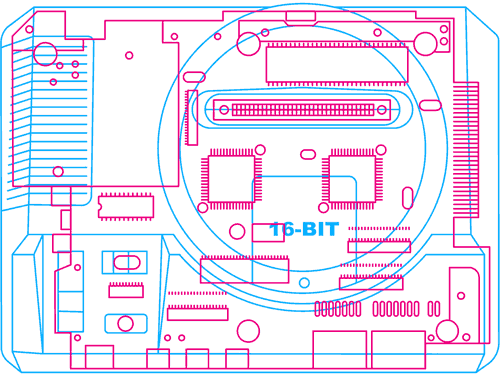
Not many people were aware of this, but unlike other videogame consoles, the Sega* Genesis/Megadrive had a complete FM synth onboard. The Yamaha* YM2612 provided enough features to produce complex, evolving tones, as well as crazy sound effects and PCM samples playback. This is your chance to get your hands on this altered beast, combined with the rich control and modulation possibilities offered by your modern DAW.
*Sega and Yamaha brand names are the trademark of their respective owners. This product is in no way affiliated with these companies.
Insert Extra Patches
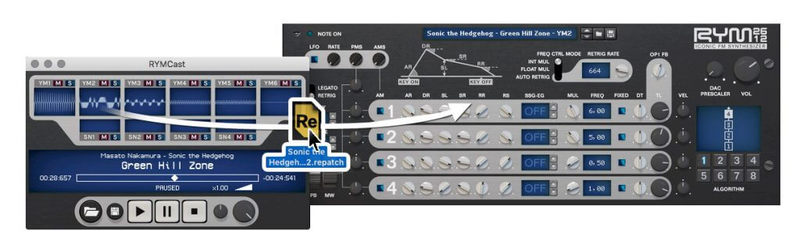
Meet RYMCast, the perfect companion app for RYM2612. It's a Genesis music files player that has the special ability to let you mute/solo each channel of your favourite soundtracks and to drag & drop the sounds directly to an RYM2612 instance. Also, RYMCast is free and runs on Windows, macOS and GNU Linux.
Feel the FM vibe for your retro and modern needs, with a lively and authentic tone, taking the RYM2612 Iconic FM Synthesizer as a bonus weapon in your synth arsenal.
Free Soundbank
Packed with a generous array of instruments, this free soundbank is a direct portal to the mysterious temple of God of Rainbows with eerie sounds, cavernous synths, as well as realistic acoustic recreations, and responsive performance instruments.
This soundbank demonstrates the vast potential of the original hardware’s FM engine, proven to have given birth to some of the best video game music soundtracks, and the RYM2612's ability to reproduce its full spectrum and is available for download here - RYM2612 Soundbank: God Of Rainbows.
System Requirements
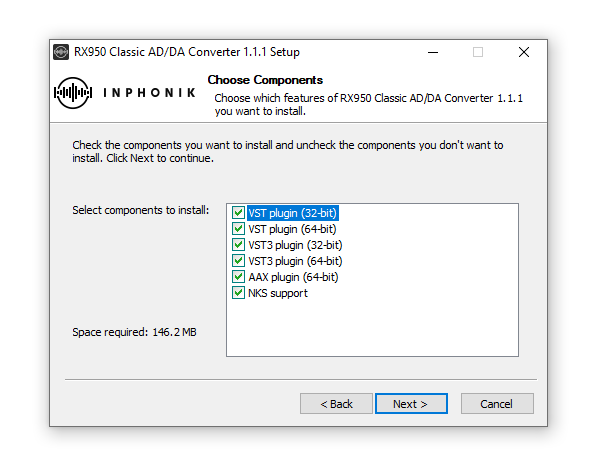
- 64-bit VST 2, VST 3, 64-bit AAX plug-in for Windows (Vista and higher)
- 64-bit VST 2, VST 3, AU, AAX plug-in for macOS (10.11 and higher)
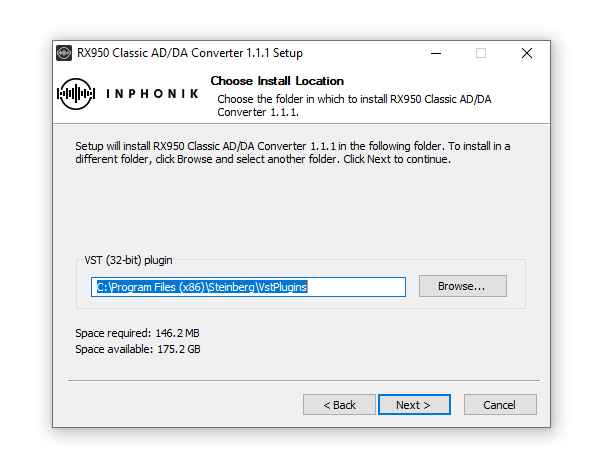
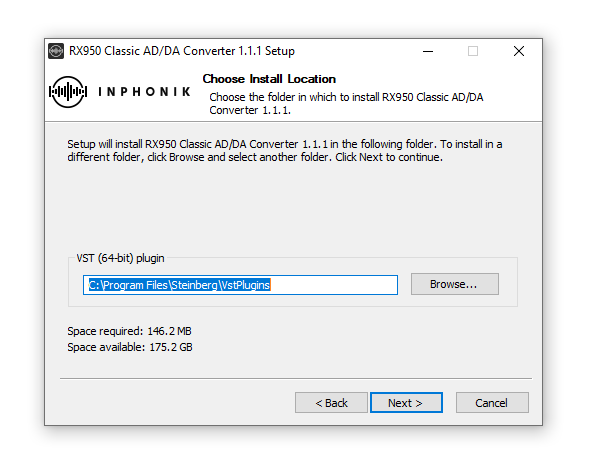
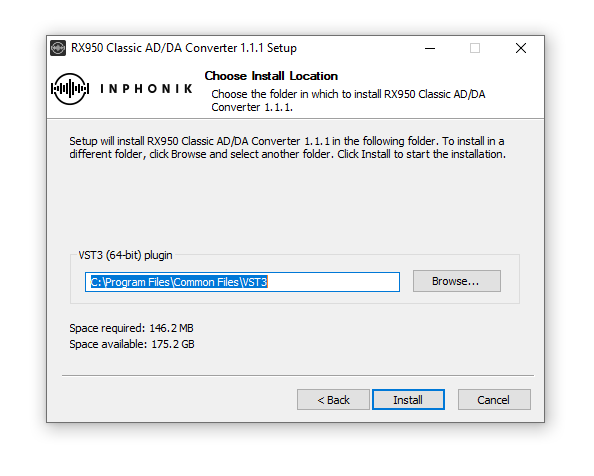
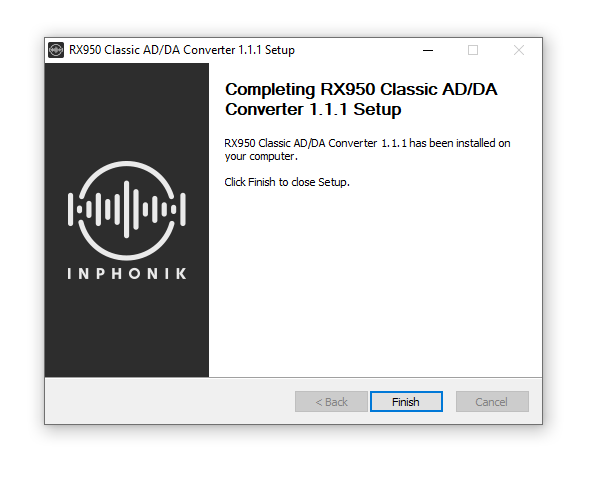

Reviews Summary
While it aims to provide a helpful overview, it may not capture every perspective or detail. We encourage you to read individual reviews to make an informed decision.
Users praise the plugin for its authentic, nostalgic 16-bit retro video game and Genesis FM sounds, noting its low CPU usage, punchy presets, and distinctive lo-fi digital grit ideal for chiptune and 80s music. However, some reviewers pointed out that the user interface feels a bit awkward and the sound design options are not very tweakable.


