


 Log In

Free gifts available with your purchase
A Visual Synthesizer
Abyss is a visual synthesiser with character and a bit of fairy dust. It brings to you dark, vibrating drones, vivid cinematic pads and rich evolving textures. With Abyss you find instant inspiration for your music and sound design projects.
Nuanced Instruments
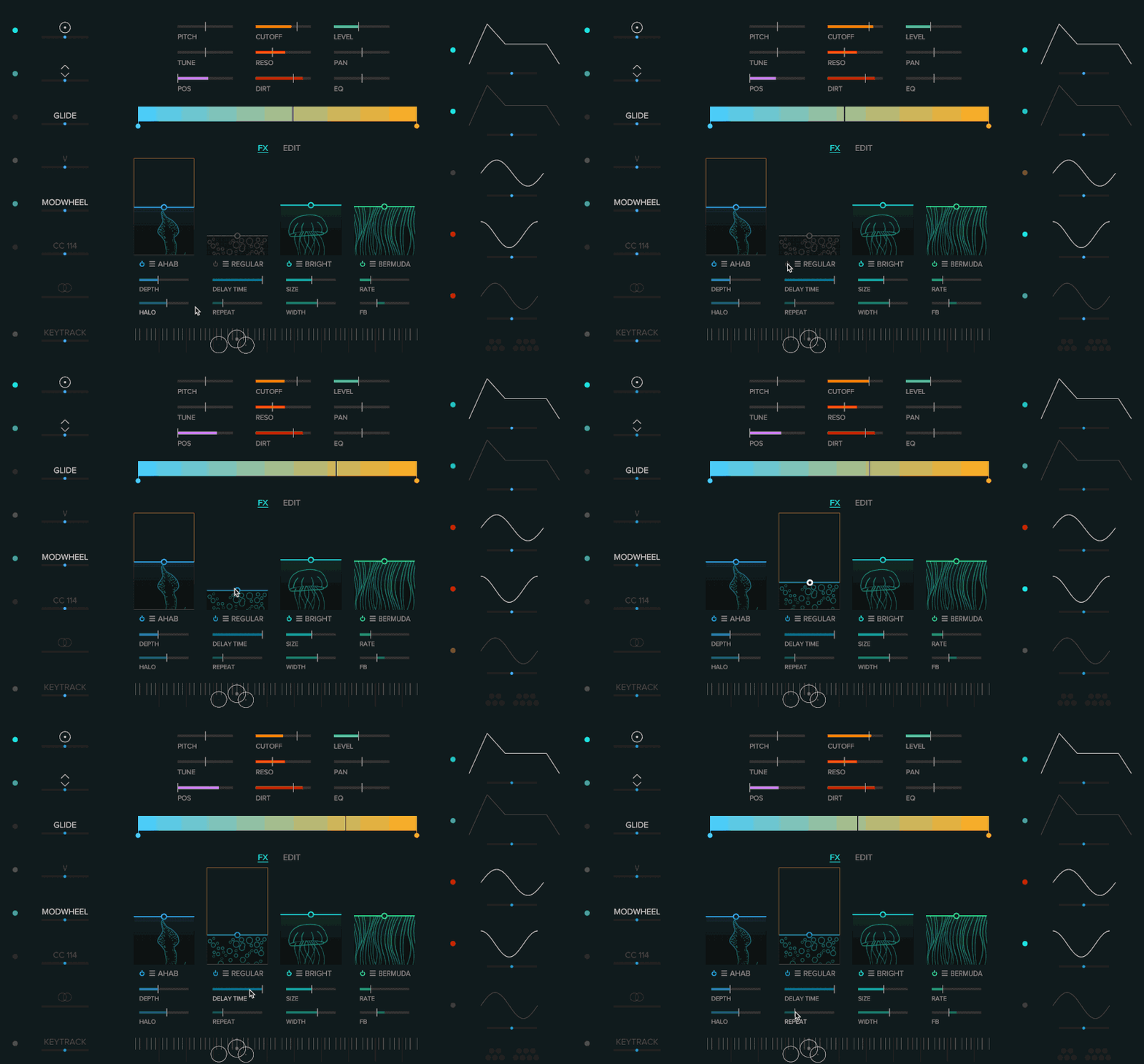
The tone colour approach provides a simple way to create complex sounds. This is paired with a modulation system that is as powerful as it is simple to use. Tweak, mangle, modulate your sound to sonic madness or create sensible, nuanced MPE instruments.
Tone Colours
Whether you describe sounds or colours – you use similar words like warm, cold, dark, soft or energetic. Not by coincidence, it is called tone-colour. In Abyss different sounds are represented by different colours – a whole new way to design sounds.
Rich & Deep Sound
The sound engine of Abyss combines the rich and deep textures of natural sounds with the effective flexibility of classical synths. Of course there is a virtual analogue filter, but there are also controls to shape tone colours in unheard ways. Explore fresh sonic possibilities.
Surf Your Sound
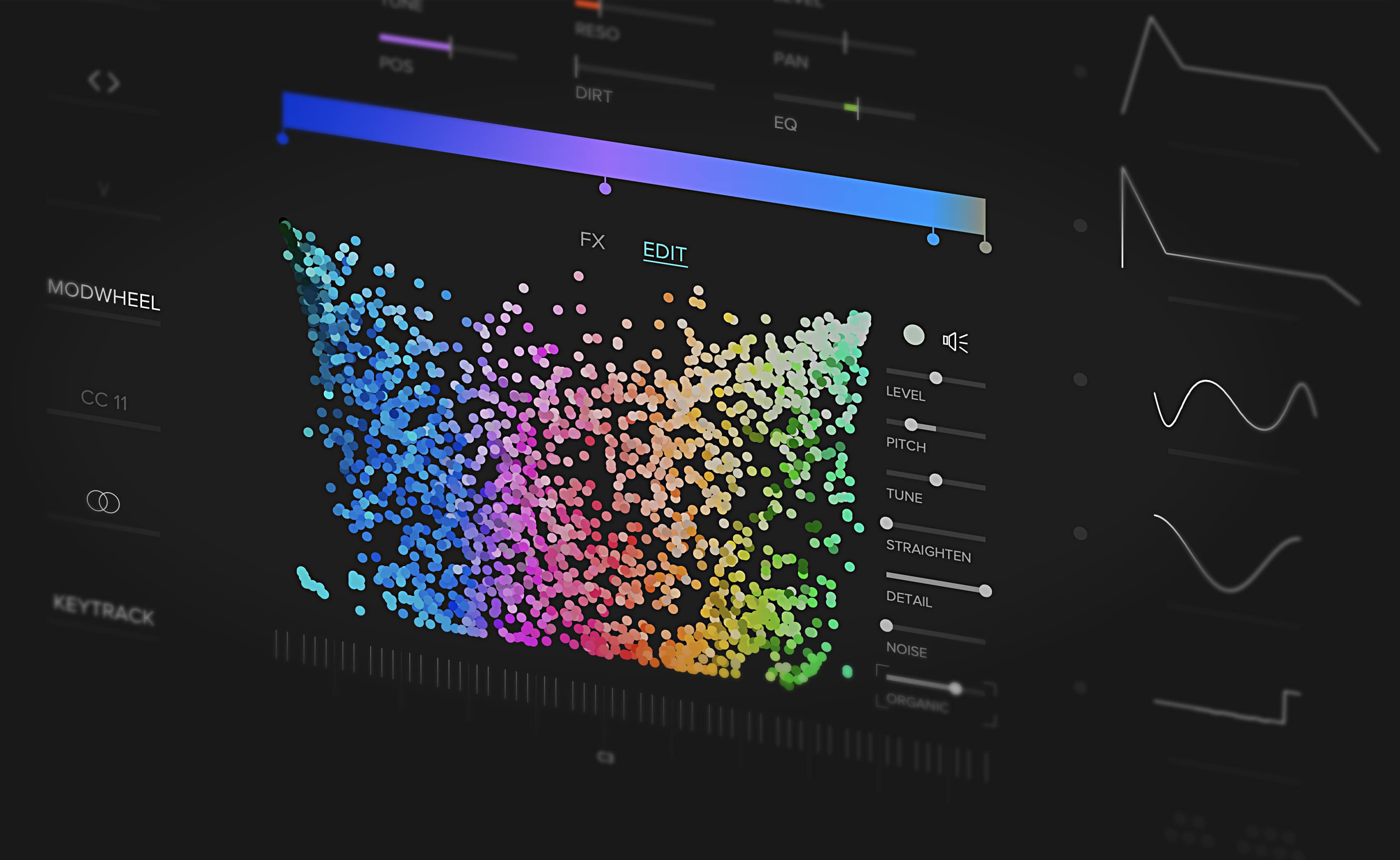
Navigating through endless lists of weirdly named sounds is not always fun. In Abyss you can simply surf through a panel with more than 2000 tone-colours. Find your sound faster than ever.
Tone Colour Gradient
Its variation that makes sounds interesting. By placing tone colours on the gradient you create a palette of timbral variation that becomes the base of your patch. Whether you mainly used presets or you are a seasoned sound designer, with Abyss you simply follow your intuition to create your own signature sound.
Abyss Design Team
Abyss synth is created by Peter V – mathematician by education, musician by heart. He believes you can find music in everything and that drawing inspiration from visual art can only benefit composition and sound design.
Peter is a veteran in artificial intelligence and founded his first startup already two decades ago. The recent progress in this field made him believe that there is a vast opportunity in applying machine learning to sound design. After quitting his day job it took almost two years of research and dozens of prototypes to develop the innovative sound engine and user interface of Abyss. He aspires to create a new generation of tools that are inspiring and joyful to use and uncover interesting new sonic possibilities.
Features
- Unique and inspiring workflow based on sound colours.
- More than 2000 sound colours as building blocks for patches.
- Unique “sound surfing” for selecting sound colours.
- Each sound colour can be modified with spectral processing.
- Noise parameter adds “musical noise” – specifically based on and tuned to the selected sound colour.
- Virtual analog filter with resonance.
- Four sound effects: Shimmer, Delay, Reverb and Phaser.
- Optional brick wall limiter.
- Arbitrary modulation with 13 sources and 23 destinations.2 ADSRs, 3 LFOs.
- LFO supports free drawing of curve.
- Two of the LFOs can be used as step sequencer.
- Unique “stereo” modifier that allows to skew most parameters differently for left and right channel.
- Modulation parameters can be modulated themselves (eg LFO-speed).
- Easy pitch snap function to stay within scale.
- MPE support.
- Scalable, responsive UI.
- More than 130 carefully crafted patches.
System Requirements
Mac
- macOS 10.11 or Later (64-bit)
- AAX / AU / VST3
PC
- Windows 10 (64-bit)
- AAX / VST3




















