


 Log In

Free gifts available with your purchase
Step Over To The Dark Side
Unleash your dark side with Waverazor — a futuristic synth that gives you the power to splice waveforms into aggressive new sounds. The patented oscillator design utilizes a new form of synthesis to produce biting leads, glitched-out basses, cinematic pads and everything in between.
Futuristic Virtual Synth
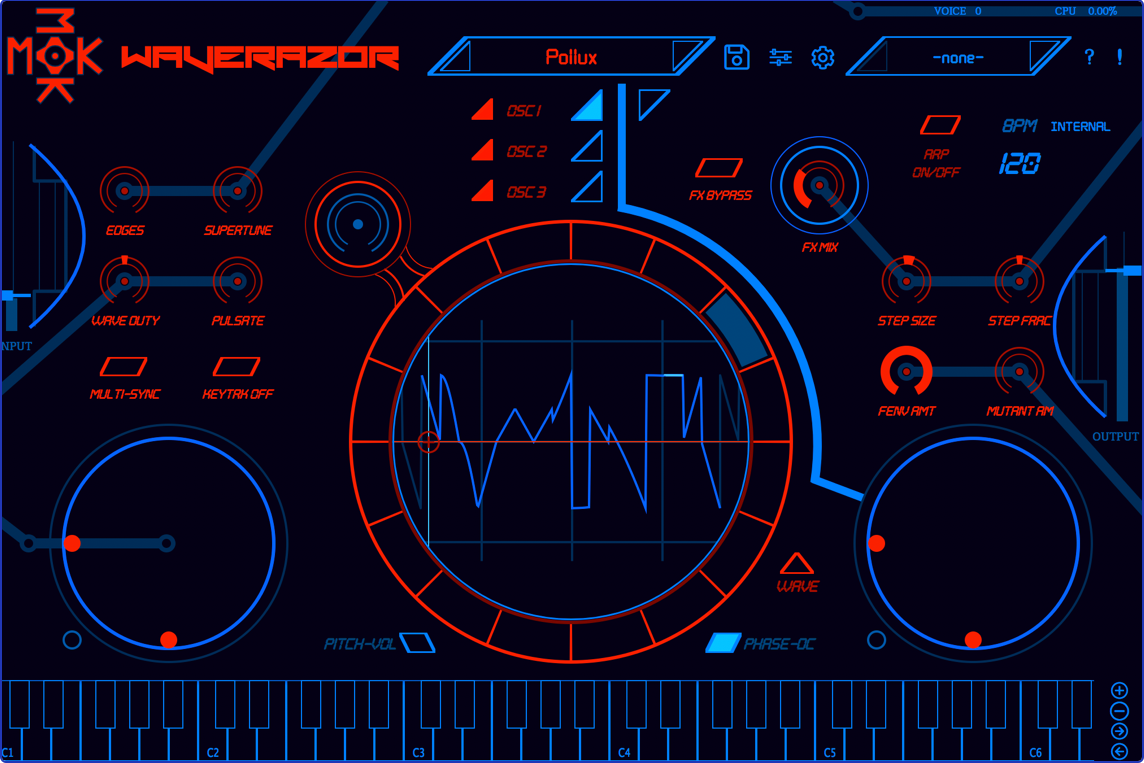
Twist and torture every parameter of sound using a central oscilloscope for precise waveform creation. Morph multiple parameters at once using an array of performance controllers. The collection of included presets provides a launchpad into endless sonic exploration.
New In Version 2
Waverazor now features 50 patches from sound designer extraordinaire, Richard Devine. Known for his innovative ambisonic audio work on Google’s DayDream VR platform, and for giving a voice to Jaguar’s electric I-PACE car, Richard’s signature sound bank takes Waverazor in bold new directions.
Editor Mode
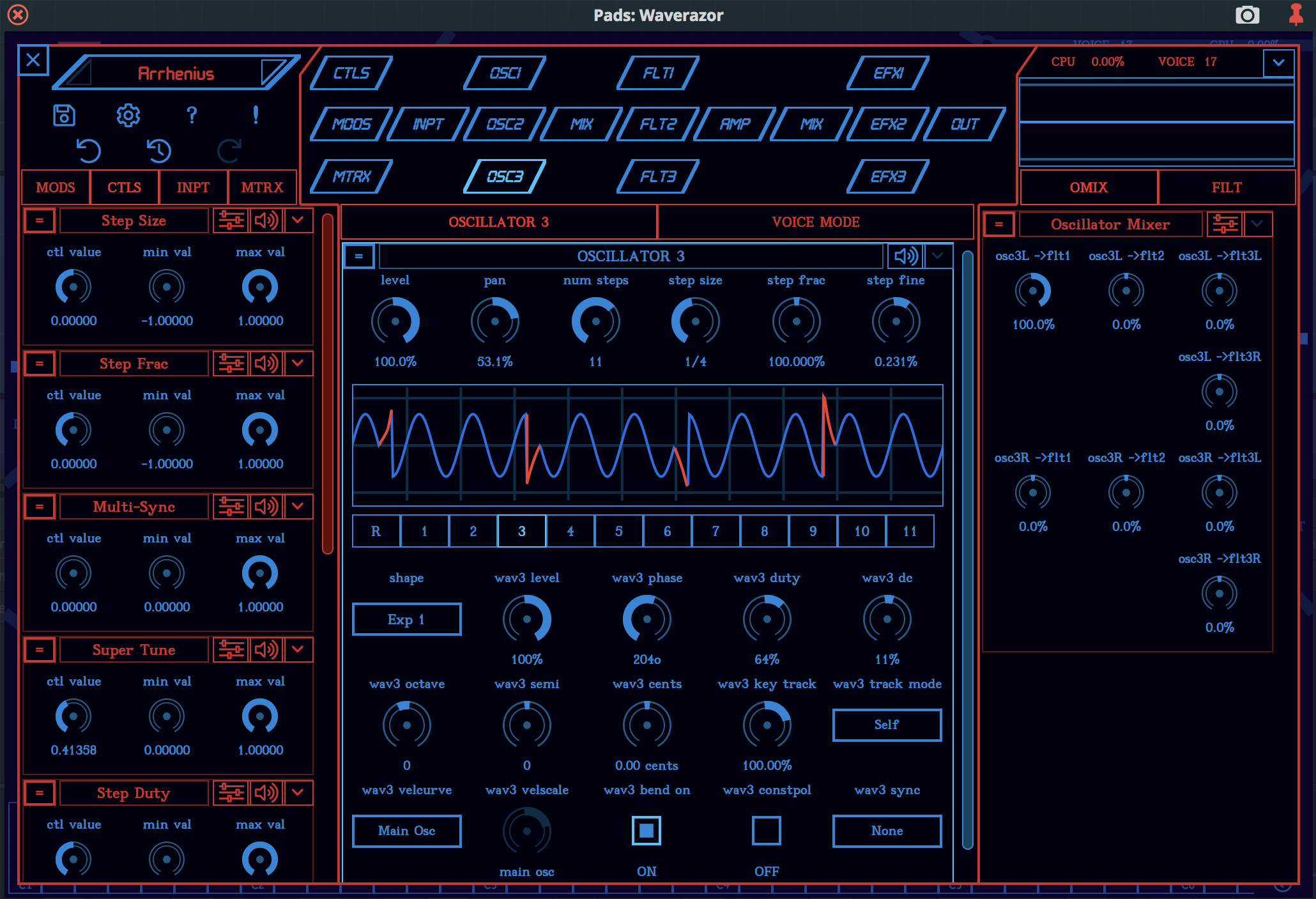
The Waverazor 2.0 Editor version is here, featuring an innovative new contextual editing system that easily manages the power of thousands of parameters by only displaying what you need when you need it. Focus on any synthesis module for editing and everything that is linked to it will be shown automatically. This allows you to quickly navigate through the entire synth and craft the connections that bring Waverazor’s unique sounds to life.
A New Angle On Synthesis
Waverazor’s patented oscillator technology slices familiar waveforms and recombines them to create tormented futuristic sounds. Start with a radical multi-shape waveform, then mangle the sound beyond recognition by tweaking an array of parameters including tuning, level, phase, and DC offset per segment.
Mutant AM: Ring Mod On Steroids
Each waveform segment can have different harmonic content, with individual harmonics subject to amplitude modulation at a rate and level determined by the contents of each fraction. Instead of simply modulating the entire waveform on and off like traditional ring mod, the oscillator modulates harmonics to different levels in a sequenced pattern.
Multi-Sync: Even More Of A Good Thing
Since each wave cycle is divided into fractional splices, and phase reset is controlled per segment, multiple simultaneous hard sync points can be set up per cycle and even beyond a single cycle. With Multi-Sync engaged, modulating individual wave fractions to different frequencies creates a complex new harmonically rich version of a classic synthesis technique.
Slice It, Dice It, Tweak It, Play It
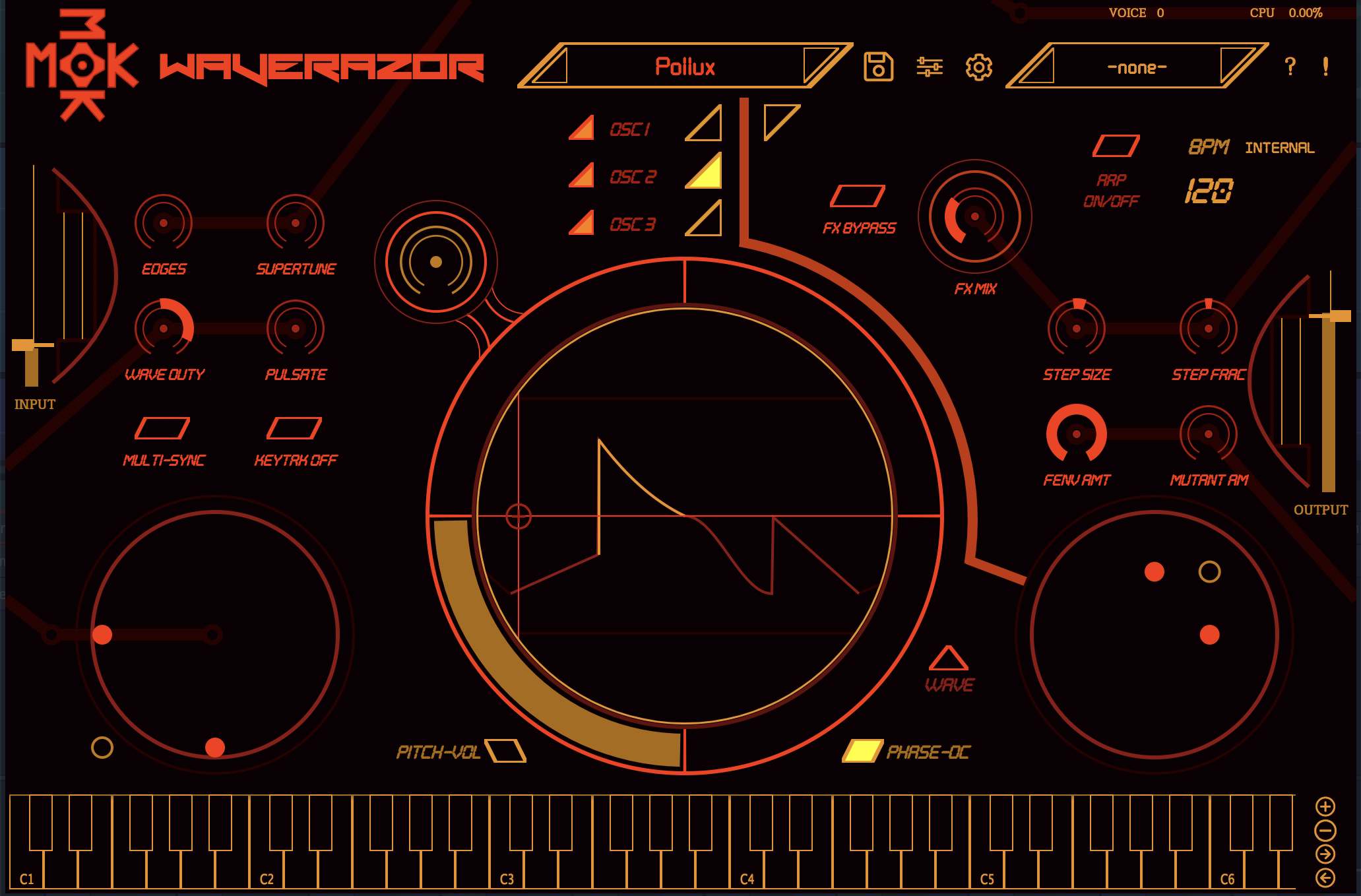
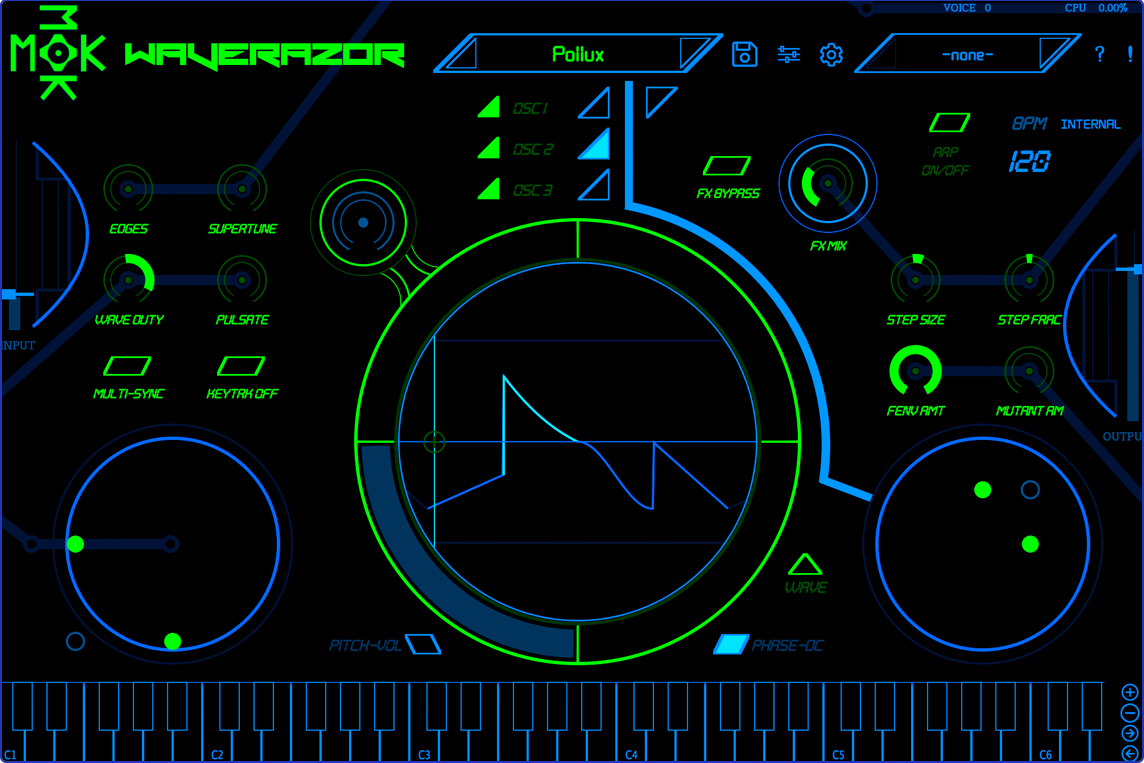
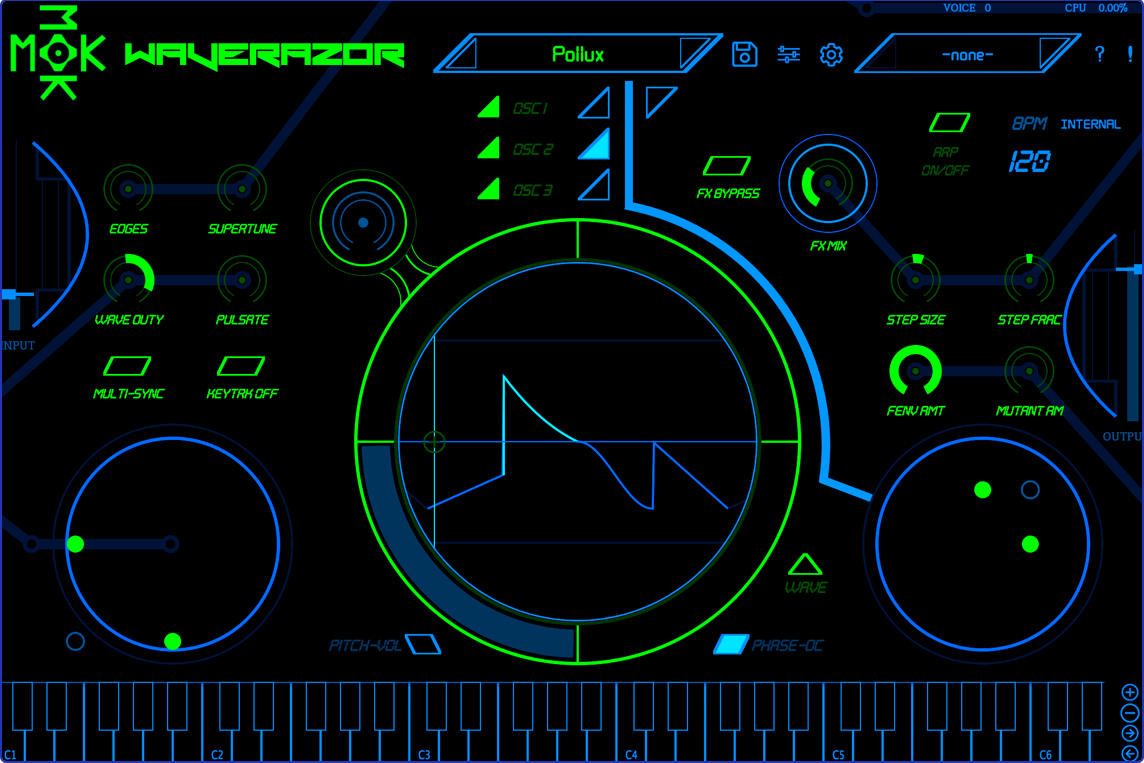
The Waverazor interface offers a unique approach to sound design, with a central oscilloscope that enables precise waveform creation. Two X/Y performance controllers modulate a combination of slice parameters, while additional knobs and buttons make it possible to morph multiple parameters at once.
Waverazor Design Team
MOK is on a mission to unveil new, never-before-heard sounds. The company was founded by Rob Rampley, Taiho Yamada and Chris Compton—the designers behind acclaimed synthesizers including the Quadrasynth, QS Series, Andromeda, Ion, Micron, Fusion, Venom, BioTek and more.
MOK debuted Waverazor at Winter NAMM 2017 in partnership with Tracktion Corporation. Tracktion’s new “Tracktion Presents” initiative provides exclusive global marketing and distribution services for promising audio technology startups. For more information on this program, contact Tracktion support.
Features
- Patented oscillator design dynamically slices and recombines waveforms
- Up to three oscillators and three filters per voice
- Built-in oscilloscope enables precise waveform creation
- Two X/Y performance controllers and one X/Y wave segment control
- Nine performance knobs and three performance buttons
- Compatible with AU/VST/AAX on Mac, PC, and Linux
- Support for 21 languages
System Requirements
Mac
- macOS 10.9 or Later (64-bit)
- Intel or Apple Processor
- 2GB RAM (4GB Recommended)
PC
- Windows 7, 8, 10 and 11 (32-bit and 64-bit)
- Intel Core 2 Duo 2GHz Processor
- 2GB RAM (4GB Recommended)




















