Log In

Free gifts available with your purchase


A Playful World of Unknown Acoustic Sounds
Multidimensional Acoustic Tones
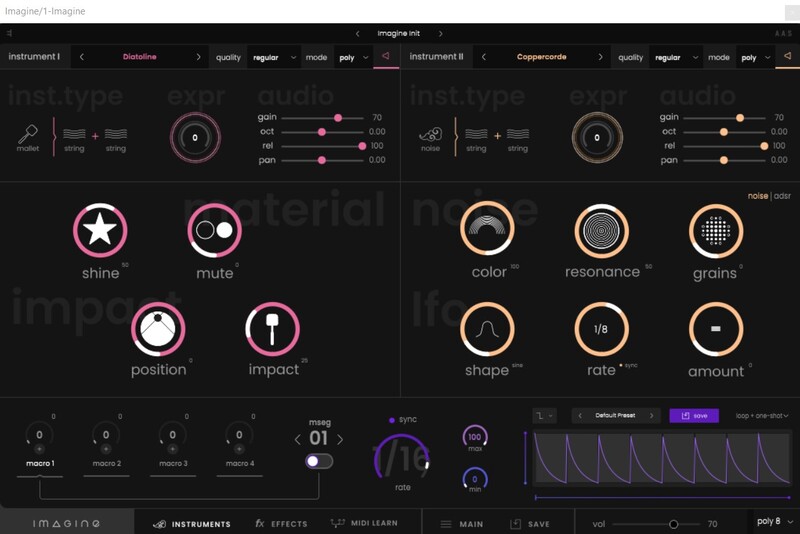
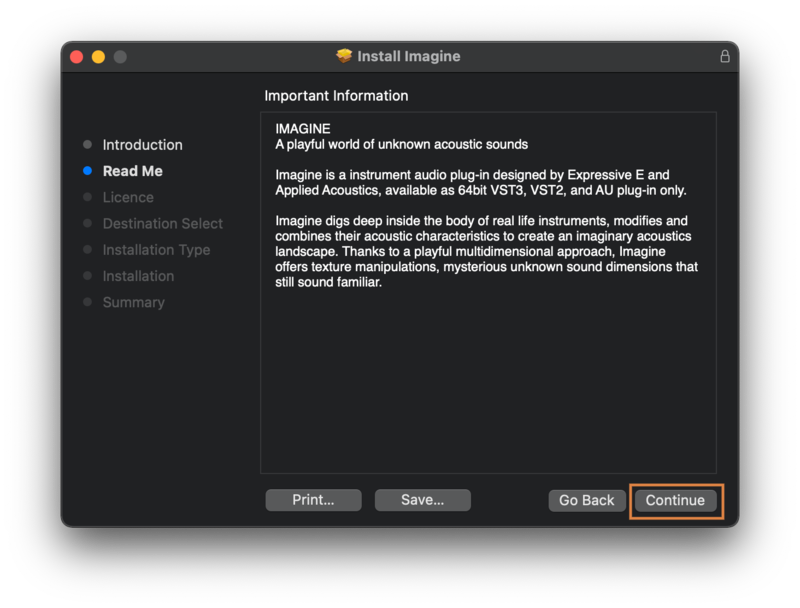
Imagine digs deep inside the body of real-life instruments, modifies and combines their acoustic characteristics to create an imaginary acoustic landscape. Thanks to a playful multidimensional approach, Imagine offers texture manipulations, mysterious unknown sound dimensions that still sound familiar.
Atypical Instruments
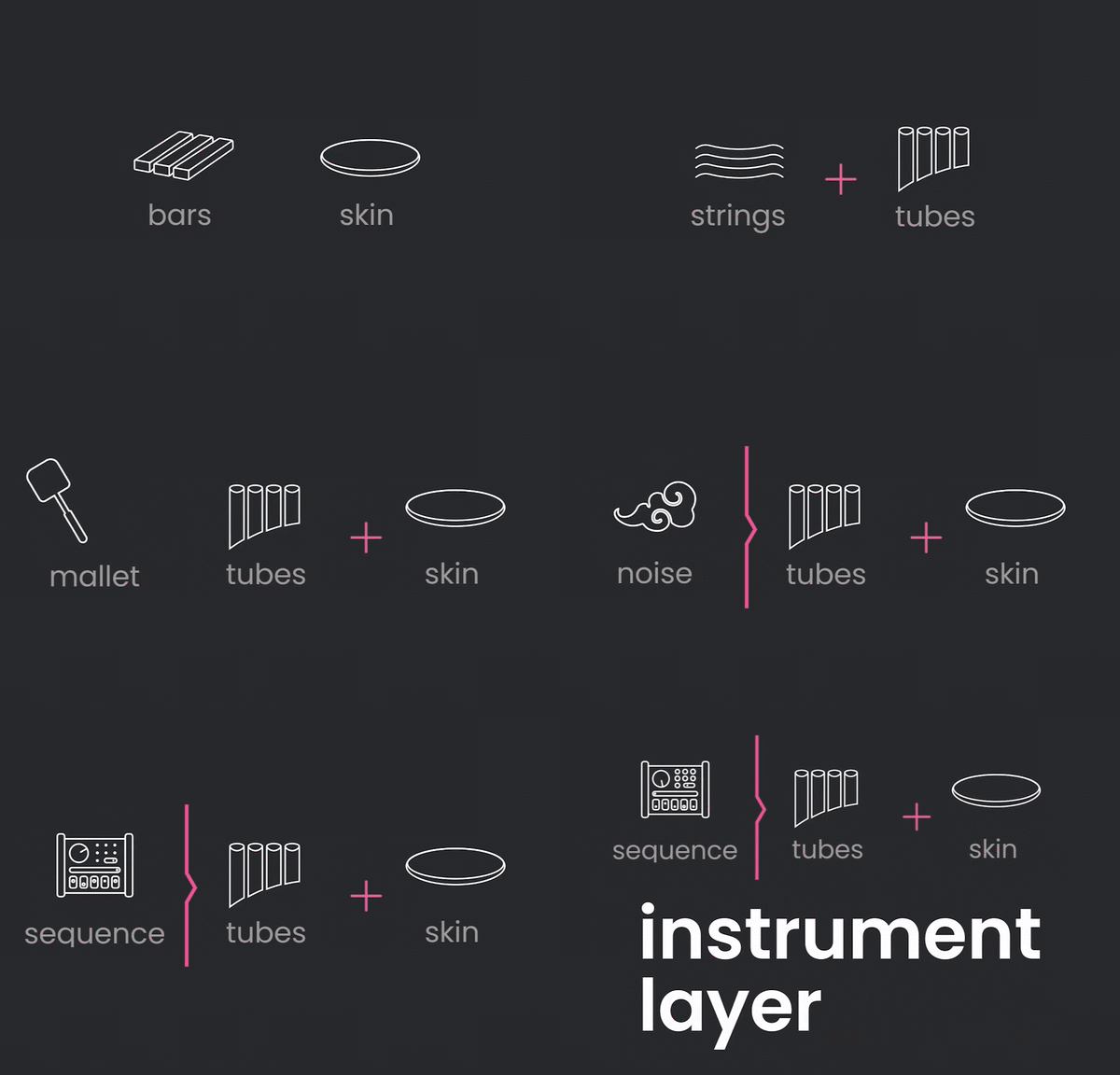
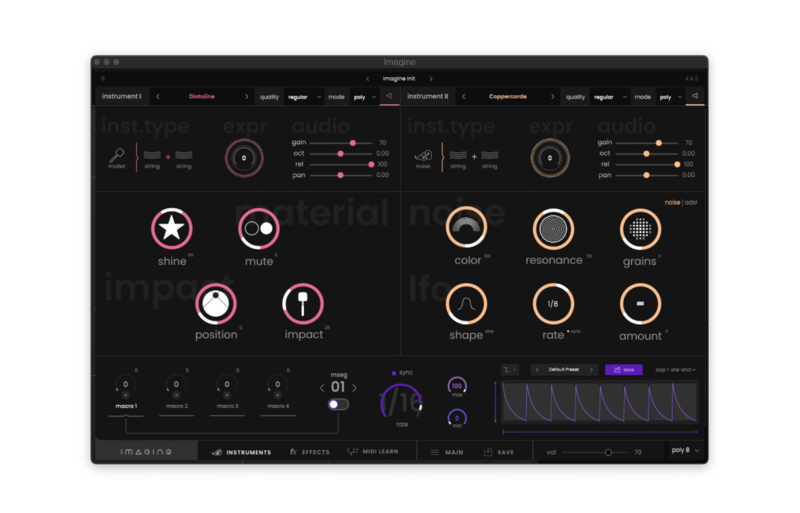
Imagine offers hundreds of instrument layers, meticulously modelled to bring their very own character. Each preset combines two of these instrument layers to offer unprecedented acoustic timbres.
Playful Sound Design
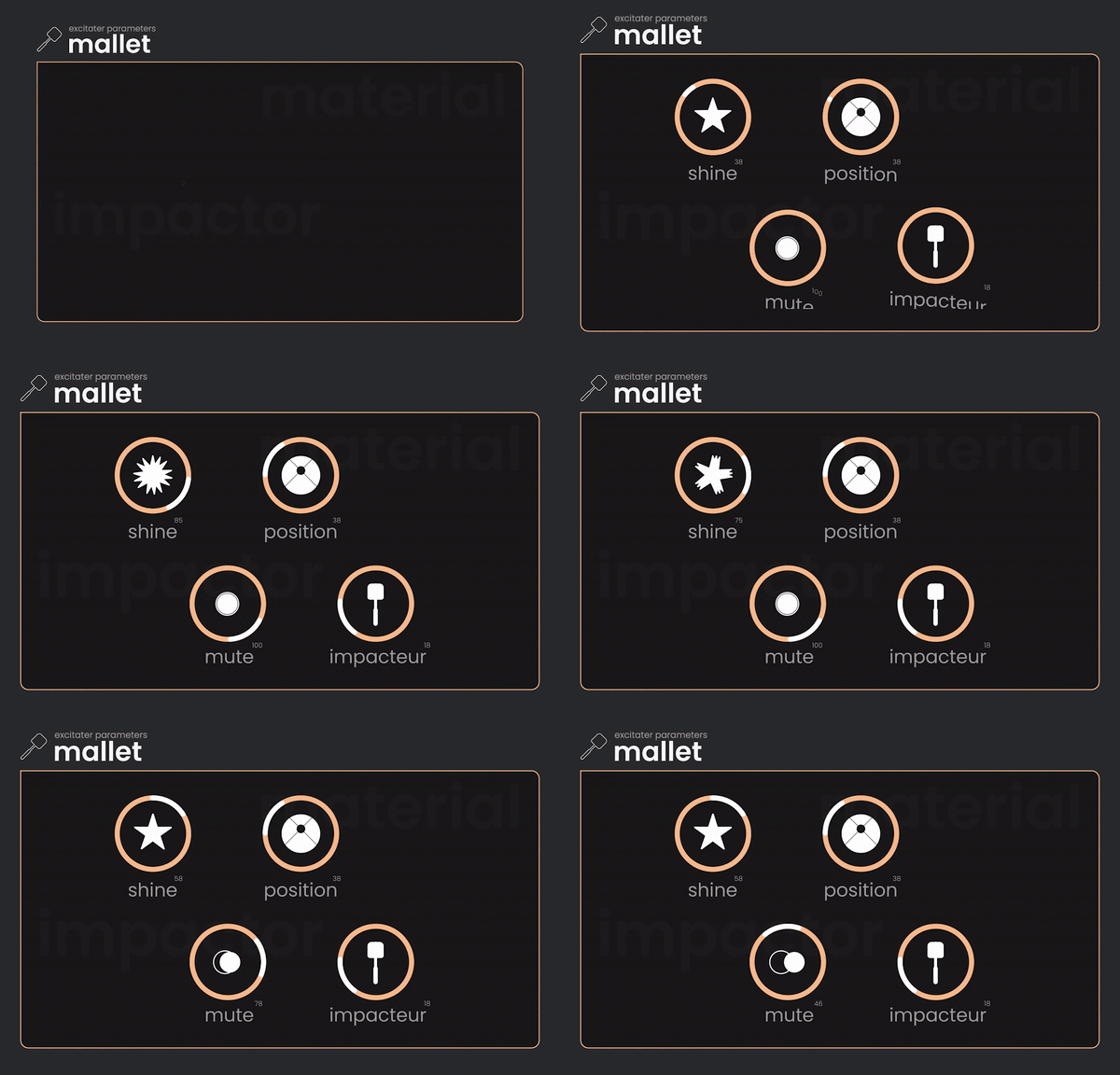
Each instrument has its very own character that can be easily adjusted with great flexibility. Discover a playful sound design experience by combining and tweaking your instruments to your taste.
Vivid Textures, Morphing Acoustic
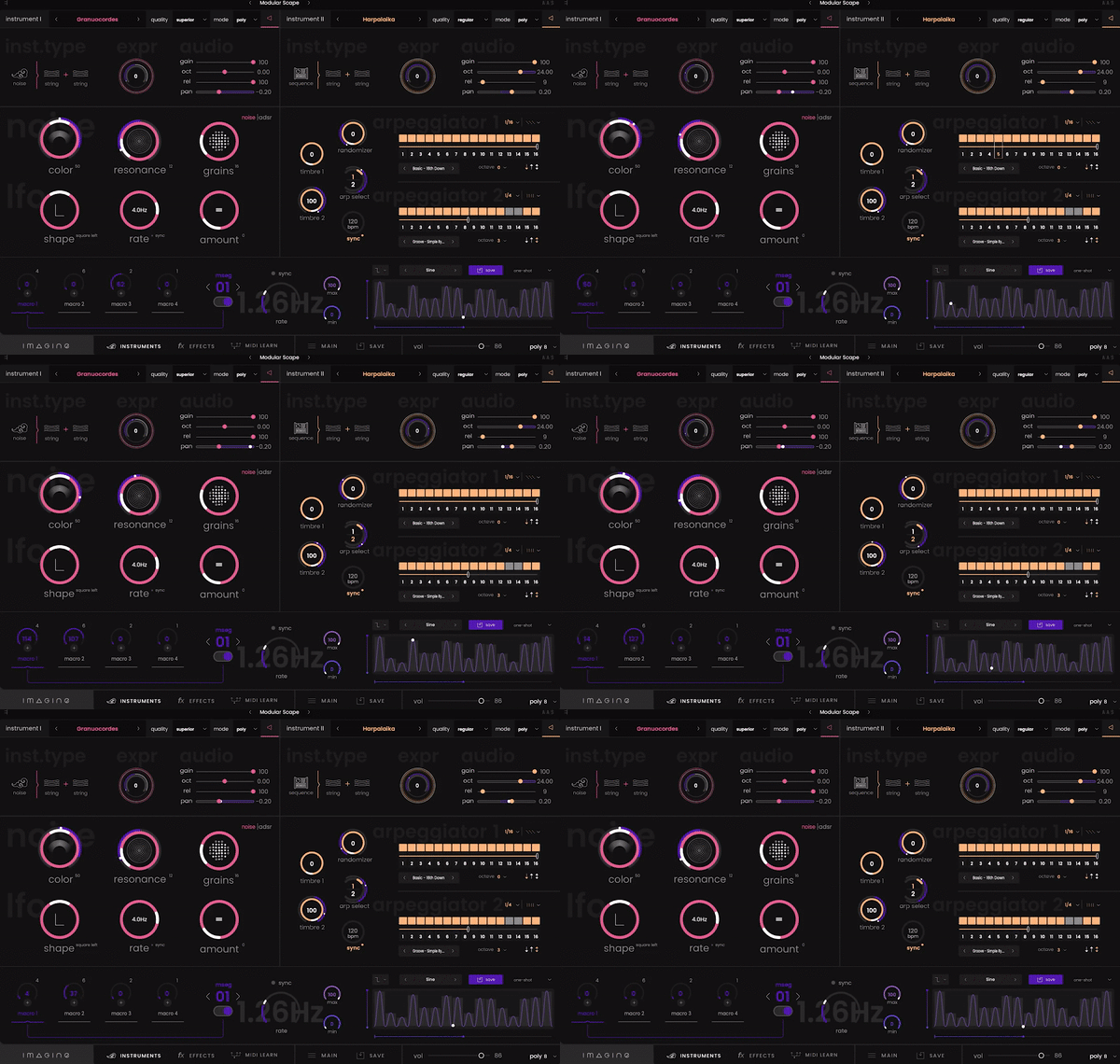
Combine the layers of instruments and modulate their characteristics in real-time, as well as additional textures for an extraordinary expressive experience.
Enhance and Articulate
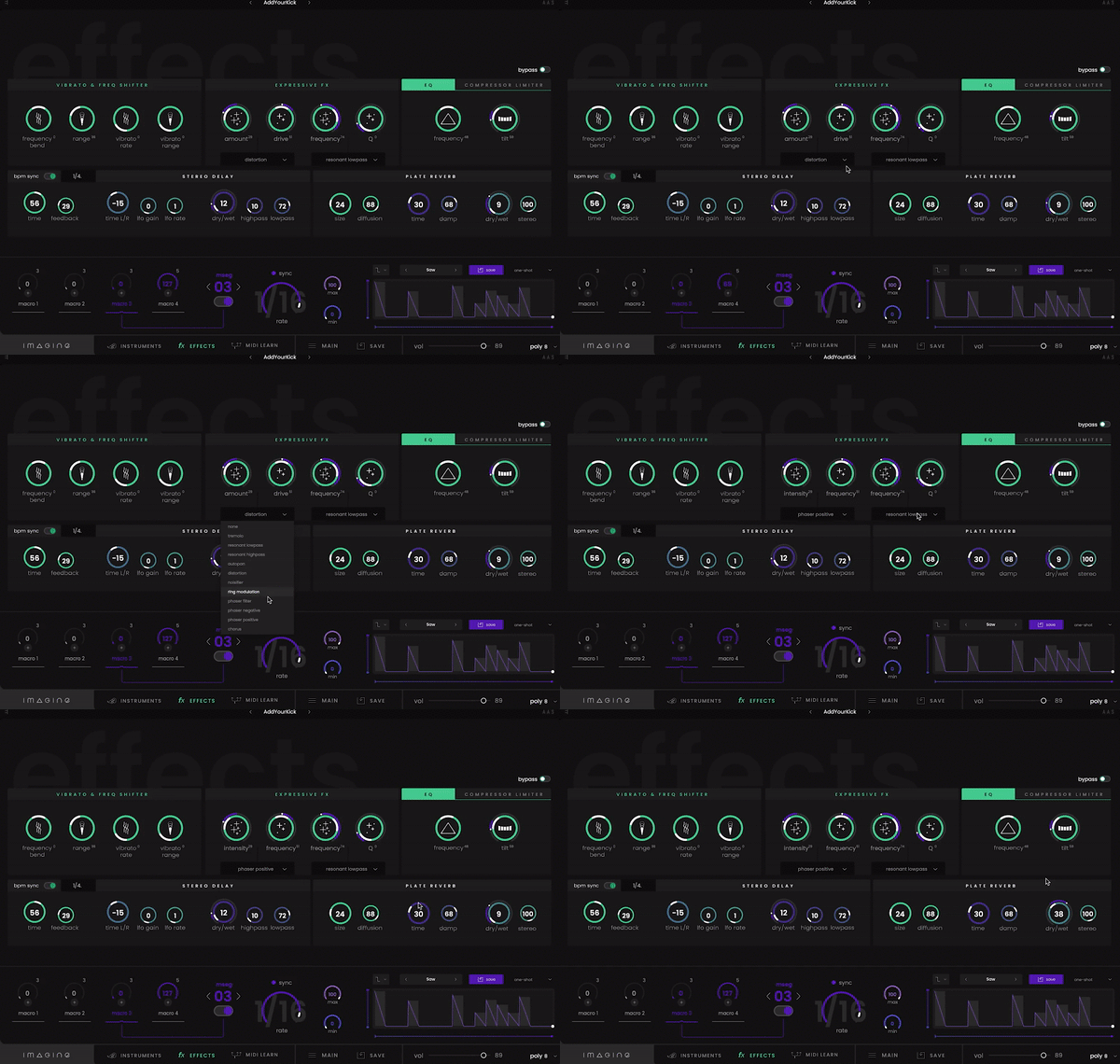
Imagine offers a complete toolset of effects ideal for enhancing your sounds. Everything is designed for real-time manipulation to easily create fluid articulations, breaks drops, or to dynamically modify reverbs and delays.
Built for Real-Time Modulation
Multi-Stage Envelope Generators
For further expressive possibilities, Imagine contains MSEGs that pack a huge collection of modulations for your sounds.
Intelligent Modulation System
Behind the scenes, everything is optimized to provide you with the best expressive experience possible: no dead zones; sensitivity curves and ranges are continuously scaled.
Optimized Macros
Significant optimization work has been carried out to allow you to modulate the sound of your instruments in real-time, resulting in a unique expressive perspective.
System Requirements
Mac
- macOS 10.13 and higher (64-bit only)
- AU / VST / VST3 (No Standalone version)
- Intel Core i5-7400 or Ryzen 5 2600, 4 GB RAM
Windows
- Windows 10 (64-bit only)
- VST / VST3 (No Standalone version)
- Intel Core i5-7400 or Ryzen 5 2600, 4 GB RAM
Marc-Pierre Verge
CEO Applied Acoustics Systems
"It has been a real pleasure to collaborate with Expressive E in the creation of Imagine."
Paul (1/2 of Synapson)
Producer & Music Engineer
"Imagine is a very musical synth which brings acoustic resonances to your production."
Cyrille Marchesseau
Award-Winning French Composer, Pianist & Producer
"Imagine is an inspiring tool, a new way to explore sounds with an intuitive interface."