


 Log In

Free gifts available with your purchase
Product information
TAL-Mod is a virtual analog synthesizer with exceptional sound and almost unlimited modulation possibilities. Its special oscillator model is able to create a wide range of sounds, from classic mono to rich stereo leads, effects and pads.
Routings can be done with virtual patch cables. Just connect a modulation output with a modulation target. After that, it's possible to adjust the intensity of the modulation. You don't need to be a modular expert. The plugin is suitable for beginners and experts!
Features
- 3 oscillators with optional saw, pulse, triangle and sine waveforms
- 1 additional noise oscillator with adjustable colour
- Microtuning support (file import and MTS Client)
- 2 high-quality analog-sounding resonance filters with different modes (LP, HP, Notch, All Pass, BP)
- Different filter routing possibilities (parallel and serial). With the possibility to choose the oscillator sources
- Full stereo signal path
- FM / RingMode support
- 2 oscillators support hard sync for saw, pulse, triangle waveforms
- Create stereo sounds and rich harmonics with additional oscillators (up to 7 sound generators per oscillator for osc I and osc II)
- 2 LFOs with different waveforms, sync, trigger, unipolar modes and the possibility to modulate the rate
- 3 ADSRs
- Modulation envelope with spline or optional step mode. Trigger and host sync mode
- Almost unlimited modulation possibilities with patch cable routing
- Optional sequencer or arpeggiator
- Basic effects - High-Pass Filter, Chorus, EQ, Reverb and Delay
- Mono and polyphonic mode
- Resizable UI
- You choose your favourite UI colours
- And a lot more...
- MTS, MPE supported
- Supports MIDI Mapping
System Requirements
Mac
- Mac OS X 10.9 or higher (64-bit only)
- Universal Binary 2 with native Apple M1 support.
- VST, VST3, Audio Unit, AAX
Windows
- Windows 7 or higher (64-bit only)
- VST, VST3, AAX
Please Note: AAX Format requires Pro Tools 10.3.6 or higher.
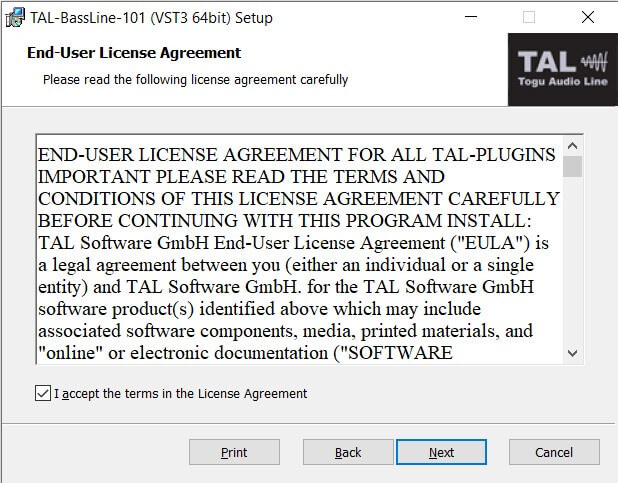
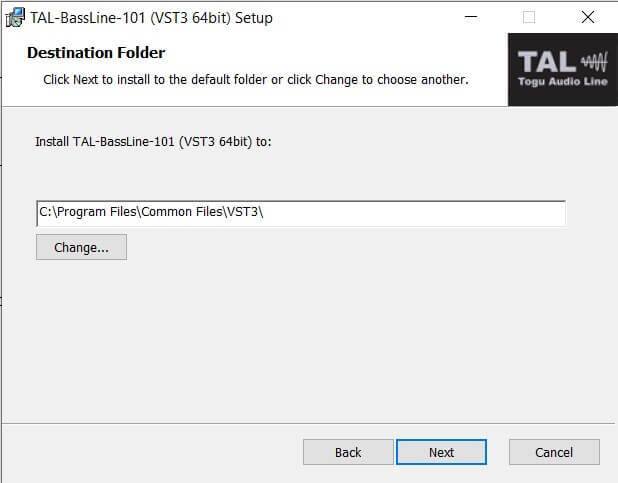
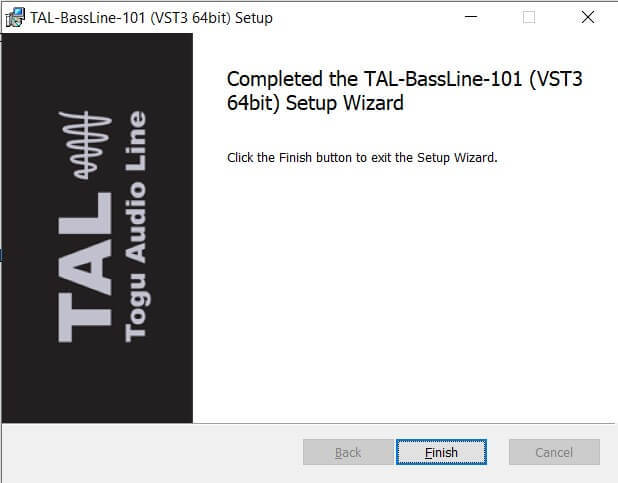
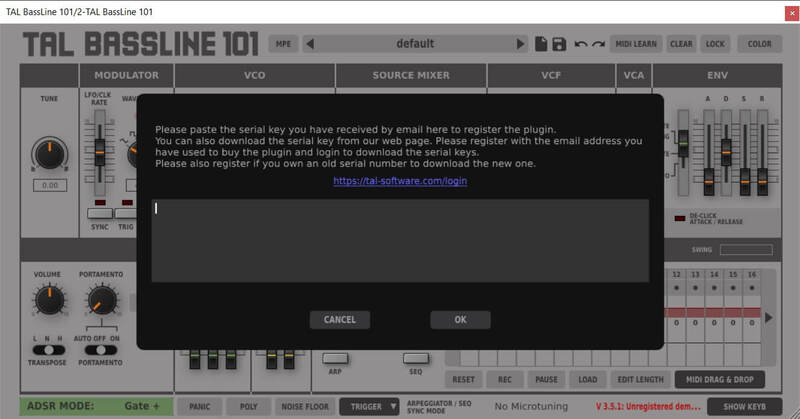
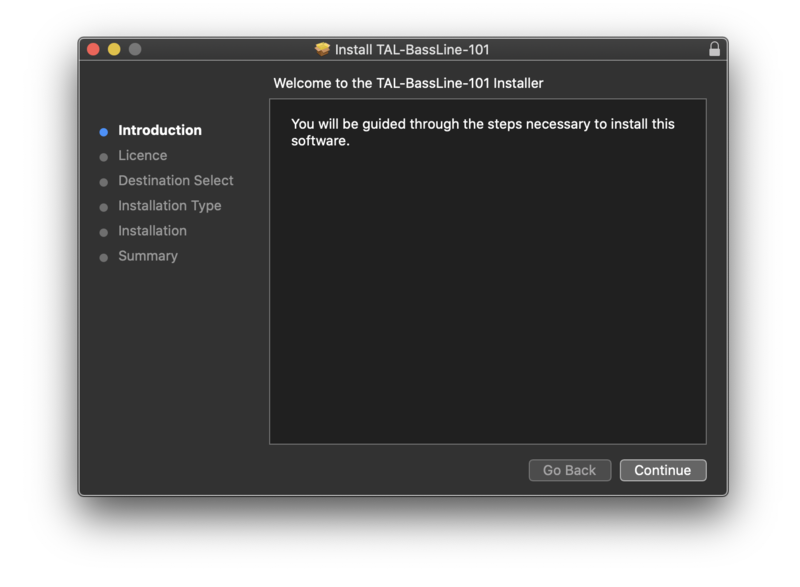
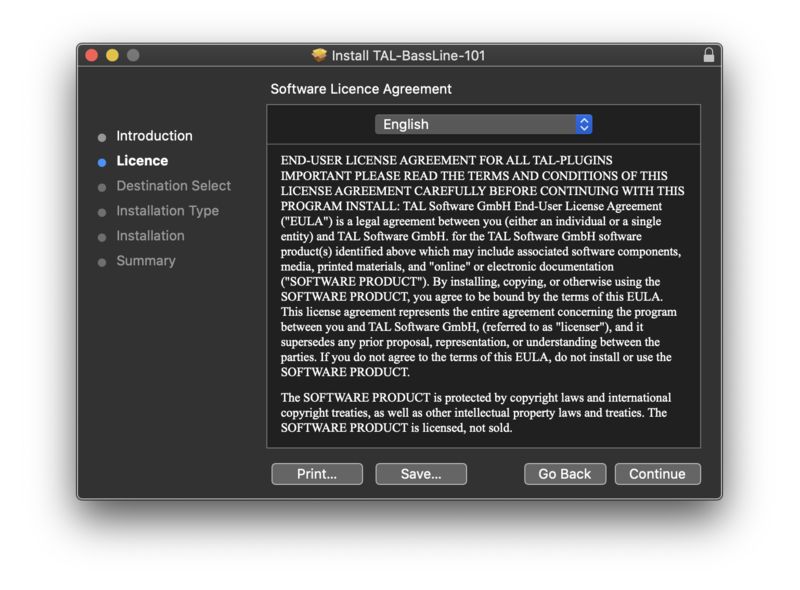
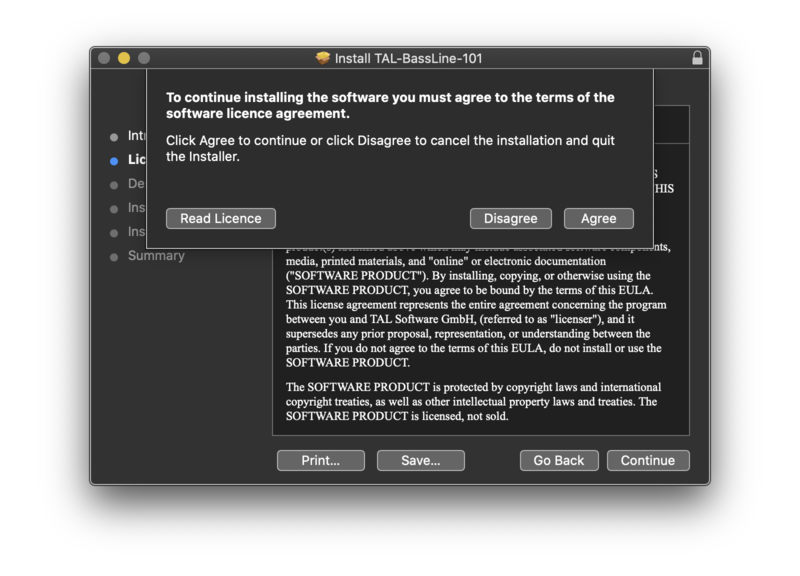
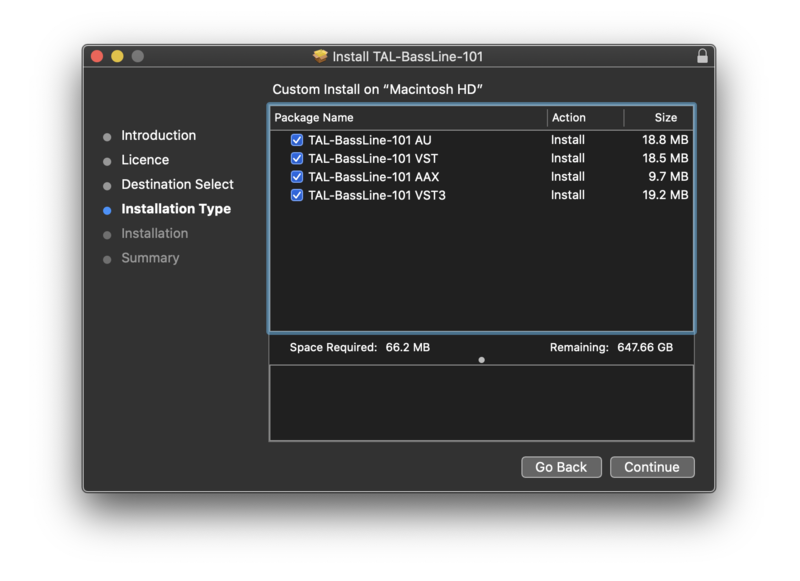
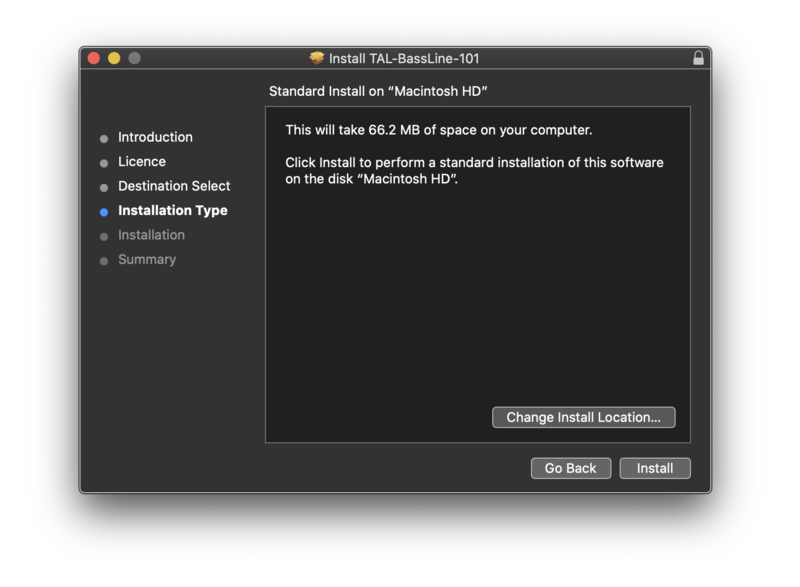
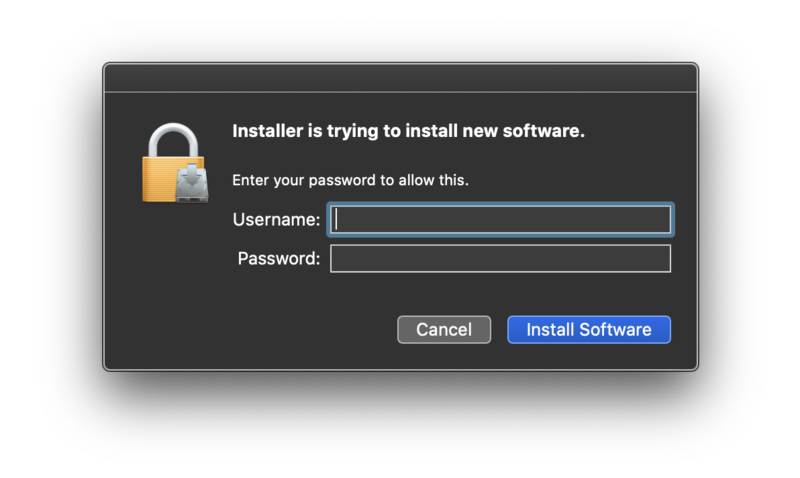
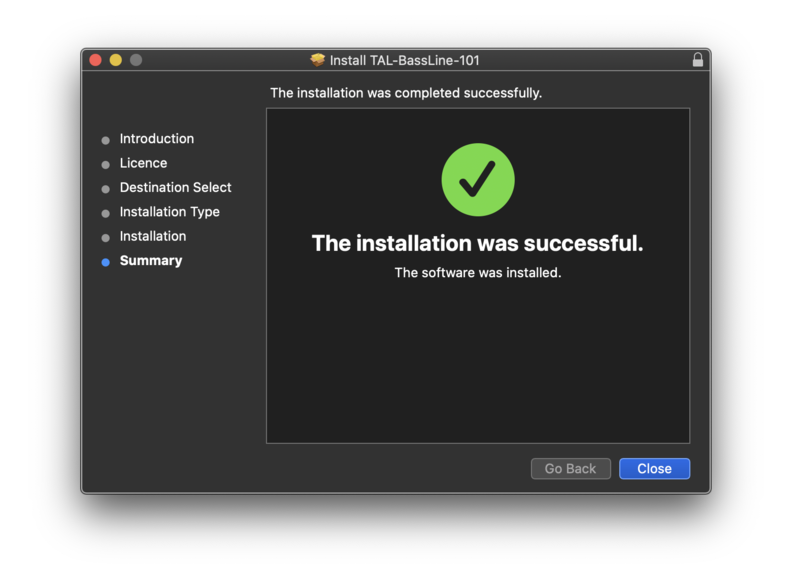
Installation Instructions





Customer Reviews
(1)


