Log In

Free gifts available with your purchase
TAL-Drum is an easy-to-use sampler for drums, short samples, and loops inspired by the 80s drum samplers with a modern workflow.
Fast Workflow
Drag & Drop samples, pads, and mappings for a superfast workflow. Drag a pad while holding CTRL creates a copy of the pad. Select multiple pads or pad-mappings with CTRL-click and change them together.
16 or 32 Pads
The user interface offers a 16 and 32-pad view for an optimal workflow. Pads can be named and coloured with your own name and colour.
4 Mappings Per Pad
Every pad can have up to four mappings. It's also possible to set velocity ranges for the mappings or just layer them.
Voice Groups
There are 32 voice groups available. Every voice group can have up to 16 voices.
16 Stereo Outputs
You can have up to 16 stereo outputs. The plug-in only contains a few effects. The idea is that you mix and add your favourite effects and EQs in your DAW.
Round Robin
Cycle and random round-robin modes are available. You can configure them for two or more pads when they have the same MIDI note assigned or in the pad's mappings.
Lo-Fi Effects
There are built-in Lo-Fi effects that let you change the way the plug-in resamples. They affect the internal sample rate and bit depth.
Slice Samples
Slice samples and apply the slices to pads with a few mouse clicks. Auto-slice and also slicing in equal slices with a given sample Bpm value is possible.
Mod Matrix
One LFO, two AHDSR envelopes, a spline-based envelope, and other sources can be used to modulate pitch, pan, filter cutoff, and other parameters.
Time Stretch
Different time-stretch algorithms are available for the best results suitable to stretch drum loops and other samples. A vintage Ak4I cycle time stretcher is also included.
Record Samples
Direct Record samples from main or sidechain stereo input channels and truncate and normalize directly in the plug-in.
Features
- Superfast workflow with sample, pad, and mapping drag and drop.
- 32 pads with 4 layers.
- Up to 16 stereo outputs.
- One LFO, spline envelope, amp AHDSR and two modulation AHDSR for every mapping.
- Different time-stretch modes (high quality Crisp or Smooth, Vintage AK4I Cycle mode)
- Realtime LO-FI effects.
- Slice Editor.
- Record audio and create samples directly in the plugin.
- More than 20 Factory kits and more than 600 samples by Goldbaby, emptyvessel, Solidtrax and Saif Sameer (demo has one kit).
- Most common audio formats supported (wav, aif, flac, ogg, mp3..).
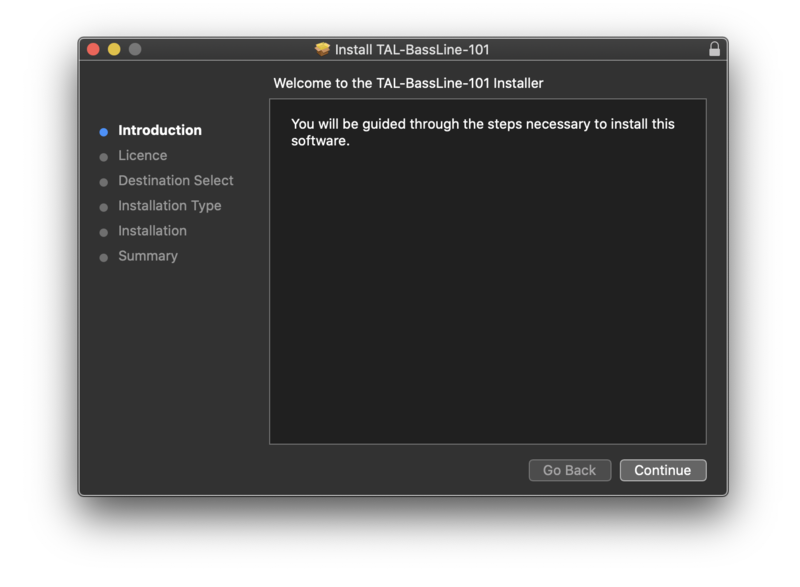
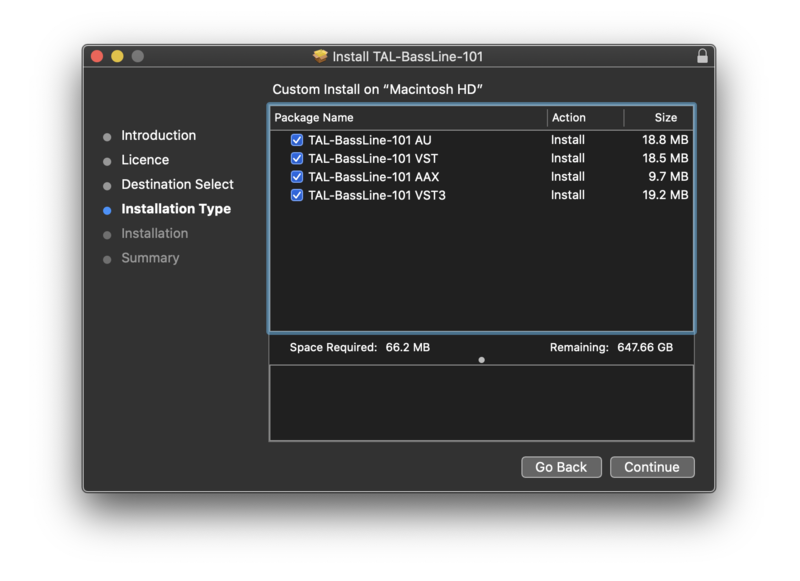
- Super lightweight. The installer only copies the plugin to the plug-in location.
- Resizeable GUI
- MTS, MPE supported
- Supports MIDI Mapping
System Requirements
Mac
- Mac OS X 10.9 or higher (64-bit only)
- Universal Binary 2 with native Apple M1 support.
- VST, VST3, Audio Unit, AAX, CLAP
Windows
- Windows 7 or higher (64-bit only)
- VST, VST3, AAX, CLAP
Please Note: AAX Format requires Pro Tools 10.3.6 or higher.