Log In

Free gifts available with your purchase
Poiesis Cello
‘Poiesis’ describes the act of bringing something new into existence, and that’s certainly true of the unique sounds in this beautifully unconventional instrument. Brimming with rich timbral shifts and delicate shadings, octave harmonics, bow bounces and reiterations, Poiesis Cello can produce dynamic textures which range from tender and reflective to nervily unsettling.
Since its release in 2021, it’s become a firm favourite amongst composers and sound designers and now Sonora Cinematic are very pleased to announce the arrival of Poiesis Cello 2!
What’s New in Poiesis Cello 2?
Now hosted in the bespoke Aria Engine, Poiesis Cello 2 brings new possibilities to this expressive instrument. Featuring the same sample content as the original version, this update expands your creative control: crossfade or stack articulations, add effects from the extensive effects library, apply filters to each layer, and create evolving soundscapes using the intuitive XY pad.
This version also includes close to 100 new presets providing a great starting point for shaping your own unique sound.
Poiesis Cello 2 is now organised as two different instruments:
- Poiesis Cello is the instrument hosted in the Aria Engine which you may already be familiar with from Panorama Guitars and Aria Vocalscapes. It focuses on creating beautiful ever-evolving textural soundscapes by blending two articulations together in a 2-layer engine with a record-ready mix.
- Poiesis Cello Articulation Keyswitch is a brand new system that allows you to organise single articulations in a completely customisable switching system: you can use traditional key switching or have velocity dictate the articulation being triggered.
Sonora Cinematic also made some minor tuning adjustments, carefully balancing improved tuning with maintaining the naturally drifting, textural quality of some of the articulations. Sonora Cinematic love organic textures and they love extended techniques: this is why they made Poiesis Cello. Poiesis Cello will allow you to instantly create beautiful (or beautifully ugly!) soundscapes that will inspire new music the first time you touch the keyboard.
The Sound
Poiesis Cello was recorded in a dry studio with three high-end microphones placed relatively close to the instrument, to offer an intimate sound that you can shape as you please.
The microphones used are a Neumann U87 large diaphragm condenser (LDC), an AEA R84A ribbon (RBN) and a Schoeps CMC/mk4 small diaphragm condenser (SDC).A pre-rendered stereo mix (MIX) with the single microphones in LCR position and additional processing is also included and it provides a ready-to-use, resource-friendly way to obtain a great sound, right out of the box.
The instrument recorded is a 1995 Moes & Moes cello built for and owned by Yo-Yo Ma and played by Alan Black, principal cellist with the Charlotte Symphony Orchestra.
The Patches
Poiesis Cello features two different patches:
Textures is a two-layer instrument that allows you to choose between any of the 43 included articulations for each of the layers and freely crossfade between them using your keyboard’s mod-wheel (midi CC#1).
Shorts is a complementary patch that features three velocity-sensitive short articulations sampled with 5 round robins and 3 dynamic layers (+ snap pizz. on the pizzicato articulation.
Panorama Hybrid (Free until 31st Jan 2025)
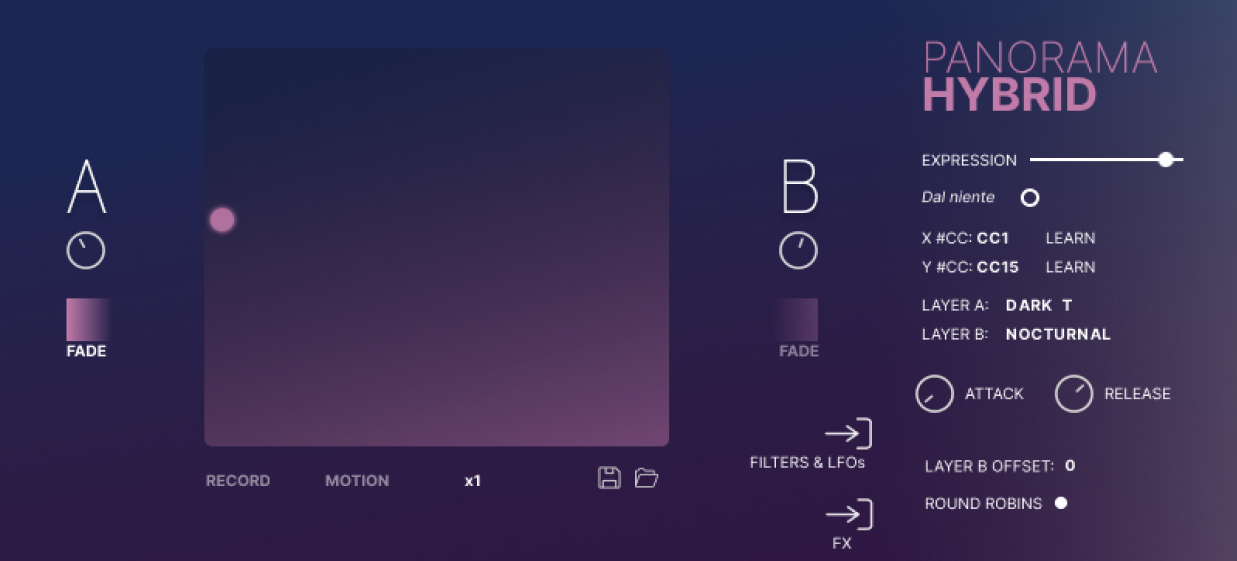
Step into a world of brooding cinematic soundscapes with Panorama Hybrid, thelatest of our Kontakt Player instruments to utilise our bespoke Aria engine. Building on the ethereal tones of Panorama Guitars, Panorama Hybrid offers a darker, richer, and more immersive post-rock palette, perfect for ambient, cinematic, and experimental compositions.
Recorded in the same studio as Panorama Guitars, the heart of Panorama Hybrid is a darker-sounding T-style semi-hollow guitar with soapbar pickups that delivers a warm and round tone. Compared to its brighter predecessor, this guitar has a thicker sound, perfect for textures or moody melodic lines. It’s the perfect companion to Panorama Guitars, expanding the spectrum with deeper emotional resonance.
Whether you're creating atmospheric film scores or hauntingly beautiful tracks, Panorama Hybrid delivers depth, drama and emotive expression.
Features
- 41 Presets across six categories: Atmospheres & Pads, Bass, Dark T, Keys, Lead, and Motions.
- 16 Meticulously Sampled Sound Sources including the T-style semi-hollow guitar, electric basses, synth layers designed to work to augment the guitar sound and a series of playable ambient patches made from our session’s huge pedalboard
- Aria Engine: Unlock a world of modulation, expressive effects, and tools to manipulate both the included and your own imported samples.
- Dark Cinematic Tones: A lush sound palette crafted for evocative scoring and creative music production and sound design.
Get Panorama Hybrid For FREE
Panorama Hybrid is yours for FREE with any purchase of a Sonora Cinematic NKS product until 31st January 2025 after which it will no longer be available.
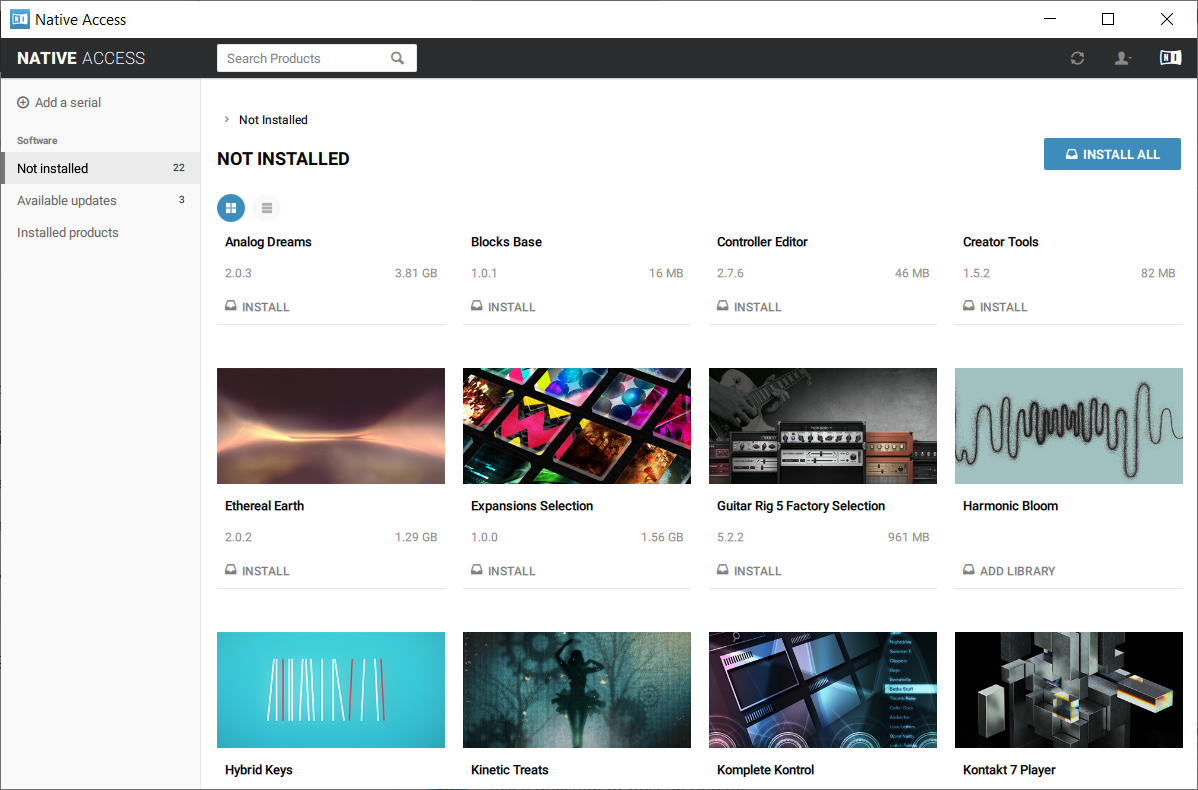
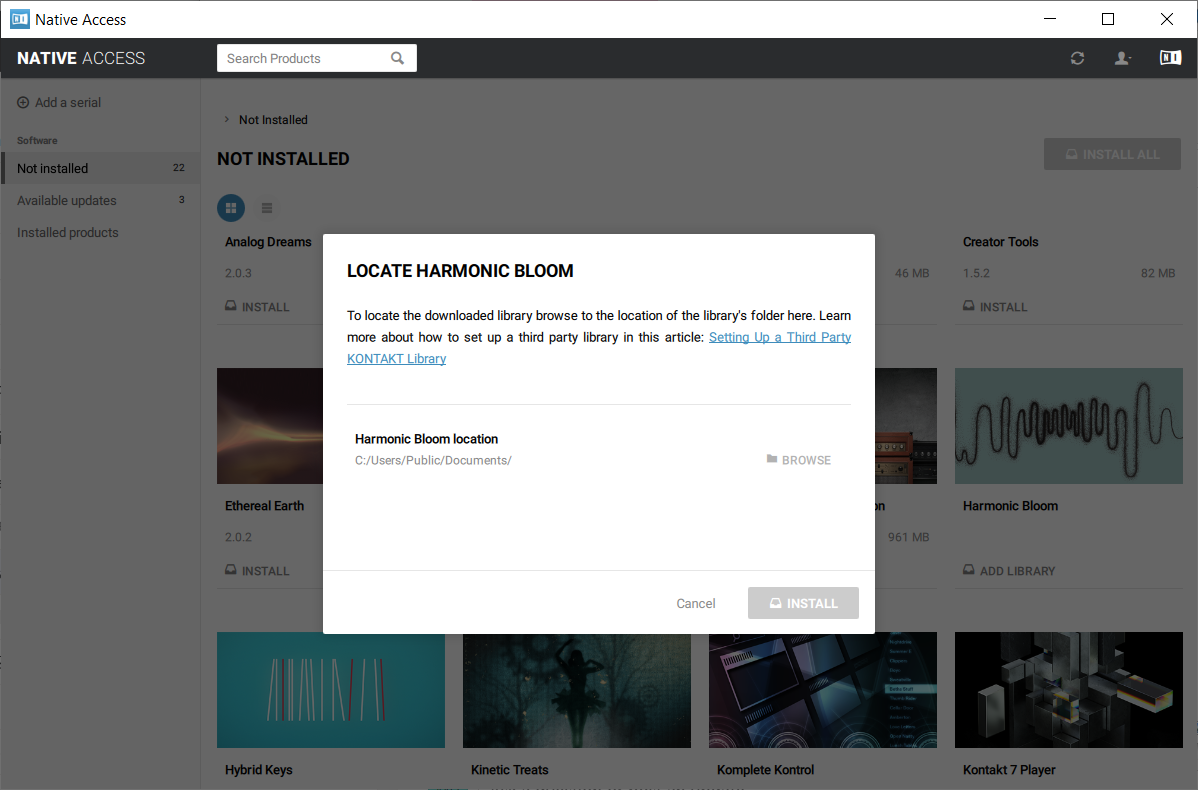
Important note – you must activate the Sonora Cinematic NKS product in Native Access first for the free Panorama Hybrid serial to work.
System Requirements
-
Kontakt Player 7.7+
This Powered-By-Kontakt Player Edition is supported by the latest version of the free Kontakt Player (VST, AU, AAX).