


 Log In

Free gifts available with your purchase
Authentic Traditional Instruments
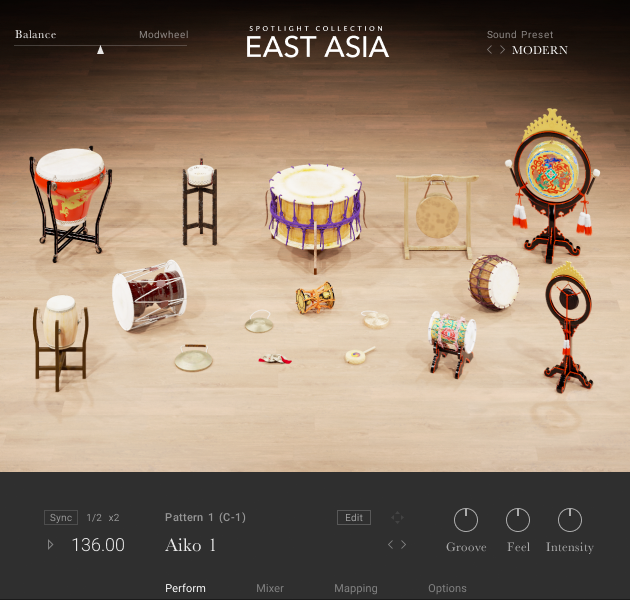
Distinctive Sounds for Modern Productions
Recreate the timeless, nuanced sounds of EAST ASIA, from the delicate melodies of the Guqin to the breathy chords of the Shō. Add layers of character and tradition to soundtracks, or elevate contemporary tracks with unique melodies and rhythms.
Travel Across Three Countries
Painstakingly recorded from virtuoso performances on location in Seoul, Shenzhen, and Tokyo, the melodic and percussive instruments in EAST ASIA offer a wide range of authentic sounds for modern productions.
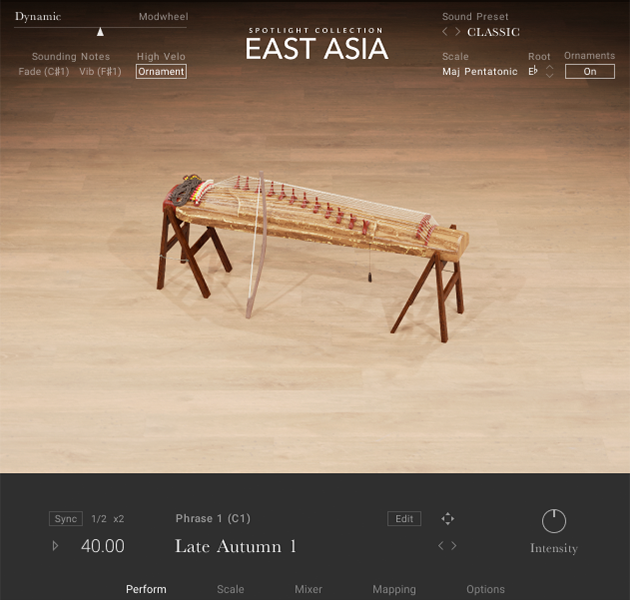
Emotively Melodic
Take your productions to China, Japan, and Korea with the unmistakable sound of bamboo and steel. Choose from a selection of 14 string and wind instruments, from blown flutes and oboes, to plucked lutes and hammered dulcimers. An exhaustive bank of customizable phrases allow distinctive parts to be constructed easily, while the instrument’s built-in traditional scales and tunings let you quickly create unique melodies with an authentic sound.
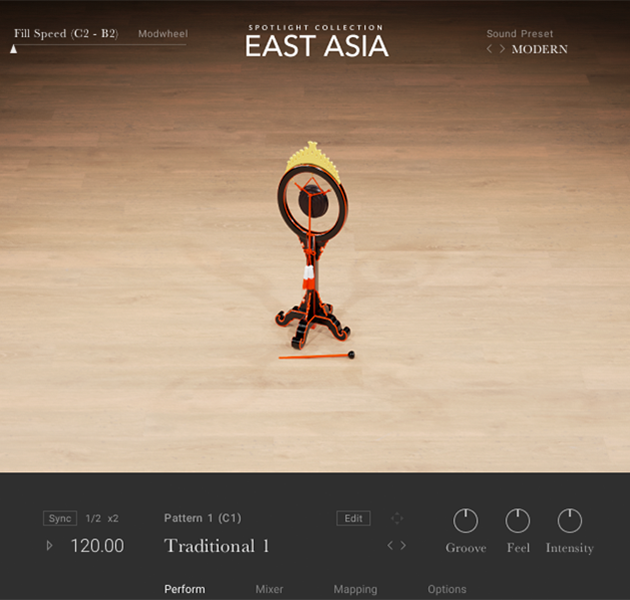
Playably Percussive
Whether you’re creating soundscapes with a specific regional flavor or giving character to modern electronic productions, EAST ASIA gives you an extensive range of instantly recognizable sounds including drums, gongs, cymbals, and woodblocks. Choose from 24 percussion instruments that can be free-played individually or as part of bespoke ensembles. Each instrument and ensemble comes with an array of preset grooves which can be further tweaked with intuitive macro controls.
Even Better With KOMPLETE KONTROL
The sounds of EAST ASIA reach a new level of intuitive playability on a KOMPLETE KONTROL keyboard. All presets can be browsed at a glance, with mixer and effect parameters automatically mapped to the control surface. A range of harmonics, playing styles, patterns and percussion fills are all ready to play and color-coded using the Light Guide, so you can tweak and mould your sounds with an effortless workflow.
Features
- 38 melodic and percussive instruments from China, Japan, and Korea, played by renowned performers
- Unique timbres, rhythms and scales, meticulously recorded and captured in an intuitive production tool
- Comprehensive controls include built-in mixer and pro-grade studio effects
System Requirements
- FREE Kontakt 6 Player or Kontakt 6 Version 6.5.3 or higher is required to use this instrument



