


 Log In

Free gifts available with your purchase
Orchestral Brass Essentials recorded at the MGM Stage
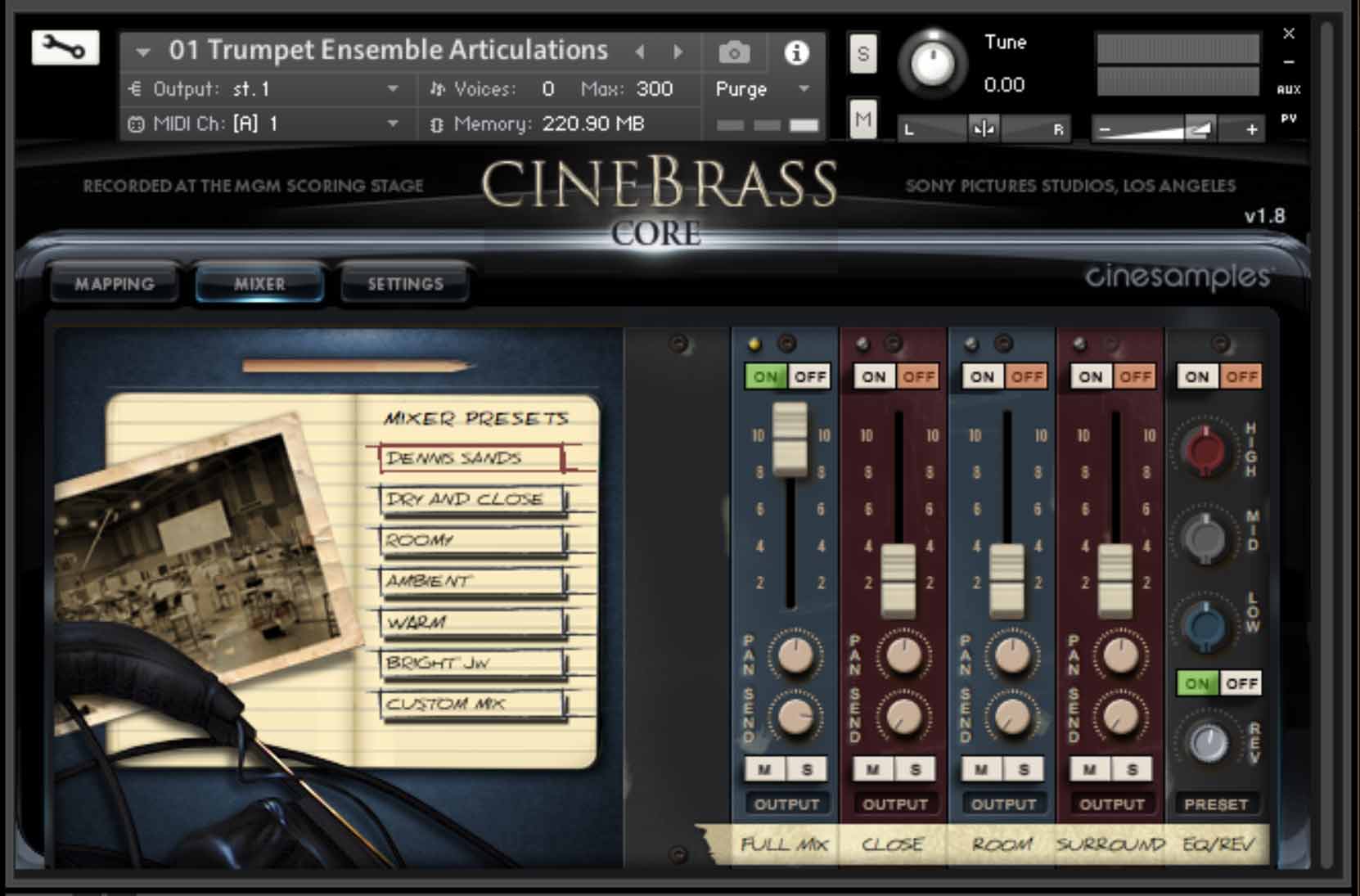
What’s New In CineBrass Core 1.7
CINESAMPLES’ ADAPTIVE LEGATO ENGINE
CineBrass CORE v1.7 has been rebuilt from the ground up to include the Cinesamples Adaptive Legato Engine featured in CineStrings SOLO, CineStrings CORE, and CineWinds CORE and PRO. It allows you to tailor the legato response to your own playing style, and is designed to respond musically to your performance. The engine detects your playing speed and intelligently adjusts the interval speed to match. This means you can play slow, expressive lines and fast runs in a single performance, without touching the speed dial. Additionally, the intensity parameter responds to velocity.
TROMBONE ENSEMBLE TRUE LEGATO
Cinesamples returned to the MGM Scoring Stage at Sony Studios to record True Legato samples for Trombone Ensemble. These samples are now seamlessly integrated with our previous Trombone Ensemble Articulations.
NEW MAPPING TAB
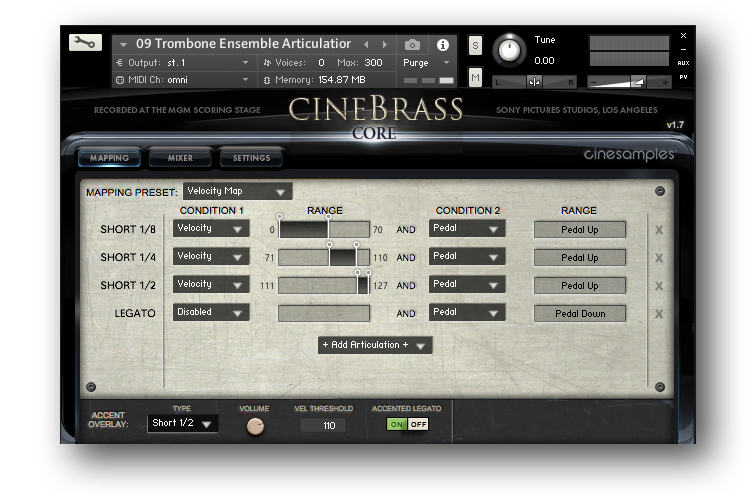
CineBrass CORE includes a brand new mapping area that allows for greater flexibility in customizing composer workflows. The new mapping system allows for articulations to be blended together, using polyphonic keyswitching or overlapping velocity/CC ranges. This allows for even more flexibility for tailoring CineBrass CORE to your individual needs. You may add articulations using the + Add Articulation + button and subtract articulations using the X on the right. The ACCENTED LEGATO control layers an additional articulation (Marcato, Staccato, Spiccato) over legato transitions.
NEW PATCHES
- Trombone Ensemble True Legato (Brassy)
- Trombone Ensemble True Legato (Mellow)
- Ensemble Chords Articulations
- Ensemble Chords Sustains
** v1.7 includes all features from v1.6 **
What's New In CineBrass CORE 1.6
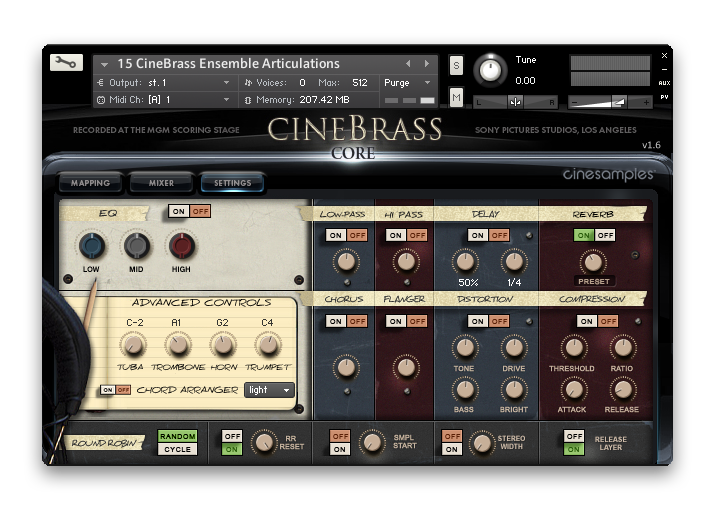
Beneath the EQ area in the SETTINGS tab, you can find the “Advanced Controls” which is a unique setting we created specifically for these ensemble patches. The four knobs control the range of the different instruments within one section. The advanced controls are set to the instruments’ strongest pitch range by default but can be changed to any value so long it is within the range of the instrument. Again, the user can also assign MIDI CCs to these knobs.
Articulations Patches
All of the Articulations Patches in CineBrass contain shorts of various lengths and dynamics, as well as sustains. We recorded multiple repetitions per note and multiple dynamics as follows:
- Eighths Staccato @ 8xRR p to ff
- Quarters Tenuto @ 4xRR p to ff
- Halves Marcato @ 2xRR p to ff
- Sustains with smooth dynamic morphing
Also, all of the mapping in the Articulations Patches is dynamic, so you can select from 5 intuitive presets in the user interface. A custom mapping grid is offered, for users who wish to customize the parameters beyond the presets. Every parameter and value is changeable, and nearly any combination is possible. Of course, if you are not a tweaker, you can stick with one of the 5 preset mappings (recommended)
System Requirements
- FREE Kontakt Player 5.8.1 or higher
- 64 bit DAW is recommended for optimized performance
This instrument requires the FREE or FULL version of Kontakt 5.8.1+























