


 Log In

Free gifts available with your purchase
The lowest woodwinds in the orchestra
Recorded at the renowned MGM Scoring Stage at Sony Pictures Studios, Monster Low Winds features an ensemble of 2 bassoons, 3 contrabassoons, 2 contrabass clarinets, and 3 bass clarinets, all seated in a semi-circle to achieve a beefy, wide stereo sound.
The Patches
ARTICULATIONS PATCHES
The basic Articulation Patches by default include Legato, Sustains, Staccato, and Secco.
TRUE LEGATO PATCHES
What is True Legato? True Legato means that we sampled all of the intervalic leaps throughout the ranges, both upwards and downwards, for the entire ensemble. When you play a True Legato patch, it instantly analyses the intervals you play, then plays the appropriate transitional leap between the notes. The result is a smooth and realistic legato performance.
Other effects include:
- Rumble
- Squeaks
- Clusters
- Swells
- Rips
For more articulations, click on LEGATO (or your current selected articulation) to reveal the drop down menu:
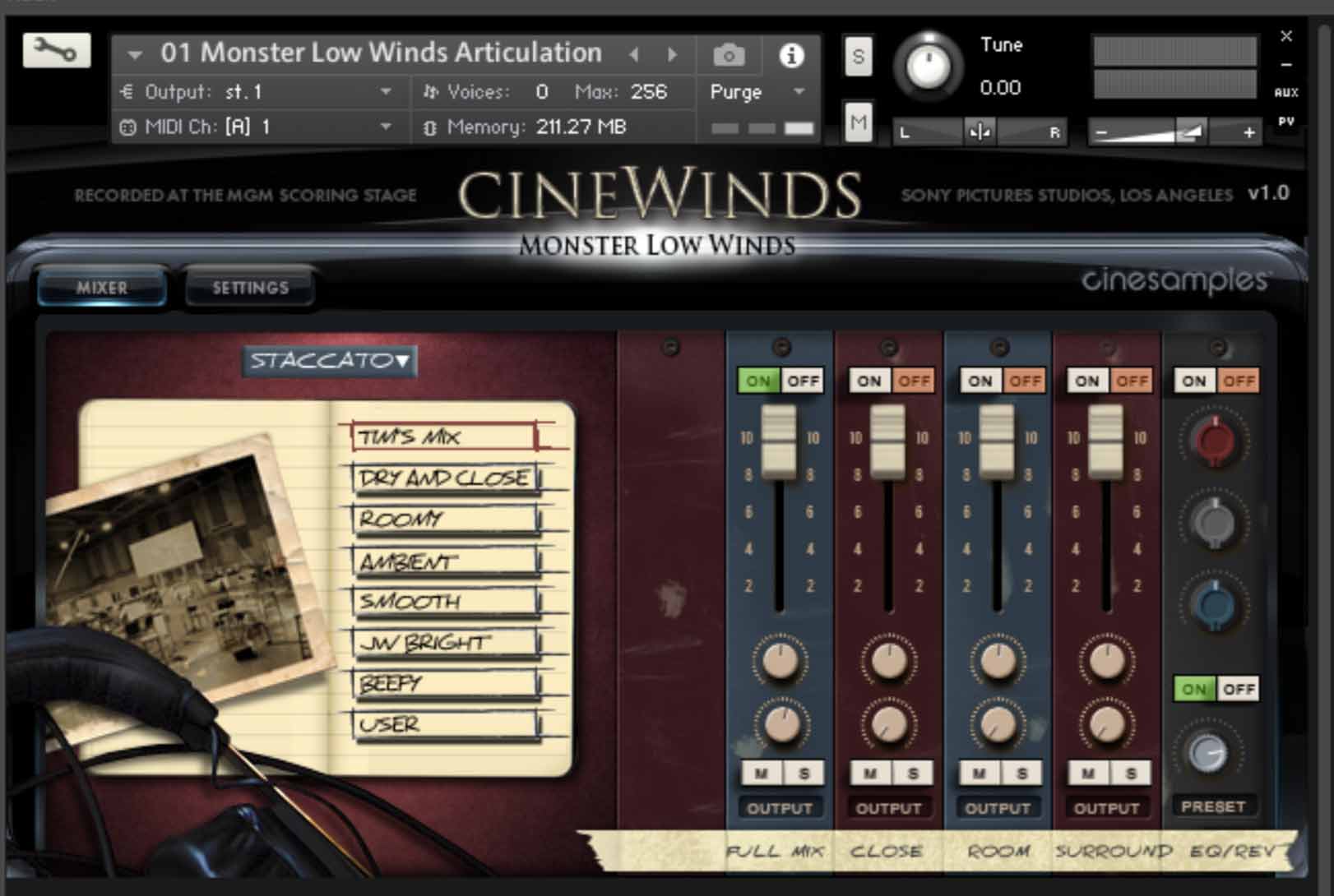
As with every CineSymphony product, Monster Low Winds features the standard Decca Tree - Wide - Surround microphone arrays typical of feature film scoring. In addition, they set up a few close microphone pairs. Tim's Mix provides the best combination of all microphone arrays. The CLOSE mix provides the best combination of the close pairs. It's difficult to achieve a traditionally close sound with 10 players spread across the center of the MGM scoring stage. It's a close perspective, but you still hear a bit of the room. The ROOM mix has lots of beef and is made of the Decca Tree - Wide combination. The SURROUND mix is the surround pair.
The MIXER tab allows for 7 mix presets and an 8th that is user-programmable. Additionally, there is a basic EQ and reverb available.
The Settings Tab
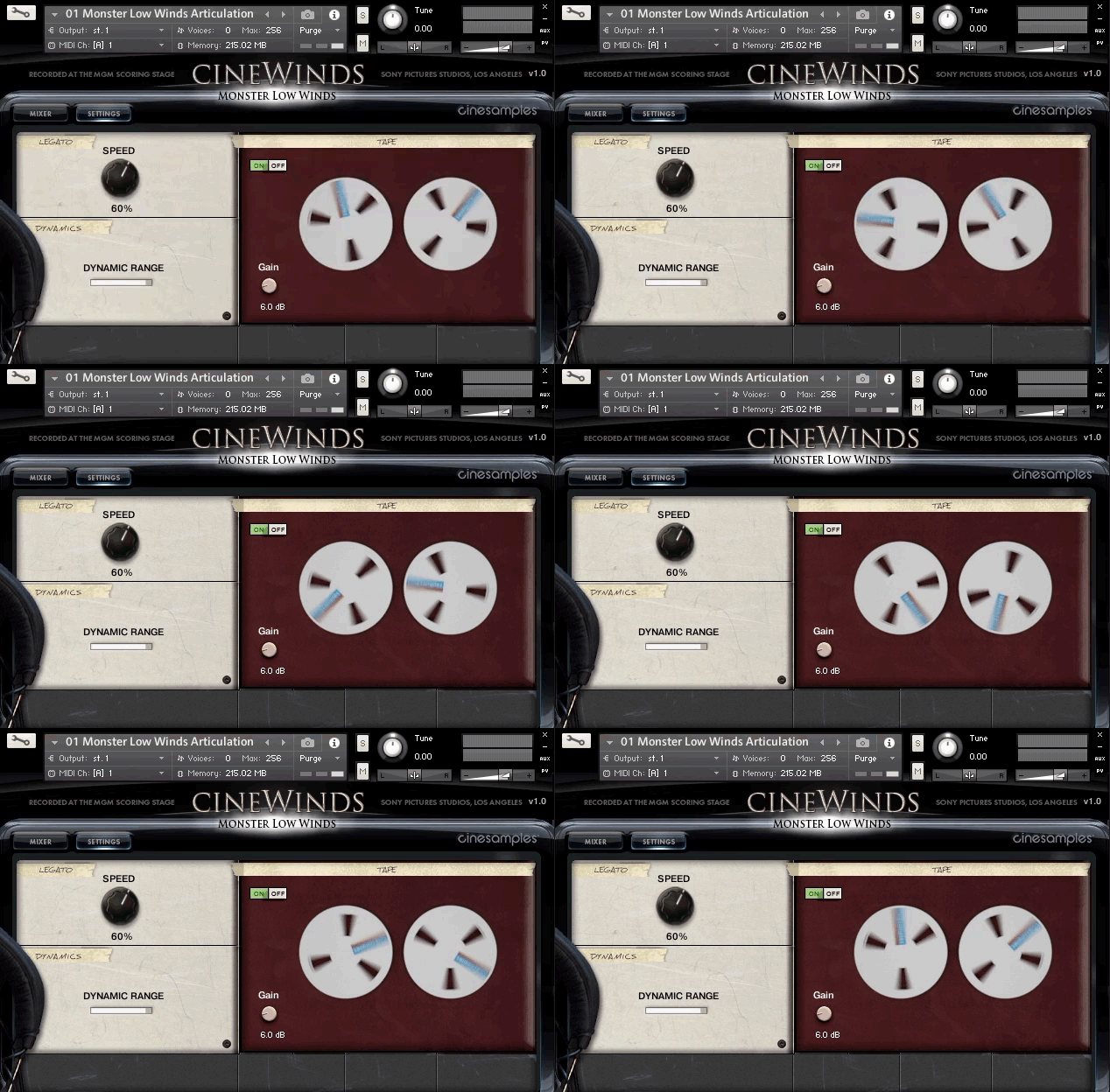
Legato Speed Knob
The Legato Speed knob controls the length of the legato transition. Lower values result in shorter transitions that lend themselves to faster legato playing, while larger values use more of the recorded legato transition result in a longer fluid more connected legato transition.
Dynamic Range Slider
The Dynamic Range slider controls the amount of dynamic range that is associated with the mod wheel. With the slider all the way up the dynamics will go from nothing to fortel with the slider all the way down, there is little dynamic change with the mod wheel – only a change in timbre.
Tape Saturation
The Tape Saturation control adds Kontakt’s tape emulation to the ensemble. This adds a bit of color and glues everything together. Higher values will start to distort the signal, which can be used as an effect.
Kontakt and NKS Integration
Monster Low Winds is scripted for Native Instruments' Native Kontrol Standard (NKS) format.
System Requirements
- Requires Kontakt 5.6.8 and above (Works with both the FREE Kontakt Player and the paid, full version of Kontakt v5.6.8+)
- Requires a minimum of 6GB free hard drive space during installation. Library size is approx. 3GB after installation
- Minimum 8GB RAM Recommended
Kontakt 5.6.8 Minimum System Requirements
- Mac OS X 10.10 or higher (i5 CPU or higher)
- Windows 7, Windows 8, or Windows 10 (latest Service Pack, 32/64-bit) Intel Core 2 Duo or AMD Athlon 64 X2
Kontakt 5.6.8 Supported Interfaces
- Mac OS X (64-bit only): Stand-alone, VST, AU, AAX
- Windows (32/64-bit): Stand-alone, VST, AAX
This instrument requires the FREE or FULL version of Kontakt 5.6.8+























