


 Log In

Free gifts available with your purchase

Evocative Orchestral Library
Weave Stories Through Sound
Set the scene with Fables, a cinematic library of evolving ensemble textures. Building on the legacy of Lores, Fables lets you seamlessly blend and layer a collection of lush acoustic instruments across a three-layer engine to shape your own multi-dimensional soundscapes. Whether you’re crafting your next cinematic score or adding motion to electronic productions, Fables has all you need to bring movement, magic, and mysticism to your music.
Hybrid Cinematic Textures
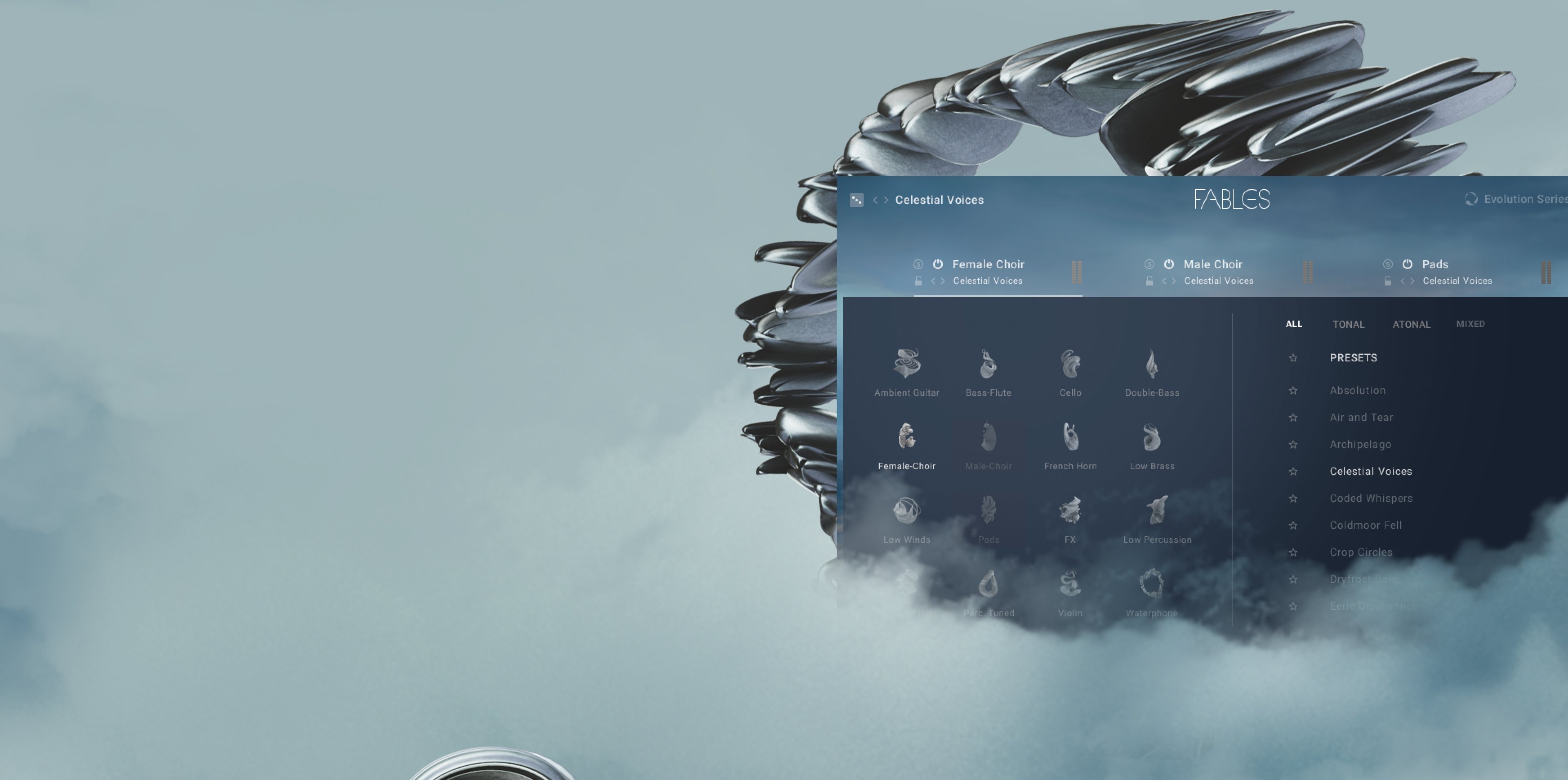
Discover the alchemy between organic and synthetic tones with a collection of blendable string sections, female and male choirs, woodwind, tuned percussion, pads, low brass, French horn ensembles, and even waterphone. Each sampled instrument was performed by virtuosic musicians, offering a stunning array of articulations and effect options.
Expressive Performance
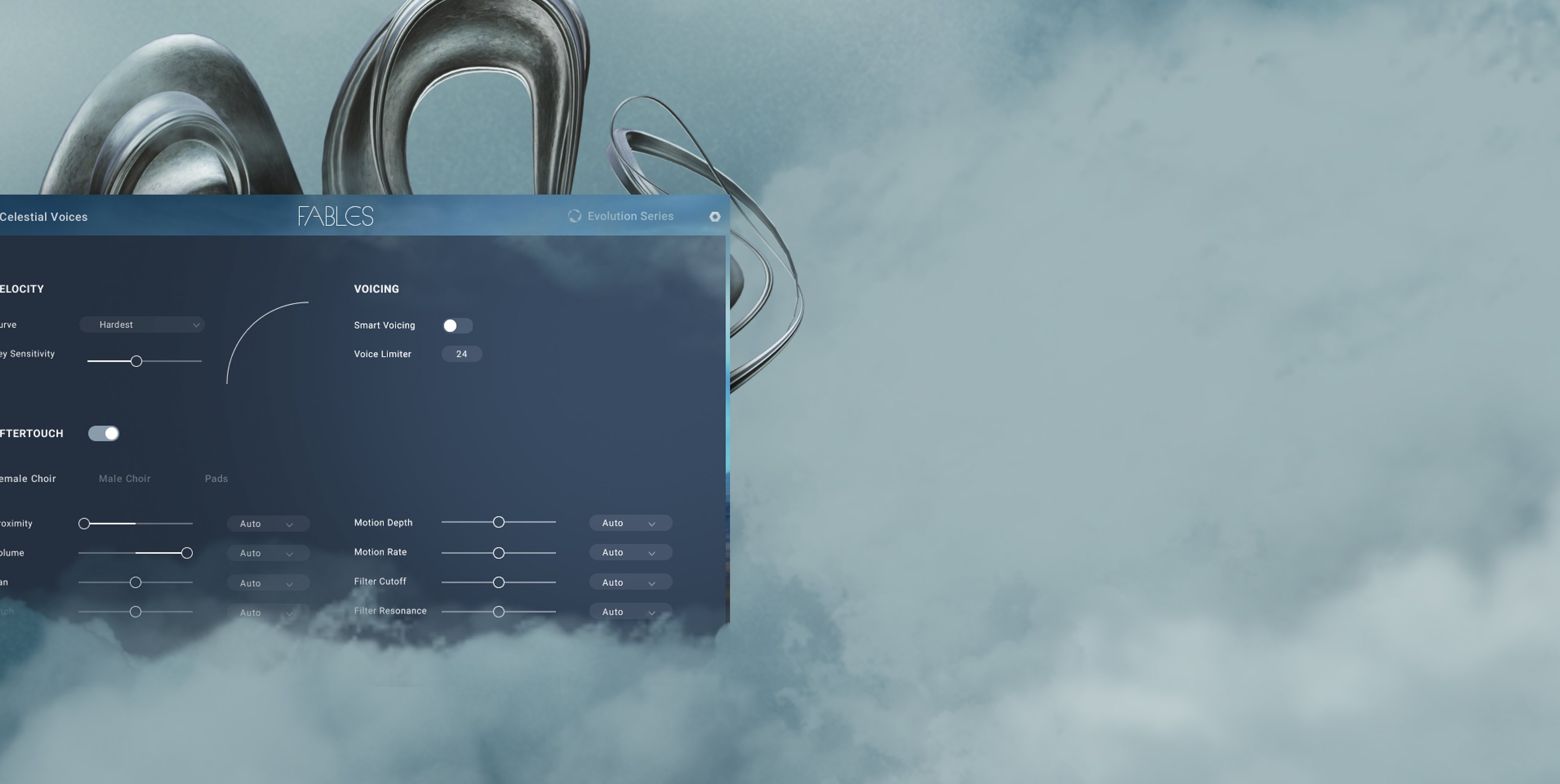
Fables is powered by polyphonic aftertouch, allowing each note to become its own canvas for expression. Infuse your music with subtle nuances and breathtaking dynamics by effortlessly controlling MIDI with your touch. Subtly affect the volume, panning, filters, pitch, and modulation of each voice independently, adding a whole new dimension of depth and emotion to your compositions and performances.
Behind The Scenes
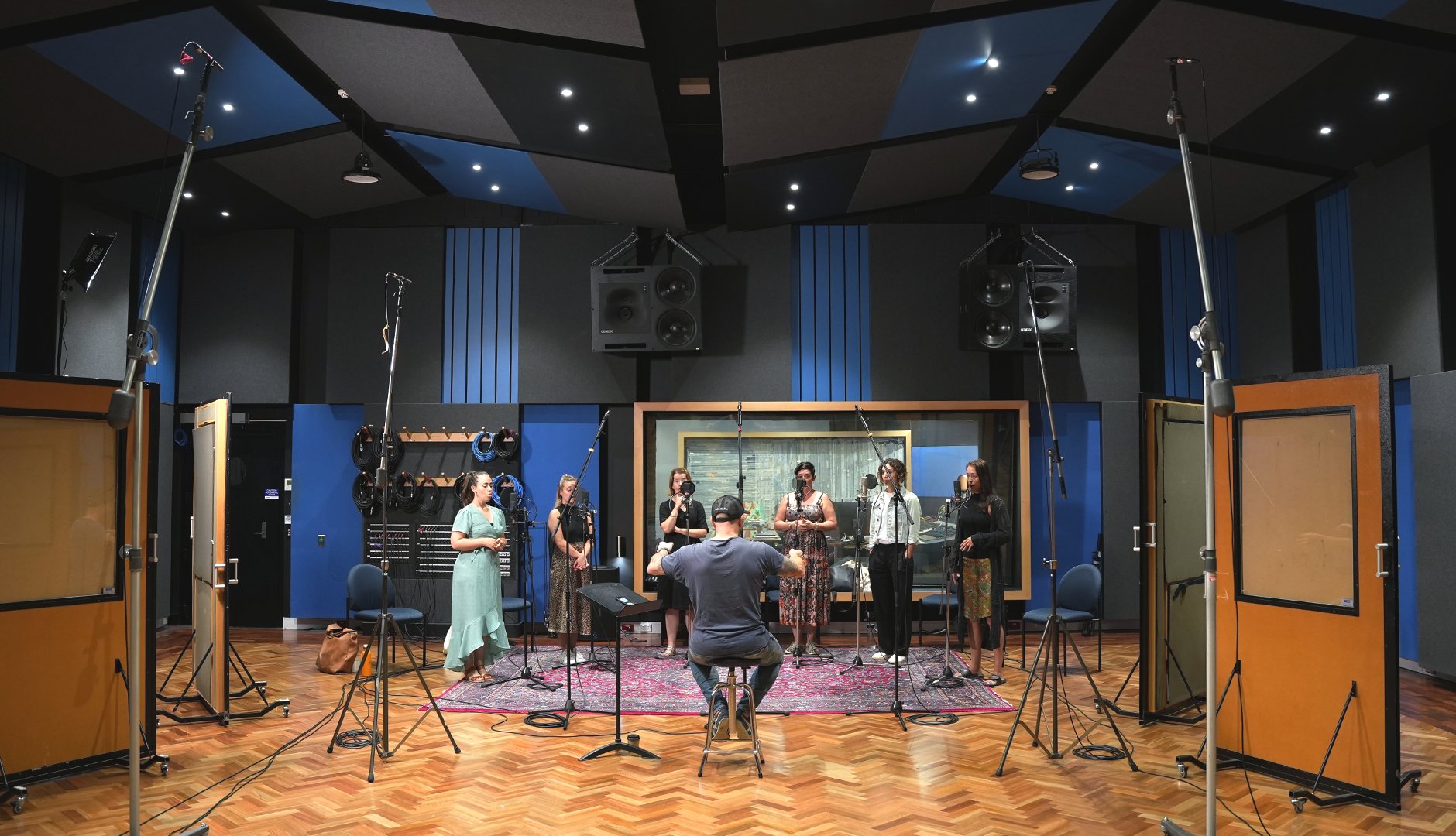
Recorded at the iconic Studios 301 in Sydney, the sounds of Fables are enriched with unique acoustics and top-of-the-line equipment. Finding beauty in imperfection, every swell, tremolo, and stray harmonic is meticulously captured to embrace human character. Blend between two microphone positions for true control.
About Evolution Series
This dedicated team of globe-trotting developers is inspired by sounds from all over the planet. They capture only the most expressive performances from talented players to deliver completely authentic libraries. With a focus on the raw quality of traditional instruments and voices, Evolution Series continues to set the bar for high-quality sounds and intuitive engines, suitable for all types of composing.
Features
- Blend and layer a collection of organic and synthetic timbres to craft immersive soundscapes
- Perform expressively with polyphonic aftertouch
- 16 hand-played instruments expressed through over 400 articulations – waterphone, strings, choirs, and more
System Requirements
- FREE Kontakt 7 Player or Kontakt 7 Version 7.5 or higher is required to use this instrument
- Download size: 57 GB



