


 Log In

Free gifts available with your purchase
Authentic Irish instruments
The Essence of Ireland
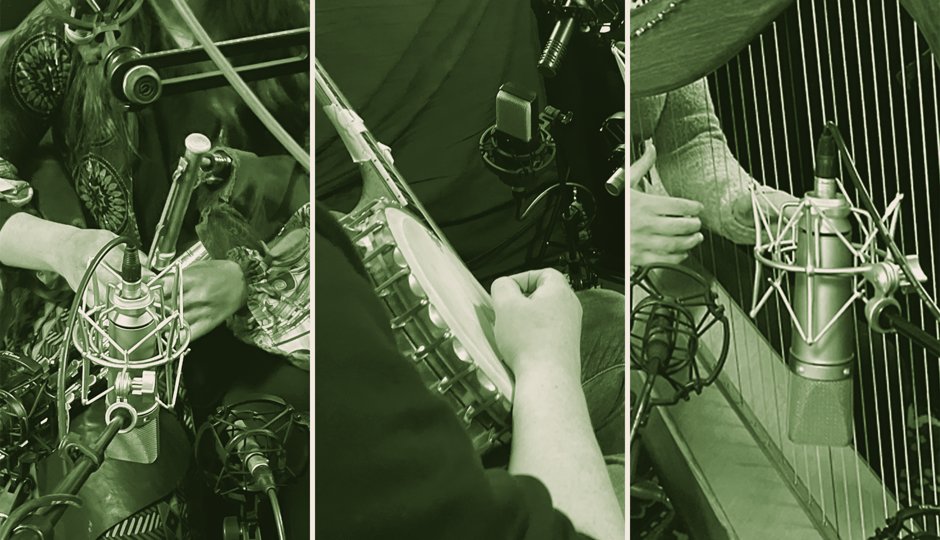
From the haunting echoes of uilleann pipes to the spirited twang of the banjo, Spotlight Collection: Ireland delivers 11 traditional Irish instruments, captured in the heart of Milltown Malbay with renowned musician Noel Hill. Whether layering melodies into lively ensembles or infusing a touch of Irish influence into modern productions, this collection offers a genuine and evocative journey into the soulful world of Irish musical traditions.
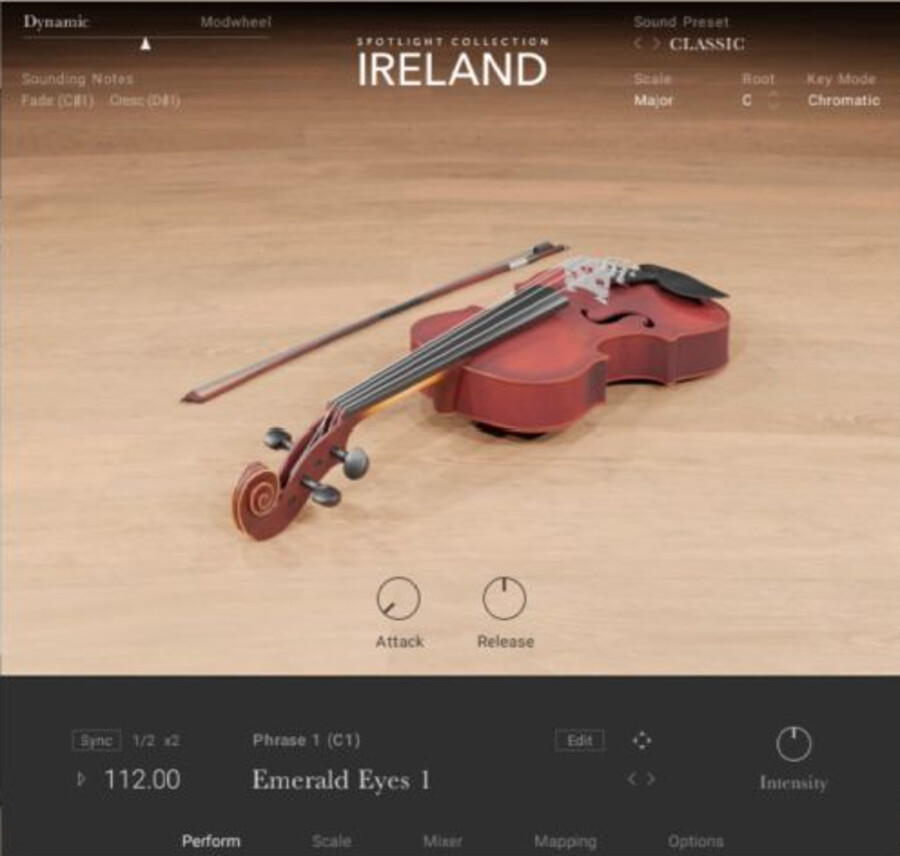
Traditional Tones
Explore pipes, fiddles, and flutes, each enriched with ornaments and articulations that define the rich tapestry of Irish folk. Experience true legato samples that capture the nuanced expression of each instrument, from the soulful song of the Irish flute and tin whistle to the rhythmic dance of the bow across the fiddle.
Instantly Playable
Each instrument contains a range of snapshots, each featuring six MIDI phrases that help you quickly audition sounds and enhance your performances. Simply select a scale and root note, and the MIDI phrases will be mapped to the corresponding notes. Alter the tuning of each instrument, shape your sounds with studio controls, and add heightened realism to performances with polyphonic aftertouch support.
Go Further With Kontrol Keyboards
Enjoy an effortless workflow with Kontrol keyboards. For the first time in the Spotlight Collection, we offer polyphonic aftertouch support and release velocity, helping to add expression and realism to performances. The color-coded Light Guide allows for seamless switching between playing styles and techniques for hands-on, stress-free creation.
Features
- Explore the genuine sound of 11 traditional Irish instruments, including tin whistle, fiddle, bodhrán, and Irish harp
- Perform intricate melodies with a wide selection of scales and rhythms
- Craft true-to-life arrangements with the built-in mixer and powerful studio effects
System Requirements
- FREE Kontakt 7 Player or Kontakt 7 Version 7.7.2 or higher is required to use this instrument
- Download size: 24 GB



