


 Log In

Free gifts available with your purchase
Cinematic Pulse Engine
Deep, Dark Patterns and Pulses
For some stories, only the darkest sounds will suffice. Pairing the all-new SCHEMA Engine with a far-reaching array of the deepest, heaviest, and most twisted sound design imaginable, SCHEMA: DARK propels your sonic narrative to unfathomed depths.
The SCHEMA Engine
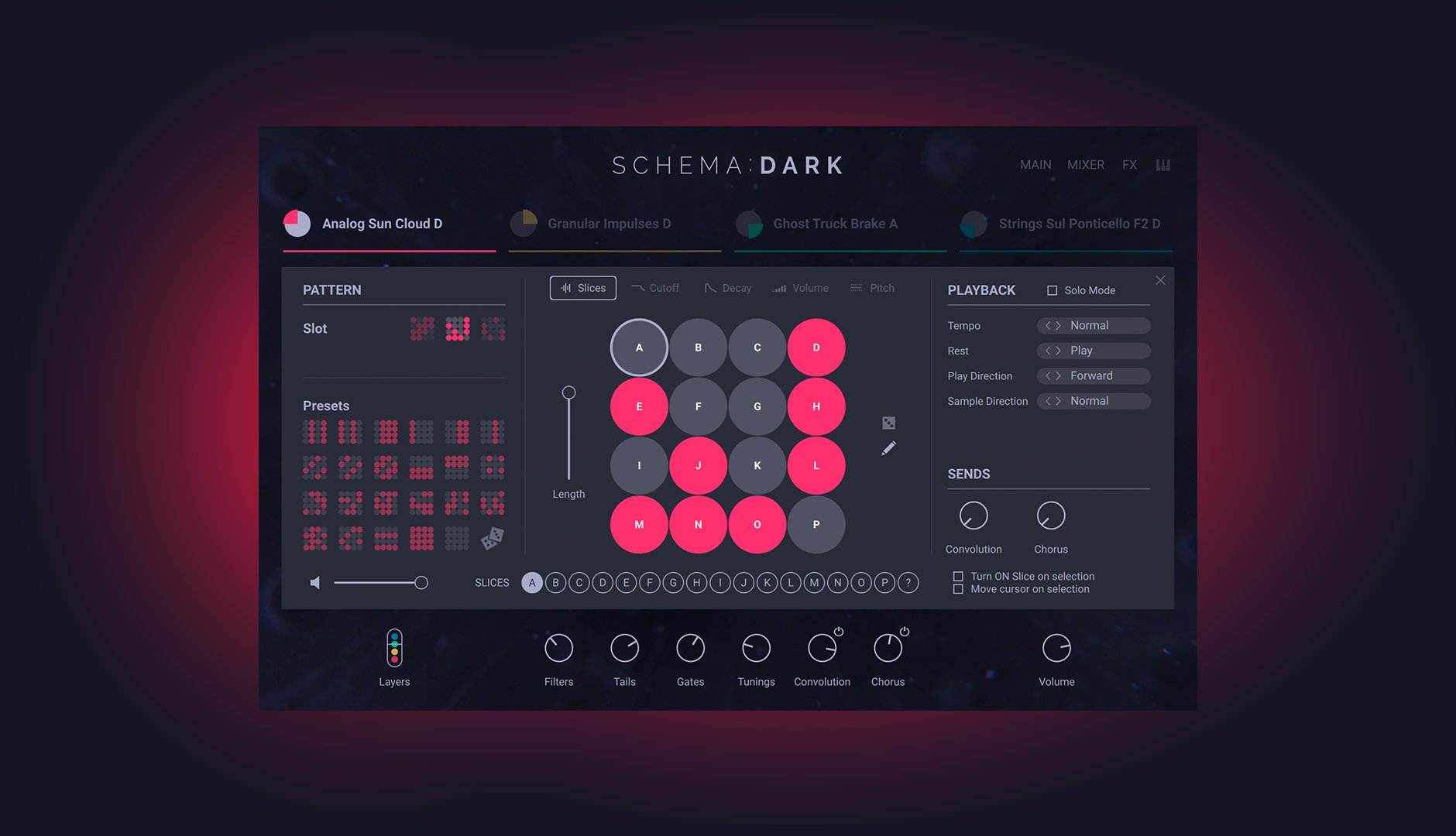
SCHEMA: DARK is built around a 16-step sequencer unlike any other: start with four tempo-synced loops of two bars each, toggle up to 16 steps for each layer to create unique rhythmic patterns, then vary the density of your creation using the mod wheel. Get instantly satisfying results or dive in to explore polyrhythmic trickery, uneasy ambience, high-intensity walls of sound – and every point in between.
Full-spectrum Darkness
From curated field recordings to modular synth sequences and expertly captured orchestral recordings from the renowned Sofia Session Studio, SCHEMA DARK’s 1700 unique loops are united only by a pitch-dark tonality and your project’s tempo. Keep drones, basses, synths, and orchestral sounds in key using your MIDI keyboard, and pitch drums and SFX to taste with the dedicated Tuning knob.
Dial In, Develop, or Go Deep
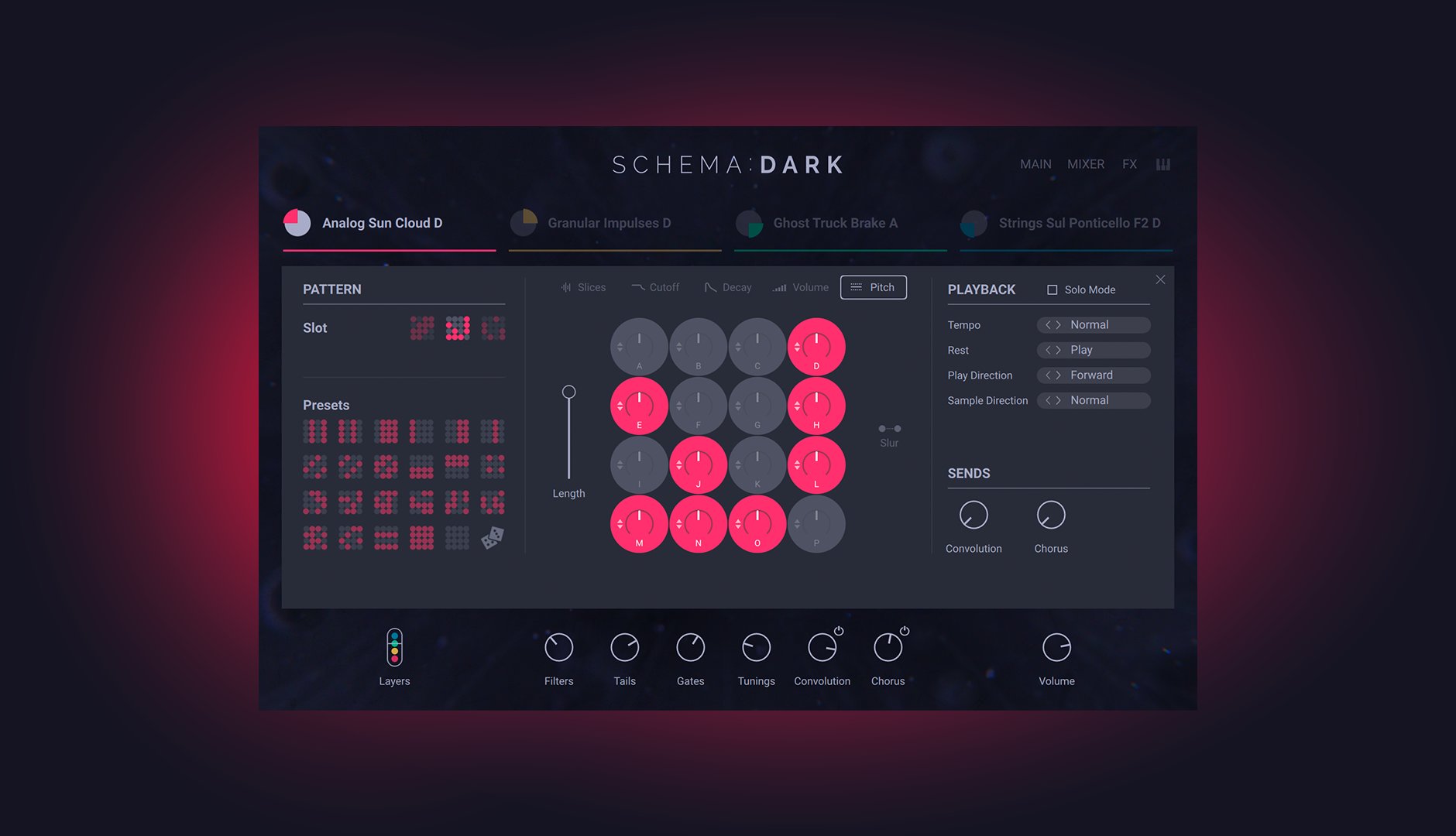
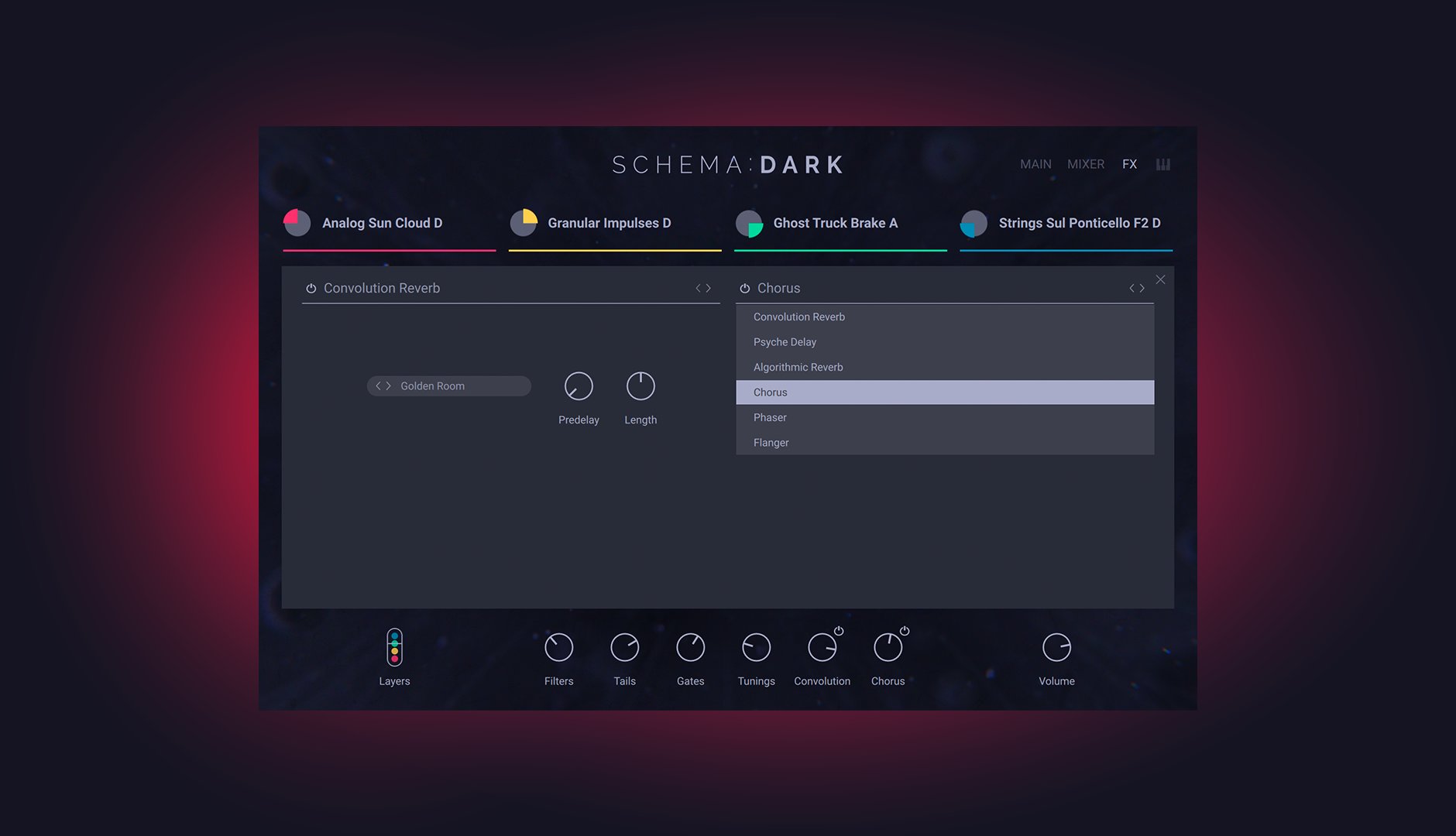
SCHEMA Dark comes with 343 professionally designed presets to get you up and running right away. Each one consists of four loops, each with their own switchable patterns, playback modes (including reverse!), envelopes, effects, and more. For further tweaking, filters, decay, volume, and pitch are all editable per step, pattern lengths can be set independently for polyrhythmic fun, and six studio-grade effects are assignable across two send slots.
Roll The Dice
If you’re feeling spoiled for choice, each of SCHEMA: DARK’s four loops can be randomly selected for an instant jolt of inspiration. From there, each of the 16 slices for each loop can be randomly reordered, and the sequencer patterns themselves can also be decided by the roll of a dice. With the SCHEMA Engine, you’re never more than a few clicks away from somewhere entirely unexpected.
About The Creator
SCHEMA: DARK was created in collaboration with pro sound and instrument designer Tobias Menguser. Since starting in the early 90s, he has created sounds and instruments for many of the industry’s biggest names, including providing sounds for an extensive catalog of almost 500 movie trailers.
Features
- Create, dark, driving patterns and pulses with a unique, new sequencing engine
- Layer expertly sound-designed variations of orchestral, synthetic, and field-recorded loops
- Go deep with editable patterns for each layer, intuitive macro knobs, mix controls, and studio-grade effects
System Requirements
- FREE Kontakt Player or Kontakt is required to use this instrument
- Download size: 1.87 GB



