


 Log In
.jpg)
Free gifts available with your purchase
Contemporary Electric Guitar
Your Session Electric Player
ELECTRIC SUNBURST precisely captures a timeless, playable electric guitar, ideal for modern productions. It combines a comprehensive library of strumming patterns, picked arpeggios, and genuine riffs with real-time performance controls. The innovative playback engine allows for a virtually endless number of chord variations, and creates convincing, musical results from effortless input.
Take Your Pick
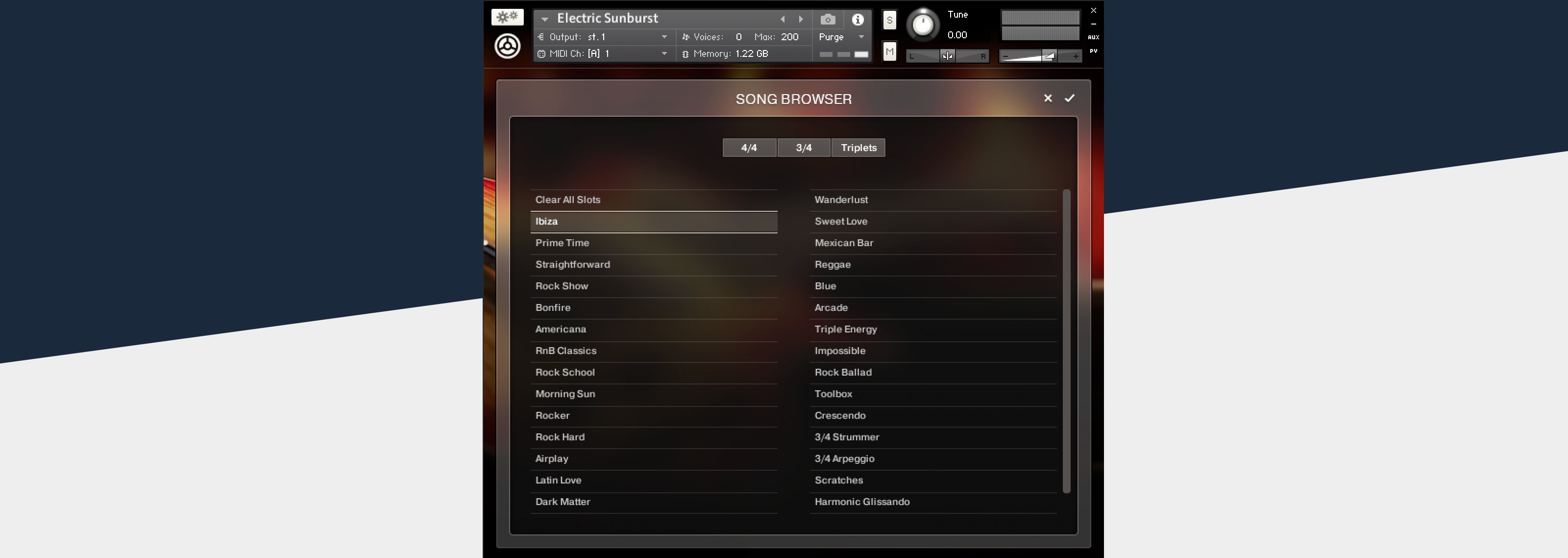
ELECTRIC SUNBURST uses the same realistic strumming engine found in STRUMMED ACOUSTIC 1 and 2 while adding riffs and picked patterns. Find what you need fast with a dynamic pattern search function. Then simply play a chord for authentic results.
Release-Ready Sound
ELECTRIC SUNBURST features a high-quality suite of effects, amps, and cabinet emulations. Three distortion and four modulation effects provide the sound of classic pedals, while five amplifier models and a choice of ten cabinets let you dial in a unique tone. High-quality console EQ, two compressors, tape emulation, reverb, delay, and tape delay allow you to create complete, release-ready results entirely within the instrument.
The Guitar
ELECTRIC SUNBURST captures the sound of a classic guitar chosen for its rich, warm, and adaptable sound. A pristine signal path – with high-end cables, vintage tube preamps, and high-resolution converters – ensured that every nuance of this legendary instrument was accurately captured. Bridge and neck pickup signals were recorded separately so you can take full control of the mix balance. A condenser mic was mounted above the strings to capture fine sonic details and add punch and realism to the performance.
Content Library
Choose from 154 patterns, covering a wide range of realistic riffs, arpeggios, strummed intervals, and chords. The patterns are conveniently grouped into 31 well-coordinated song presets suitable for everything from contemporary pop to electro. The autochord mode and convenient voicing presets allow you to perform or program convincing electric guitar parts, regardless of your musical background.
Thousands of loops, single notes, and noises were sampled over a wide range of fret positions. Samples include both plectrum and fingers options in open, muted, and flageolet articulations. The result is unprecedented flexibility, realism, and tonal variety. Tuning, timing, and humanization settings help you generate genuine live-sounding performances across musical styles.
Komplete Kontrol Integration
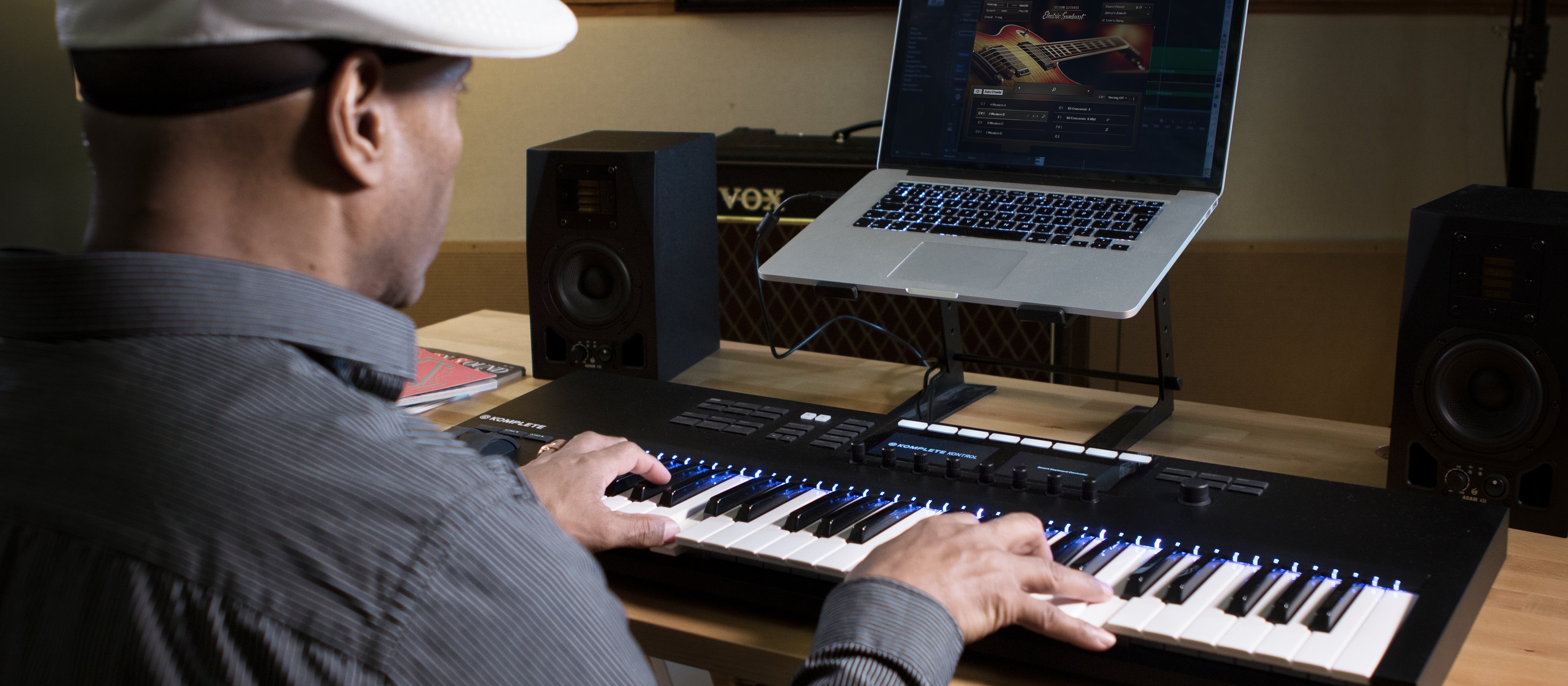
ELECTRIC SUNBURST takes full advantage of KOMPLETE KONTROL hardware and the NKS standard, offering advantages such as hardware browsing and audio previews, light guide display of keyranges and articulations, and more.
Features
- A perfectly captured, playable electric guitar
- Innovative realistic picking, riff, and strumming
- 154 patterns to suit a wide range of styles
System Requirements
- FREE Kontakt Player or Kontakt is required to use this instrument
- Download size: 16 GB



