


 Log In
.jpg)
Free gifts available with your purchase
Fresh Strings for Contemporary Tracks
Ensemble Strings With a Sleek Interface
Quickly add new color to a pop arrangement, dance track, or score. SESSION STRINGS 2 offers the detailed sound of an intimately recorded small string ensemble. A streamlined design and smart play assistance features help accelerate the path to creative results.
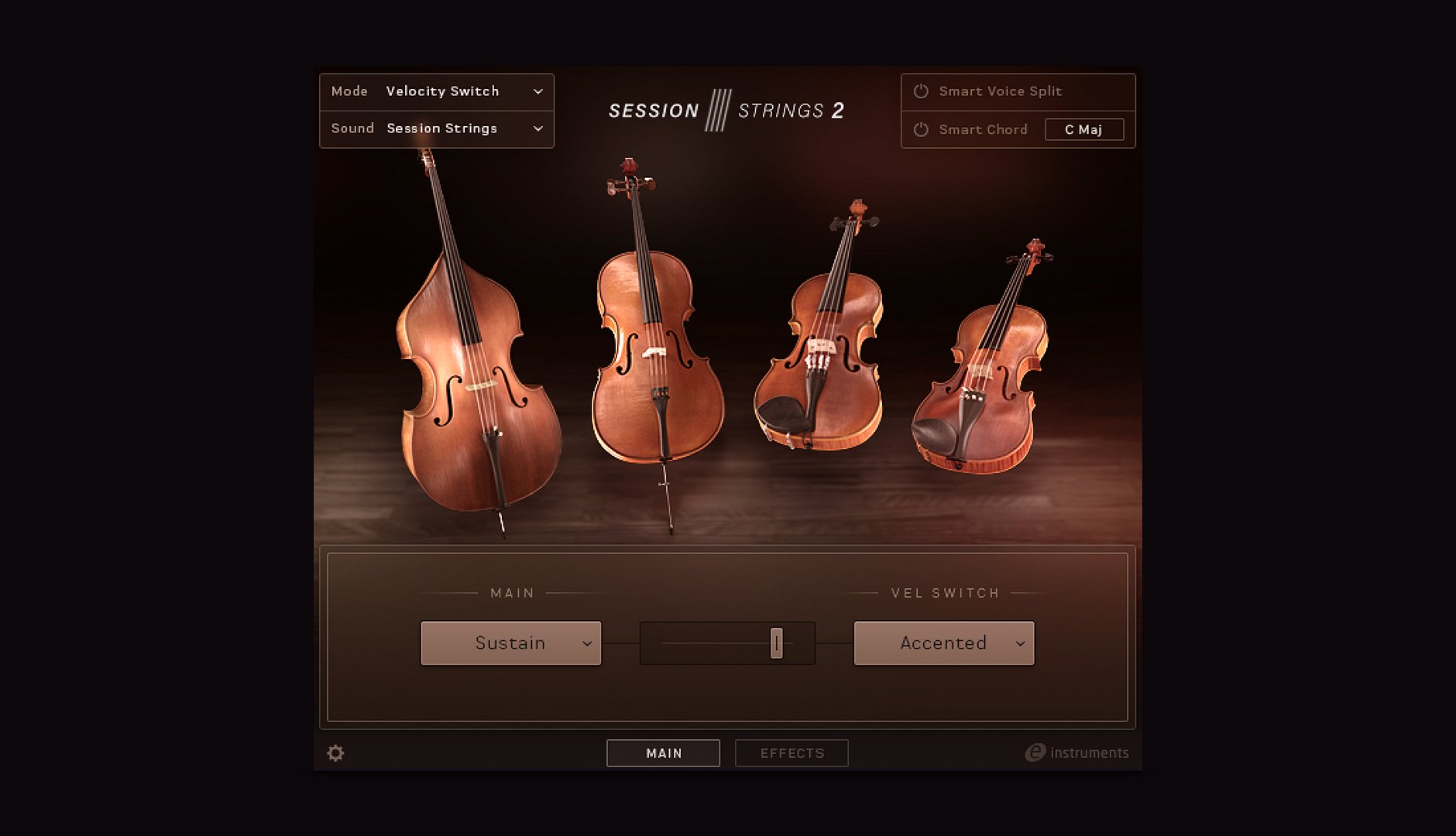
Intimate Sound
SESSION STRINGS 2 draws from high-quality recordings of a small modern ensemble – vintage instruments, played by top session musicians, and captured at a renowned German studio. The ensemble consists of four violins, three violas, two celli, and two double basses.
Expression Made Easy
Bring your string arrangements to life – SESSION STRINGS 2 lets you shape notes and phrases with 14 articulations, ranging from accent, pizzicato, and crescendo to legato and portamento.
Play Assistance Features
SESSION STRINGS 2 incorporates a wealth of user-requested play assistance features accessible from a modern user interface.
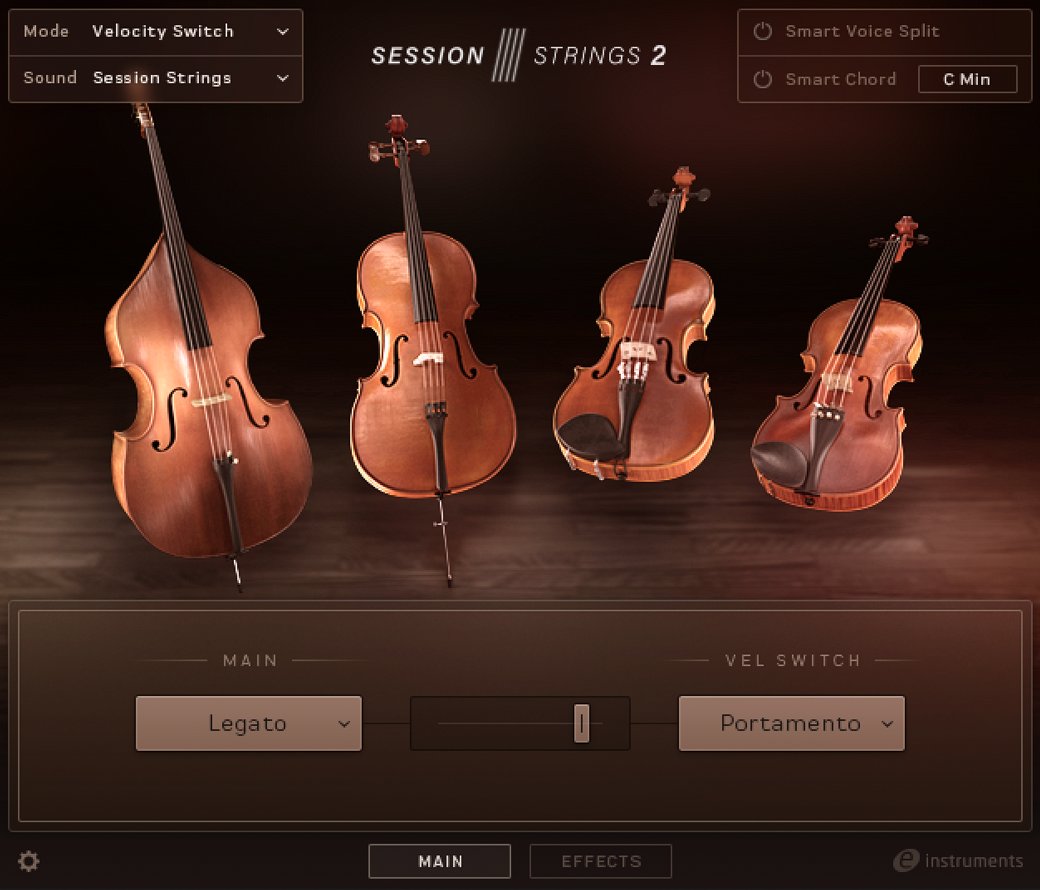
True Legato
Engage true legato or portamento. Each interval has its own correct transition.
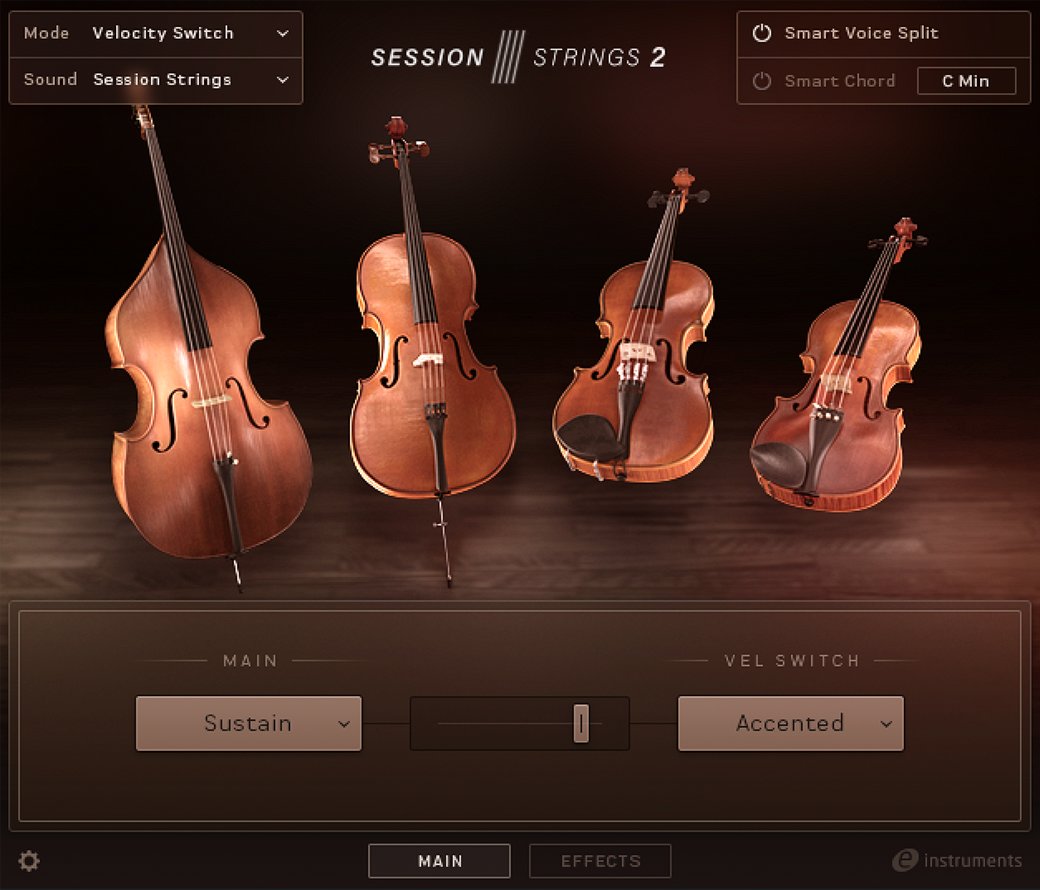
Smart Voice Split
Ensure natural chord voicing with notes that are automatically allocated to the correct instrument group.
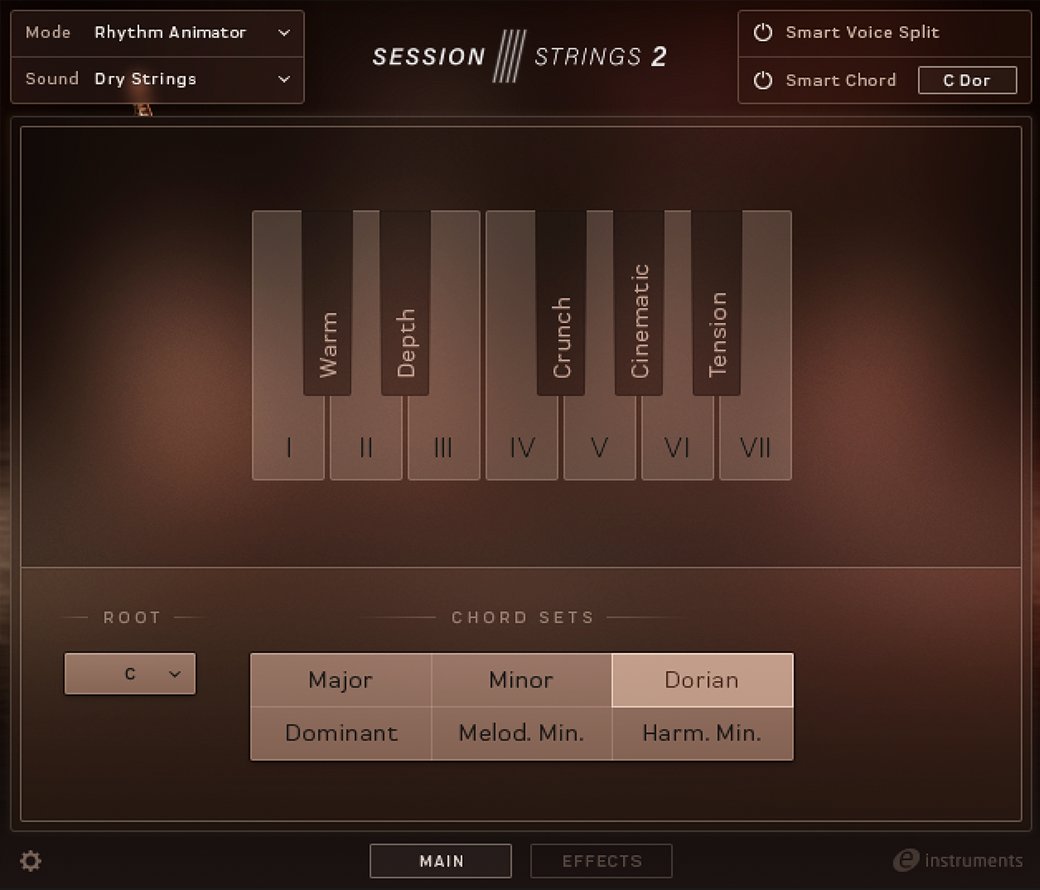
Smart Chord
Generate fully orchestrated ensemble chords from single keys.
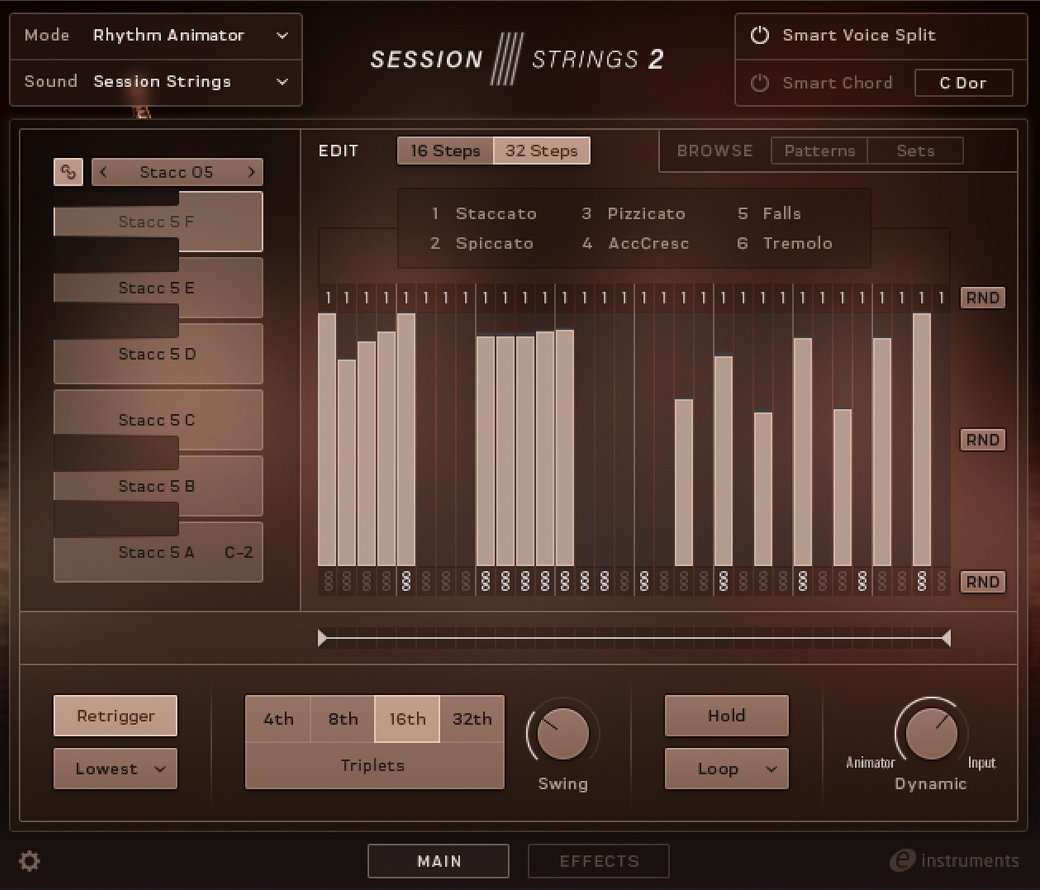
Rhythm Animator
Add motion to chords with the rhythm animator – an arpeggiator with assignable articulations, chord, and note options per step.
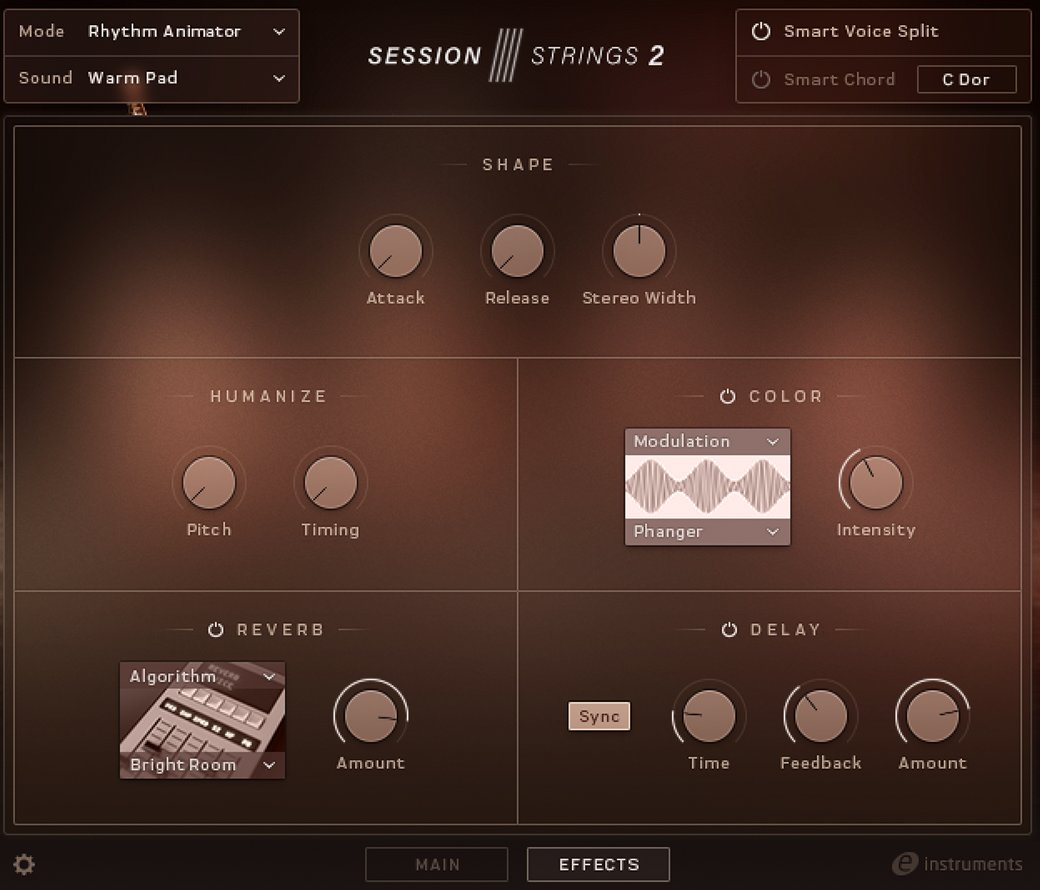
Color
Transform the sound of your ensemble with a turn of one knob using a powerful master multi-effect capability.
Features
- Detailed and intimate sound of an 11-piece string ensemble
- Ideal for pop, R&B, dance tracks, and modern scores
- Smart ‘play assistance’ features to spark creativity
System Requirements
- FREE Kontakt Player or Kontakt is required to use this instrument
- Download size: 11 GB



