Log In
Free gifts available with your purchase
Product information
The Melodina is a type of 15-string zither, belonging to the lap harp family. Originally from Europe, in Costa Rica, Kenneth Paniagua crafts a variant distinguished by a space beneath the strings, designed to store simple instructional sheet music. This feature makes it easier to play music without requiring advanced music reading skills, making it ideal for children due to its small size.
Features
- 72 audio files
- 1108 Kontakt sample files
- 8 Kontakt mic options
- 775MB
System Requirements
- OSX 10.10 or later, Intel Core 2 Duo
- Windows 7, 8 or 10. Intel Core 2 Duo or AMD Athlon 64
- Full Retail Version Kontakt 7 (or later) Required
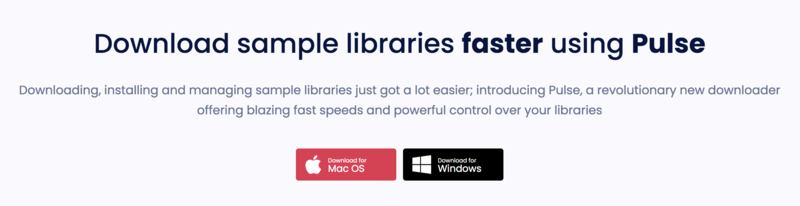
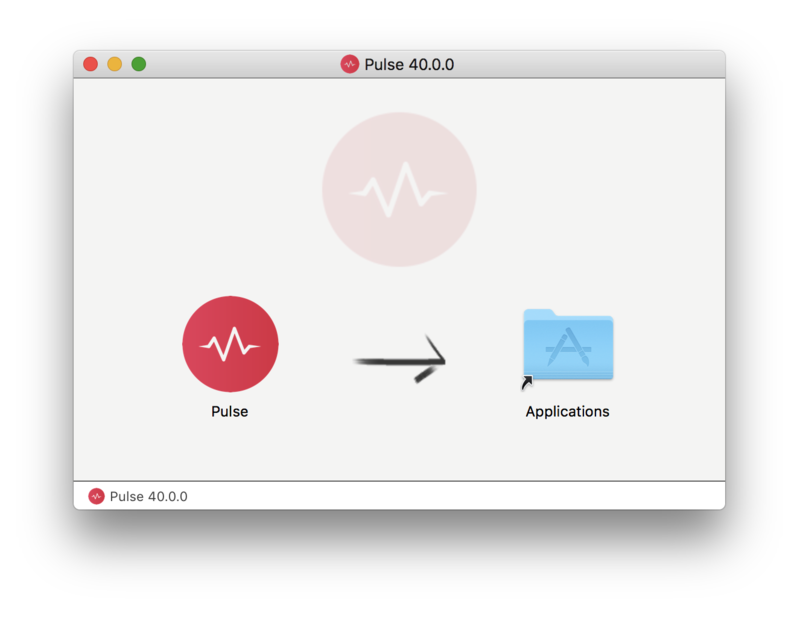
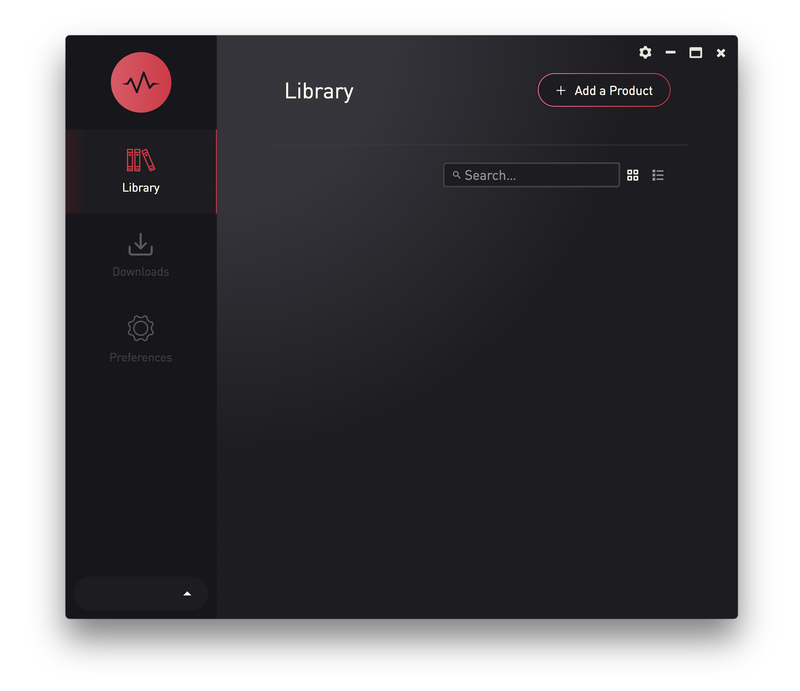
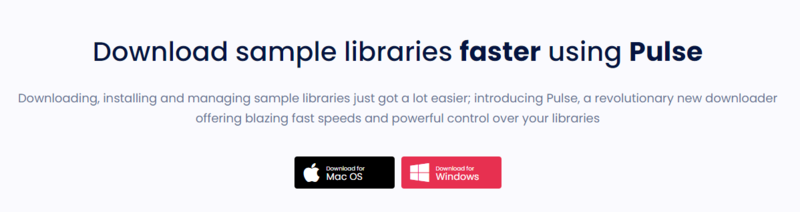
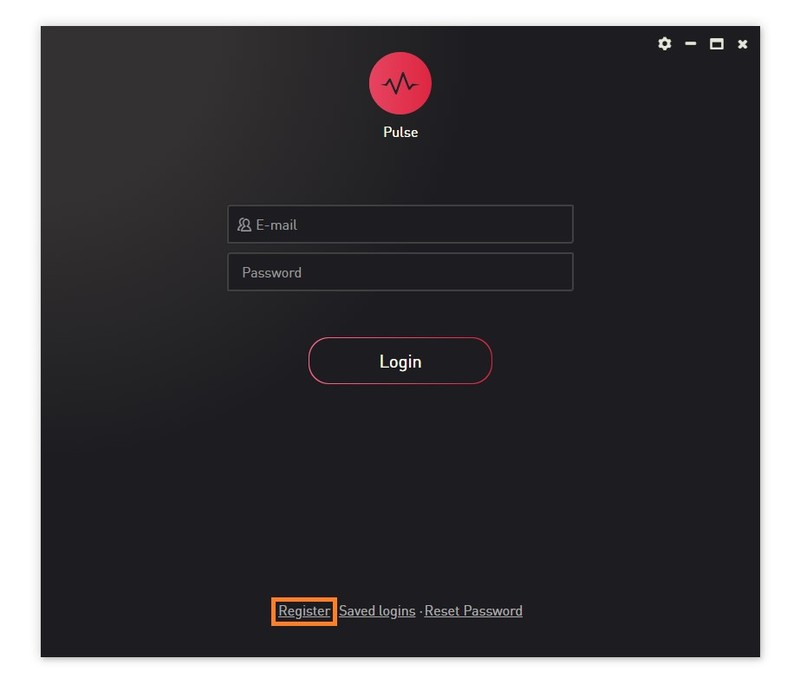
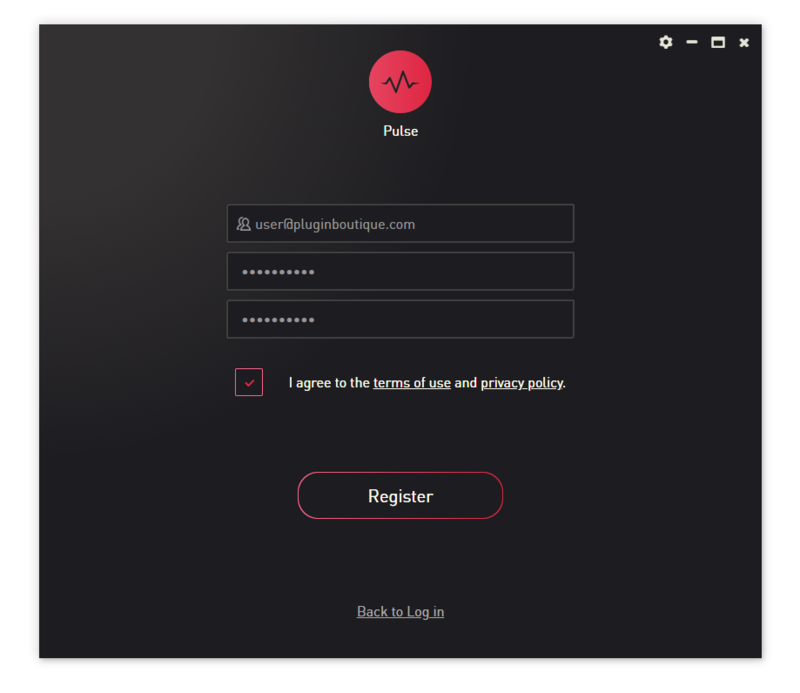
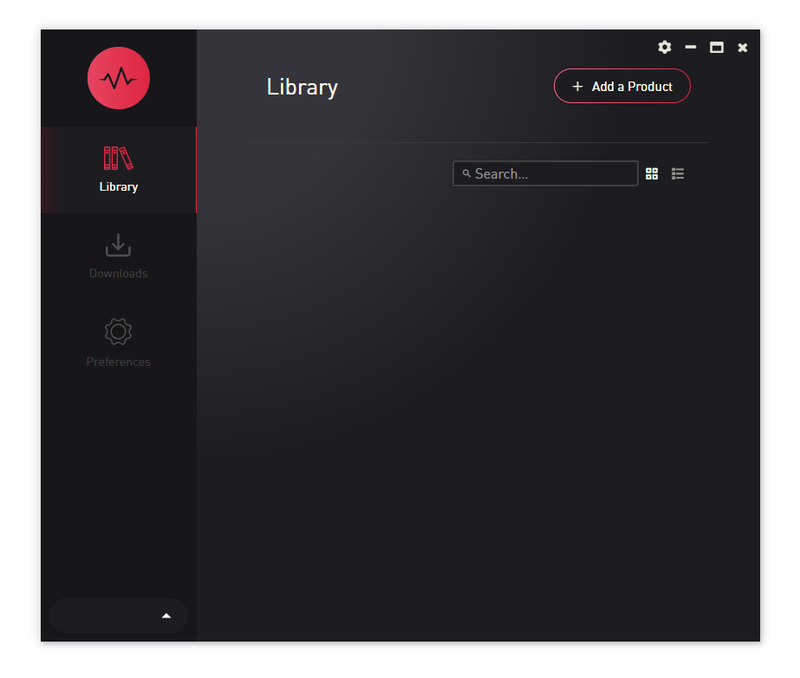
- Pulse installer is required for installation

Important note: The full version of Kontakt (version 7 or higher) is required to use this instrument. The free Kontakt player will NOT work and will run in demo mode.
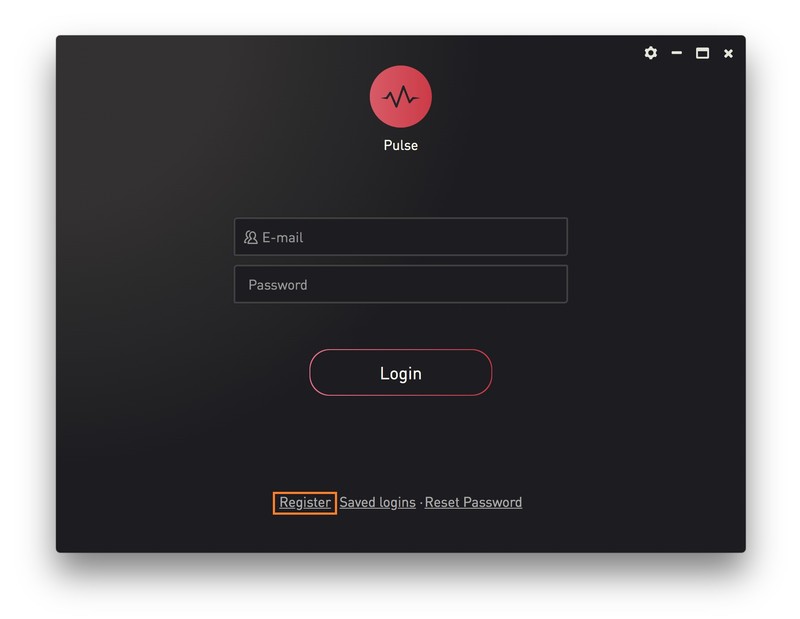
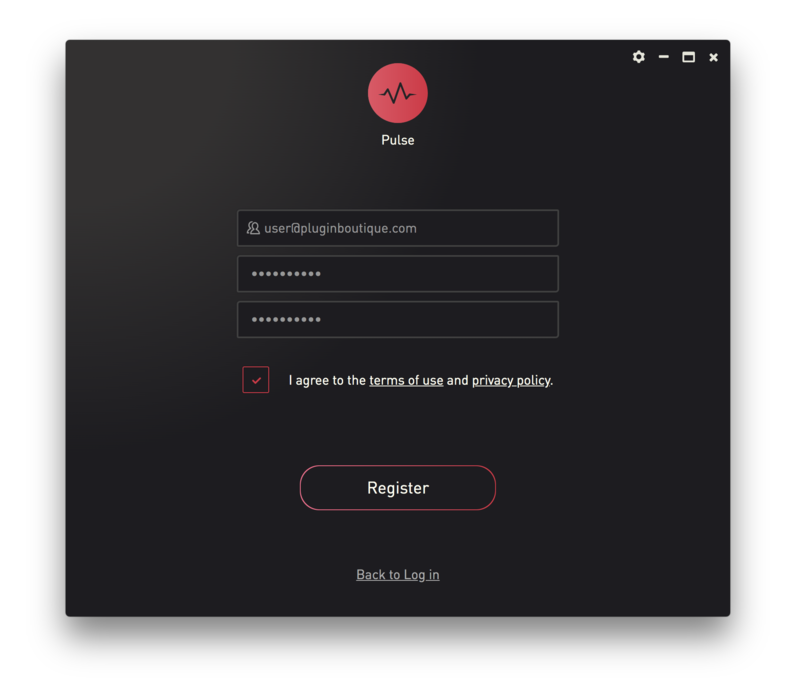
Installation Instructions