/ Kontakt Instrument / Damage Rock Grooves 2
Heavyocity

Damage Rock Grooves 2

5.0 (1 Reviews)
$39.00 $49.00

20% off until Dec 12

Heavyocity Damage Rocks Grooves 2
Damage Rock Grooves 2 - Product Overview │ Heavyocity gallery thumbnail
Damage Guitars 2 - Preset Playthrough │ Heavyocity gallery thumbnail
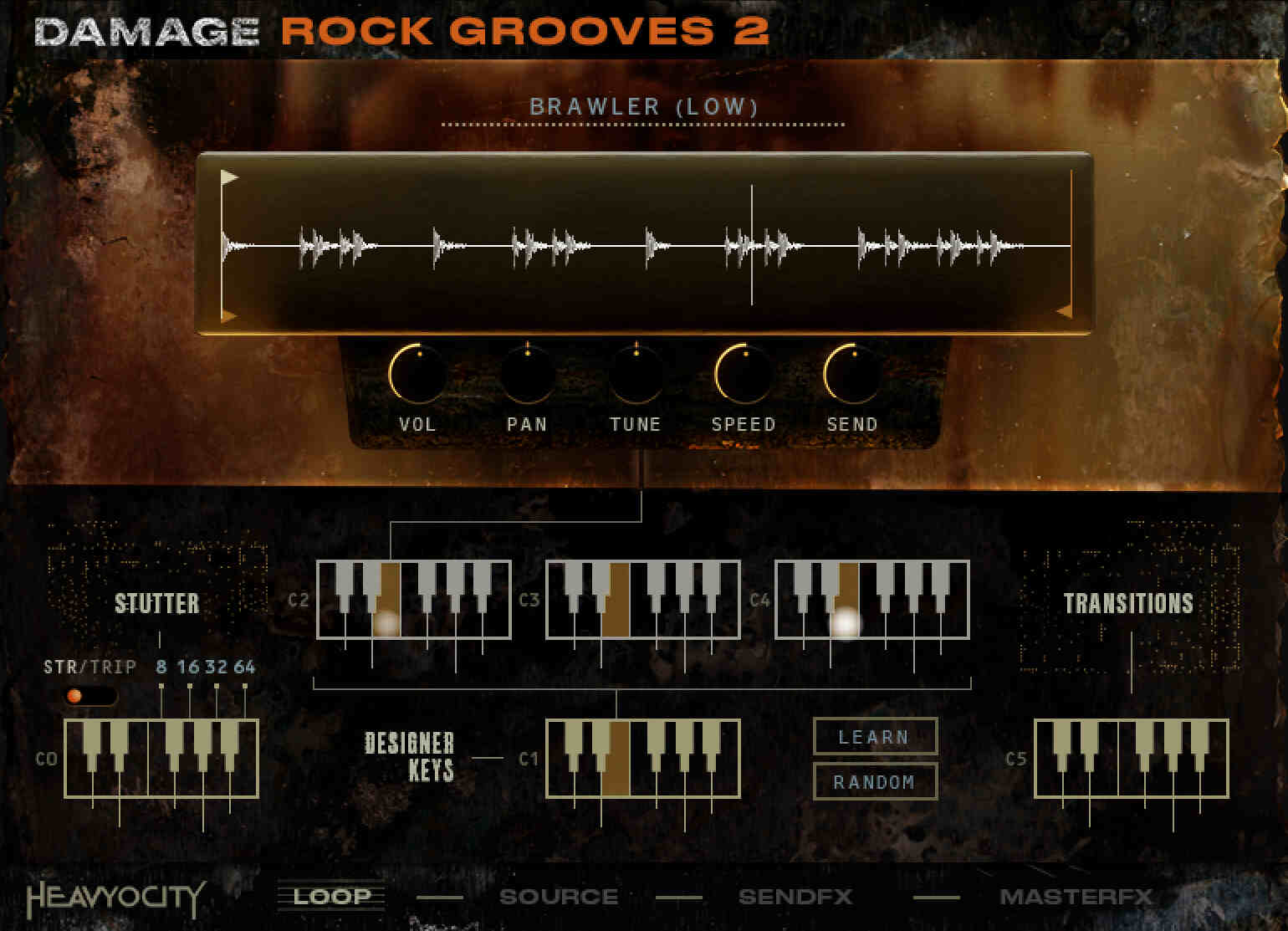
Heavyocity Damage Rock Grooves 2 - UI 1
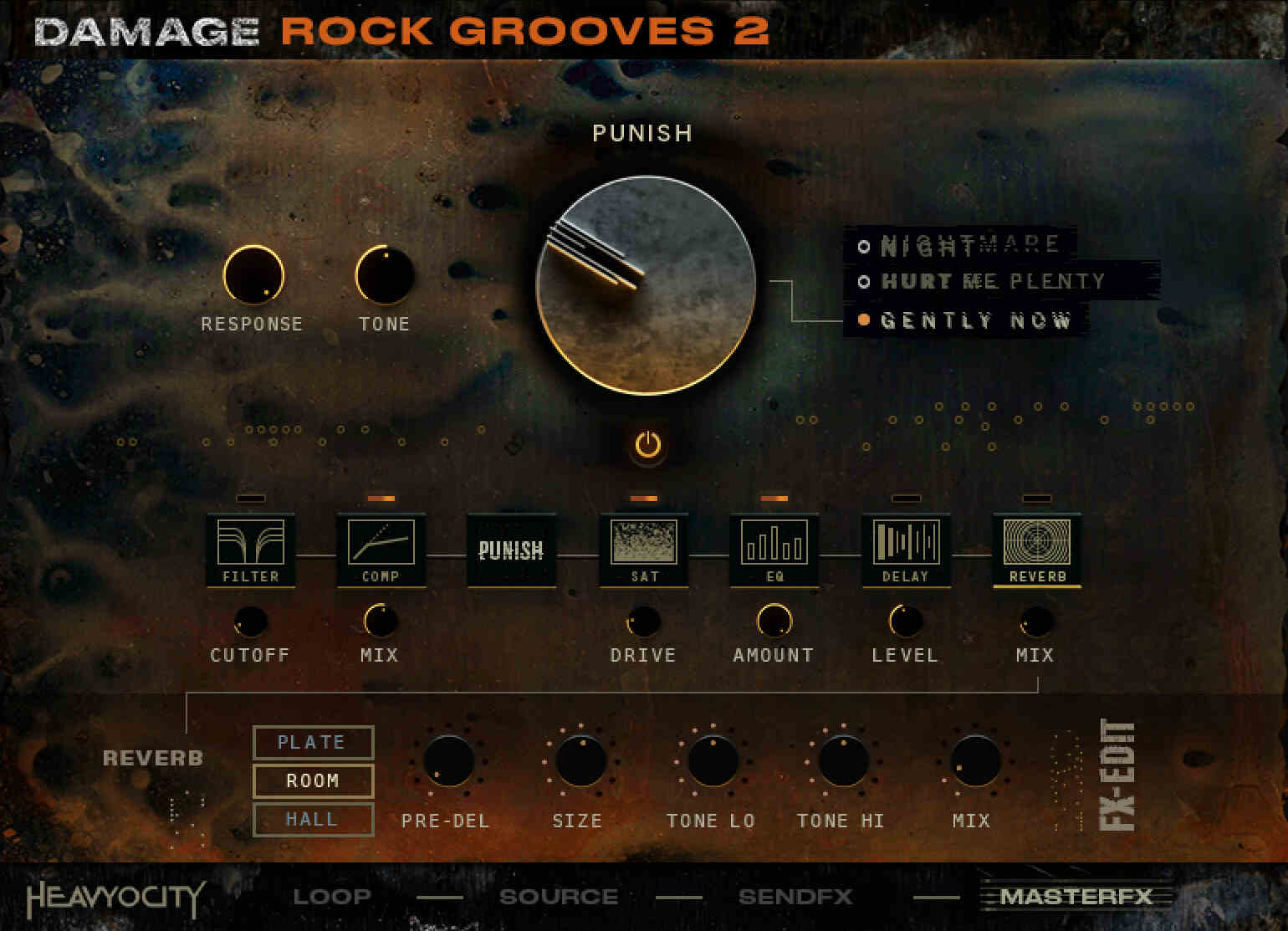
Heavyocity Damage Rock Grooves 2 - UI 2
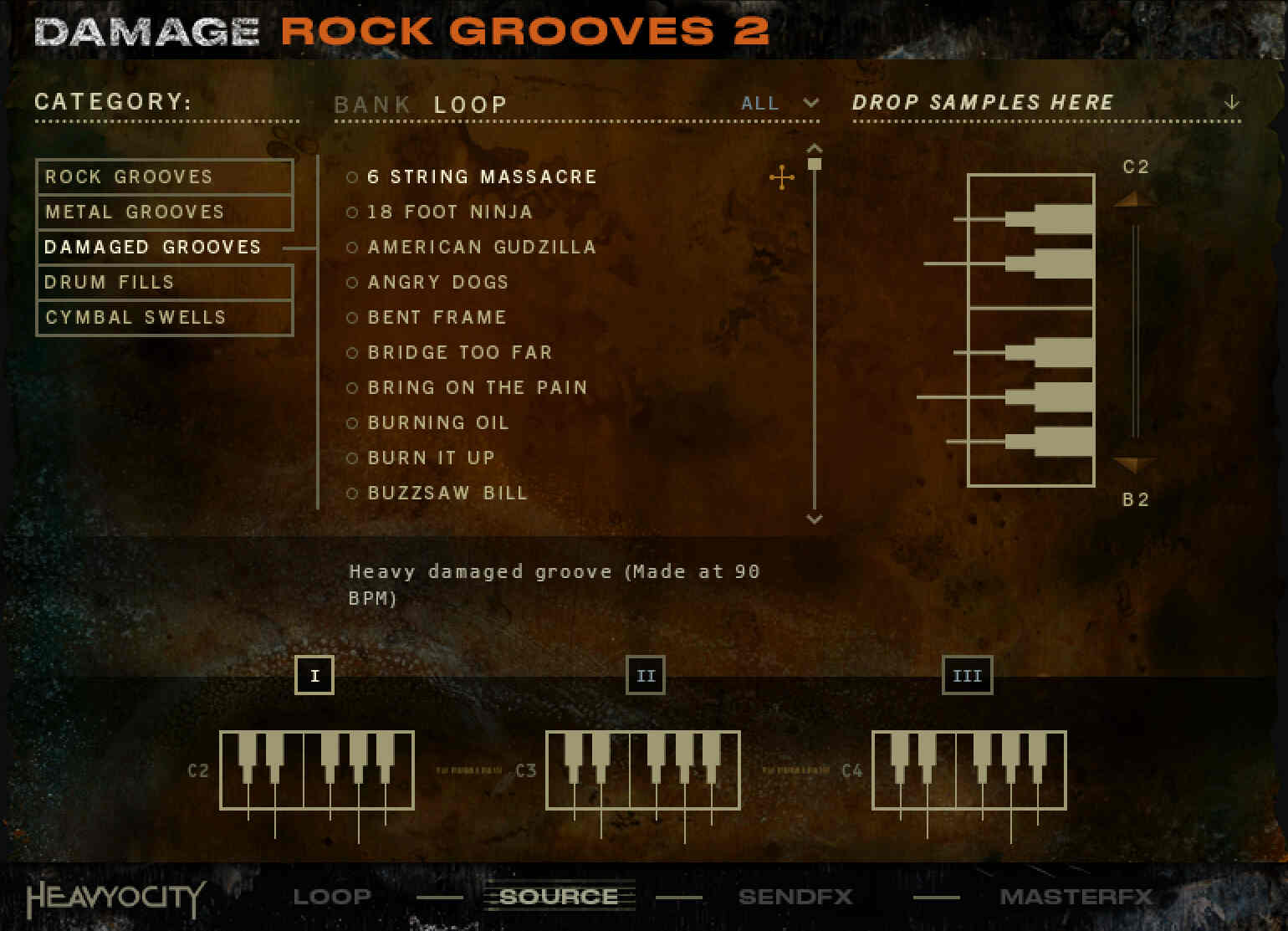
Heavyocity Damage Rock Grooves 2 - UI 3
Buy Now
Product information

A hard-hitting collection of gritty, dynamic drum loops, expertly crafted to complement the energetic riffs, searing leads, and raw power of Damage Guitars 2. These grooves lay the groundwork for creating driving, pulse-pounding cues.

Dynamic Beats

Organized for seamless integration, the loops are divided into three key categories: Damaged, Metal, and Hard Rock Grooves. Additionally, a curated set of Damage Guitars 2 Grooves snapshots mirrors the riff bank names in Damage Guitars 2, making it effortless to pair grooves with corresponding riffs from the new collection.

Loops Your Way

Each loop comes with a full mix and breakout layers for Kick Drum, Snare and Percussion, and Hi-Hats and Cymbals stems. This structure offers the ultimate flexibility, enabling you to mix, match, and build your own unique percussive rhythms.
The Damage Drum Kit

Harnessing the explosive power of the Damage Drum Kit, these grooves bring intensity and production-ready energy, with punch and raw aggression, all backed by the exceptional sound quality and attention to detail that sets Heavyocity drums apart.

Endless Possibilities

Housed within the dynamic Damage 2 Loop Designer, you'll have full control over layering, and tweaking each loop. Whether you want out-of-the-box grooves or prefer experimenting with layered combinations, the creative inspiration will get you composing quickly.
Perfectly Paired

Crafted as the percussive counterpart to the high-energy leads, gritty riffs, and authentic licks of Damage Guitars 2, these grooves provide the driving rhythmic foundation your productions demand.

D2 Engine

Powered by the cutting-edge Damage 2 engine, this collection delivers unmatched creativity and customization options, bringing the signature epicness of Heavyocity to your fingertips.
Features:

  • Over 910 Grooves (228 Full loops provided with 3 stems – Low, Mid, and High)
  • 43 Custom-Designed Presets
    • 42 Curated Groove Presets
    • 18 Presets organized to work with Damage Guitars 2
  • Customizable Groove Playback Engine
    • Intuitive Browser to load in 900+ sources in octave banks and individual sounds
    • Add modulation and effects to individual loops via Unique Send FX layer
    • Redesigned Punish Knob with three unique flavors (Gently Now, Hurt Me Plenty, Nightmare)
    • Customizable Master FX chain

System Requirements

Minimum Requirements

  • Mac: macOS 10.14, 10.15, 11, 12 (latest update)
  • PC: Windows 10 or 11 (latest Service Pack), Intel Core i5 or equivalent CPU, 2 GB RAM
  • Graphics hardware support for OpenGL 2.1 or higher
  • 4 GB RAM (6 GB recommended for large KONTAKT Instruments)

Technical Specifications

  • 2.32GB on Disk (with NI lossless compression)
  • Powered by the Kontakt 6 Engine
  • Kontakt 6.7.1 (Player) or later
  • Komplete Kontrol integrated (NKS-ready)
  • Available as direct download only
  • Stand-alone, VST, AU, AAX


Installation Instructions

Note: This product requires a Native Instruments Account and a free copy of Native Instruments Kontakt Player, which you can download here.

Mac

Registration

1. Visit https://heavyocity.com/my-account/  and fill out the account registration form > Click 'Register'.

Installation

1. Download the Heavyocity Product Portal Installer from within your Plugin Boutique User Account

2. Double-click the .pkg file to begin the installation > Click 'Continue'.

3. Click 'Continue'.

4. Click 'Agree'.

5. Click 'Install'.

6. Enter your computer Username and Password > Click 'Install Software'.

7. Click 'Close'.

8. Open the Heavyocity Portal and enter your Heavyocity-registered Username (Email Address) and Password > Click 'Login'.

9. Click 'Register Now', located at the bottom of the Product Portal.

10. Complete the form and enter the serial number found in your Plugin Boutique User Account > Click 'Register'.

11. Click 'Install' on the far right of the portal.

12. Select an installation location for your Heavyocity product > Click 'Install'.

Activation

1. Log in to Native Access.

2. Click 'Add a serial' in the top left corner of Native Access.

3. Enter the serial number found in your Plugin Boutique User Account > Click 'Add Serial'.

4. Click 'Close'.

5. Click the 'Not Installed' tab on the left-hand side of Native Access.

6. Locate NOVO Essentials > Click 'Add Library'.

7. Click 'browse' and locate the recently installed product > Click 'Install'.

Your product is now activated and ready to use.

Windows

Registration

1. Visit https://heavyocity.com/my-account/  and fill out the account registration form > Click 'Register'.

Installation

1. Download the Heavyocity Product Portal Installer from within your Plugin Boutique User Account > Double-click the .zip file to extract the contents.

2. Double-click the .exe file to begin the installation > Click 'Next'.

3. Select 'I accept the terms in the license agreement' > Click 'Next'.

4. Click 'Next'.

5. Click 'Install'.

6. Click 'Finish'.

7. Enter your Heavyocity-registered Username (Email Address) and Password > Click 'Login'.

8. Click 'Register Now', located at the bottom of the Product Portal.

9. Complete the form and enter the serial number found in your Plugin Boutique User Account > Click 'Register'.

10. Click 'Install' on the far right of the portal.

11. Select the installation location for your Heavyocity product > Click 'Ok'.

12. Click 'Install'.

Activation

1. Log in to Native Access.

2. Click 'Add a serial' in the top left corner of Native Access.

3. Enter the serial number found in your Plugin Boutique User Account > Click 'Add Serial'.

4. Click 'Close'.

5. Click the 'Not Installed' tab on the left-hand side of Native Access.

6. Locate NOVO Essentials > Click 'Add Library'.

7. Click 'browse' and locate the recently installed product > Click 'Install'.

Your product is now activated and ready to use.

Plugin Boutique Rewards

Discover the most rewarding loyalty programme among all plugin retailers.

  • Free Loopmasters Samplepacks
  • Discounts on products and courses
  • Extra Virtual Cash claimed immediately at checkout
Find out more

Follow us:

X (Twitter) Facebook YouTube Instagram
Logo Logo

Plugin Boutique Limited, Part of the Beatport Group LLC.

Copyright © 2011-2025 Plugin Boutique. All rights reserved