


 Log In

Free gifts available with your purchase
A NEW WORLD IN REVERSE
Features
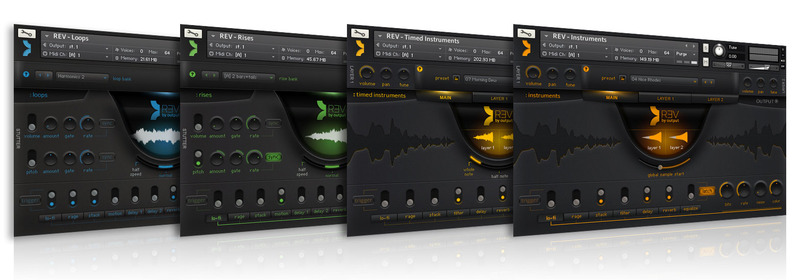
A massive collection of instruments, loops, rises, pads... all based on reverse sounds
- 1000+ Unique Presets
- 4 Powerful Engines
Introducing REV
REV is not a “reverse” button like the one on your DAW or sampler. It’s a world of sound design for producers, composers and musicians based on reverse elements.
Packed into 4 powerful engines with over 14gb of content, REV includes complex synths, real instruments, multi-layered organic pads, loops, rises, pulses, swells, stutters and more.
1,000+ Reverse Instruments
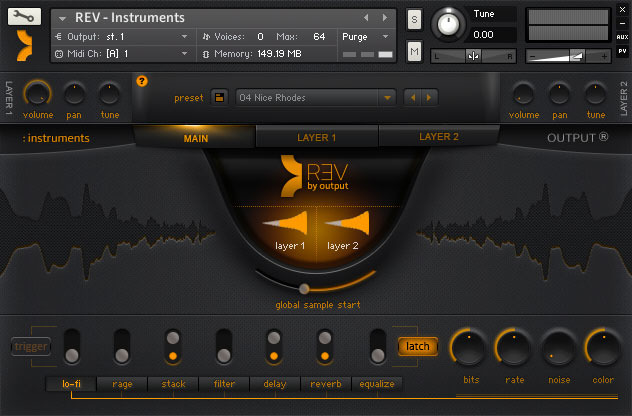
REV comes with over 1,000 presets all playable in reverse and in real-time. Use any of the built-in presets or start from scratch and build your own. Even feel free to share them with other REV users.
Play Free or Lock to Tempo
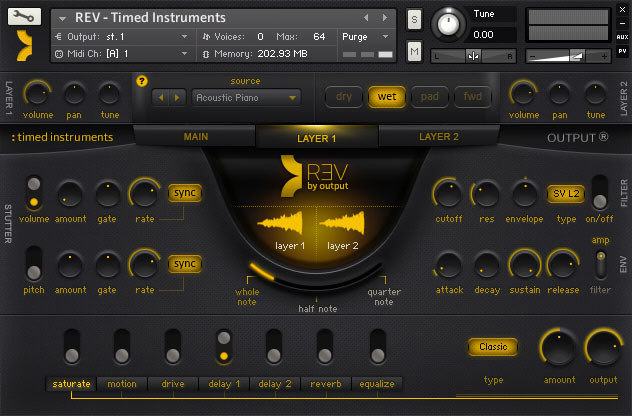
All of REV’s instruments can either be played freely or locked to a tempo. Notes can be set to whole note, half note, or quarter note duration.
Live Recorded Loops
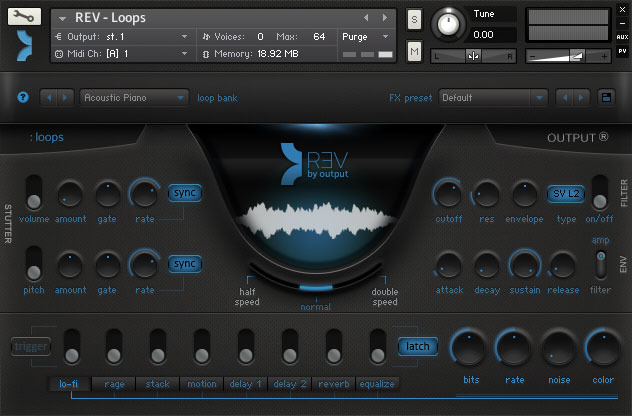
The REV loops engine gives you thousands of possibilities all of which were recorded live. All loops lock to tempo, are adjustable by speed and are spread across two octaves. Play multiple loops at once, add stutters, filters or fx to make it your own.
Perfectly Timed Rises
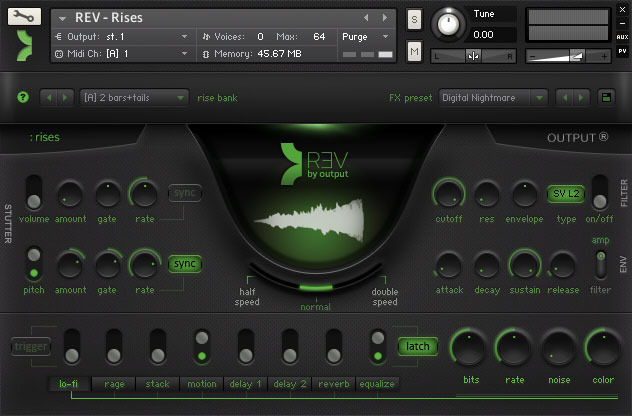
Rises can be used in a variety of different genres and are very prominent in electronic music, trailer music or any song that needs a nice build-up or transition. Rises come in all forms and are adjustable by key and speed. Just like the other engines, the REV rises engine does all of the work for you by locking to tempo so you don’t have to do any manual editing.
Stutters, Filters & FX
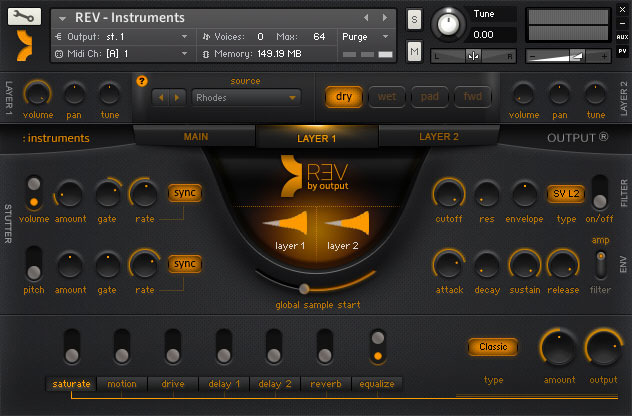
Break up and customize your patches significantly with built-in volume and pitch stutter FX. These can be synced to tempo or adjusted freely. REV also comes with built FX and FX presets which let you customize filters, envelopes, distortion, saturation, lo-fi, chorus, delays, reverb, EQ & more. These can all be automated and also triggered by keys on the keyboard.
System Requirements
- Mac OS X 10.12 or higher is recommended *
- Windows 7 or higher
- 4 GB of RAM, 8 GB is recommended
- At least 8 GB of free drive space
- Kontakt 5.8.1 or higher
- 64 bit DAW is recommended for optimized performance
Important Notes:
- Native Access is required for the activation of Output's Kontakt based instruments
- This product is compatible with both the FULL Version of Kontakt and the FREE Kontakt Player (5.8.1 or higher)



Computer Music
Computer Music is a monthly magazine published by Future plc in the UK. It covers the topic of creating digital music on a computer.
“REV is beautifully produced and endlessly explorable.”
David Kahne
Producer (Paul McCartney, Lana Del Ray, Regina Spektor)
' I use the sh#t out of this thing! Very Very Useful!'
Harry Gregson-Williams
Composer: Shrek // Chronicals of Narnia, Man On Fire
'Since I have spent much of my life reversing sounds and textures, this instruments feel like it was kind of built for me and my strange musical preferences...'


