Buy Sound Like Songs For The Deaf - Kontakt, get a free gift with purchase:
This pack is inspired by the legendary sounds of one of the most iconic bands in rock, Queens Of The Stone Age. For this set of boomy and aggressive samples, we pay homage to Dave Grohl's drum sound on the seminal QOTSA record 'Songs For The Deaf'.
Recorded in a small booth with plenty of dampening, these samples thrive in the high velocities.
This premium Kontakt instrument offers a streamlined master section for quick access, while also allowing deep customisation of individual elements—including Kick, Snare, Toms, and Cymbals. Take full control over every microphone channel to shape your perfect drum sound.
Sound Like Songs For The Deaf includes the following articulations:
- Kick
- Cross Stick
- Snare
- Tom 2
- Hats (Closed)
- Hi-Hat (Pedal)
- Tom 1
- Hi-Hat (Open)
- Crash 1
- Ride
- China
- Ride (Bell)
- Hats Closed (Tip)
- Splash
- Crash 2
- Hats (Half Open)
- Ride (Crash)
- Crash 1 (Choke)
- China (Choke)
- Splash (Choke)
- Crash 2 (Choke)
Snare rimshot is included as the top velocity for natural playing.
Features
- Drum Kit: Mapex Velvetone Limited Edition
- Cymbals: Zildjian / Paiste: Hats, 2x Crash, Ride, China & Splash
- Velocity Layers: 4
- Round Robins: 5
- Presets: 4
- Multi Output Routing: Yes
- Midi Mapping: Yes
- Kontakt is available in VST / AU / AAX / Standalone
- macOS 12+ (Intel and Silicon)
- Windows 10+
- Kontakt Player 8+
- Native Access 2

Windows
1. Download the .zip installer file from your Plugin Boutique User Account.
2. Double-click the extracted .exe file to begin the installation process > click ‘Run’.
3. Read the welcome message > click 'Next'.

4. Click 'Next' to begin the installation.

5. Native Access has now been installed > Click 'Finish'.

6. Open Native Access > Create a new Native ID if you do not have one already. If you do, skip ahead to step 8.

7. You will then receive an email with a confirmation link > Open the email and click 'CONFIRM EMAIL'.
8. Log in to Native Access with your Native ID.

9. Click 'Add a serial'.

10. Enter your Serial Number found in your Plugin Boutique User Account > Click 'ADD SERIAL'.

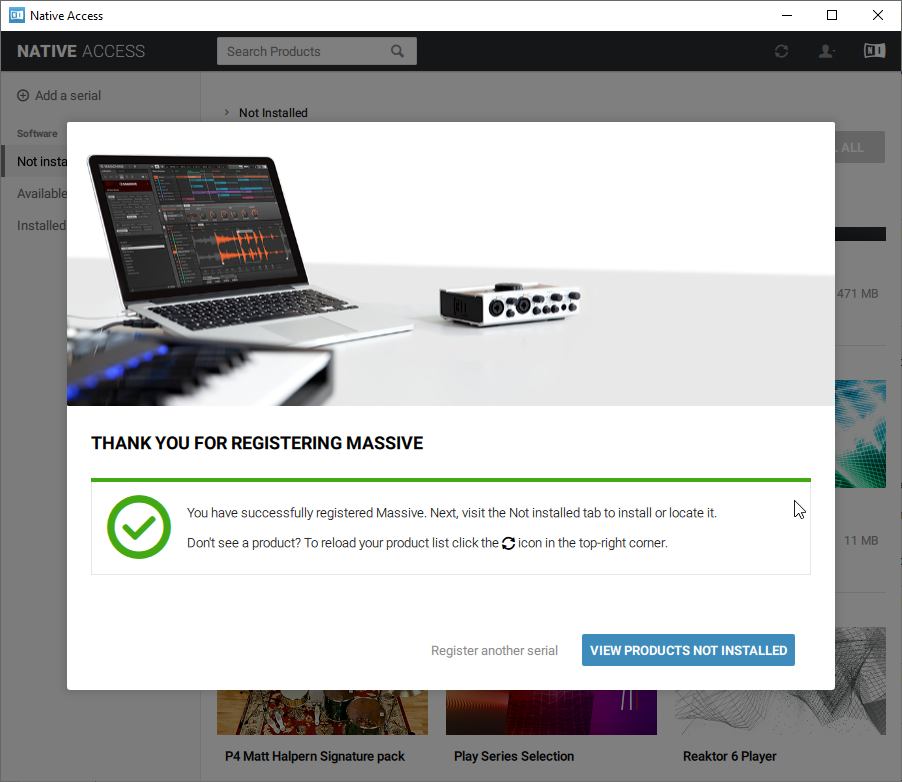
11. Once your serial has been registered, click 'VIEW PRODUCTS NOT INSTALLED'.

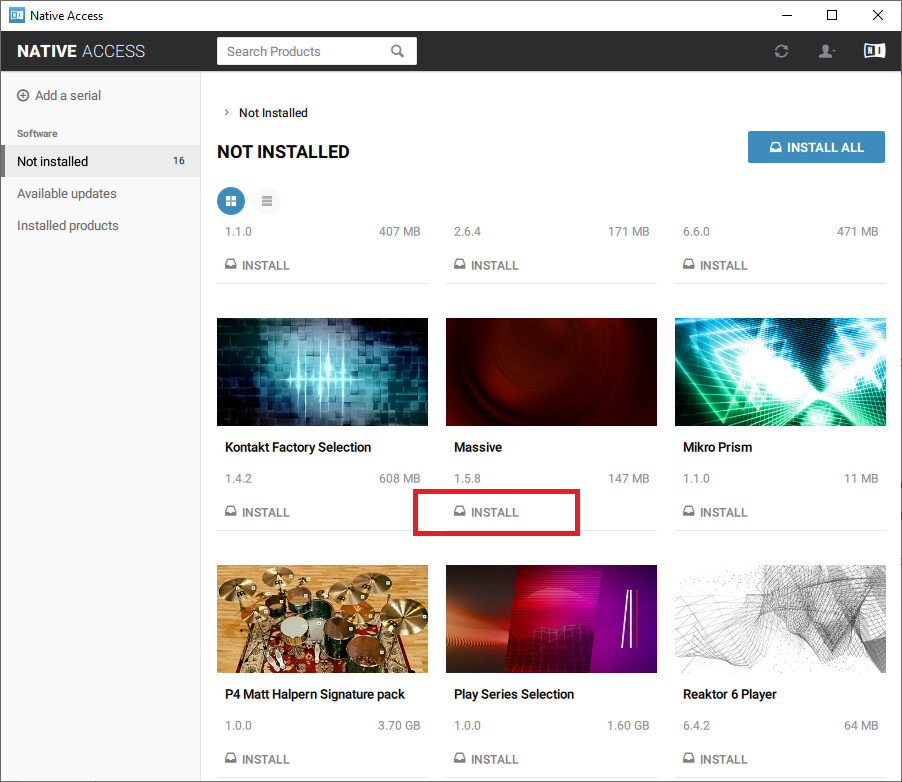
12. Click the 'Not installed' tab > Locate Massive > Click 'INSTALL'.

Your software is now activated and ready for use within your DAW.
Mac
1. Download the .dmg installer file from your Plugin Boutique User Account.
2. Double-click the .dmg file to install Native Access.
3. Open Native Acces > Create a new Native ID if you do not have one already. If you do, skip ahead to step 5.

4. You will then receive an email with a confirmation link > Open the email and click 'CONFIRM EMAIL'.
5. Log in to Native Access with your Native ID.

6. Click 'Add a serial'

7. Enter your Serial Number found in your Plugin Boutique User Account > Click 'ADD SERIAL'.

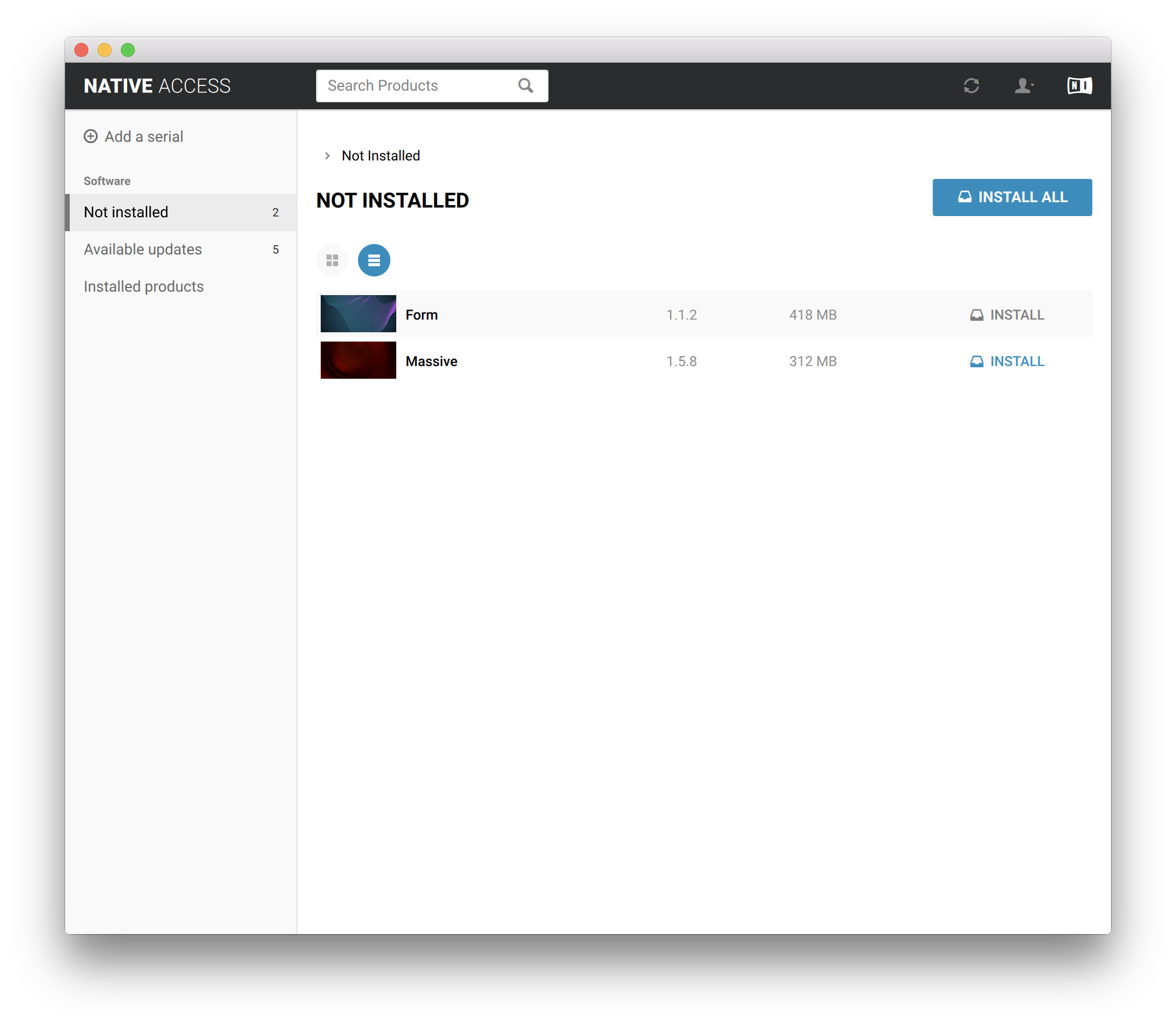
8. Click the 'Not installed' tab > Locate Massive > Click 'INSTALL'.

Your software is now activated and ready for use within your DAW.