


 Log In

Free gifts available with your purchase
Product information
This pack is inspired by the legendary and blistering drum sound of early 2000s metal. With punch and clarity, this pack brings the presence required for your drums to cut through walls of heavy guitars and aggressive vocals.
This premium Kontakt instrument offers a streamlined master section for quick access, while also allowing deep customisation of individual elements—including Kick, Snare, Toms, and Cymbals. Take full control over every microphone channel to shape your perfect drum sound.
Sound Like Subliminal Verses includes the following articulations:
- Kick
- Cross Stick
- Snare
- Tom 4
- Hats (Closed)
- Tom 3
- Hats (Pedal)
- Tom 2
- Hats (Open)
- Tom 1
- Crash 1
- Ride (Tip)
- China
- Ride (Bell)
- Hats (Tip)
- Splash
- Crash 2
- Hats (Half Open)
- Ride (Crash)
- Crash 1 (Choke)
- China Choke
- Splash Choke
- Crash 2 (Choke)
Snare rimshot is included as the top velocity for natural playing
Features
- Kit: Mapex Velvetone
- Snare: Pearl JJ1365 Joey Jordison Signature
- Cymbals: Sabian Hats, 2 x Crash, Ride and China
- Velocity Layers: 4-5
- Round Robins: 4
- Presets: 4
- Multi Output Routing: Yes
- Midi Mapping: Yes
System Requirements
- Kontakt is available in VST / AU / AAX / Standalone
- macOS 12+ (Intel and Silicon)
- Windows 10+
- Kontakt Player 8+
- Native Access 2
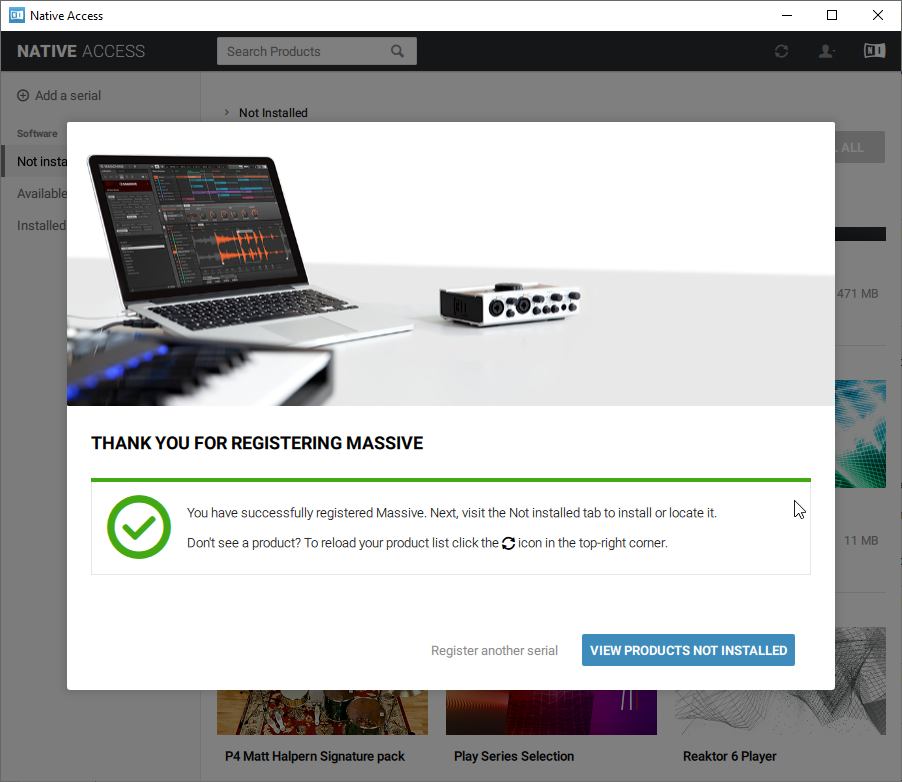
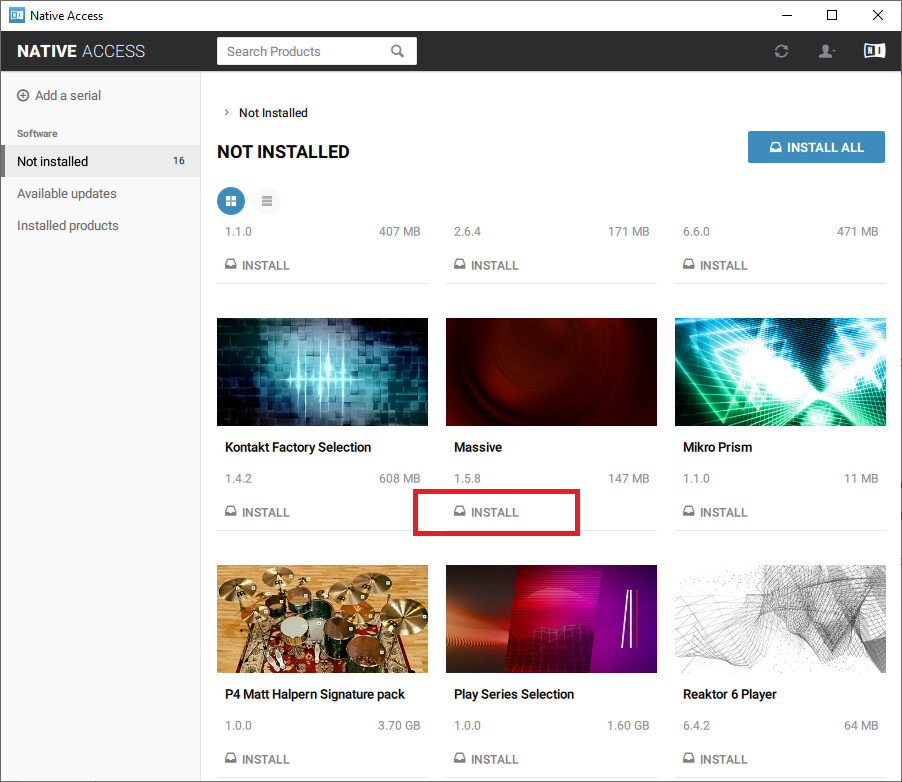
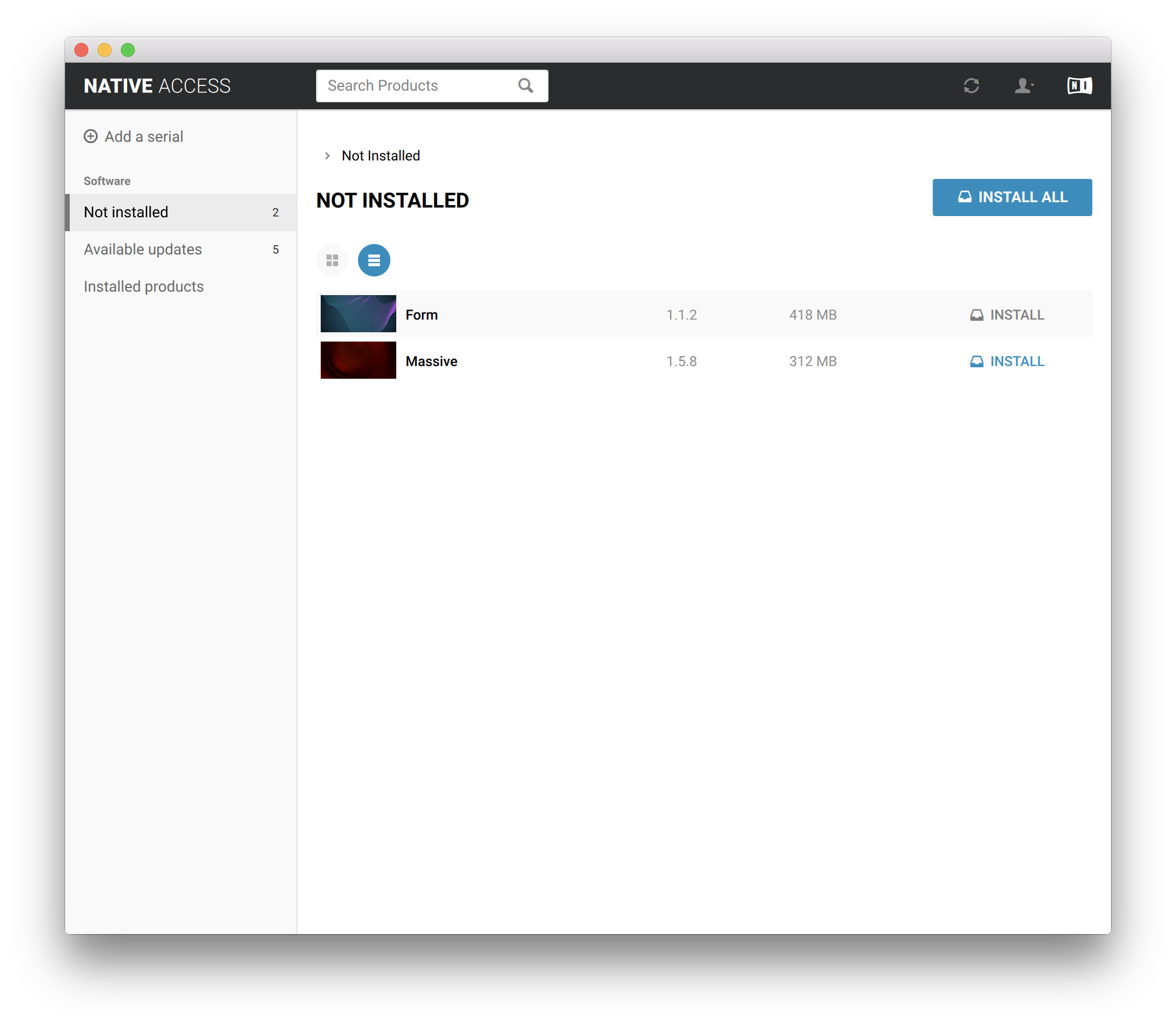
Installation Instructions












Bundle & Save
Sound Like Subliminal Verses Bundle
$53.00
Sound Like Bundle - Kontakt
$188.00
Sound Like Bundle - Complete Collection
$400.00


