Buy Cy-Shock, get a free gift with purchase:
Aggressive EDM sounds fused together with synthetic punk, cybernetics, trance and cinematic emotions.
Cy-Shock is inspired by aggressive EDM sounds fused together with synthetic punk, cybernetics, trance and cinematic emotions. The samples, sculpted through complex FX chains, give you freedom to shape your own melodies while keeping the freedom to process them with your own favourite DAW effects. Cy-Shock is here to battle the illusion of one note melody instruments giving you custom solutions.
Cy-Shock is equipped with essential controls like EQ, ADSR, Volume, Pan, Stereo Width, and Velocity sensitivity, ensuring quick, intuitive sound shaping without unnecessary CPU strain. While Kontakt’s built-in FX are strong, complex mixing should be done in a DAW’s mixer channel with your own FX chains, ensuring the best for your project.
With 27,823 samples across the library, Cy-Shock is both powerful in the samples themselves. Some instruments feature up to 3,500 samples and 48 velocity layers, producing organic dynamics and the depth of a finely-programmed synthesizer, feeling almost analog. Thanks to DFD disk streaming, RAM usage is kept to a minimum, while an internal limiter protects your ears and speakers—creating exciting, aggressive tones when pushed to the edge.
Whether you’re scoring neon-drenched cyberpunk worlds, producing deep psytrance, or crafting high-intensity action cues, Cy-Shock delivers an unforgiving, electrifying sound that commands attention.
Shock your audience. Spark your creativity. Cy-Shock.
Features
- 52 instruments, all accessible via the Snapshot tab
- 59 snapshots for instant inspiration
- 12 GB library
- Kontakt 7.10.4+
- Sounds programmed at -6dB default loudness
- Kontakt 7.10.4+ - Full version required (Not Kontakt Player)
- Extracted Size: 12GB
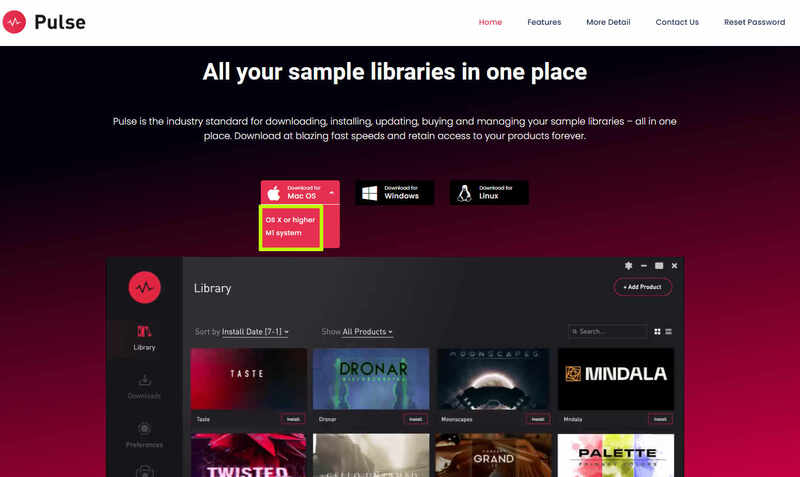
Please Note: Pulse Downloader is used to download the software and must be installed.
Mac
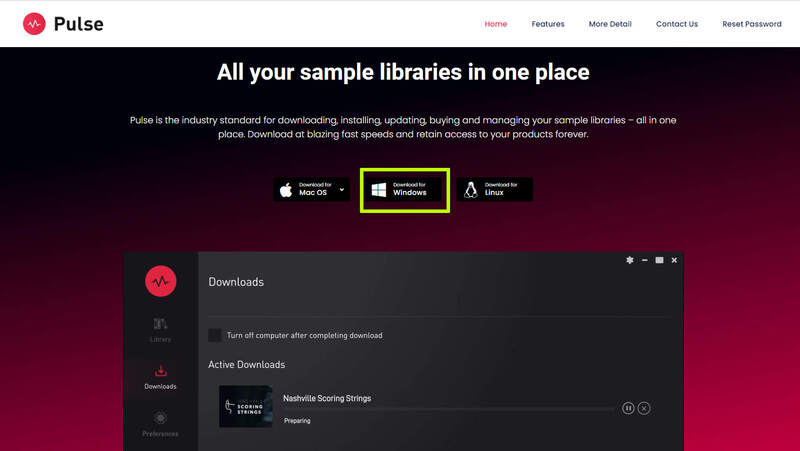
1. Visit the Pulse Downloader website by clicking the El Dorado: Legato Ambient Guitar 'Download' link in your Plugin Boutique User Account or by clicking HERE, and download the correct installer for your system (either 'OS X or later' or 'M1 System').

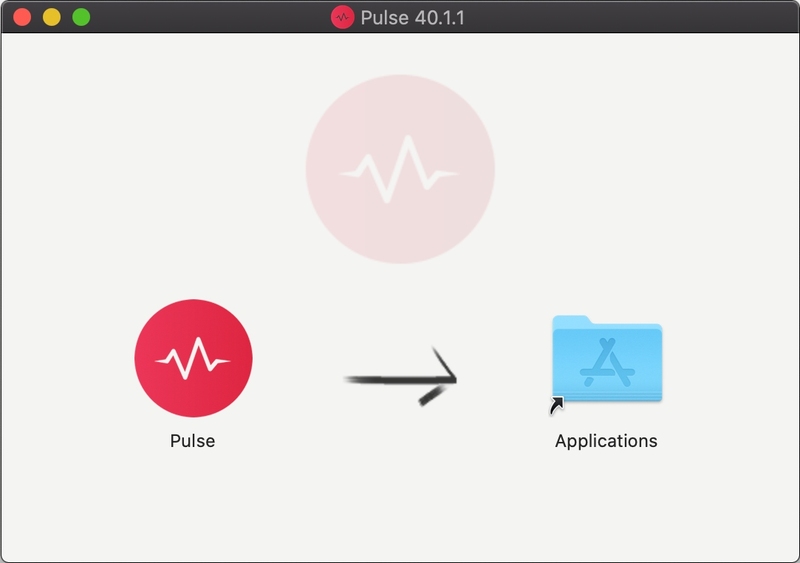
2. Open the downloaded file and run the installer 'Pulse-XX.X.X.dmg'.
3. Drag 'Pulse' to 'Applications'.
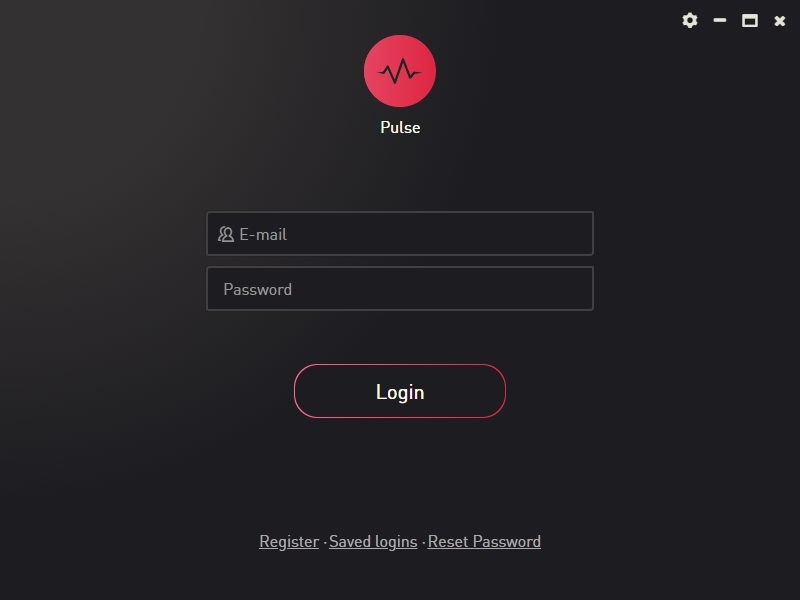
4. Log in to your Pulse account, or create a new account by clicking 'Register' at the bottom of the window.
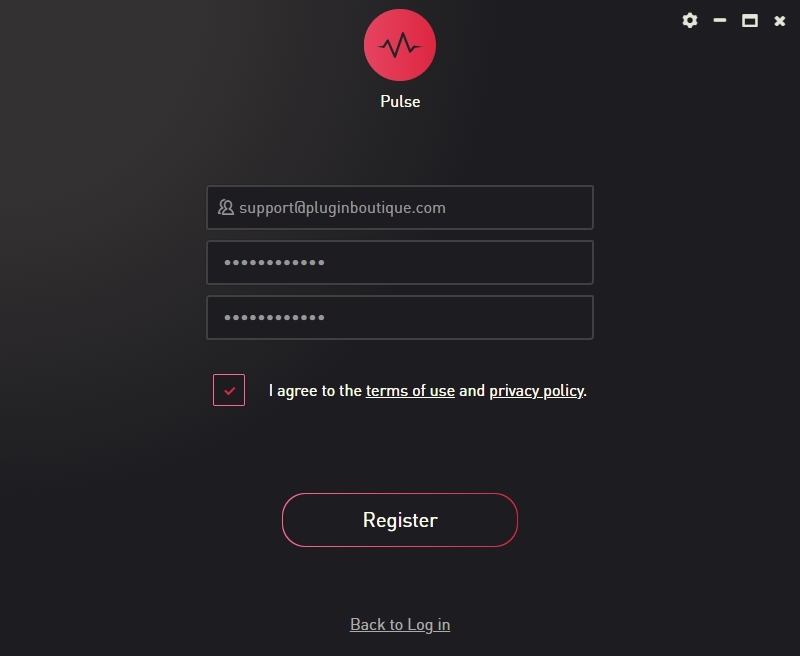
5. If registering, input your email and password, agree to the terms of use and click 'Register'.
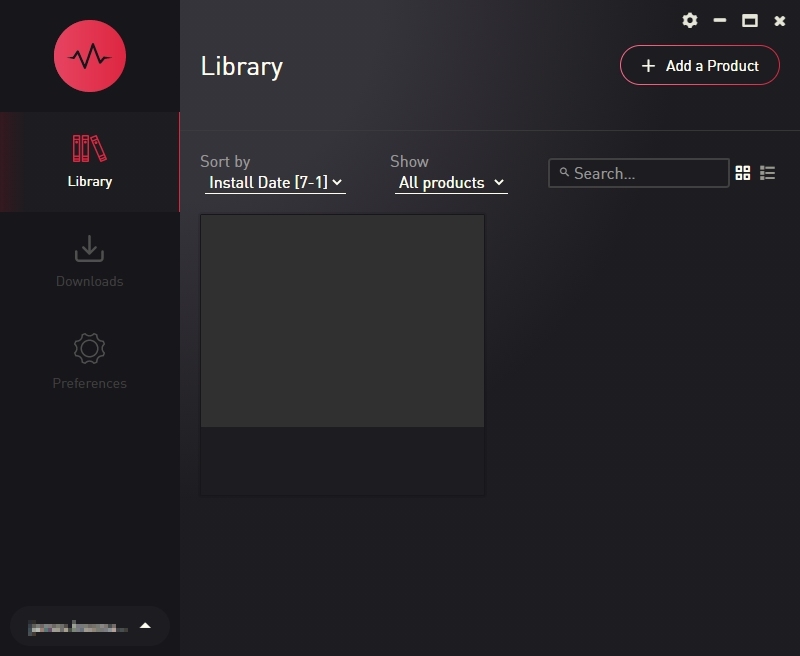
6. Click the '+ Add a Product' button located in the top right-hand corner of the window.
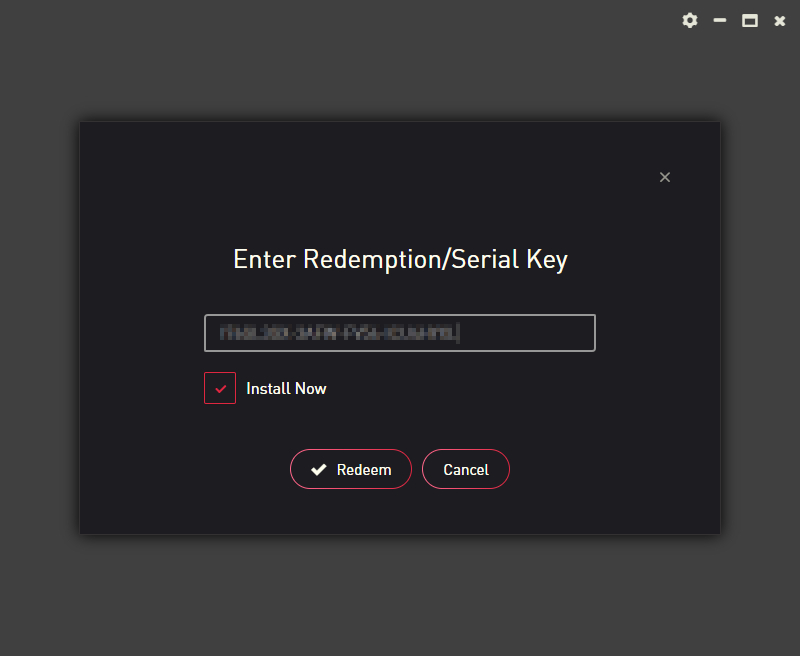
7. Copy and paste your serial number from your My Account page, click 'Install Now', then click 'Redeem'.
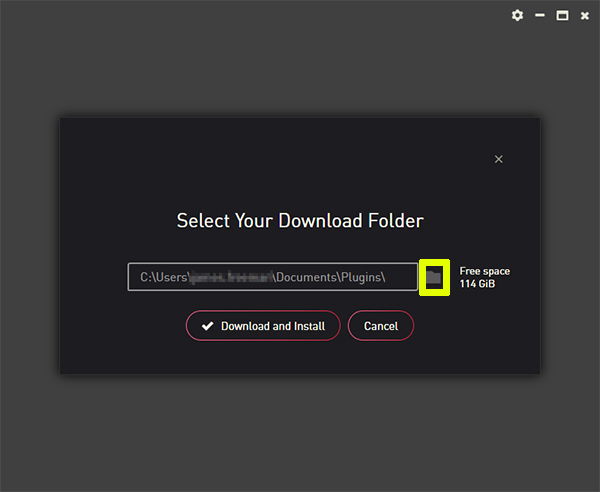
8. Select a location for Pulse to download the software by clicking the file icon on the right-hand side of the window.
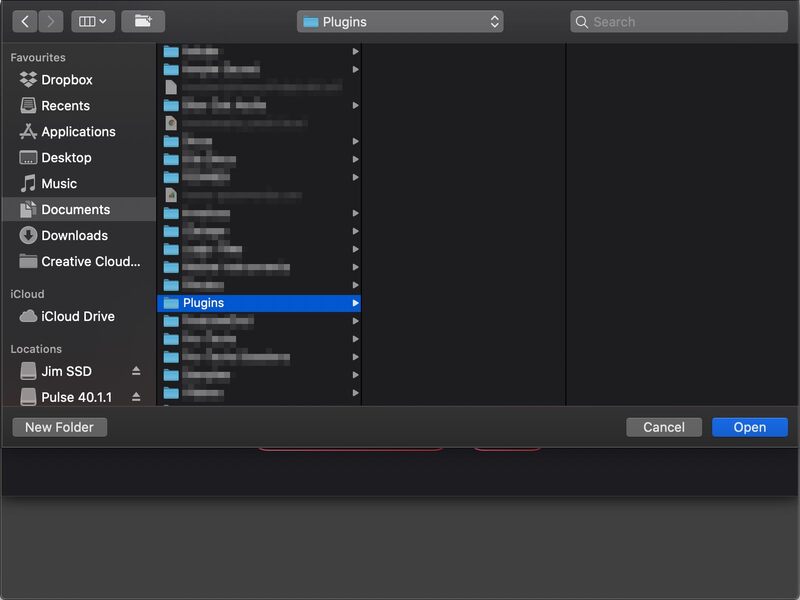
9. Select the location you would like your software to download and install to.
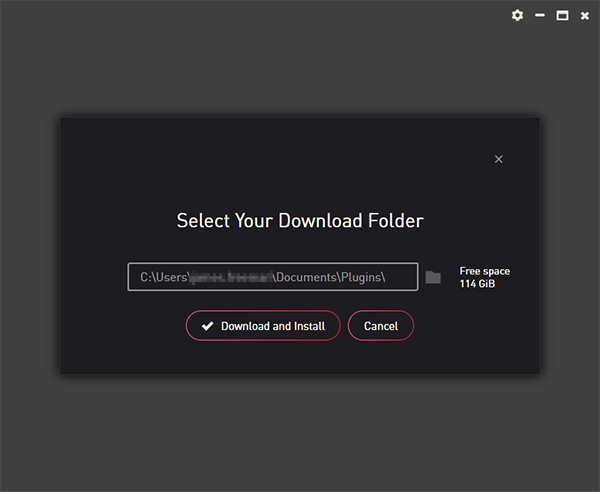
10. Click 'Download and Install'.
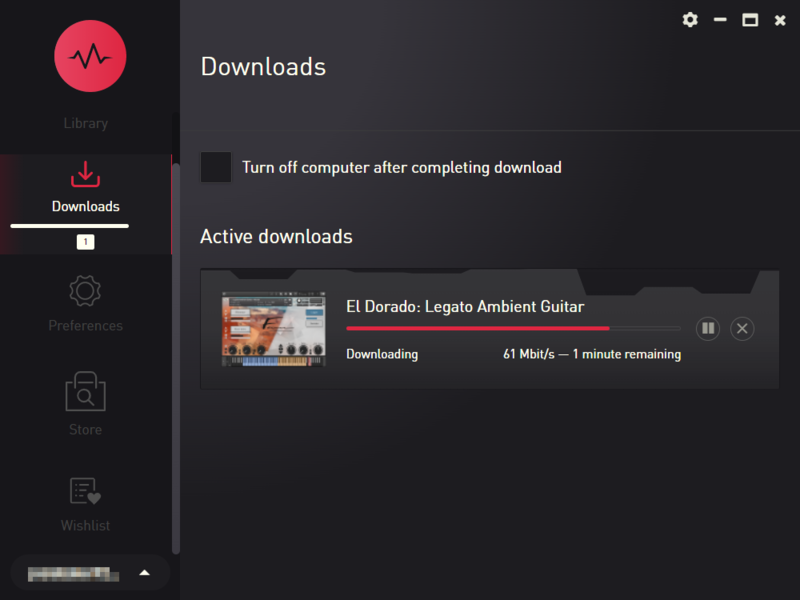
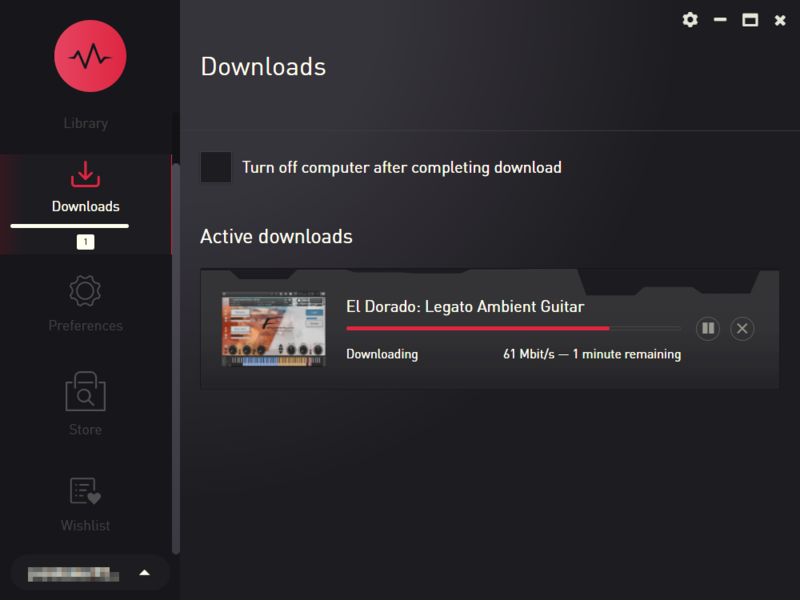
11. The instrument is now downloading.
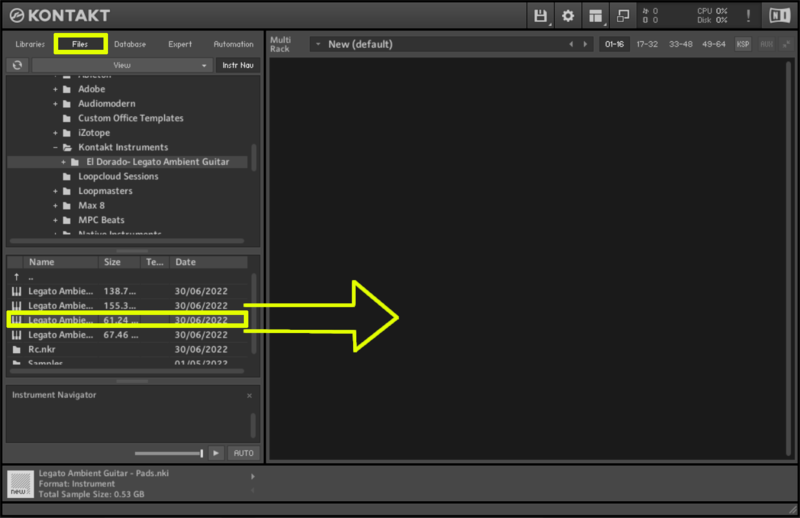
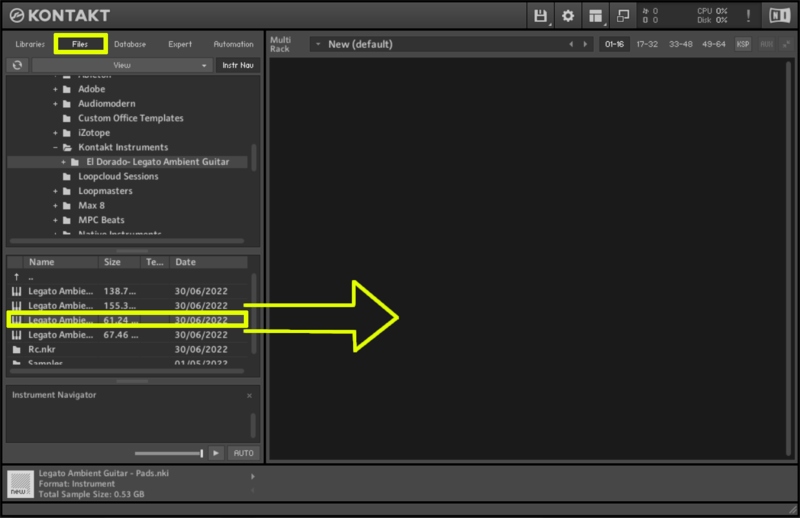
12. Once the instrument has finished downloading, open Kontakt, then open the 'Files' tab and navigate to the location that you downloaded the Kontakt Library to. Then click and drag the .nki file into the empty window.
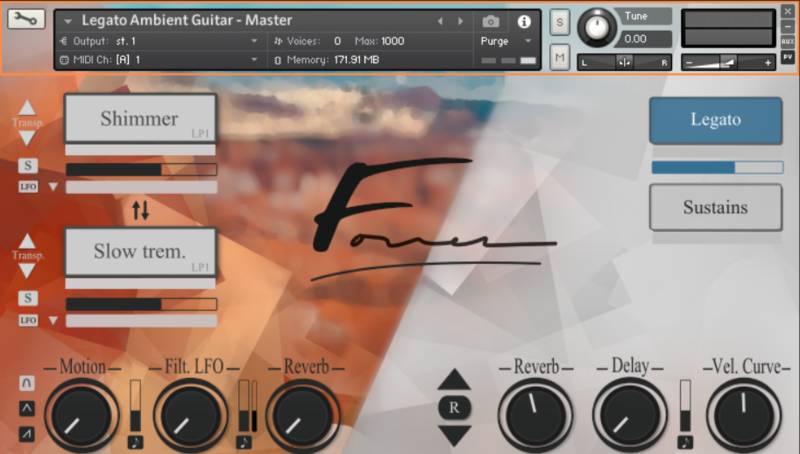
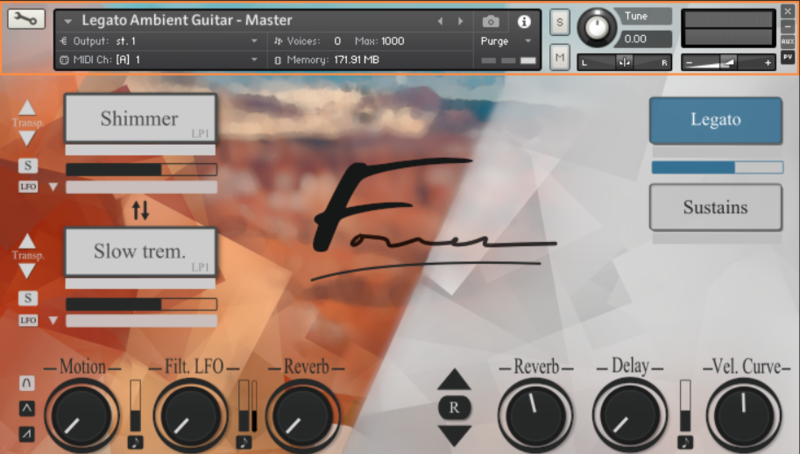
Your Kontakt instrument is now installed and ready to use.

Windows
1. Visit the Pulse Downloader website by clicking the El Dorado: Legato Ambient Guitar 'Download' link in your Plugin Boutique User Account or by clicking HERE, and download using the 'Download for Windows' link.

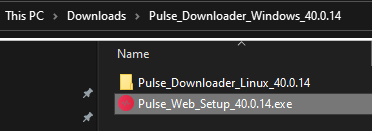
2. Open the downloaded file and run the installer 'Pulse Web Setup X.X.X.exe'.
2. Log in to your Pulse account, or create a new account by clicking 'Register' at the bottom of the window.
3. If registering, input your email and password, agree to the terms of use and click 'Register'.
4. Click the '+ Add a Product' button located in the top right-hand corner of the window.
5. Copy and paste your serial number from your My Account page, click 'Install Now', then click 'Redeem'.
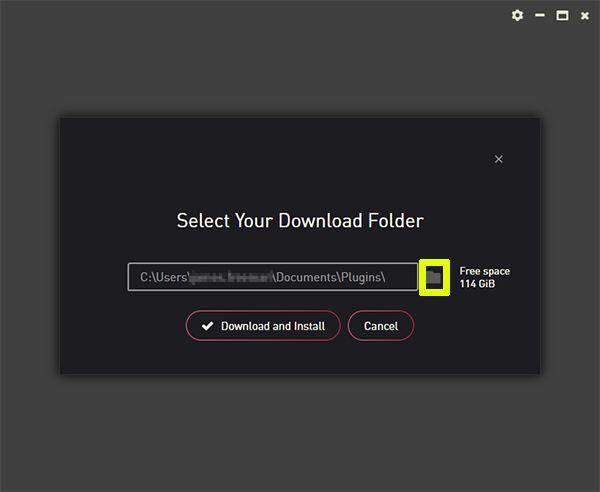
6. Select a location for Pulse to download the software by clicking the file icon on the right-hand side of the window.
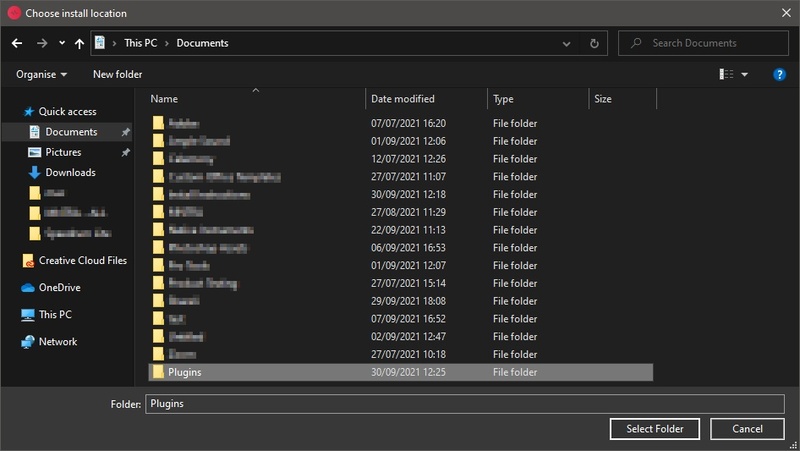
7. Select the location you would like your software to download and install to.
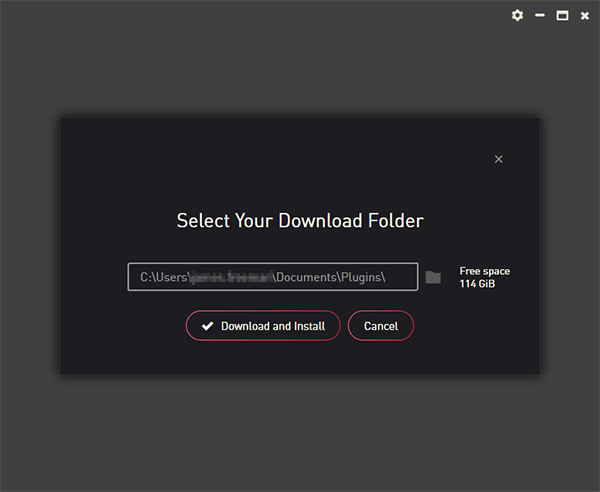
8. Click 'Download and Install'.
9. The instrument is now downloading.
10. Once the instrument has finished downloading, open Kontakt, then open the 'Files' tab and navigate to the location that you downloaded the Kontakt Library to. Then click and drag the .nki file into the empty window.
Your Kontakt instrument is now installed and ready to use.