Log In

Free gifts available with your purchase
The iconic drum sound of Led Zeppelin’s When the Levee Breaks is one of the most legendary in rock history—massive, raw, and drenched in natural ambience. This sample pack is a tribute to that unmistakable, room-filling tone.
With these drum samples Just Add Drums have faithfully recreated the original sound using a 1970s Green Sparkle kit paired with Bonham’s revered Ludwig Supraphonic LM402 snare. The high room mic setup was meticulously replicated to capture the powerful, natural reverb that defined the track. They’ve also emulated the classic tape delay famously used by engineer Andy Johns, bringing even more authenticity to the sound.
The Just Add Drums team have meticulously captured the legendary sound of When The Levee Breaks in what they're calling Traditional Bonham - a faithful tribute to the classic, thunderous style that defined a generation.
But they didn’t stop there.
Introducing Modern Bonham - the same explosive energy, reimagined for today’s productions with lower drum tunings.
Both Traditional and Modern drum sample libraries are available in all formats.
This premium Kontakt instrument offers a streamlined master section for quick access, while also allowing deep customisation of individual elements—including Kick, Snare, Toms, and Cymbals. Take full control over every microphone channel to shape your perfect drum sound.
Sound Like When The Levee Breaks includes the following articulations:
- Kick
- Snare
- Floor Tom 2
- Hats (Closed)
- Floor Tom 1
- Hi-Hat (Pedal)
- Hi-Hat (Open)
- Rack Tom
- Crash 1
- Ride
- Gong
- Ride (Bell)
- Hats Closed (Tip)
- Crash 2
- Hats (Half Open)
- Ride (Crash)
- Crash 1 (Choke)
- Crash 2 (Choke)
Snare rimshot is included as the top velocity for natural playing
Features
- Kit: Ludwig 1970s Green Sparkle
- Snare: Ludwig Supraphonic LM402
- Cymbals: Paiste Sound Edge & 2002 Series
- Presets: 8
- Multi Output Routing: Yes
- Midi Mapping: Coming Soon
- Kontakt is available in VST / AU / AAX / Standalone
- macOS 12+ (Intel and Silicon)
- Windows 10+
- Kontakt Player 8+
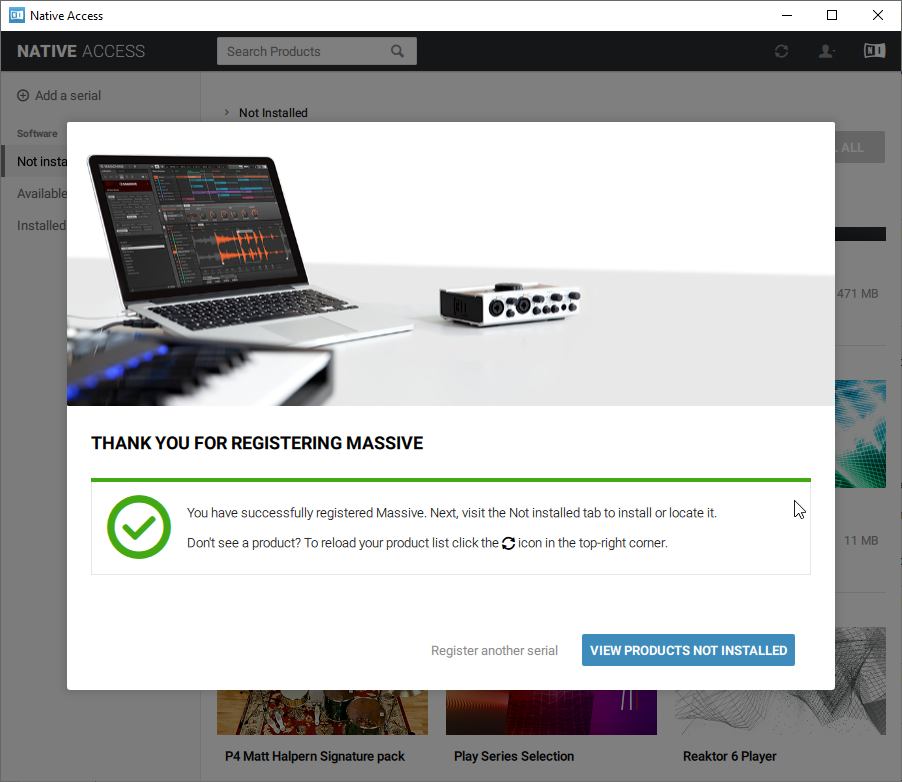
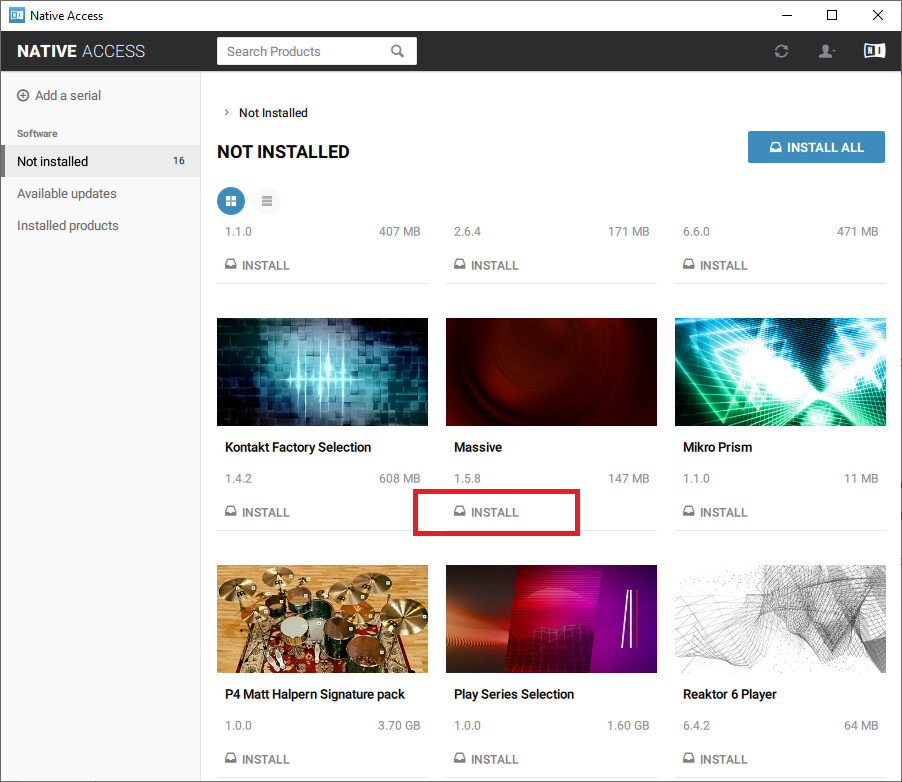
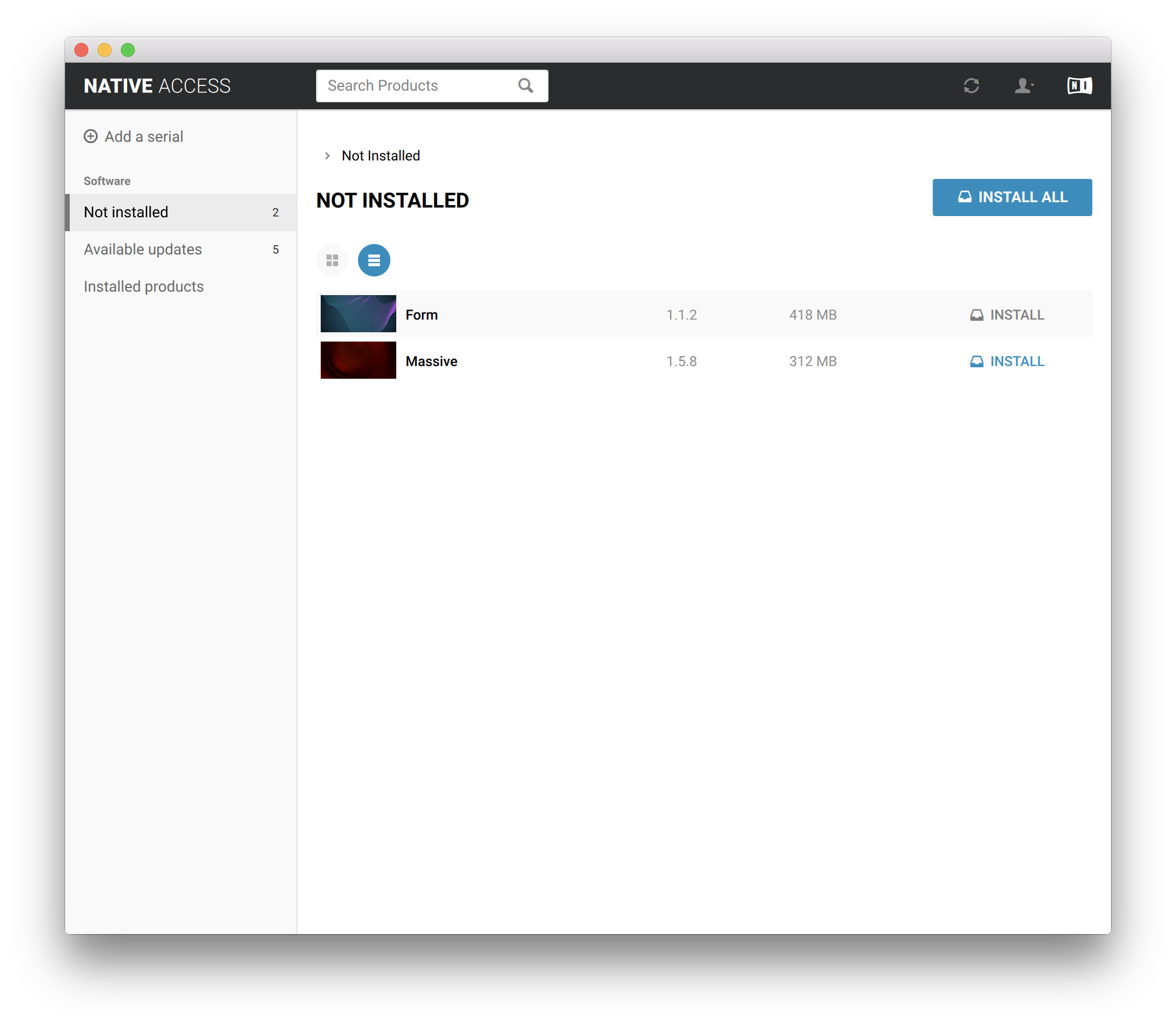
- Native Access 2