Buy Just Add Djent Drums - Kontakt, get a free gift with purchase:
Hard-hitting drum sample pack tailored for modern metal. Featuring a low punchy kick, thunderous toms, and a massive snare - all fully processed! This pack is built to cut through heavy guitars and complex rhythms. Whether you're crafting crushing breakdowns or intricate polyrhythms, these samples bring the weight and clarity your mix demands.
Pure Djent Drums
No extras, no hassle
The Just Add Drums team get it. Your creative time is precious, don't waste it hunting for drum sounds.
It’s time to focus on what matters — making music.
This premium Kontakt instrument offers a streamlined master section for quick access, while also allowing deep customisation of individual elements—including Kick, Snare, Toms, and Cymbals. Take full control over every microphone channel to shape your perfect drum sound.
Just Add Djent Drums includes the following articulations:
- Kick
- Snare
- Tom 4
- Hats (Closed)
- Tom 3
- Hats (Pedal)
- Tom 2
- Hats (Open)
- Tom 1
- Crash 1
- Ride
- China
- Ride (Bell)
- Hats Closed (Tip)
- Splash
- Crash 2
- Hats (Half Open)
- Ride (Crash)
- Crash 1 (Choke)
- China (Choke)
- Splash (Choke)
- Crash 2 (Choke)
Snare rimshot is included as the top velocity for natural playing
Features
- Presets: 4
- Multi Output Routing: Yes
- Midi Mapping: Coming Soon
- Kontakt is available in VST / AU / AAX / Standalone
- macOS 12+ (Intel and Silicon)
- Windows 10+
- Kontakt Player 8+
- Native Access 2

Windows
1. Download the .zip installer file from your Plugin Boutique User Account.
2. Double-click the extracted .exe file to begin the installation process > click ‘Run’.
3. Read the welcome message > click 'Next'.

4. Click 'Next' to begin the installation.

5. Native Access has now been installed > Click 'Finish'.

6. Open Native Access > Create a new Native ID if you do not have one already. If you do, skip ahead to step 8.

7. You will then receive an email with a confirmation link > Open the email and click 'CONFIRM EMAIL'.
8. Log in to Native Access with your Native ID.

9. Click 'Add a serial'.

10. Enter your Serial Number found in your Plugin Boutique User Account > Click 'ADD SERIAL'.

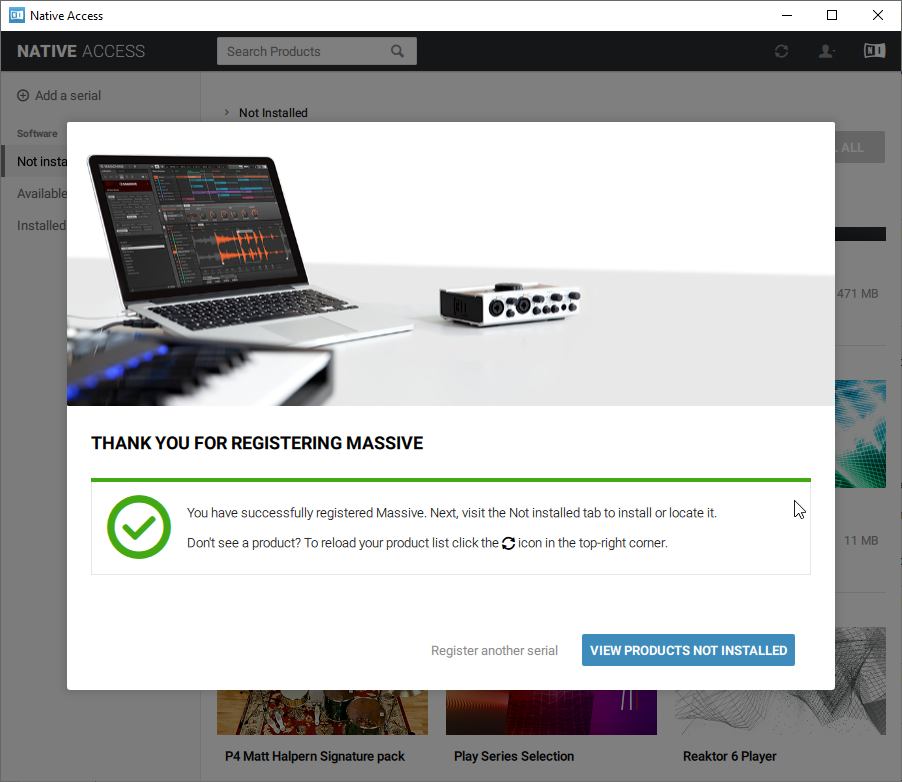
11. Once your serial has been registered, click 'VIEW PRODUCTS NOT INSTALLED'.

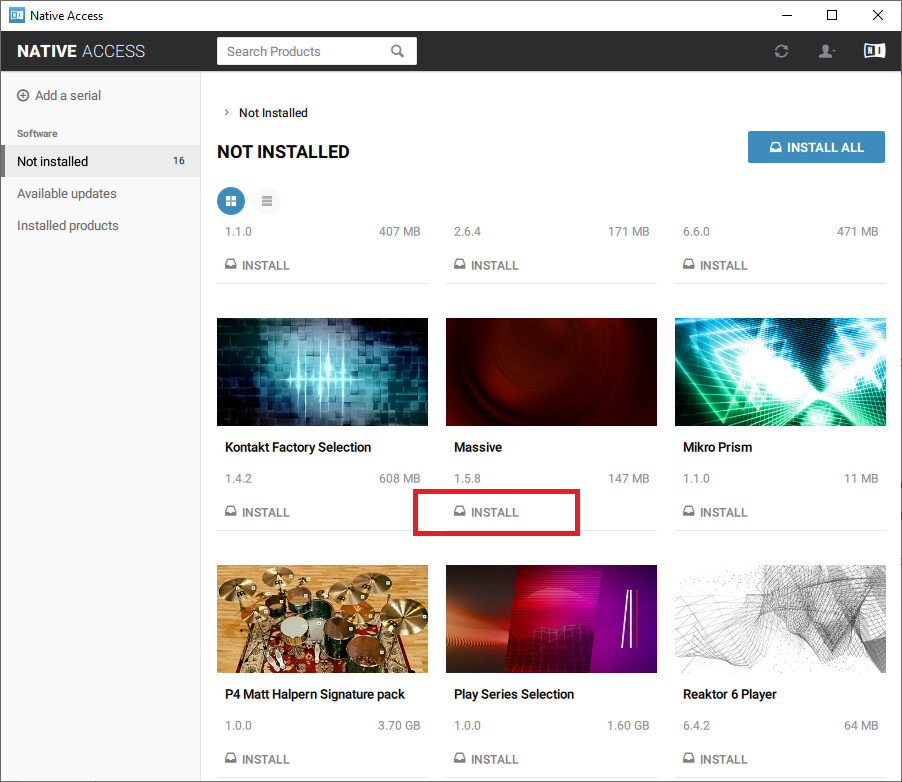
12. Click the 'Not installed' tab > Locate Massive > Click 'INSTALL'.

Your software is now activated and ready for use within your DAW.
Mac
1. Download the .dmg installer file from your Plugin Boutique User Account.
2. Double-click the .dmg file to install Native Access.
3. Open Native Acces > Create a new Native ID if you do not have one already. If you do, skip ahead to step 5.

4. You will then receive an email with a confirmation link > Open the email and click 'CONFIRM EMAIL'.
5. Log in to Native Access with your Native ID.

6. Click 'Add a serial'

7. Enter your Serial Number found in your Plugin Boutique User Account > Click 'ADD SERIAL'.

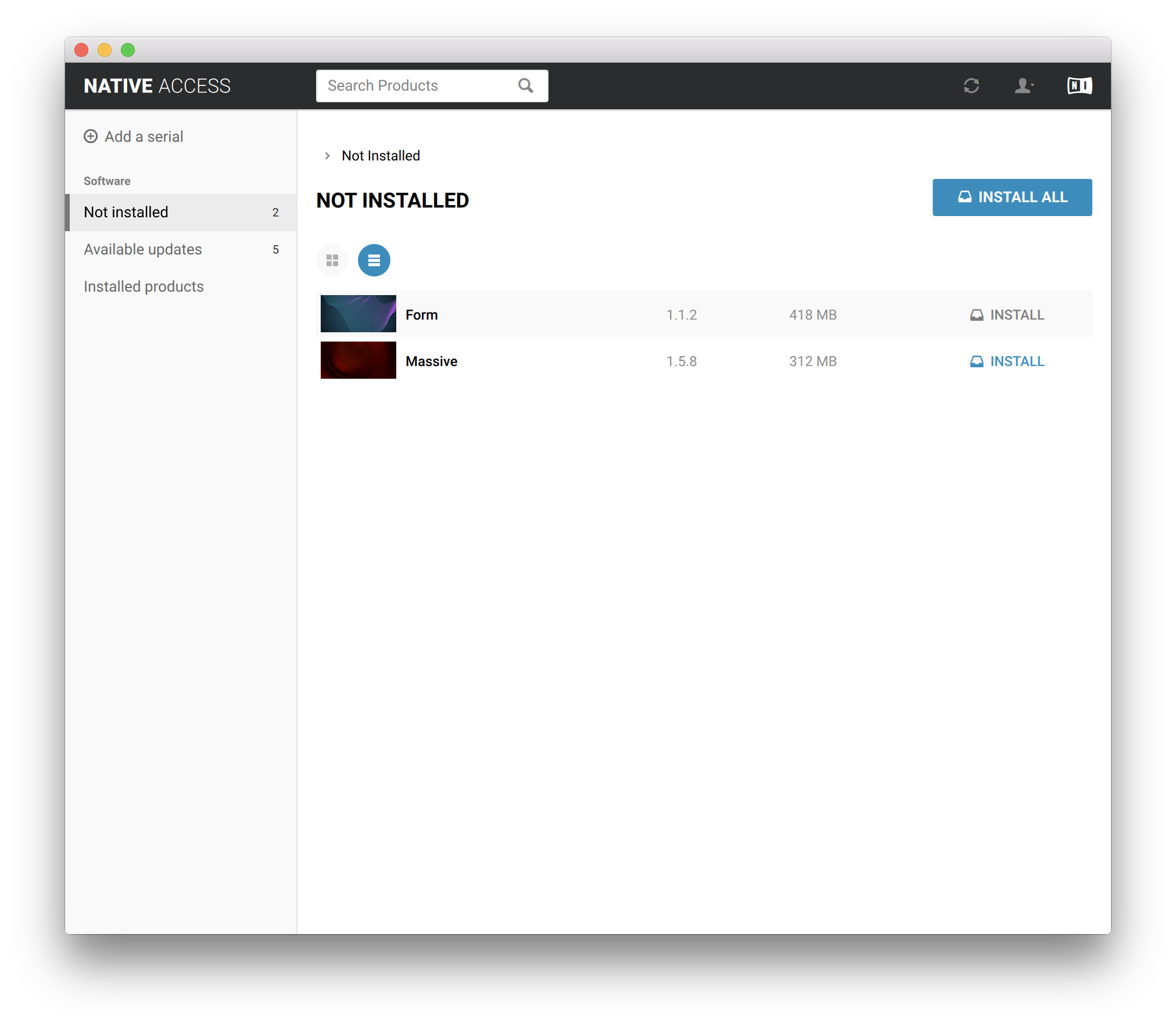
8. Click the 'Not installed' tab > Locate Massive > Click 'INSTALL'.

Your software is now activated and ready for use within your DAW.