


 Log In

Free gifts available with your purchase
Product information
Unlock tension‑laden textures inspired by King Arthur, The Witcher, and Game of Thrones — from ricochet strikes and tonal vibrations to resonant plucks and organic percussion. Captured via an up‑to‑8‑mic array and powered by a rhythmic engine optimized for pulse‑driven layering (not melodic lines), these playable instruments form dynamic patterns and cinematic pulses. Seamlessly pairs with Berserkr for expanded hybrid scoring.
Features
- Content: Kontakt Instruments / Multi Patches: Artist Kits & Elements / FX Presets / Rhythms.
- Sections: Tonal Instruments • Drums • Percussion • Weapons • Whooshes.
- Tonal: Guitar, Lute, Cello, Rebec, Bass, Saz — long, short, vibration, and signature variants.
- Drums: Designed, Classic, Ricochet, and Vibration sets (frame, bodhran, tabor, cajon, snare).
- Percussion: String‑based hits, coins, wood, tambourines, shakers, nails, wind & breath elements.
- Weapons & FX: Strikes, scrapes, impacts, drops, whooshes.
- 81 Kontakt Instruments
- Up to 45 articulations, up to 32 round‑robins, up to 8 microphones — captured with our proprietary multi‑mic recording process.
- 3000+ Rhythms
- 60+ FX Chain Presets
- Microphone Menu — intuitive control of up to 8 mic positions
- 56 Artist Kits Multis
- 481 Elements Multis
System Requirements
- macOS 13, 14, and 15 (latest update)
- Windows 10 or 11 (latest Service Pack)
- Intel Core i5 or equivalent CPU, or Apple Silicon, 4 GB RAM (6 GB recommended)
- Kontakt 8.7.1 or newer is required. COMPATIBLE WITH FREE KONTAKT PLAYER
- Library Size: ~56 GB
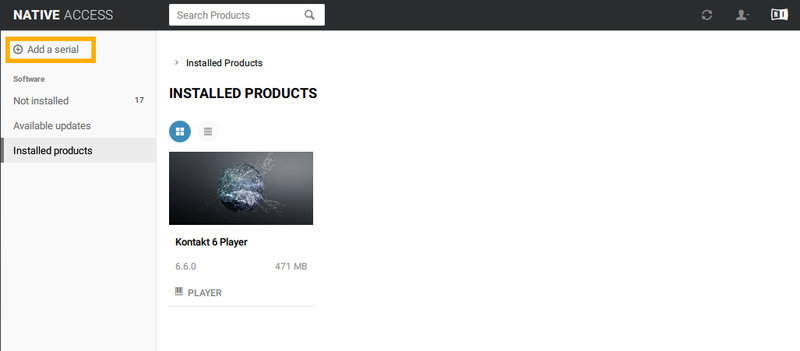
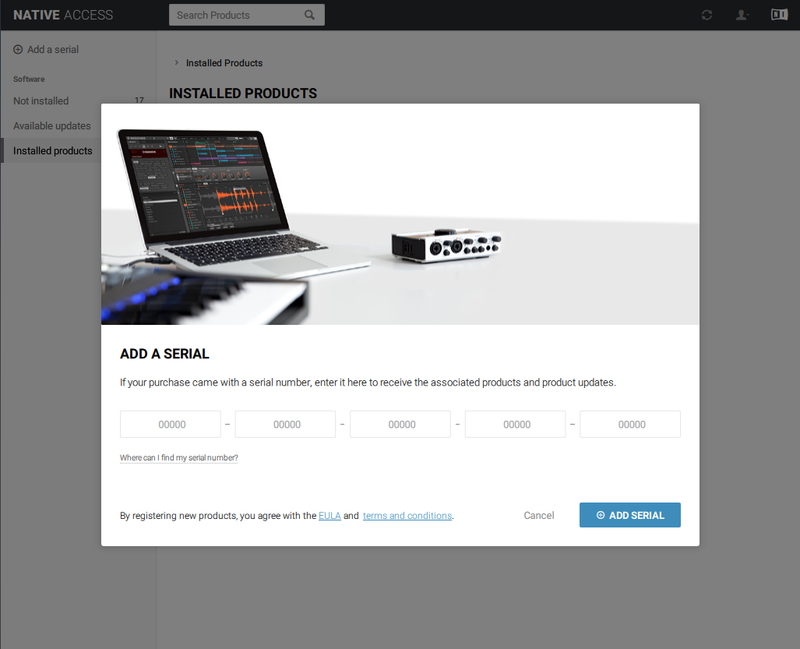
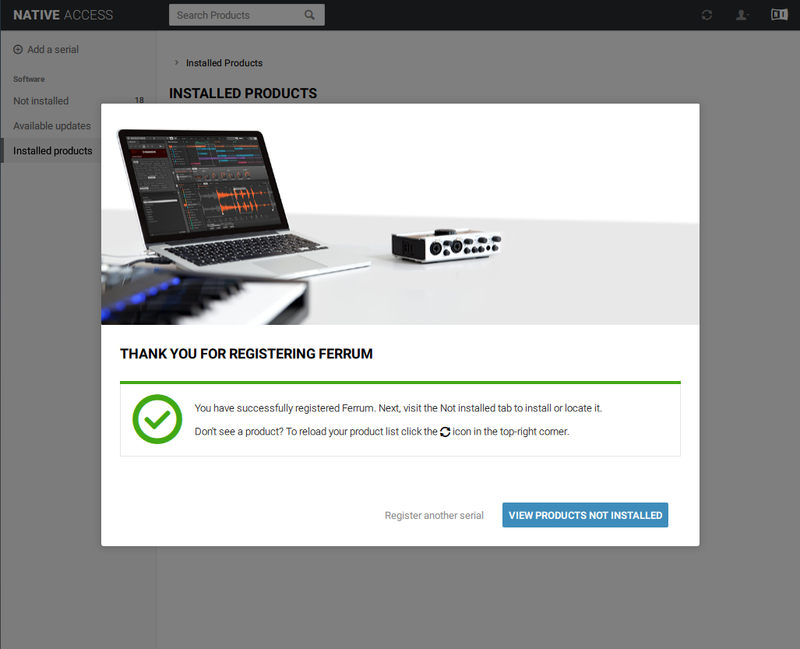
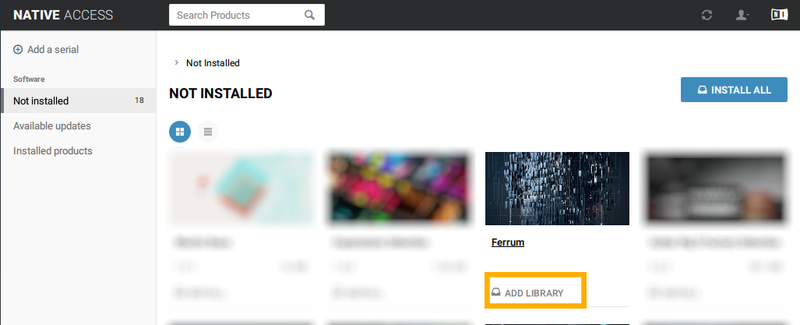
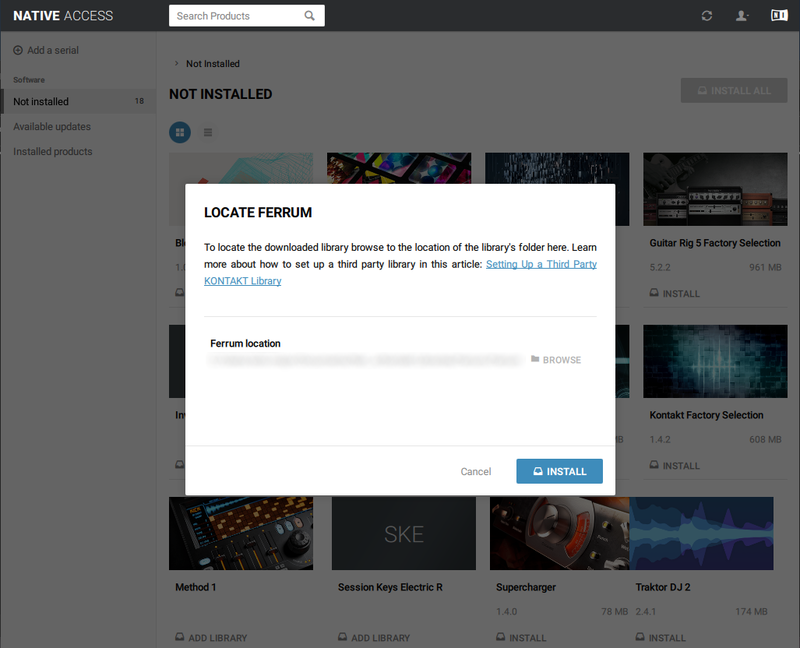
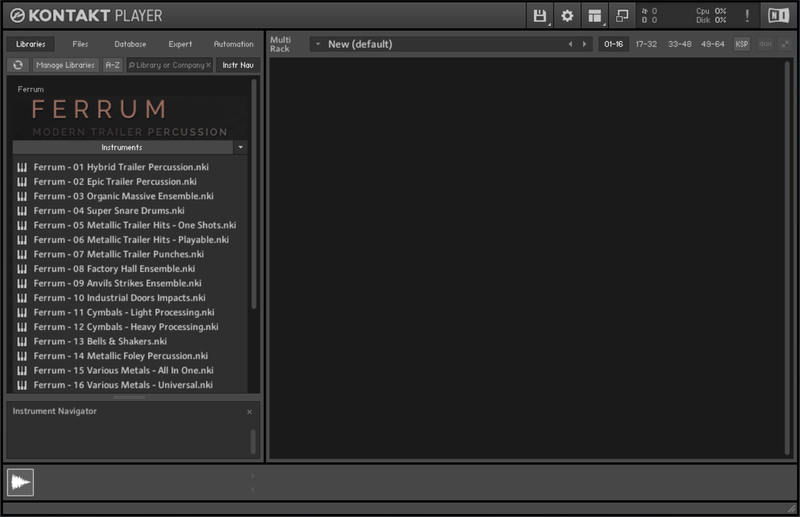
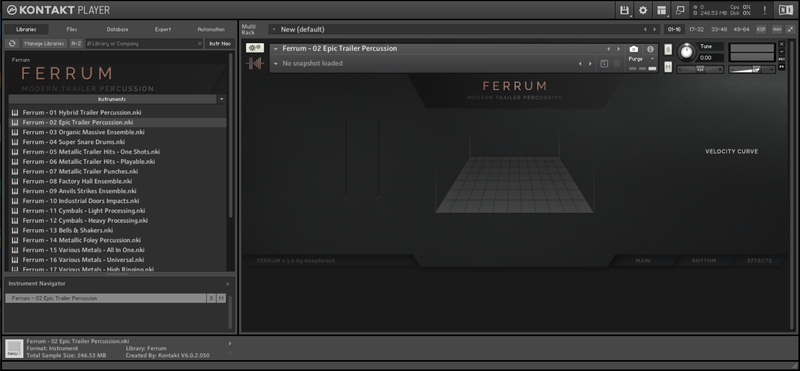
Installation Instructions
Bundle & Save
Wildhunt – Bundle
$399.00


