Log In
Free gifts available with your purchase
Product information
We're Excited To Offer This Exclusive AudioThing Kontakt Bundle!
Tuned Percussions/Mallets

The AudioThing Kontakt Bundle contains eight tuned percussions and mallet instruments. These include:
- Frame Drums
- Toy Marimba
- Bells
- Wood
- Pipes
- Glass
- Pong Glockenspiel
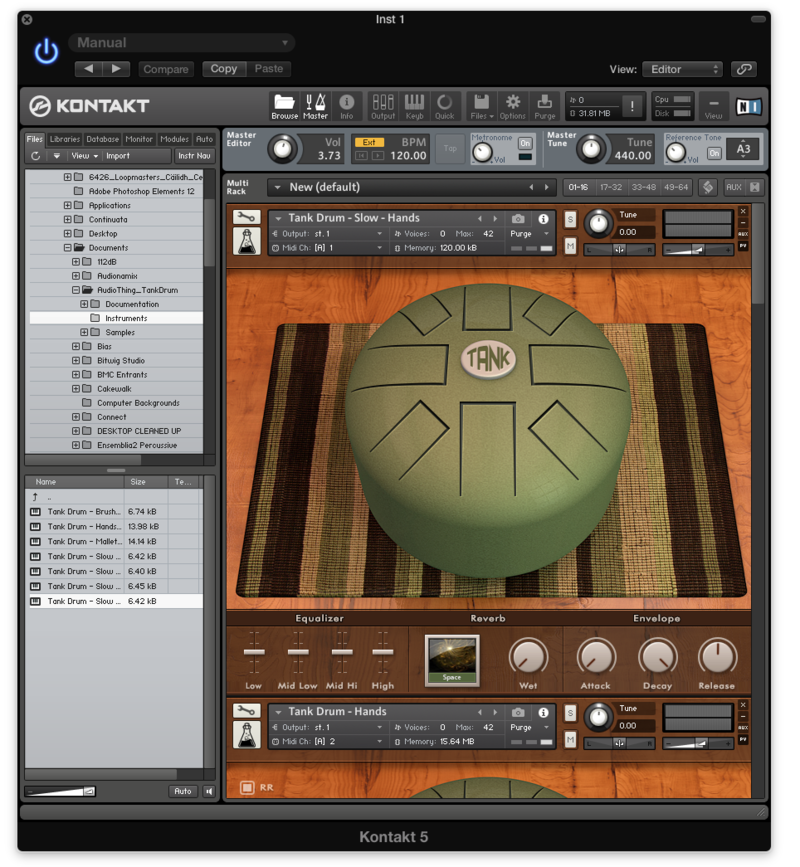
- Tank Drum
Synths
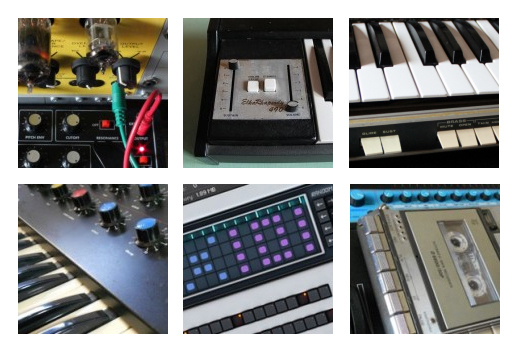
The AudioThing Kontakt Bundle contains six synth instruments. These include:
- GAK150
- EKR490
- Satellite
- SX1500
- Tapestation
- TX101
Strings
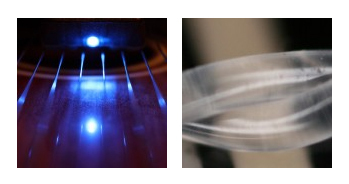
The AudioThing Kontakt Bundle contains two string instruments. These include:
- Bowed Harp
- Strings
Sound Design

The AudioThing Kontakt Bundle contains four sound design instruments. These include:
- Soundscapes Vol.1
- Soundscapes Vol.2
- ChromaKey
- Milkshake
Keys/Specials
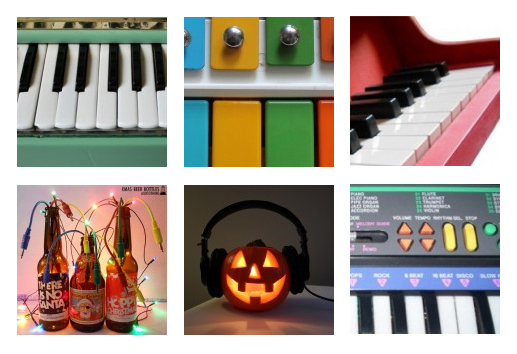
The AudioThing Kontakt Bundle contains six keys and seasonal instruments. These include:
- Organetta
- Magical Toy Keyboard
- Toy Piano
- Xmas Beer Bottles
- Halloween Pumpkins
- Toy Bars
Features
- 26 meticulously sampled Kontakt instruments
- Unique blend of sounds
- Hundreds of presets
- Thousands of samples
System Requirements
- The full version of Kontakt 4.2.2 or higher is required to run these instruments.
Important note: The full version of Kontakt 4.2.2 or higher is required to run the contents of this bundle.
Installation Instructions