Log In

Free gifts available with your purchase

Inspiration You Can Hear
The Planetary Line
Welcome to a new kind of musical instrument for Kontakt, ORBIT, designed for easily creating stunning synths, pulses and atmospheric textures. With our critically-acclaimed intuitive interface, you can create rich, deep results in the blink of an eye. Power meets simplicity.
Features
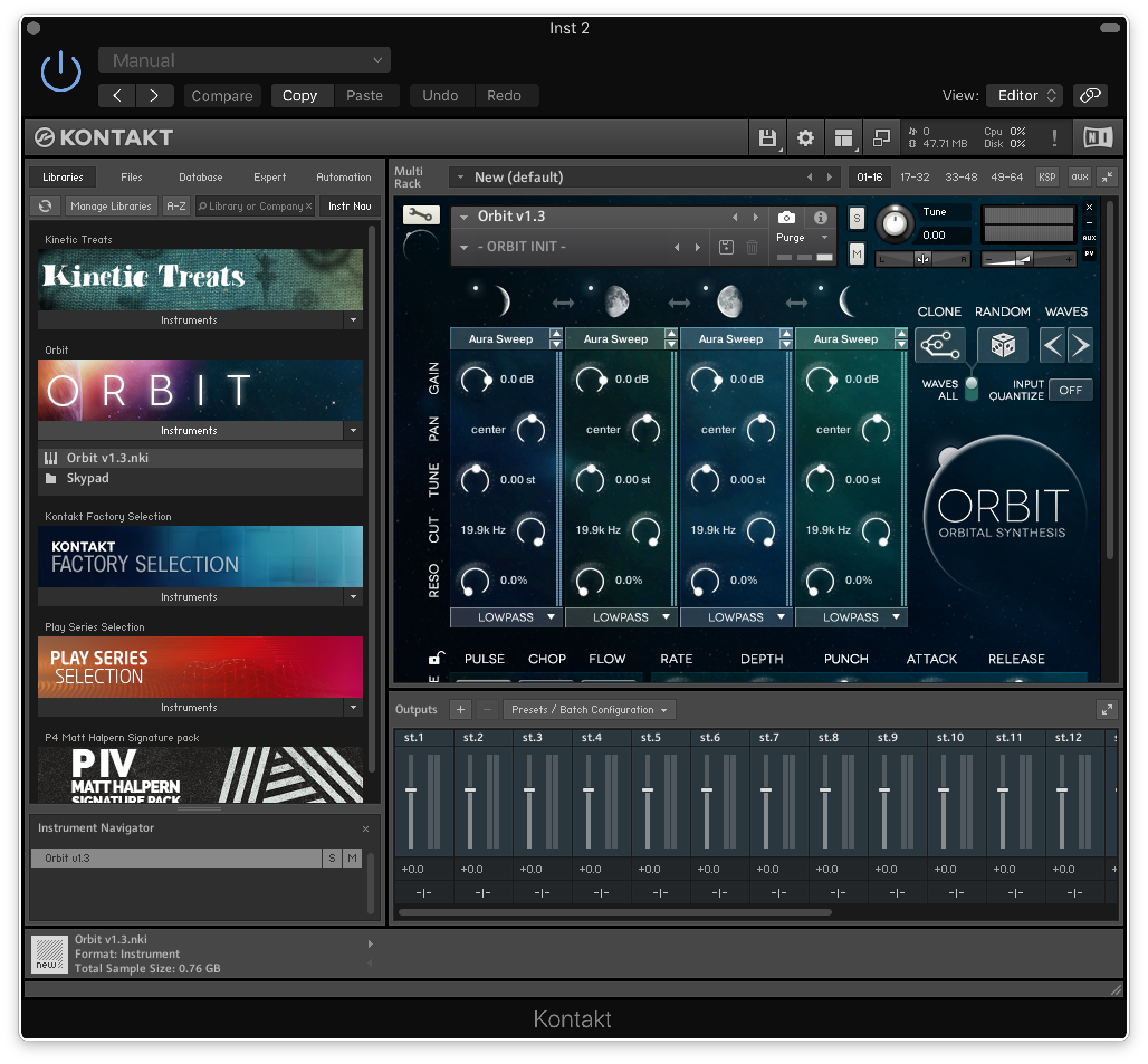
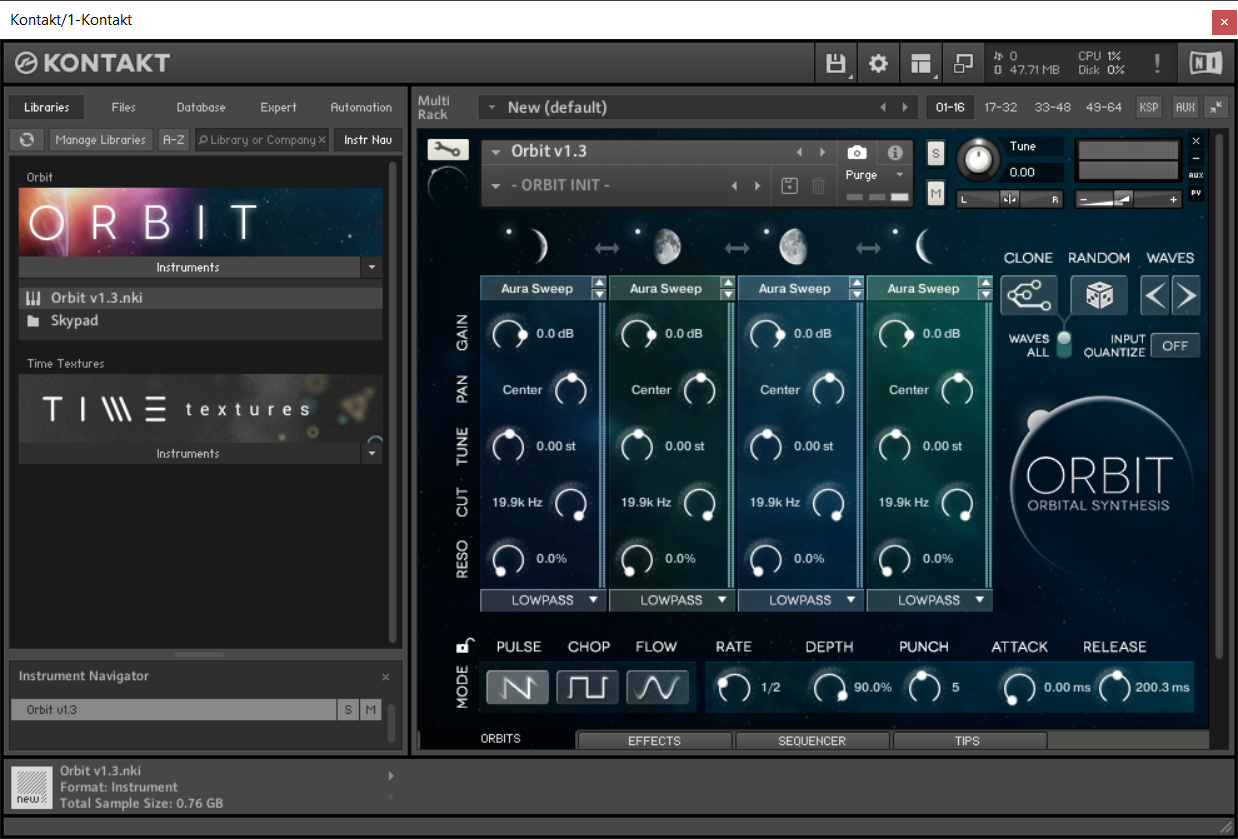
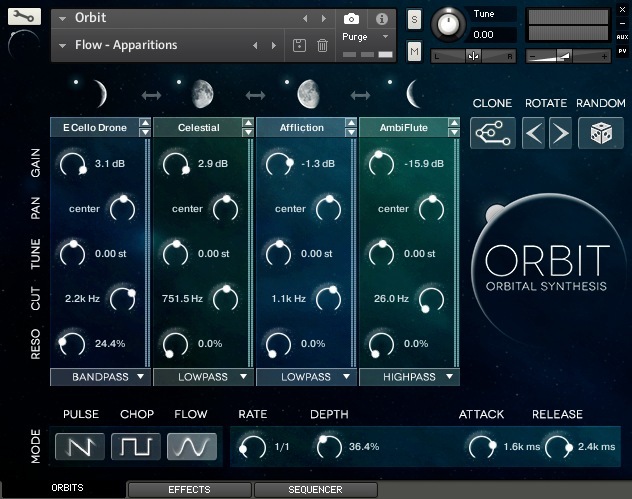
- ORBIT CONTROLS: Use Gain, Pan, Tune, Cut & Resonance to refine your sound. | HOTKEY: Hold ALT while adjusting a knob to relatively adjust the parameter across all four Orbits.
- MOON: Each Moon functions as a mute button. Useful for programming & tweaking sounds. ⌘ (or ctrl) + click = Solo. | ARROWS swap Orbit positions in the playback sequence.
- CLONE: Duplicates the settings of Orbit No. 1 (furthest left) and applies it to the other three Orbits. This makes for the most stable sound possible, which is sometimes desired.
- RANDOM: Assigns random sound-sources to all four Orbits, without changing any other settings. A surprisingly useful starting point for creating your own sounds. | HOTKEY: ⌘ (or ctrl) + click will also randomize the primary ORBIT Controls but in a semi-intelligent way.
- WAVES: Moves all four Orbits to the previous/next sound source in the sound source list. This is useful when you want some of the sounds to match, but want to quickly audition new sounds.
- SOUND SELECTOR MENU: Choose and select any one of the 101 sounds available for each Orbit.
- PULSE Mode: Each orbit starts at full volume before beginning the next - using a sawtooth LFO.
- CHOP Mode: Create rhythmic slices of sound using a pulse-wave LFO.
- CHOP Mode: Create rhythmic slices of sound using a pulse-wave LFO.
- RATE: Sets the amount of time for each Orbit rotation, clocked to your DAW
- DEPTH: Sets the amount (the depth) of the pulse fed to each Orbit.
- PUNCH: Determines how punchy the Pulse is. In Chop Mode, this parameter is called GATE.
- ATTACK & RELEASE: Adjust the attack & release time of ORBIT's main volume envelope.
Orbital Synthesis
The Orbital Synthesis engine morphs between four creative sound sources to create amazing tonal pulses, edgy hybrid rhythms, and dreamy atmospheric beds, all evolving infinitely over time.
Versatile and Inspiring
ORBIT is designed for the rapid creation of stunning cinematic synths and atmospheric textures. Design dreamy, mysterious, or dark soundscapes using the universe of sound open to you in ORBIT.
Triple Engine Design
At the heart of ORBIT lies three distinct rhythmic engines.
- PULSE: Create modern percussive elements with Pulse Mode
- CHOP: Craft an electronic or stuttered style with Chop Mode
- FLOW: Produce one-of-a-kind pads and textures with Flow Mode

You can even morph between the modes seamlessly and in-time, using the sequencer.
Sound-Shaping Nirvana
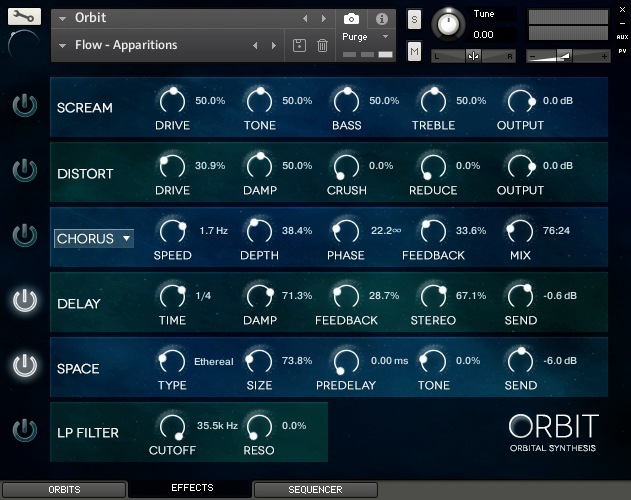
The effects page effortlessly sculpts your sound with delays, multiple modulations, diverse distortions. It also showcases a special convolution engine that that includes both practical creative impulses and beautiful reverbs from world-class hardware units that are commonly used in cinematic production.
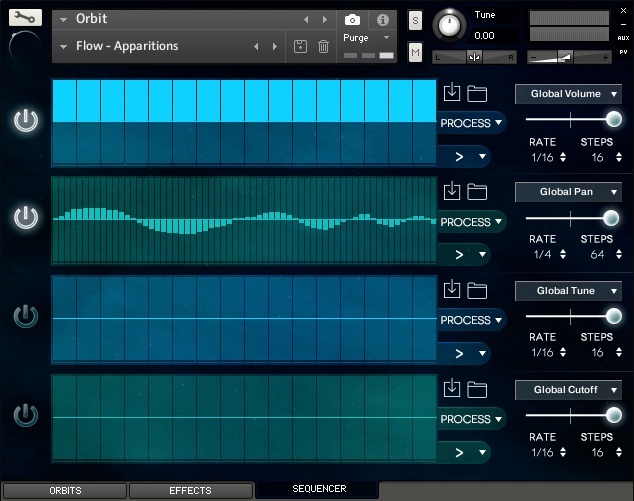
ORBIT has 4 independent sequencers that modulate 24 useful parameters to further the creation of interesting, musical, and evolving sounds. Each sequencer has its own playback rate and extends up to 64 steps.
Automatically generate new patterns, or process what’s already there in dozens of innovative ways. Then play it forward, reverse, both, or even random. Beautiful sequences are only a click away.
Native Hardware Integration
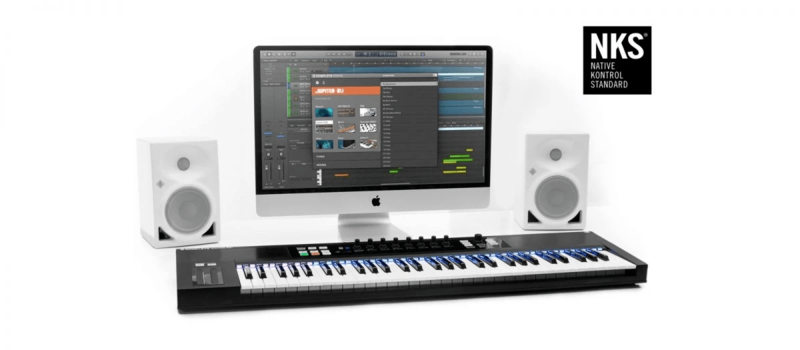
NKS enables intuitive, seamless interaction between plug-in instruments and KOMPLETE KONTROL S-Series keyboards and MASCHINE hardware.
System Requirements

- Requires Kontakt or Kontakt Player 5.6.6 or higher
- Compatible with PC & Mac
Note: This product is compatible with the FREE Kontakt Player.

Glitch Mob
#1 Billboard electronic artist.
"The synths sound incredible. They will definitely get some mileage in the studio."

Bill Brown
Composer | CSI: NY, Tom Clancy's Rainbow Six Series.
"The ambiences are beautifully rich, evolving in ways that are versatile and extremely useful to the modern film composer."

Jack Wall
Composer | Call of Duty, Mass Effect, Splinter Cell.
"Orbit is one of those easily manipulative tools that fills a gap in the composer’s arsenal."