Log In

Free gifts available with your purchase
Raw to the Core
Invasors is an incredibly versatile analogue-inspired synthesiser created for power-users, synth-heads, producers and sound-designers.
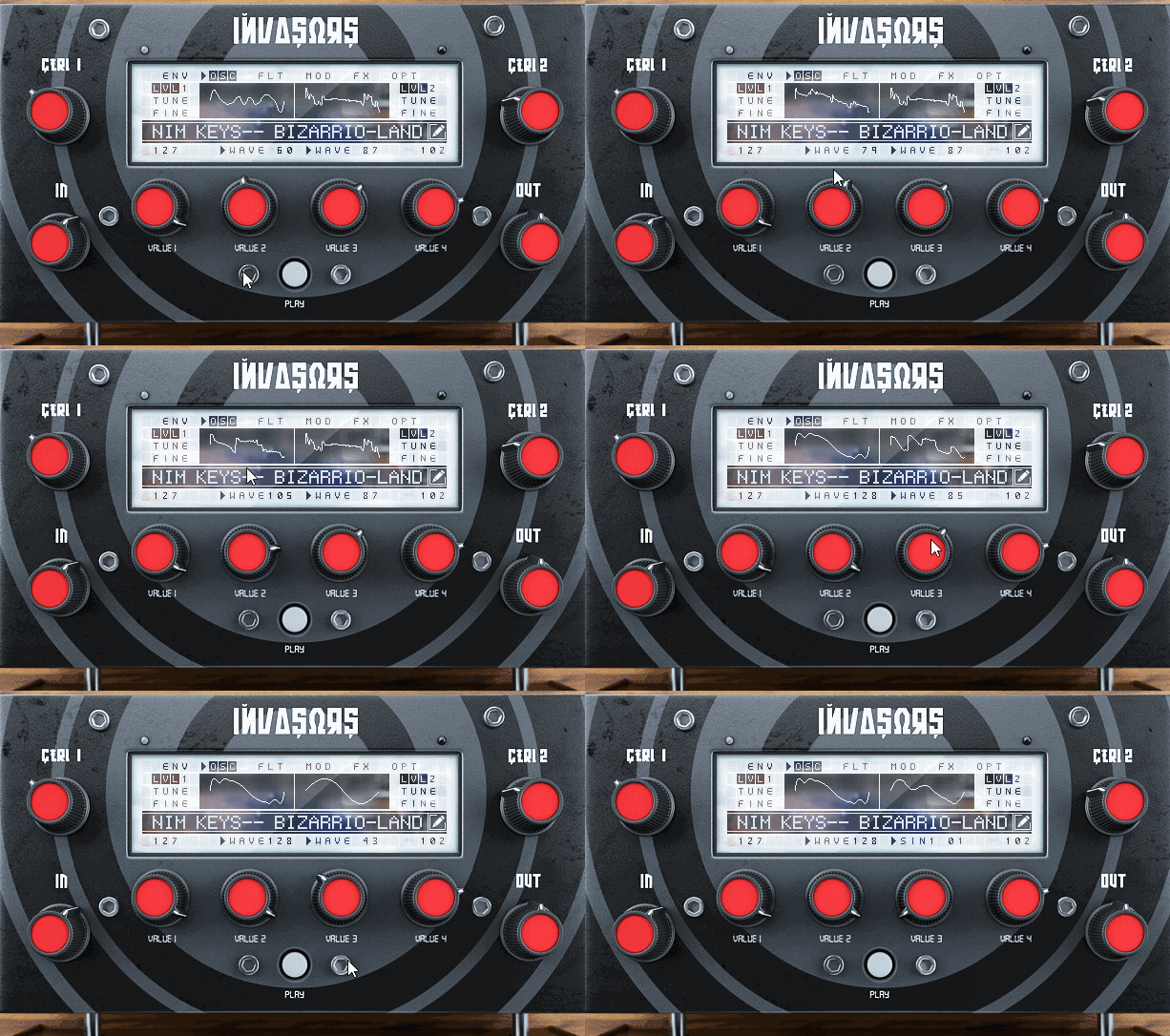
128 Waveforms
Invasors has 2 oscillators, each with 128 unique waveforms that can be combined in a variety of exciting new ways.
Dynamic Sequencer
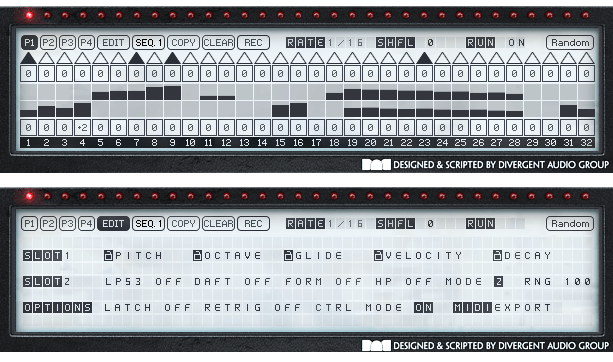
Divergent Audio Group's most advanced and dynamic sequencer allows control over Glide, Pitch, Velocity, Note Length, Cutoff, Resonance, Lofi, Phaser, Flanger, Chorus and Reverb. Includes advanced Randomisation modes and Trigger modes such as Latch and Retrigrigger as well as midi export for all generated patterns.
Power and Clarity
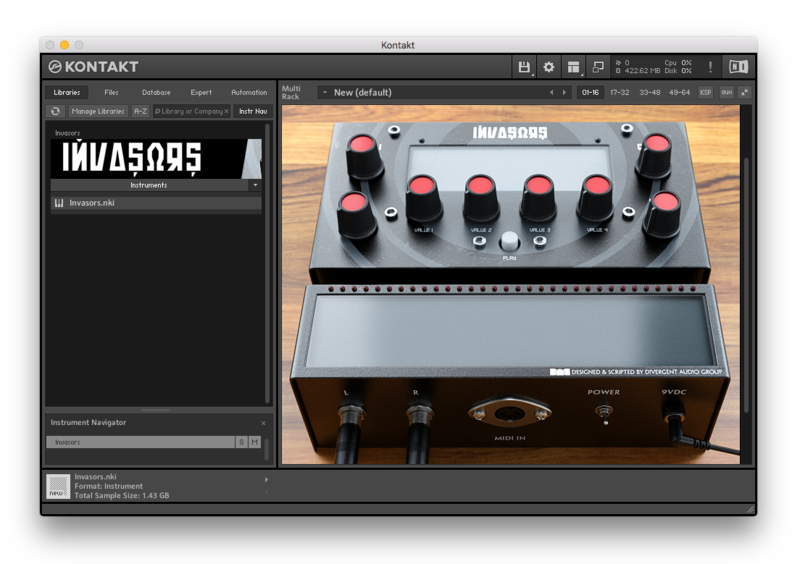
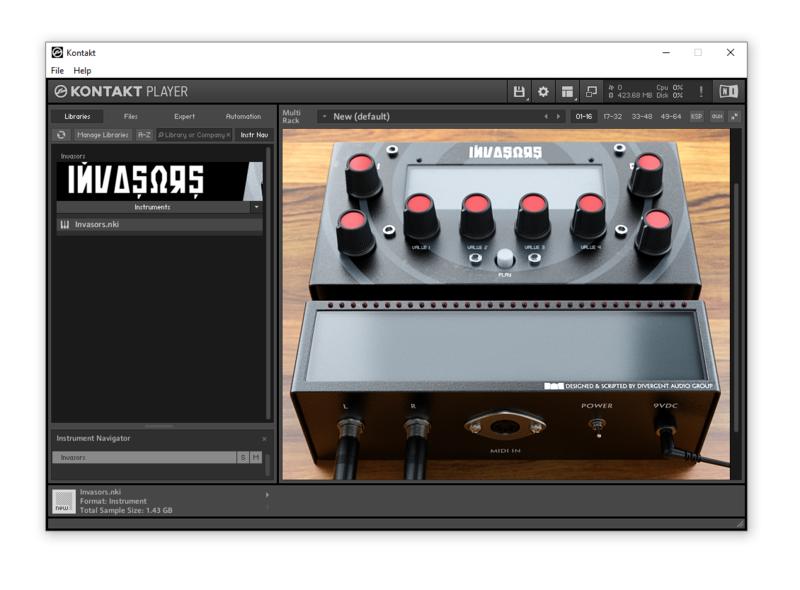
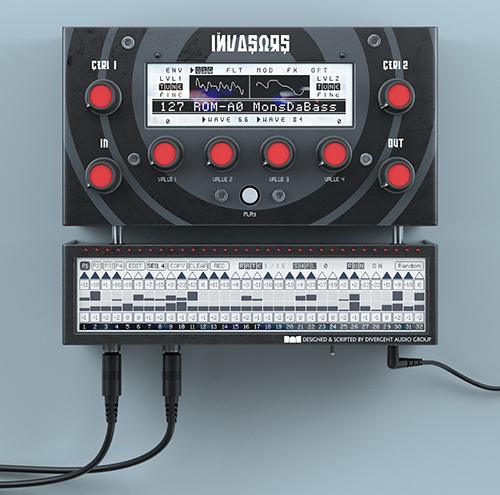
Invasors has a truly unique approach to interface navigation. Using just 4 controls you can scroll through the menu options as if you are controlling a piece of hardware. This allows you to assign midi controllers to the main knobs and control Invasors remotely.
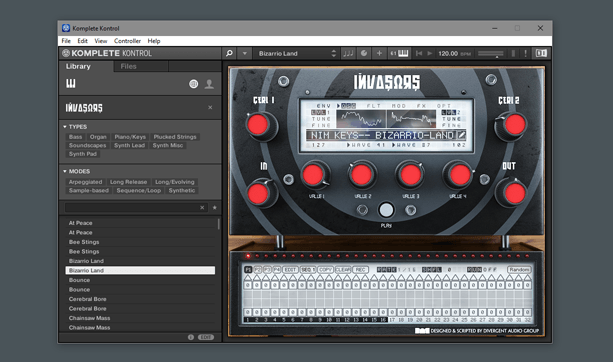
Invasors is also fully NKS compatible so all major controls are already assigned if you have a Native Kontrol Standard keyboard - Giving you access to 16 pages worth of parameters directly from your hardware.
Raw to the Core
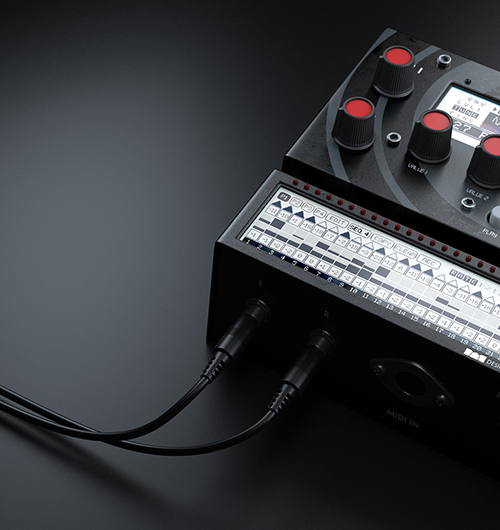
Create gnarly analog-driven synth leads and basses with Invasors.
Real Deep Synthesis
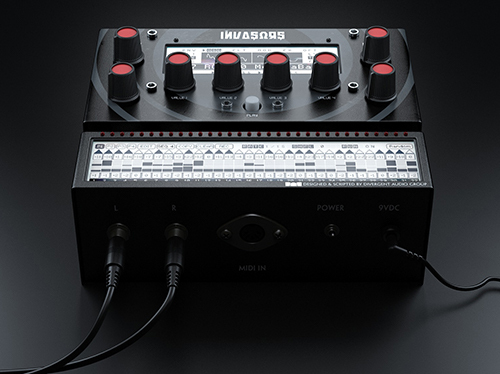
Invasors goes deep, very deep, allowing you to create unique analogue-powered patterns that have all the grit and warmth you would expect from a hardware synthesiser.
Remote Control
Invasors has been designed from the ground up to be completely controllable using any external 8 knob midi controller. Scroll through the menu screens just like a real synthesiser and select sub-menus to edit parameters. Or load it up in Komplete Kontrol and use your NKS keyboard to control every parameter in real-time
Seamless Integration
Scroll through multiple pages easily without ever leaving the main menu just like those hardware synths you love.

NKS Ready
Native Kontrol Standard (NKS) is Native Instruments’ extended plug-in format for all virtual instrument developers. NKS allows for intuitive and seamless interaction between plug-in instruments and KOMPLETE KONTROL and MASCHINE hardware – definitive integration designed by developers themselves.
System Requirements
- Mac: OS X 10.10, 10.11 or macOS 10.12 (latest update), Intel Core 2 Duo
- Windows: 7, Windows 8, or Windows 10 (latest Service Pack, 32/64-bit) Intel Core 2 Duo or AMD Athlon 64 X2
- An Internet connection and a graphics card that supports OpenGL 2.1 or higher are required to download and activate this product. Once installed and activated, the product can be used offline.
- 4 GB RAM (6 GB recommended for large KONTAKT Instruments)