


 Log In

Free gifts available with your purchase
Strum Guitar
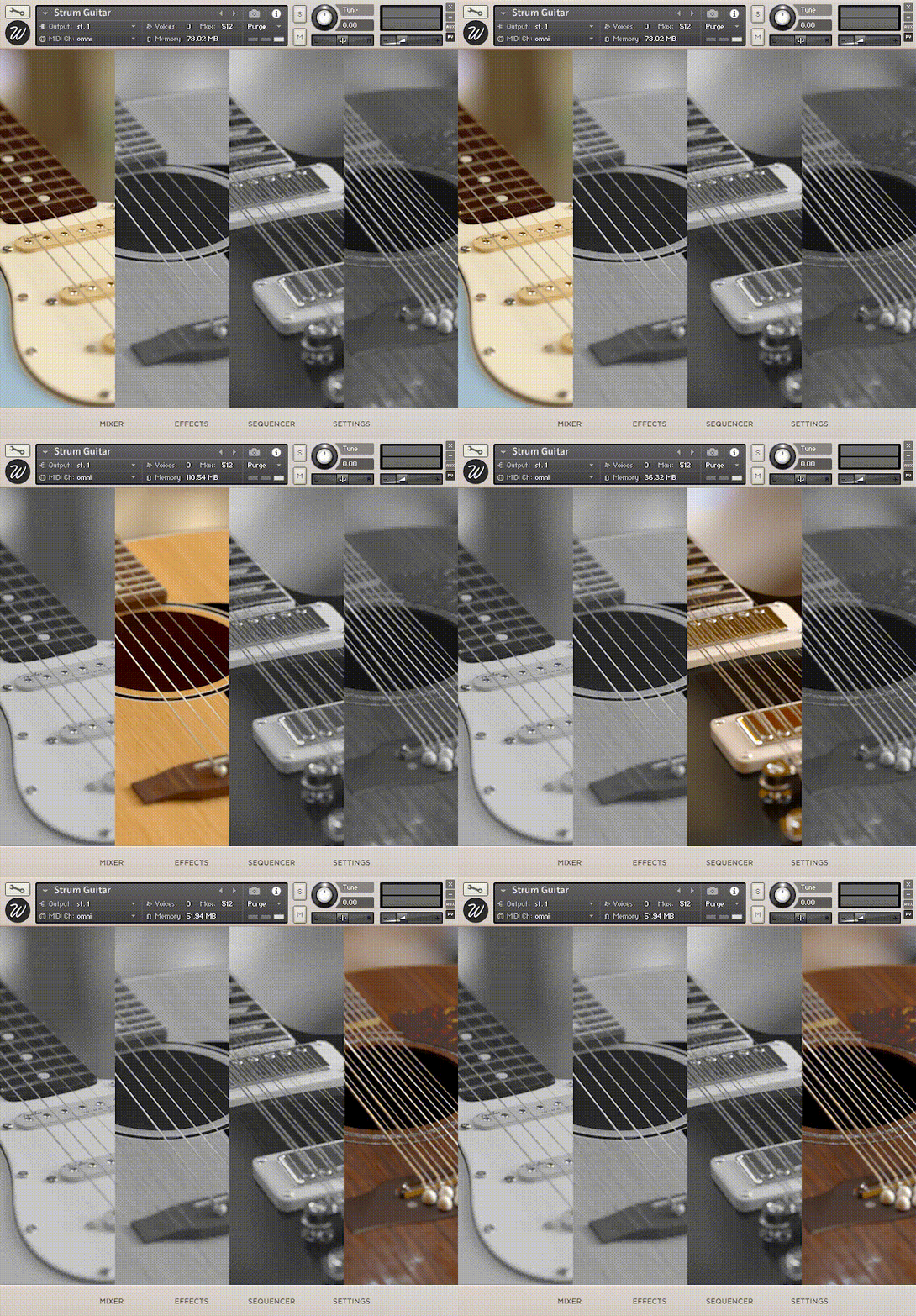
Collection of 4 guitars for Kontakt that play authentic strums. Real strumming patterns with built-in chord recognizer and sequencer. It sounds real because it's real!
Realistic Guitar Strums for Kontakt
Strum Guitar is a collection of four guitars where all strums were sampled both up and down-stroke. The technique we used to sample these was the same that guitarists play: not all strings are struck, depending on the velocity of the hand. That's what makes this instrument so unique.
Strum Guitar contains all major and minor chords, upstroke and downstroke, from four guitars: electric, acoustic, electric 12 string and acoustic 12 string.
Includes an intelligent built-in sequencer with chord recognition that will analyse and play the desired chords in a realistic way and with tons of extra feature to make it adapt to the needs of the song.
Strum Guitar will save you time when making a quick demo of your song, and it can also be used for a final production.
Mixer
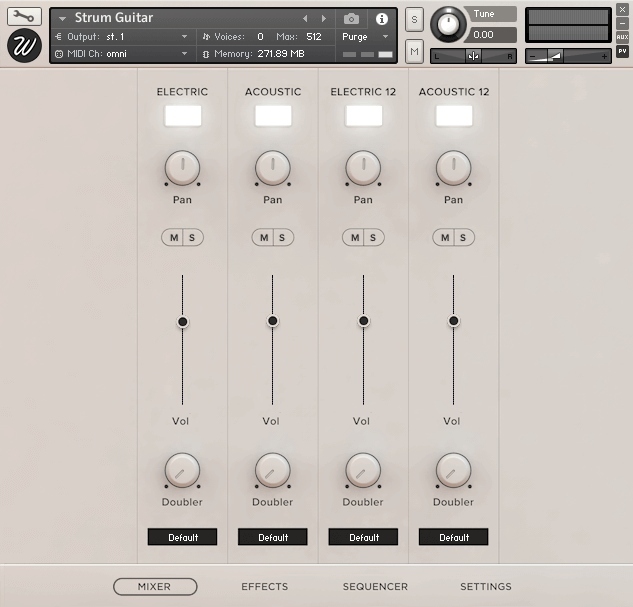
Strum Guitar features a full mixer with which you can control the guitars separately. With a load/purge switch for each guitar, pan, volume, mute, solo, doubler and output selector for mixing the different channels in your DAW.
Effects
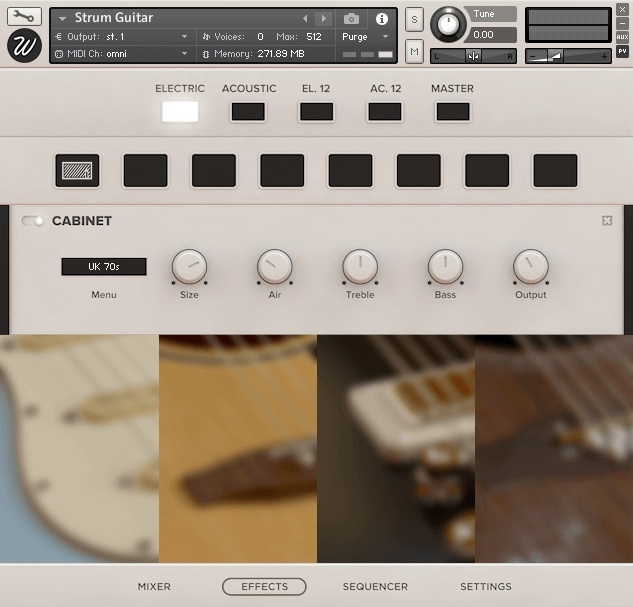
On the effects page, you can add any effect you want in any order. Including EQ, compressors, modulation effects, distortion, saturation, tape machine, reverb, amp simulators and more. This script boosts the sonic capabilities of the library exponentially. Easy to use in a simple and intuitive design.
Sequencer
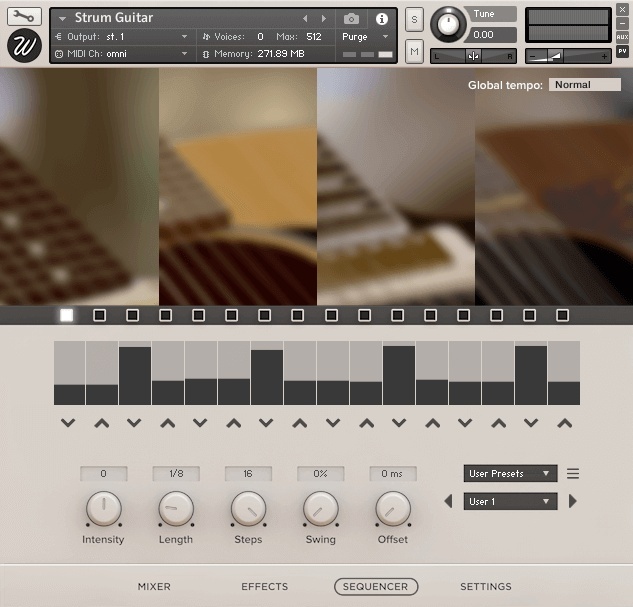
Fully featured sequencer with a wide variety of the most common guitar patterns ready to play. We have included a chord recognizer that will trigger different chords so you're not tied to only major or minor, but you can also play tensions like add9, 7ths, 6ths...
Settings
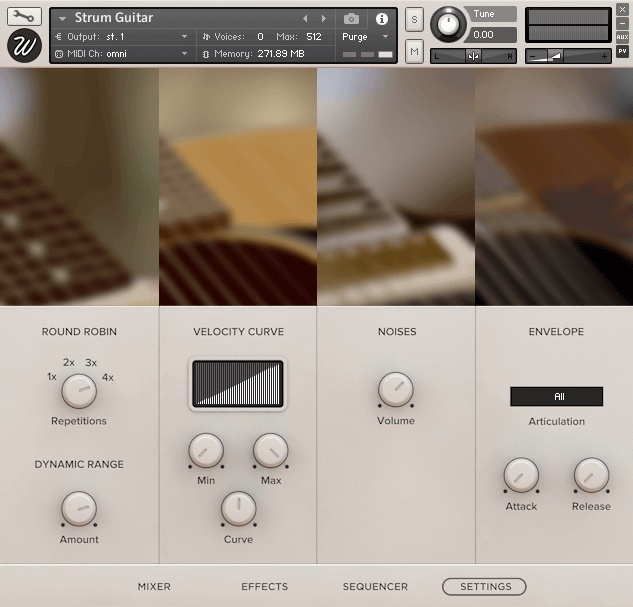
From the settings page, you can control basically any parameter you might ever need. Includes round-robin, velocity curve shaping of the incoming MIDI notes, volumes of the fret and string noises and envelope for controlling the attack and release times.
In Action
See how Strum Guitar sounds in different compositions in the audio demos. These pieces try to demonstrate the capabilities of the library. They use different guitars and effects, like amp simulation since the electric guitar was recorded via DI.
Features
- Size: 4.71 GB
- 4 round robins, 5 velocity layers, 4 instruments
- Samples: 3,349
- Powered by Kontakt 5.7.3 and newer versions.
System Requirements

Important Notes:
- This software requires the FULL version of Kontakt 5.7.3
- Ukulele Collection requires the FULL version of Kontakt 5.7.3 and will only run in DEMO mode when used in the FREE Kontakt Player engine.


