/ Kontakt Instrument / The Solino String Proto Ensemble MK 1
Tronsonic

The Solino String Proto Ensemble MK 1

4.4 (243 Reviews)
$30.00
The Solino String Proto Ensemble MK 1
Video1 gallery thumbnail
Video 2 gallery thumbnail
Video 3 gallery thumbnail
Buy Now
Product information

Please note - Full version of Kontakt is required.

A recreation of an imaginary EMINENT SOLINA STRING ENSEMBLE 'PROTOTYPE' - perhaps found in the basement of the old Eminent factory in Holland.

Sampled from the original MARK1 version (with ensemble effect always ON).

You can configure the ultimate string synth, with as many combinations of any of the 6 instruments as your computer can handle, and adjust the keyrange and controls for each individual preset.

Sampled through vintage valves and transformers - no tape was used in order to preserve the purity of the wave - a taped version may well surface one day as a free upgrade.

Featuring customisable 'EQ MODULATION' EFFECT (see 2nd video in the player), plus 2 PHASERS - allowing a different variety of ensemble with a wide range of movement, for complex and evolving synthesized orchestral sounds.

System Requirements

  • Powered by Kontakt (VST / AU / RTAS / Pro Tools 8 & Higher) 

Windows 

  • Windows 7 (latest Service Pack, 32 / 64-bit)
  • Intel Core Duo or AMD Athlon 64
  • 2 GB RAM

Mac 

  • Mac OS X 10.6 (latest update) or 10.7
  • Intel Core Duo
  • 2 GB RAM

Please Note: The Full Version of Kontakt is required.

Installation Instructions

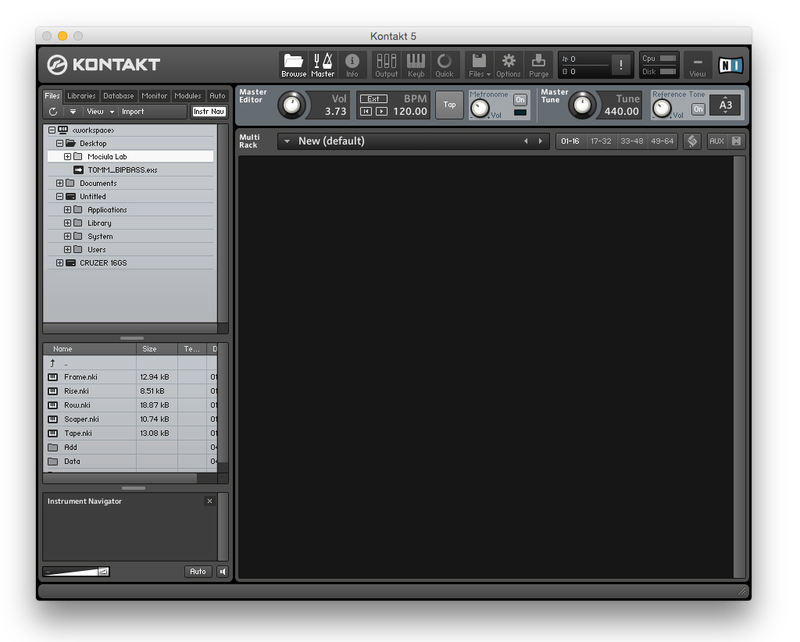
Installation Instructions (using Mociula as the example)

1. Download the software folder from your Plugin Boutique account.

2. Unzip and extract the folder within and save it to a computer destination/folder of choice.

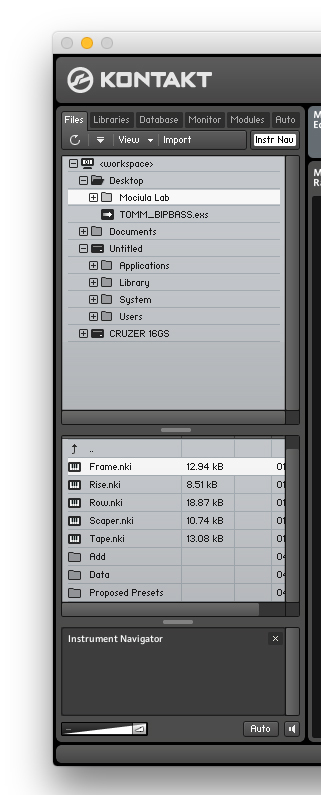
3. Launch Kontakt and click 'Browse' > Select 'Files,' which is located at the top left hand corner of Kontakt's interface.

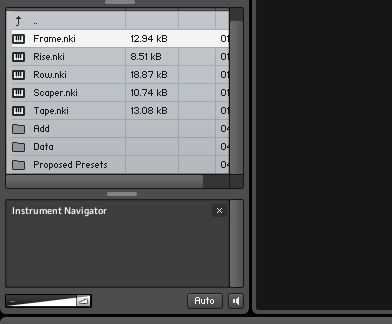
4. Locate the instrument folder from the computer destination/folder that you saved it to > Select the Instruments sub-folder.

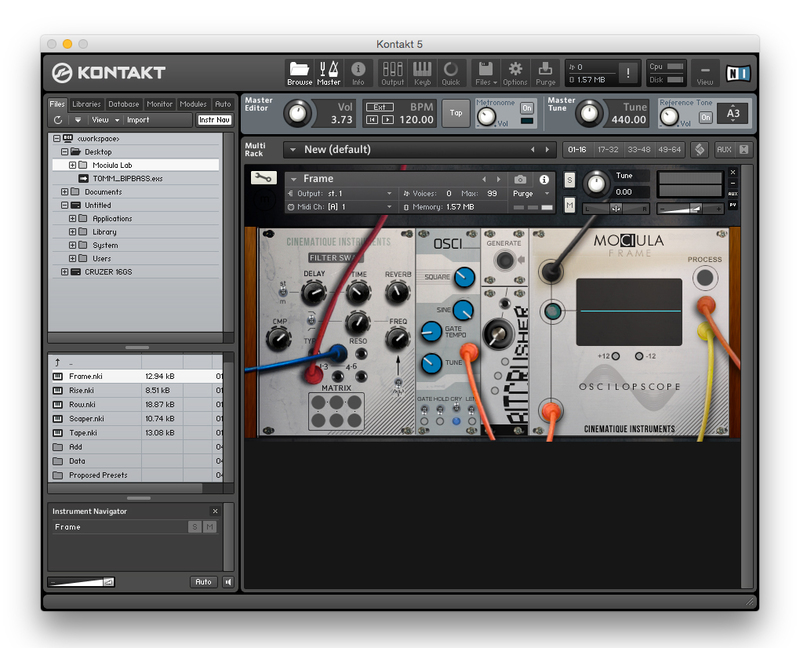
5. Once you locate the instrument.nki file, drag and drop it into the blank space which is available on the right hand side of Kontakt's interface.

6. Your instrument is now loaded into Kontakt and ready-to-use!

Plugin Boutique Rewards

Discover the most rewarding loyalty programme among all plugin retailers.

  • Free Loopmasters Samplepacks
  • Discounts on products and courses
  • Extra Virtual Cash claimed immediately at checkout
Find out more

Follow us:

X (Twitter) Facebook YouTube Instagram
Logo Logo

Plugin Boutique Limited, Part of the Beatport Group LLC.

Copyright © 2011-2025 Plugin Boutique. All rights reserved