/ Kontakt Instrument / Lyrical Cello Phrases
Sonuscore

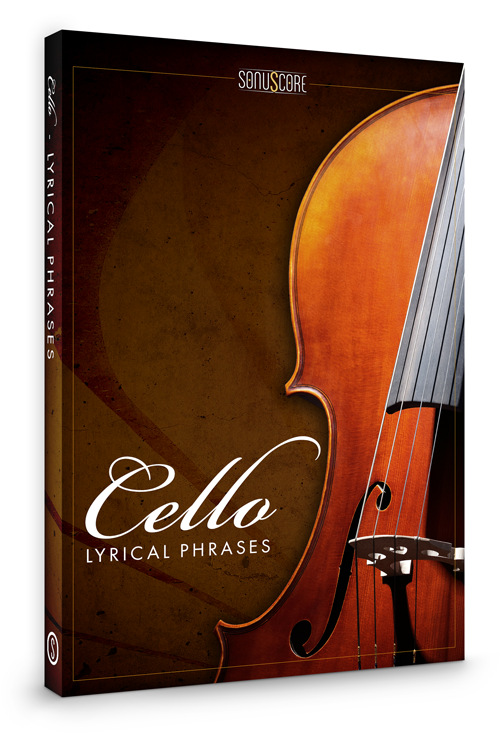
Lyrical Cello Phrases

5.0 (5 Reviews)
$49.99 $99.00

49% off until Dec 04

Sonuscore Lyrical Cello Phrases - Main Image
Sonuscore Lyrical Cello Phrases - Video Demo gallery thumbnail
Sonuscore Lyrical Cello Phrases - Video Demo 2 gallery thumbnail
Sonuscore Lyrical Cello Phrases - Video Demo 3 gallery thumbnail
Sonuscore Lyrical Cello Phrases - Video Demo 4 gallery thumbnail
Sonuscore Lyrical Cello Phrases - FX
Sonuscore Lyrical Cello Phrases - Legato
Buy Now
Product information

Emotional Force

Important note: This product requires a FULL version of Native Instruments' KONTAKT. The free Kontakt player is not sufficient, as it only runs the instrument in DEMO mode.

If you've ever wanted to utilize the massive emotional force a cello contains, Lyrical Cello Phrases is the right heavy-hitter for you. What would your compositions be like, what would it feel like if you could have a world-class cellist with you, live whenever and wherever you were making music? Experience this feeling with Lyrical Cello Phrases and give yourself the gift of a great tool to take your workflow, your productivity and creativity to the very next level.

The concept

Sonuscore were given a challenge by a group of composers: the challenge was to build a cello tool to take their compositional process to a whole new level: these composers not only wanted their needs taken care of, but they also asked Sonuscore to find a way to leverage the strengths a real instrumentalist brings to the table. Sonuscore asked their composers what they look for in a new instrument. They answered that they need high-quality sound, they need their work-flow to be at the speed of their thoughts or faster and, best-case scenario, that these instruments inspire new creative ideas.

Lyrical Cello Phrases is exactly the best of both worlds: it combines the creative freedom a composer enjoys with the expressivity and emotionality a real instrumentalist sets free – all at your fingertips.
Phrase instrument

The themes were all played by cellist of choice Mátyás Ölveti (who has recorded for “The Elder Scrolls Online” among many other high-profile projects) whose improvisatorial talent brought out the strengths of the cello full throttle. With over 70 freely combinable phrases spread over 10 themes throughout all keys as well as 2 additional bonus themes, this library is a tool that empowers every creative composer to get the project off of the ground with an impact.

Legato instrument

Besides the selection of these hand-crafted themes, the Lyrical Cello Phrases includes a legato instrument so you can play the melodies that come to you freely with two different note-lengths to chose from.

Features

  • 70+ Freely Combinable Phrases
  • 10+ Themes throughout all keys
  • 2 Bonus Themes
  • Legato Instrument
System Requirements
  • FULL VERSION of Native Instruments’ KONTAKT Version 5.6.8 or higher
  • Mac OSX.10.9 or higher, Intel Core 2 Duo
  • Windows 7 or higher, Intel Core 2 Duo or AMD AthlonTM 64 X2
  • 4GB RAM
  • at least 3.05GB of free hard disc space
Installation Instructions

Redemption

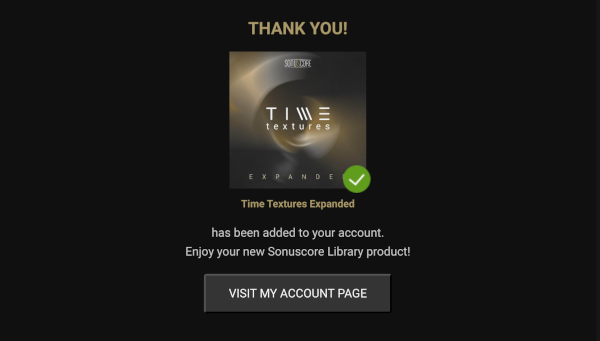
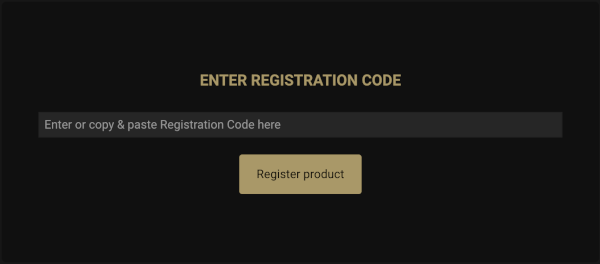
1. Go to the Sonuscore Product Registration website, and either log in or create an account

2. Enter your license code found in your Plugin Boutique account.

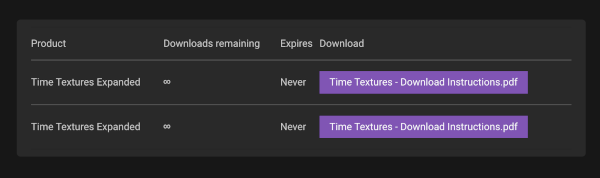
3. Visit your Sonuscore Account Page by following the link

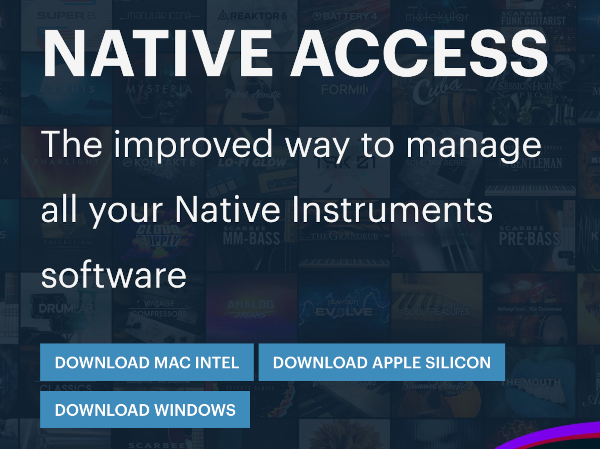
4. Either open the document to view the Native Access download instructions, or visit the Native Access installer download website

5. Download the correct Native Access installer for your OS

Mac

1. Download the .dmg installer file from the Native Access installer download website

2. Double-click the .dmg file to install Native Access.

3. Open Native Access > Create a new Native ID if you do not have one already. If you do, skip ahead to step 5.

4. You will then receive an email with a confirmation link > Open the email and click 'CONFIRM EMAIL'.

5. Log in to Native Access with your Native ID.

6. Click 'Add a serial'

7. Enter your Serial Number found in your Plugin Boutique account > Click 'ADD SERIAL'.

8. Click the 'Not installed' tab > Locate Time Textures > Click 'INSTALL'.

9. Time Textures is now installed on your system.

10. Open Kontakt in your DAW > You should see Time Textures on the left sidebar > Click the drop-down bar and drag the .nki file into the middle of the window.

Your software is now ready to use in your DAW!

Windows

1. Download the .zip installer file from the Native Access installer download website

2. Double-click the extracted .exe file to begin the installation process > click ‘Run’.

3. Read the welcome message > click 'Next'.

4. Click 'Next' to begin the installation.

5. Native Access has now been installed > Click 'Finish'.

6. Open Native Access > Create a new Native ID if you do not have one already. If you do, skip ahead to step 8.

7. You will then receive an email with a confirmation link > Open the email and click 'CONFIRM EMAIL'.

8. Log in to Native Access with your Native ID.

9. Click 'Add a serial'.

10. Enter your Serial Number found in your Plugin Boutique account > Click 'ADD SERIAL'.

11. Click the 'Not installed' tab > Locate Time Textures > Click 'INSTALL'.

12. Your new Kontakt Instrument is now installed on your system.

13. Open Kontakt in your DAW > You should see Time Textures on the left sidebar > Click the drop-down bar and drag the .nki file into the middle of the window.

Your software is now ready to use in your DAW!

Bundle & Save

Sonuscore Lyrical Bundle
$99.99
$297.00 (66% off)

Plugin Boutique Rewards

Discover the most rewarding loyalty programme among all plugin retailers.

  • Free Loopmasters Samplepacks
  • Discounts on products and courses
  • Extra Virtual Cash claimed immediately at checkout
Find out more

Follow us:

X (Twitter) Facebook YouTube Instagram
Logo Logo

Plugin Boutique Limited, Part of the Beatport Group LLC.

Copyright © 2011-2025 Plugin Boutique. All rights reserved