Log In
Free gifts available with your purchase
Product information

Gloom is an upright piano model that was deeply sampled and artificially pitched down five semitones. What was once a soft, clean upright piano is now an impossibly soft, almost ethereal memory of itself.
Why pitch-shift? Depending on the stretching algorithm, pitch-shifting downward can have a pleasant effect on the harmonics of the samples, removing some of the high-end content in a musical way, resulting in a softer perceived sound.
Features
- Key range C1 to C8
- 8 Velocity Layers
- 2 Round Robins
- Additional release and player noises.
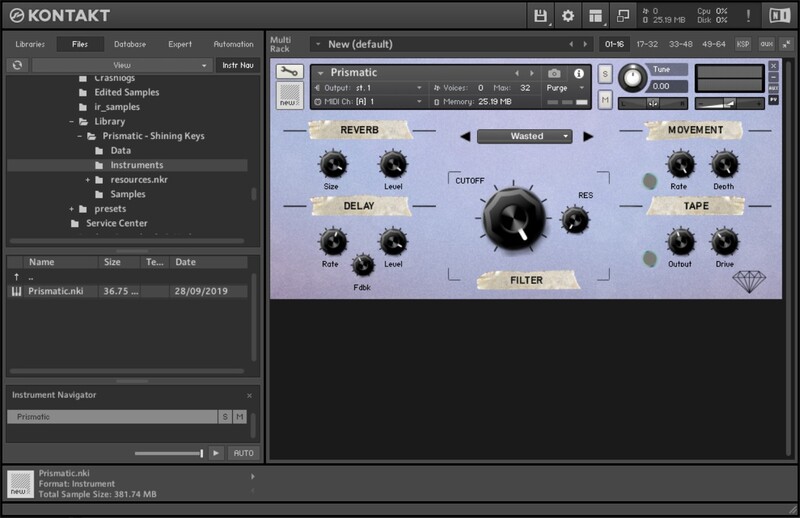
- Built-in Reverb, Worble, Drive and Filter, all with automatable controllers
System Requirements
- Full Version of Kontakt 5.8 or later is required
- Third-Party Amp Simulation Software.
- 4 GB of RAM (8 GB Recommended)
- Stable internet connection (for download).
- 852 MB HDD Space
Please Note: Please ensure you have the FULL version of Kontakt as this product will not work within the FREE Kontakt Player.

Installation Instructions