


 Log In
Free gifts available with your purchase
Product information
Machine Tribes is a percussion library-themed around the idea of a dystopian future where robots emulate the music humans used to make, combining real samples with synthesized drums, big-hits, glitches, loops and one-shots - it's great for dark, futuristic tracks or for exciting composition with intricate percussion.
This isn't intended to serve as a primary percussion instrument, but rather to accentuate and augment existing percussion or drum samples.
Features
- 4 primary sections - Main Hits, Extra Perc, Glitches and Extra Hits.
- Professionally produced and processed samples.
- Loops and one-shots to augment them.
- Tempo-Synced to DAW
- Built-in effects for further processing the sounds.
- Automatable Interface.
System Requirements
- Full Version of Kontakt 5.8 or later is required
- Third-Party Amp Simulation Software.
- 4 GB of RAM (8 GB Recommended)
- Stable internet connection (for download).
- 149 MB HDD Space
Please Note: Please ensure you have the FULL version of Kontakt as this product will not work within the FREE Kontakt Player.

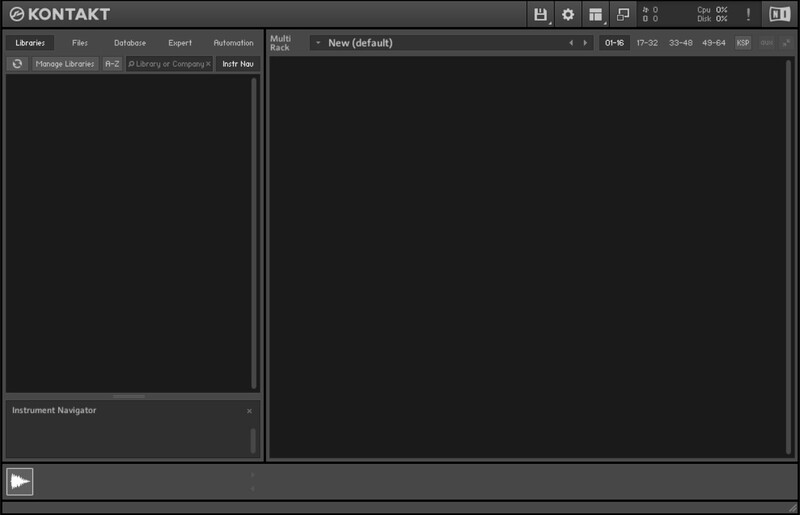
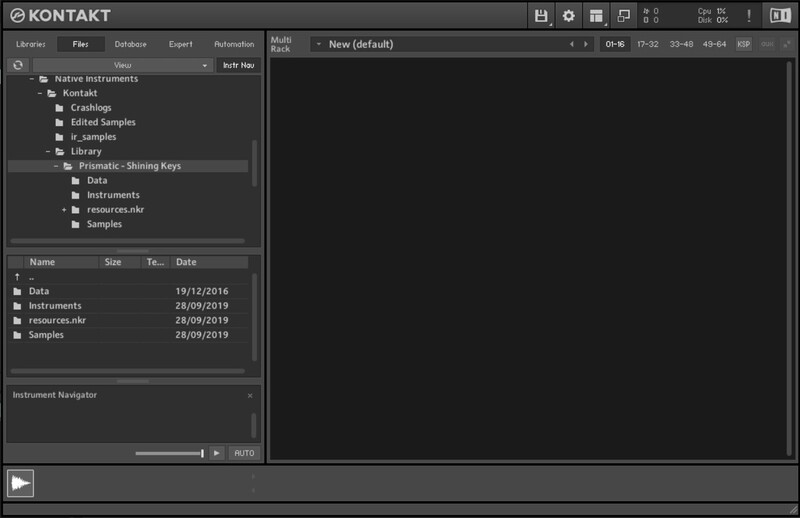
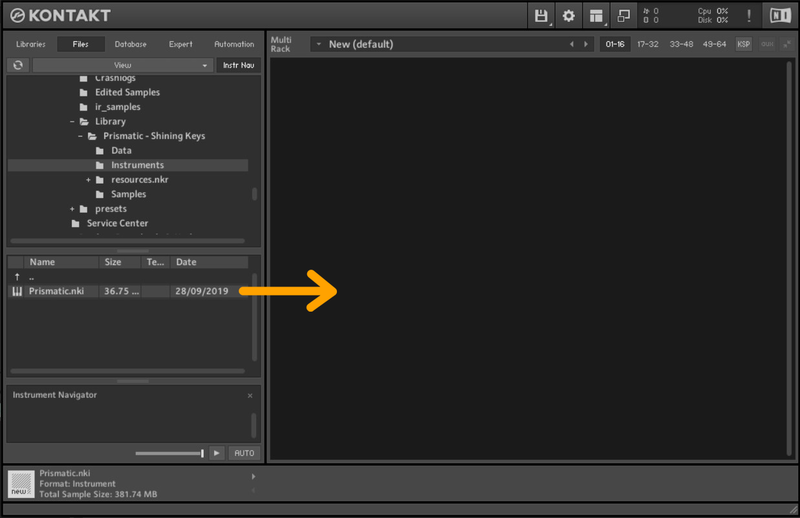
Installation Instructions
Bundle & Save
Designer Bundle
$140.00


