Log In

Free gifts available with your purchase
Sounds of Knights & Taverns
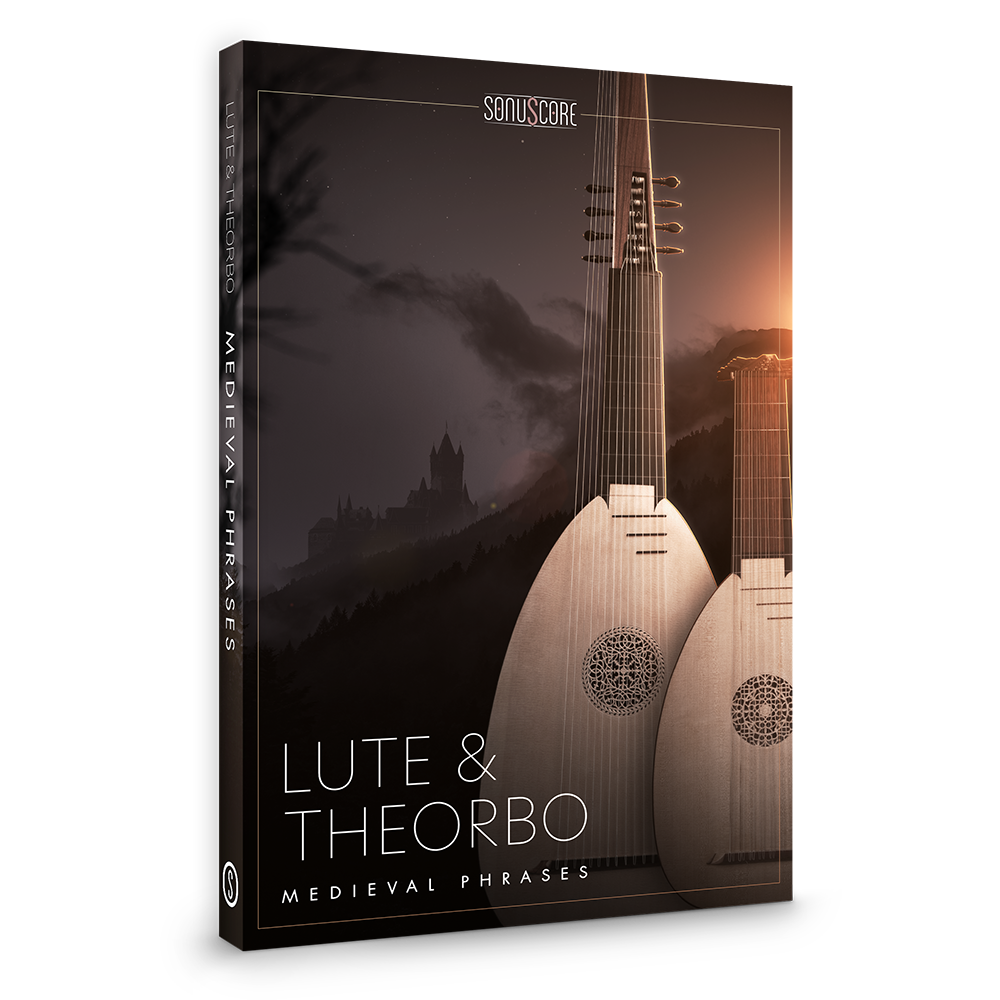
Sonuscore's first phrase library that focuses on plucked instruments, MEDIEVAL PHRASES LUTE & THEORBO, brings you into a world of classic imagination, booming with bards and taverns, questing knights, and roving robber barons and bandits.
In the Middle Ages and Renaissance, the bards in courts and taverns constantly needed new ways to inspire their audiences. People looked back to the ancients for their inspiration, whether in science or medicine or in music. The Ancient Greeks tapped into the divine in their epic recitations accompanied by the lyre and kithara. It was only natural that during the late medieval times – when all things ancient were coming into fashion again – that the lute and theorbo would take a centrepiece.
Sonuscore's MEDIEVAL PHRASES LUTE & THEORBO brings back that flair of medieval castles and the inspiring spirit of the Renaissance, transporting you to rustic pubs and medieval markets, from Homer’s epics to the court of the Medicis. The light, heavenly plucks of the lute are richly accented by the deep voice of the theorbo, perfect for period pieces, experimental music, or ambient dwellings.
The Artist Behind Medieval Phrases: Lute & Theorbo
Attila Völgyi was born in 1974. He studied cello, piano, and guitar from an early age. From this young love of music, he added classical guitar, organ, and jazz guitar. In 1997, he graduated from Franz-Franzens Music School with distinction.
In 2007, he began his conquest of the lute under the influence and guidance of the esteemed lutist István Győri. Attila now teaches at the Béla Bartók Music School in Szombathely, Hungary, where he is also a member of the early music ensemble Capella Savaria. He takes part in numerous concerts, recordings – including for the Age of Empires IV and The Elder Scrolls Online soundtracks – and theatre plays where he plays guitar, lanton, lute, and other plucked instruments.
Clean and Intuitive Interface
Drawing from the same spirit as the Lyrical and Ethnic Phrases series, Sonuscore's MEDIEVAL PHRASES LUTE & THEORBO presents a whole new direction: the Medieval times. Keeping the same spirit as their Lyrical Series, they have crafted a much more medieval inspired set of phrases. The phrases are set in Natural Minor and Dorian modes which were common at that time.
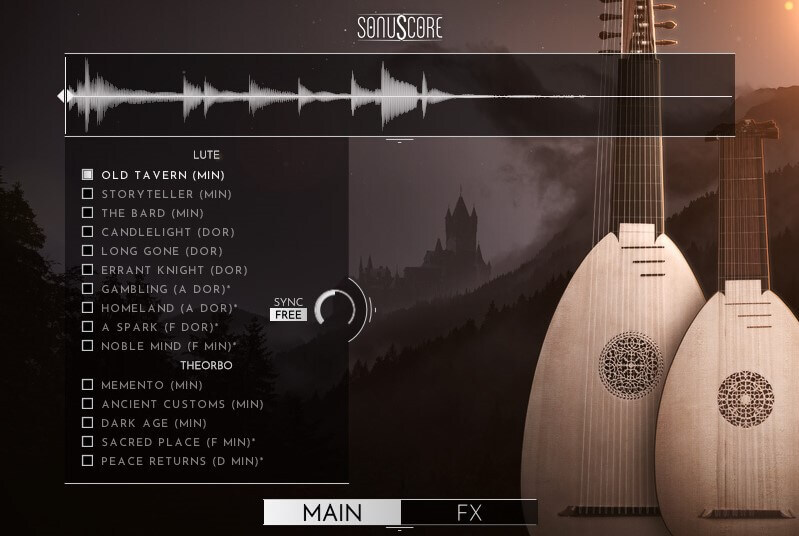
The interface gives you your choice of phrases, while an FX page offers you full control over the EQ. Use the added delay to draw out unexpected complexities and reverb to give you the space you need to fill the feasting halls of knights and ladies.
Features
- Live Recorded Phrases - The phrases are all recorded in the darker tones of the Natural Minor and Dorian modes, including plucks (with 3 round robins), tremolos, and a variety of trills – most recorded with 2 round robins. They are meant to inspire the rhythm and movement of the Middle Ages. The zest and dynamic focus on rhythm means they can fit into more projects than simple lyrical phrases.
- Freely Playable Instruments - To connect the phrases further and more individually or to play your own melodies, you can also play the lute and the theorbo freely as individual instruments. Create stunning and authentic melodies in no time in combination with the emotional live phrases.
- FX Page - MEDIEVAL PHRASES LUTE & THEORBO includes a whole set of modern tools, including 4-band EQ, delay, and reverb. Have instant and easy access to the most essential features to craft your sound to perfection.
- 10 lute and 5 theorbo themes
- Syncs to DAW’s tempo
- Fully playable rhythmic phrases
- Lute playable in arps and chords
- Also playable freely as single instruments
- FULL VERSION of Native Instruments’ KONTAKT Version 6.7.1 or higher or Steinberg’s free HALion Sonic
- Mac OSX.10.14 or higher, Intel Core i5
- Windows 7 or higher, Intel Core i5
- 4GB RAM
- at least 2.5GB of free hard disc space