/ Kontakt Instrument / Opalescence
Loot Audio

Opalescence

$21.60 $54.00

60% off until Dec 06

Loot Audio Opalescence - User Interface
Loot Audio Opalescence - Overview Video gallery thumbnail
Buy Now
Product information

Opalescence is a cinematic pad designer, created for the purpose of crafting hybrid (Orchestral/Electronic) evolving Pads, with 22 sequencer-based effects.

Opalescence helps you design non-static, dynamic Hybrid pads, covering the whole dramatic spectrum, from lush and creamy, to aggressive and dirty.

Opalescence consists of 2 main modules. Module A has 15 orchestral raw instrument to choose from, with different variations for each (articulations, playing techniques, dynamics…)

  • Basson
  • Cello section
  • Clarinet
  • Double Bass section
  • French Horn
  • Flute
  • Harmonica
  • Oboe
  • Organ (Manual)
  • Organ (Pedal)
  • Trombone
  • Trumpet
  • Trumpet Mute
  • Viola section
  • Solo violin
  • Module B consists of 2 separate wavetables with an infinite selection of waveforms for each wavetable, from a simple sine wave to the most complex waveforms

Each module has its own HP and LP filter, as well as volume controls and separate ADSR envelopes.

For each module, the user can access the “Designer” page, (Designer A and Designer B), for an number of 11 Sequenced effects table for each module(Lofi, drive, chorus, flanger, Articulation,
PWM …)

Alongside the sequenced effects for each module, Opalescence has a Master FX page that includes: Reverb, Delay (Modern, tape, diffusion) and a 3 band EQ.

Features

  • 2 Modules A and B with separate controls
  • 333 stereo samples (24bit) and 2 wavetables
  • 15 Orchestral sounds
  • 2 Separate wavetables
  • 22 sequencer-based effects
  • 3 Master effects
  • 15 crafted presets, designed with film music composers in mind
  • 1 Hidden gem for maximum stereo width

System Requirements

  • Full Kontakt 6.5.2 or above

Important Note: Full version of NI Kontakt 6.5.2 and above is required. Will not function with the free NI Kontakt Player.

Installation Instructions

Please Note:

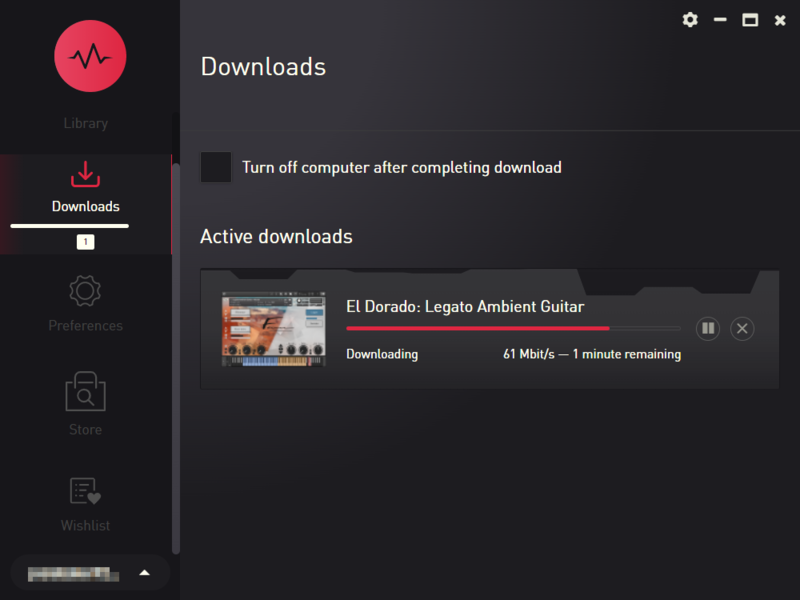
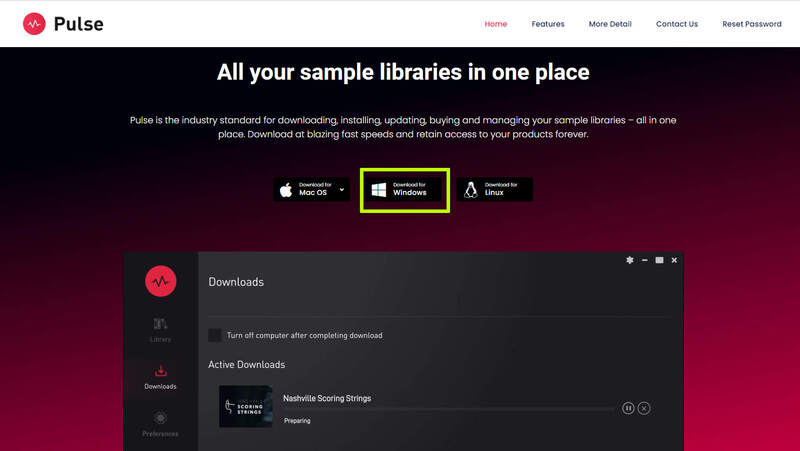
  • Pulse Downloader is used to download the software and must be installed.
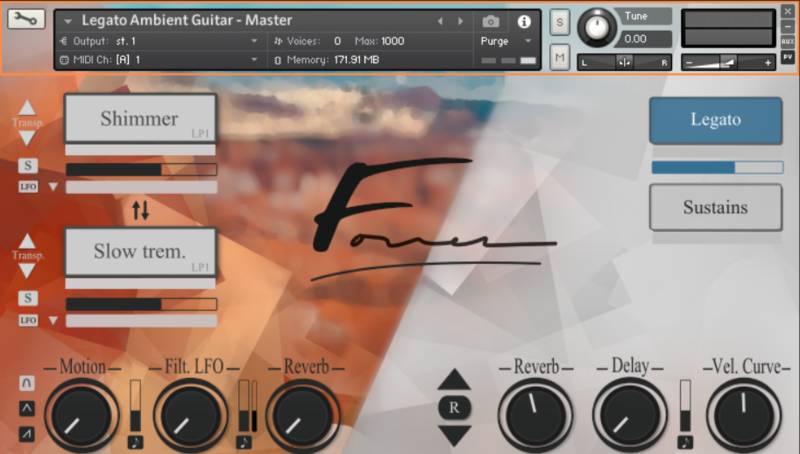
  • El Dorado: Legato Ambient Guitar is used as an example.

Mac

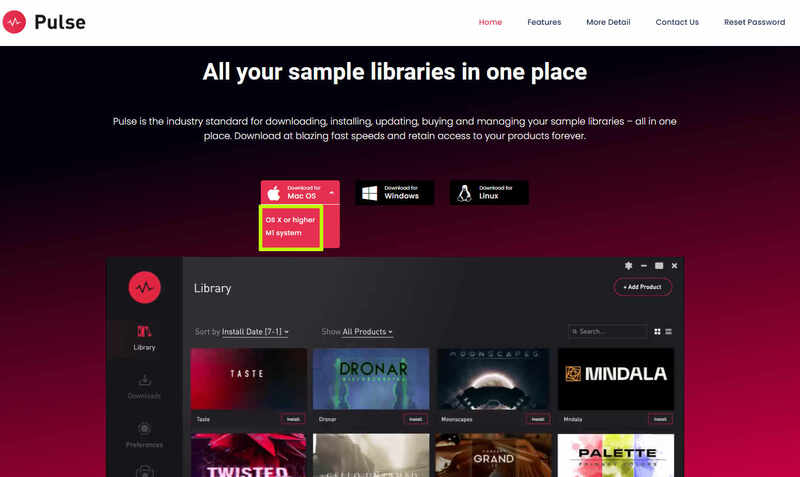
1. Visit the Pulse Downloader website by clicking the El Dorado: Legato Ambient Guitar 'Download' link in your Plugin Boutique User Account or by clicking HERE, and download the correct installer for your system (either 'OS X or later' or 'M1 System').

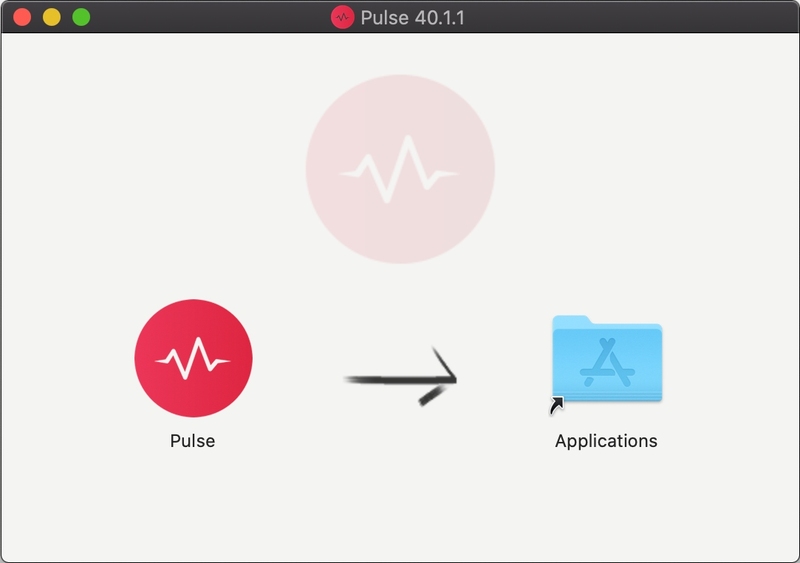
2. Open the downloaded file and run the installer 'Pulse-XX.X.X.dmg'.

3. Drag 'Pulse' to 'Applications'.

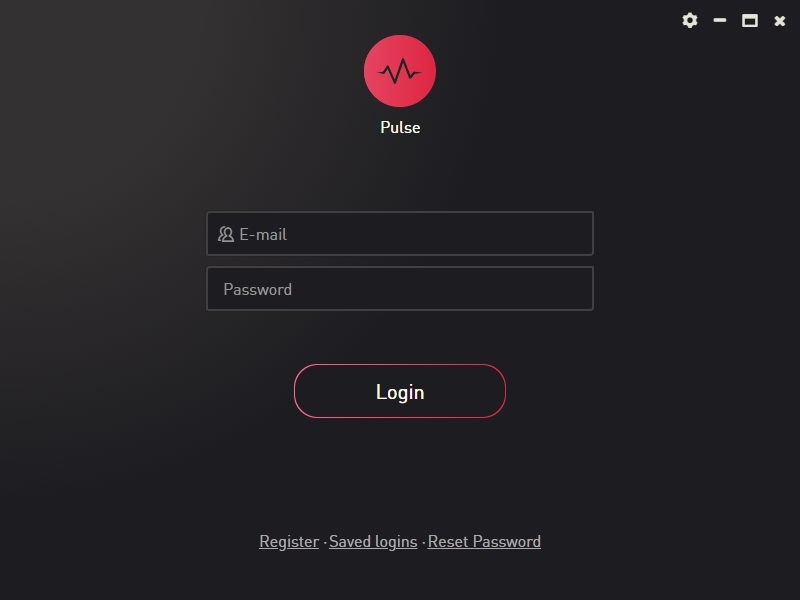
4. Log in to your Pulse account, or create a new account by clicking 'Register' at the bottom of the window.

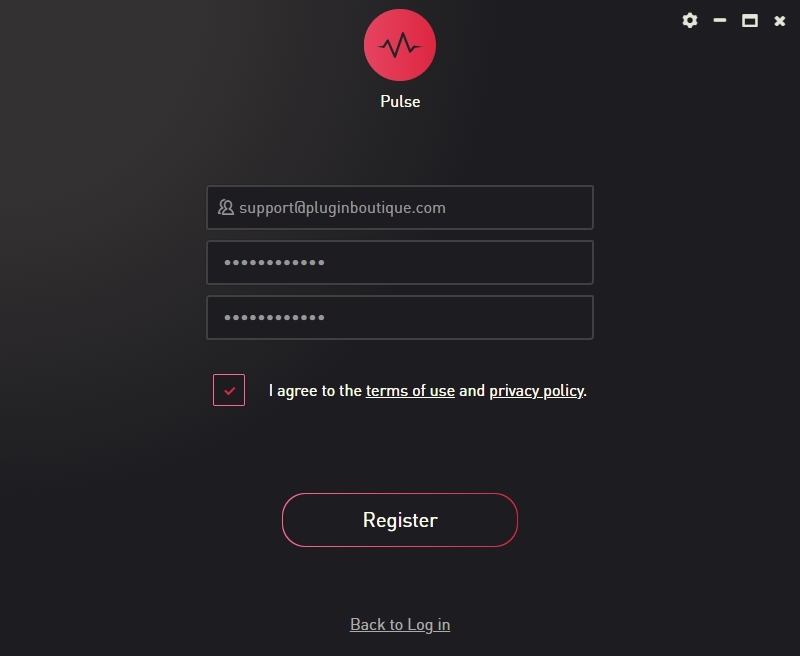
5. If registering, input your email and password, agree to the terms of use and click 'Register'.

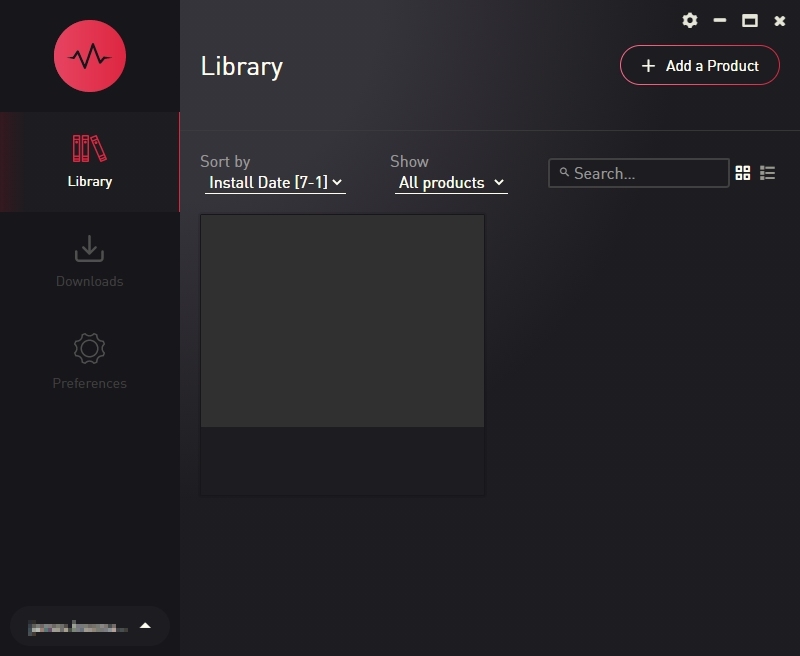
6. Click the '+ Add a Product' button located in the top right-hand corner of the window.

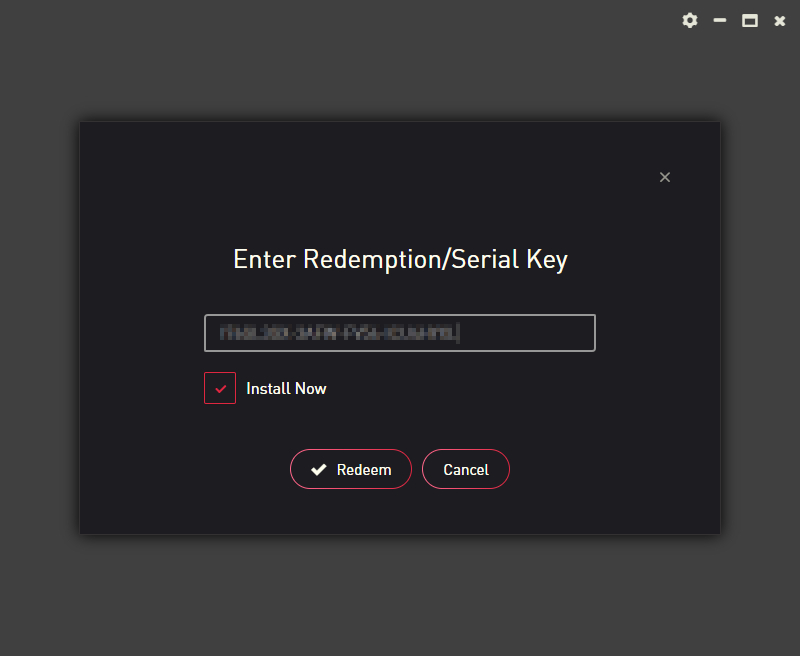
7. Copy and paste your serial number from your My Account page, click 'Install Now', then click 'Redeem'.

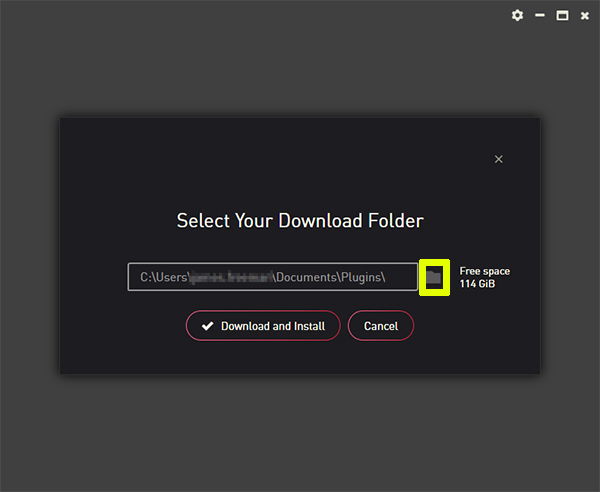
8. Select a location for Pulse to download the software by clicking the file icon on the right-hand side of the window.

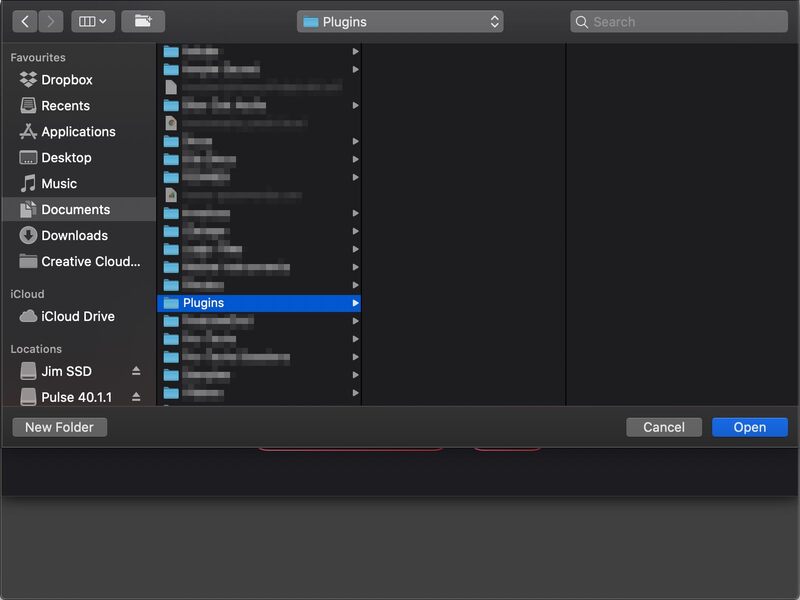
9. Select the location you would like your software to download and install to.

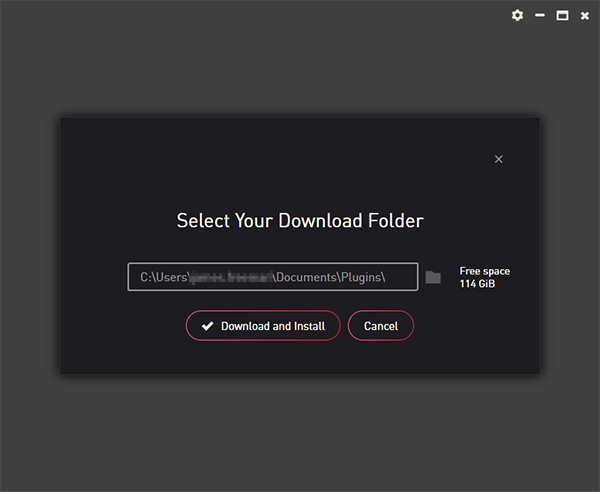
10. Click 'Download and Install'.

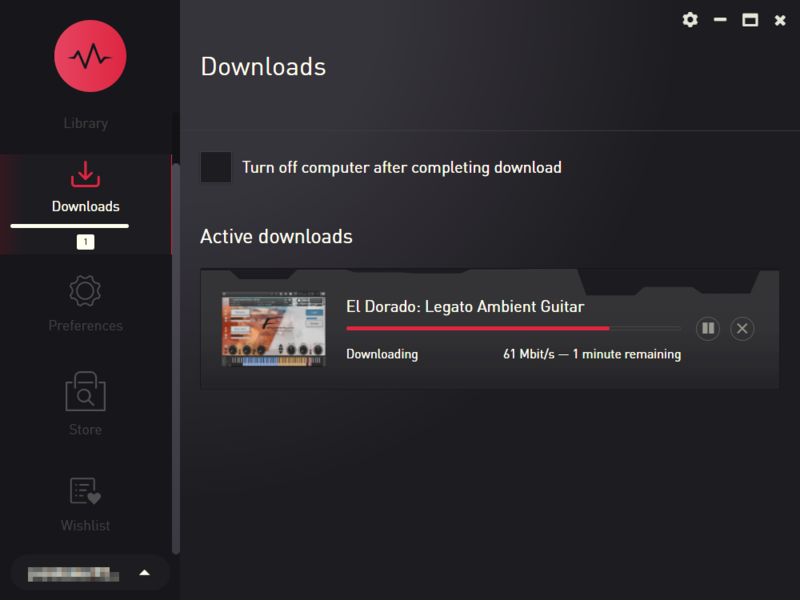
11. The instrument is now downloading.

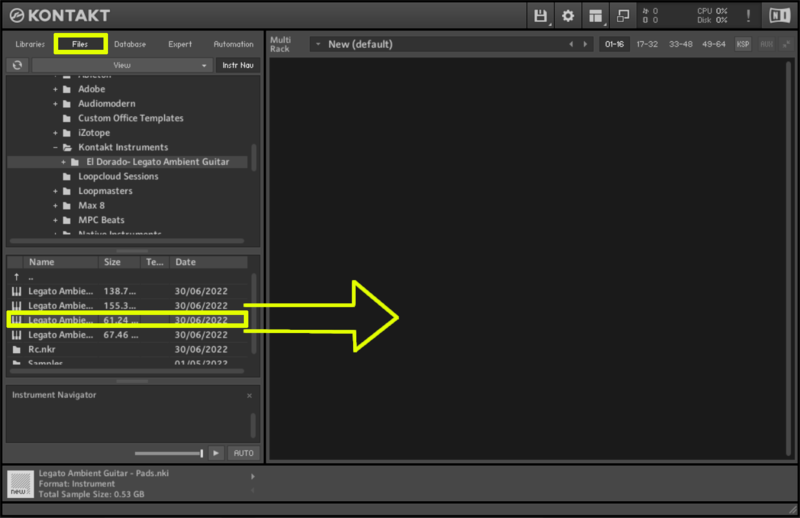
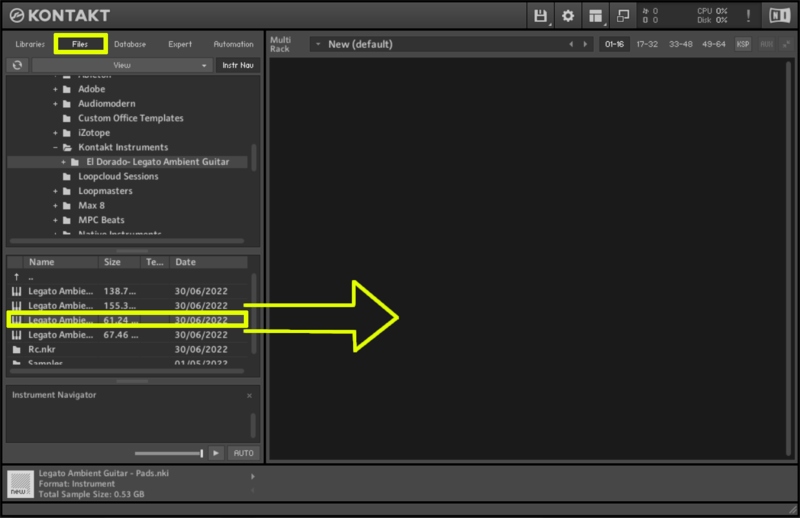
12. Once the instrument has finished downloading, open Kontakt, then open the 'Files' tab and navigate to the location that you downloaded the Kontakt Library to. Then click and drag the .nki file into the empty window.

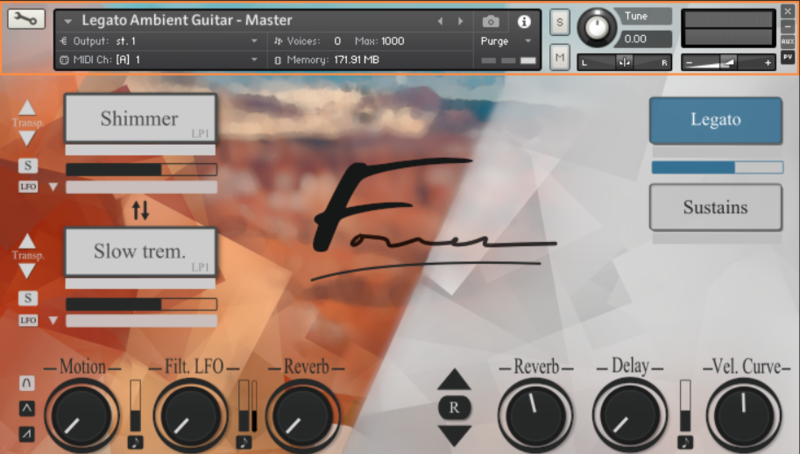
Your Kontakt instrument is now installed and ready to use.

Windows

1. Visit the Pulse Downloader website by clicking the El Dorado: Legato Ambient Guitar 'Download' link in your Plugin Boutique User Account or by clicking HERE, and download using the 'Download for Windows' link.

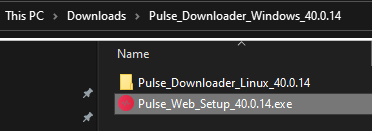
2. Open the downloaded file and run the installer 'Pulse Web Setup X.X.X.exe'.

2. Log in to your Pulse account, or create a new account by clicking 'Register' at the bottom of the window.

3. If registering, input your email and password, agree to the terms of use and click 'Register'.

4. Click the '+ Add a Product' button located in the top right-hand corner of the window.

5. Copy and paste your serial number from your My Account page, click 'Install Now', then click 'Redeem'.

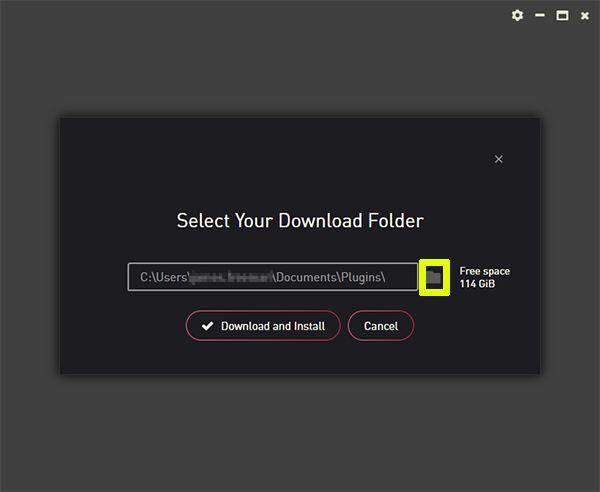
6. Select a location for Pulse to download the software by clicking the file icon on the right-hand side of the window.

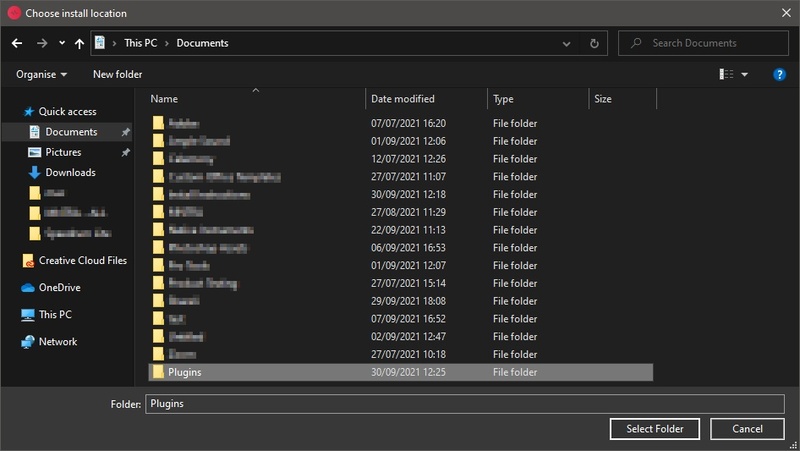
7. Select the location you would like your software to download and install to.

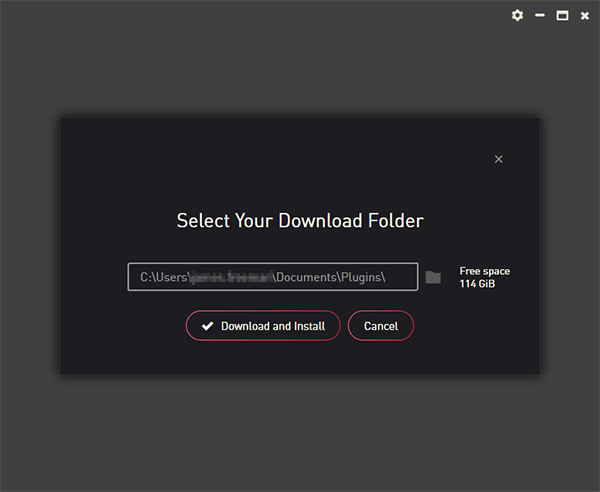
8. Click 'Download and Install'.

9. The instrument is now downloading.

10. Once the instrument has finished downloading, open Kontakt, then open the 'Files' tab and navigate to the location that you downloaded the Kontakt Library to. Then click and drag the .nki file into the empty window.

Your Kontakt instrument is now installed and ready to use.

Plugin Boutique Rewards

Discover the most rewarding loyalty programme among all plugin retailers.

  • Free Loopmasters Samplepacks
  • Discounts on products and courses
  • Extra Virtual Cash claimed immediately at checkout
Find out more

Follow us:

X (Twitter) Facebook YouTube Instagram
Logo Logo

Plugin Boutique Limited, Part of the Beatport Group LLC.

Copyright © 2011-2025 Plugin Boutique. All rights reserved