/ Kontakt Instrument / Expressive Tron
Tronsonic

Expressive Tron

4.3 (450 Reviews)
FREE
Tronsonic Expressive Tron Main UI Image
Expressive Tron M400 samples video gallery thumbnail
Product information

FREE - The Expressive Tron

4 enhanced tape banks from the legendary M400 Mellotron, in Microtape Plus format.

Features:

  • Flute
  • Strings
  • Cello
  • Male Choir

These original samples were taken about 8 years ago, then recently re-recorded to worn tape on a Ferrograph Series 6.

Do not expect pristine Tron samples - These are very degraded, for 'character' based sound design.

System Requirements

  • Requires the FULL version of Kontakt 5.2.1 or later.

Installation Instructions
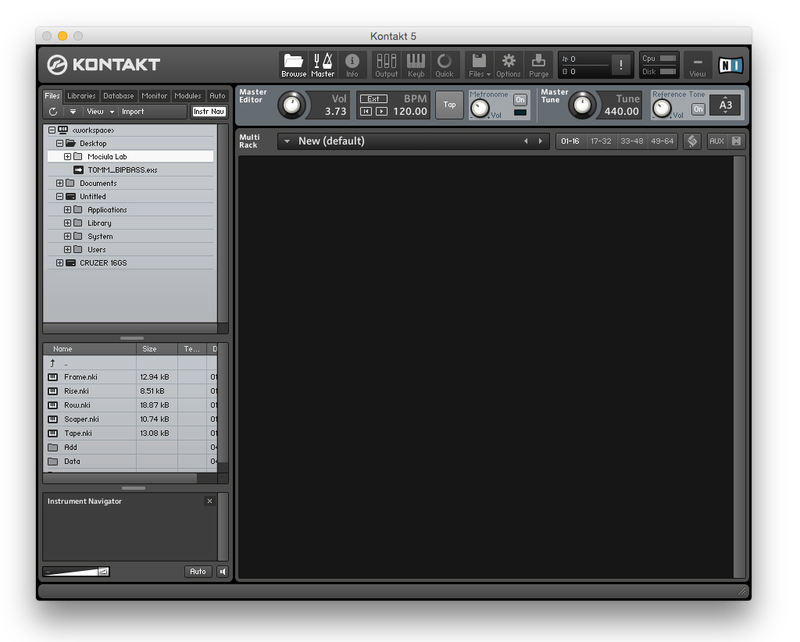
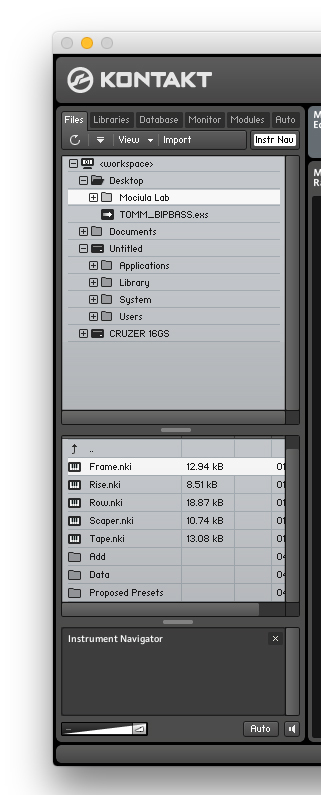
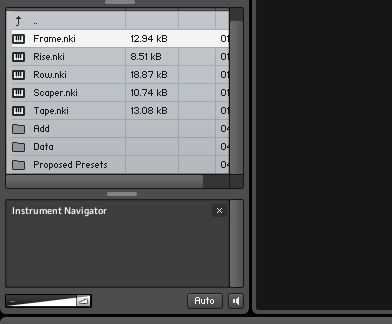
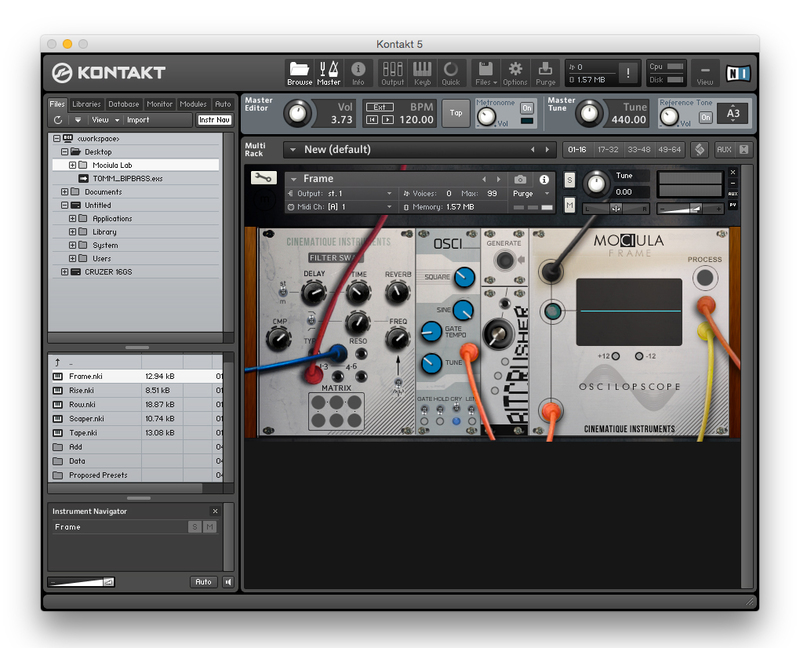
Installation Instructions (using Mociula as the example)

1. Download the software folder from your Plugin Boutique account.

2. Unzip and extract the folder within and save it to a computer destination/folder of choice.

3. Launch Kontakt and click 'Browse' > Select 'Files,' which is located at the top left hand corner of Kontakt's interface.

4. Locate the instrument folder from the computer destination/folder that you saved it to > Select the Instruments sub-folder.

5. Once you locate the instrument.nki file, drag and drop it into the blank space which is available on the right hand side of Kontakt's interface.

6. Your instrument is now loaded into Kontakt and ready-to-use!

Plugin Boutique Rewards

Discover the most rewarding loyalty programme among all plugin retailers.

  • Free Loopmasters Samplepacks
  • Discounts on products and courses
  • Extra Virtual Cash claimed immediately at checkout
Find out more

Follow us:

X (Twitter) Facebook YouTube Instagram
Logo Logo

Plugin Boutique Limited, Part of the Beatport Group LLC.

Copyright © 2011-2025 Plugin Boutique. All rights reserved