Buy Dialekt, get a free gift with purchase:
|
Dialekt is a groovebox in a compact, pocket-sized format, offering a wide range of high-quality synthesized and sampled sounds, along with innovative and exclusive features. It allows you to create ideas anywhere and seamlessly transfer them to your studio computer for further refinement. The standout feature of Dialekt is the Song Randomizer, which generates sequences and sounds based on different genre settings, delivering truly impressive results.
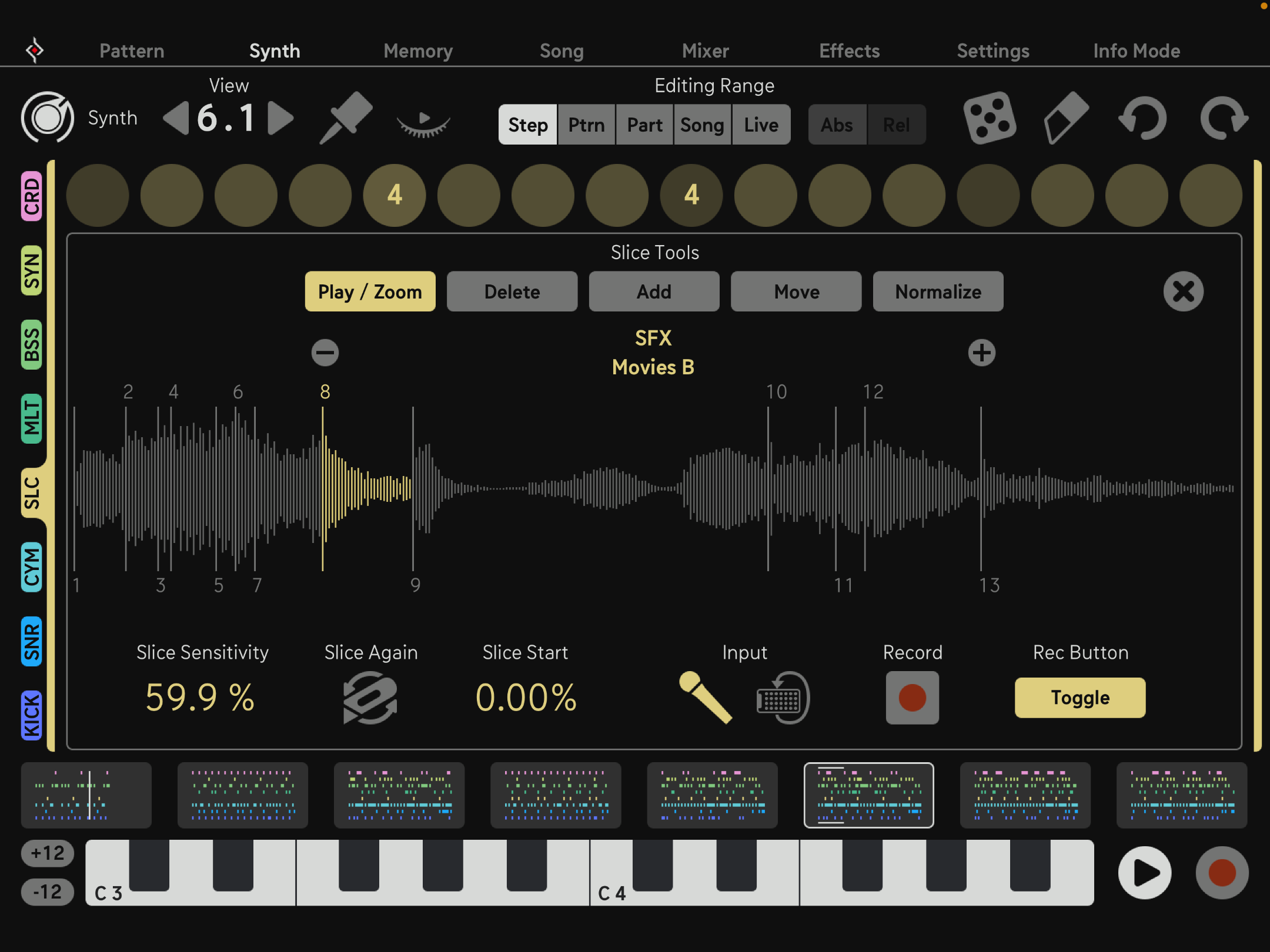
The Sounds
From classic oscillators to dynamic, physical tones like piano, organ, string, flute, vocal tones, as well as percussive elements and naturalistic kicks, Dialekt offers endless sound possibilities for any genre and creative endeavour.
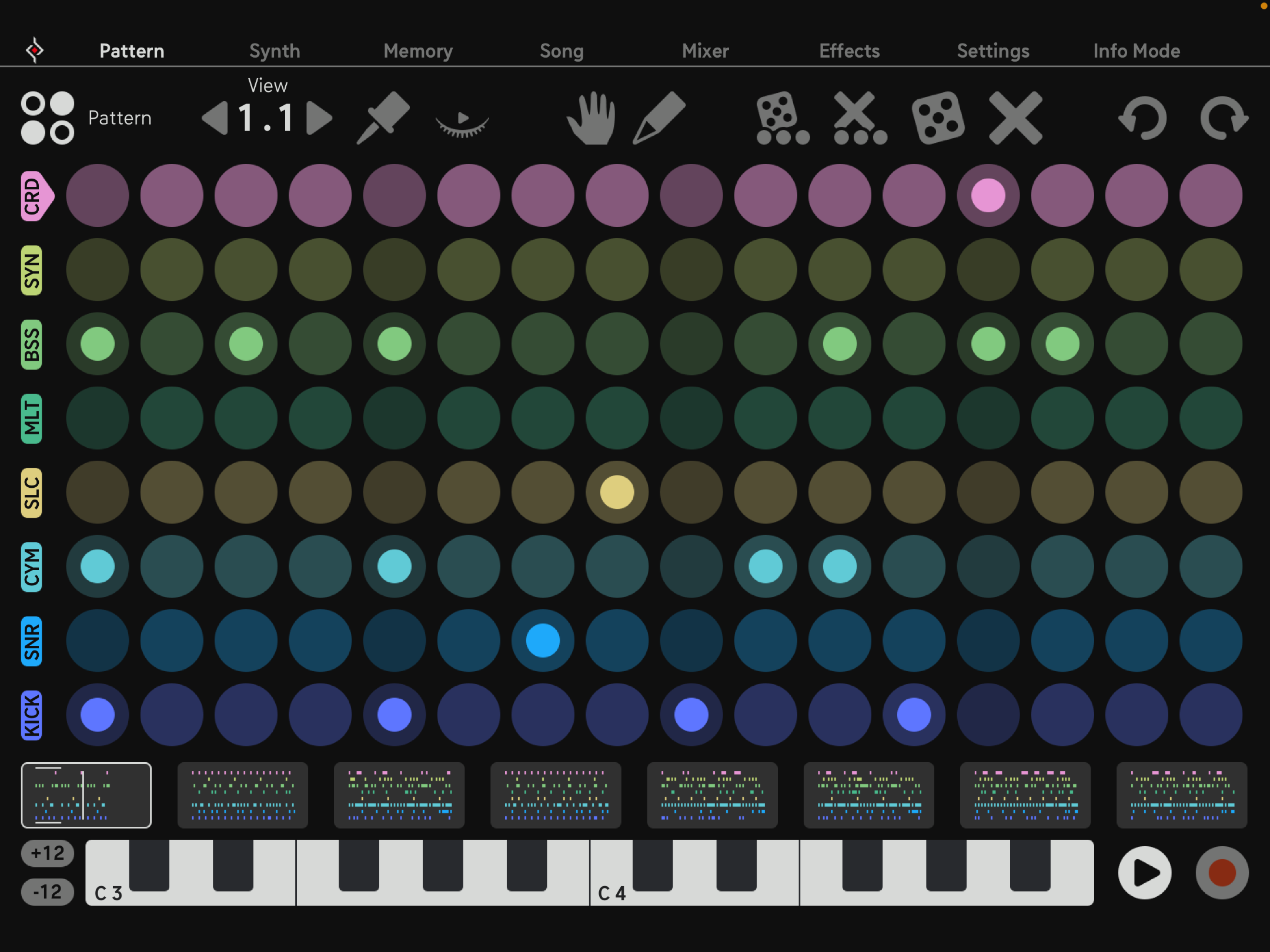
The Sequencer
At the heart of Dialekt is the Sound per Step feature, where each synth parameter is saved to individual sequencer steps, providing full control over every detail. The Randomizers make great use of this functionality. Dialekt offers Rolls, Trig Conditions, and adjustable Tempo and Length per track. You can also trigger patterns via MIDI for seamless integration in your DAW or during live performances.
The Song Sequencer lets you create longer compositions, with features like Pattern Repeats, FX, Track Mutes, and the powerful Song Randomizer. The powerful FX sequencer with eight first-class touch-controlled effects allows you to record movements, making it the cherry on top of this awesome music toy.
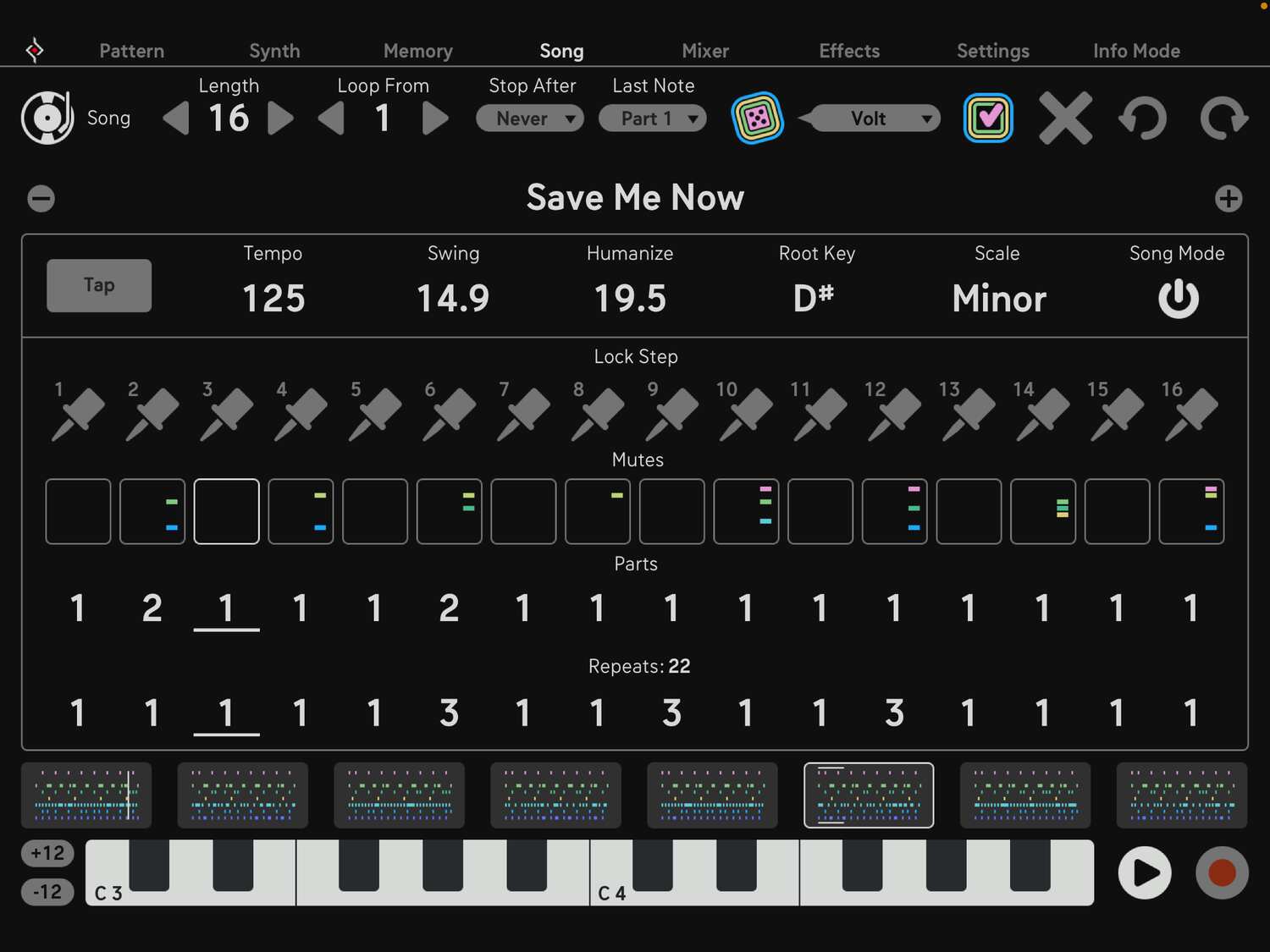
The Song Randomizer
The Song Randomizer can create single tracks, parts, or whole songs, delivering fresh grooves and sounds every time. It generates patterns, sounds, chord progressions, fills, mute and FX sequences in various genres, which can be applied to individual elements like sounds, patterns, and pitches or to global parameters.
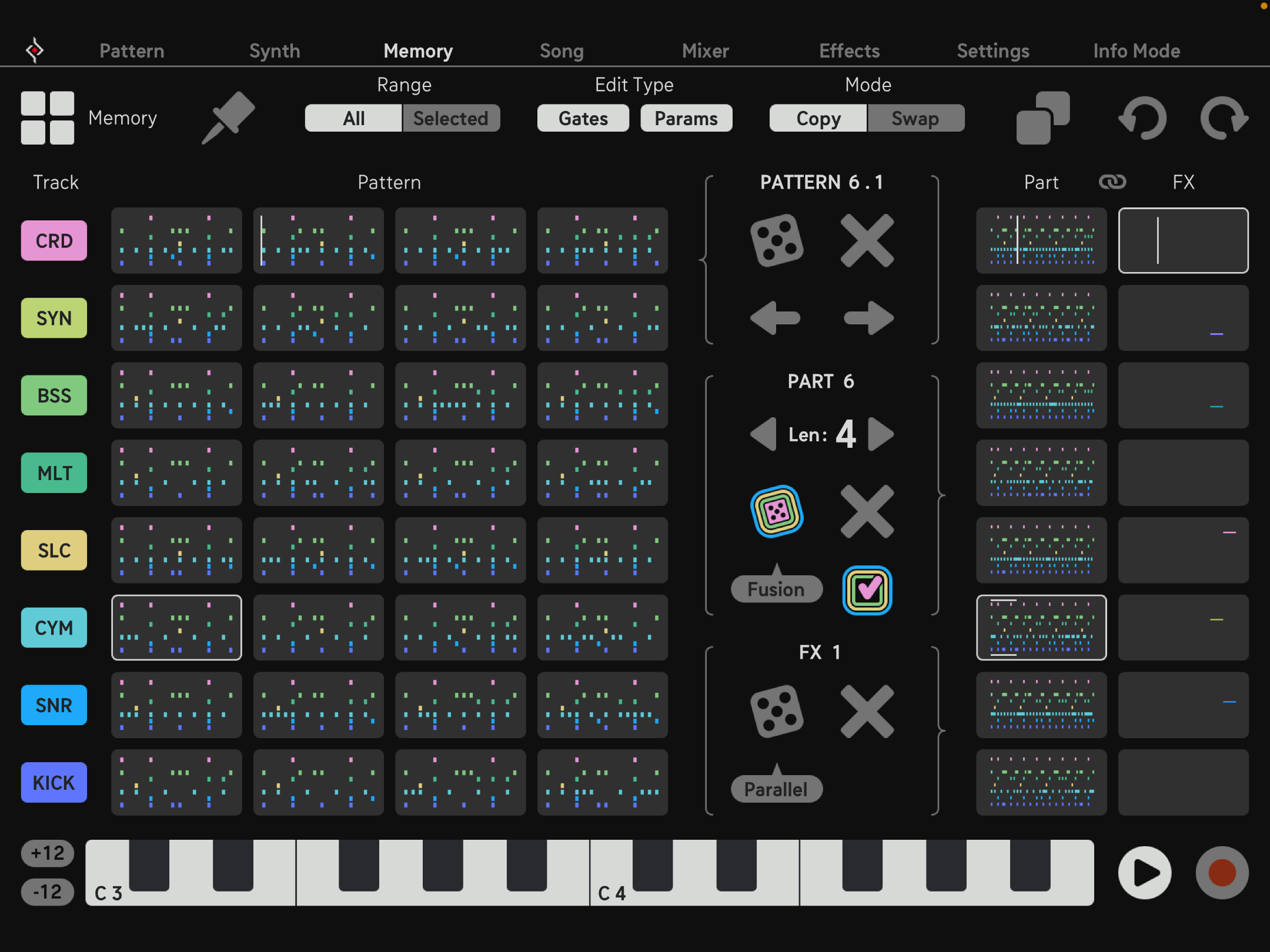
The Memory
All of this data needs to be managed, and that's where the Memory Page comes in. Here, you can view all your data at a glance. Simply copy or rotate tracks, patterns, and parts per Drag & Drop to build your arrangement. The Randomizers are there to fuel your creativity and offer endless inspiration.
Features
- 27 Different Synth Engines
- 8 Touch Effects with Sequencer
- Mighty Song Randomizer
- Trig Conditions, Rolls, Polyrhythms
- Audio / MIDI Single Outs
System Requirements
Mac
- macOS 10.13 or higher
- Audio Unit, VST2, VST3, AAX, Standalone
Windows
- Windows 7 or higher
- VST2, VST3, AAX, Standalone
Notes:
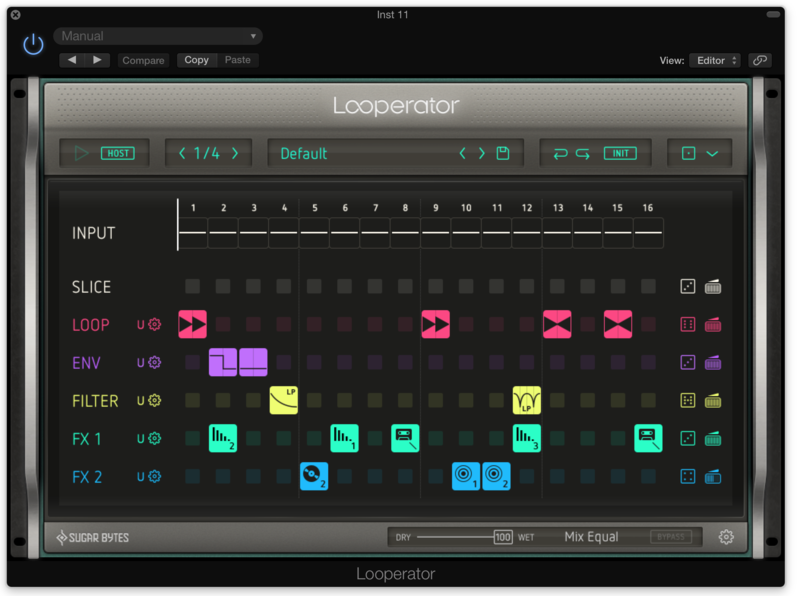
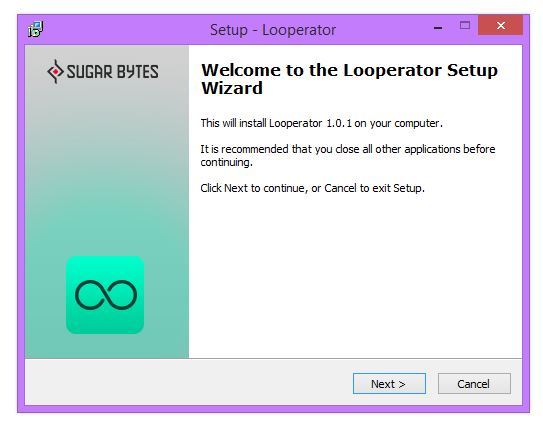
- Looperator is used as the example
- Pop up windows must be allowed within your browser's 'Settings' for the download link to be triggered
Mac
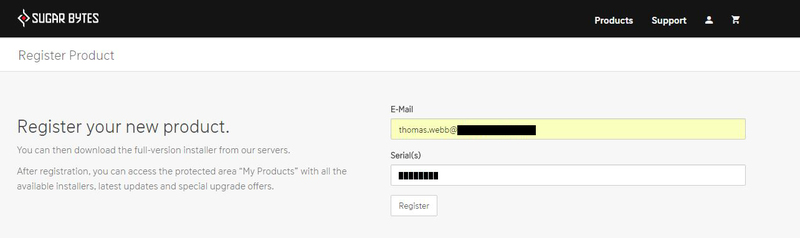
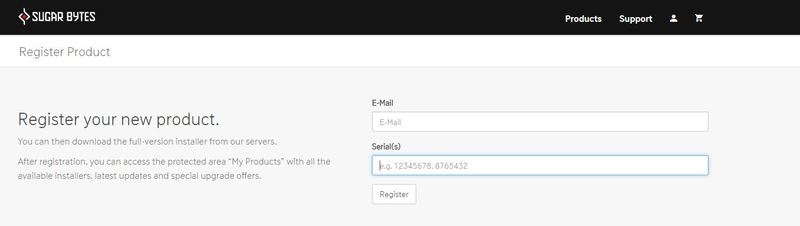
1. After purchasing your product, visit Sugar Bytes to register your software.

2. Enter the email address that you wish to register the software to, as well as copy and paste/manually enter the serial number provided within your User Account > click ‘Register’.

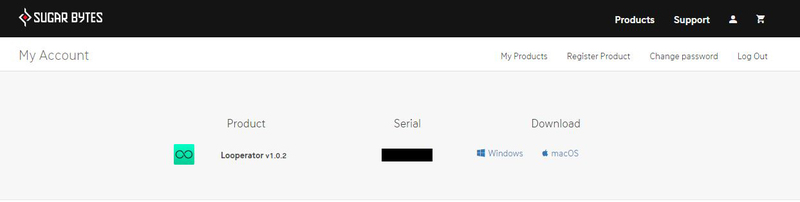
3. Your software has successfully been registered > download your Apple (Mac) installer.
Note: An email containing your Sugar Bytes login details and temporary password (in the form of a code) will be sent to the inbox of the email that you used to register the software with > this may have landed in the junk/spam folder of your email. After logging into your account, you can select the 'Change Password' option to personalise your secret password.

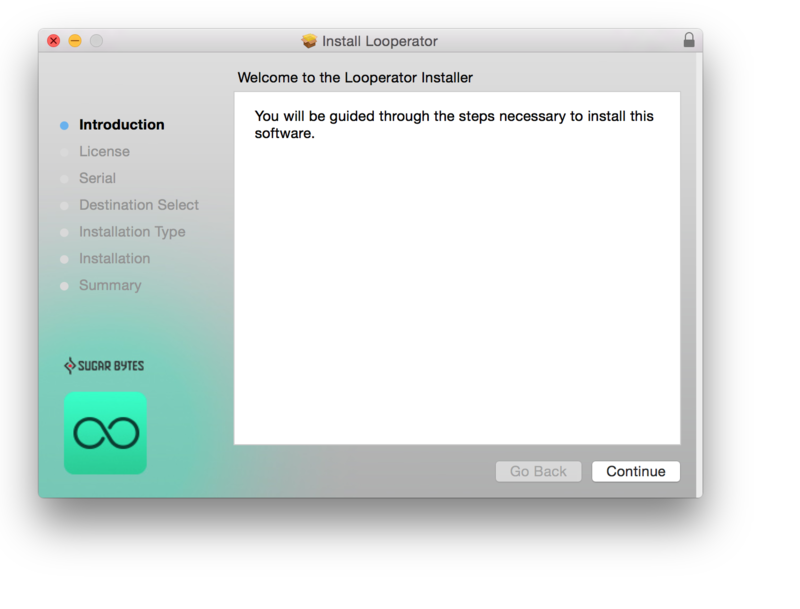
4. Double-click the .dmg installer file to begin the installation process > click ‘Continue’.

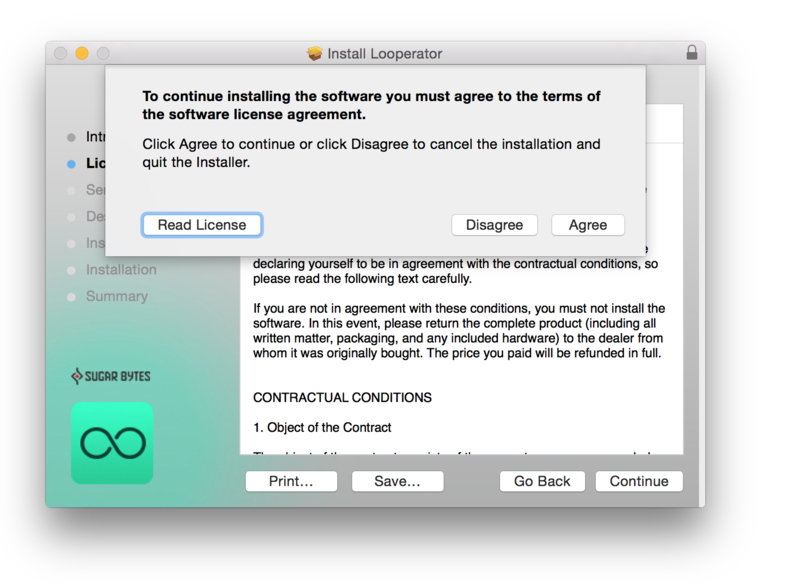
5. Read the Software License Agreement > click ‘Continue’ and then ‘Agree’.

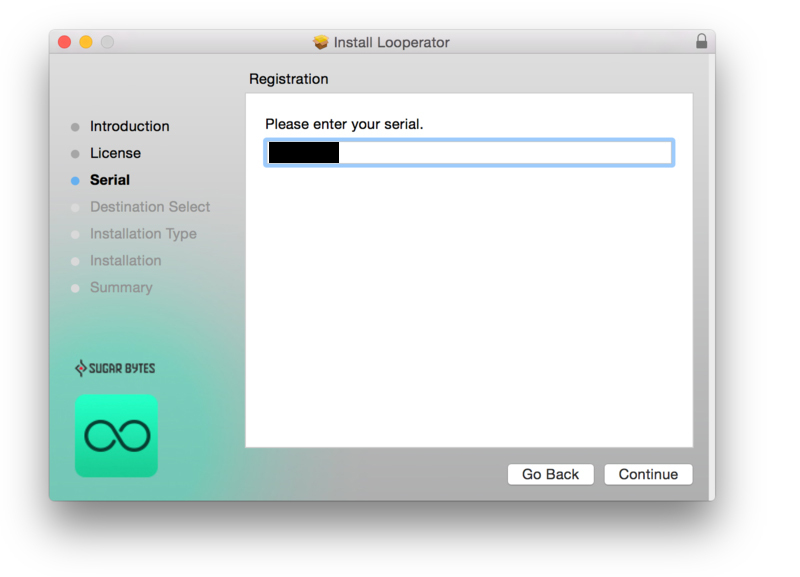
6. Copy and paste/manually enter the 8-digit serial code that exists in your Sugar Bytes account.

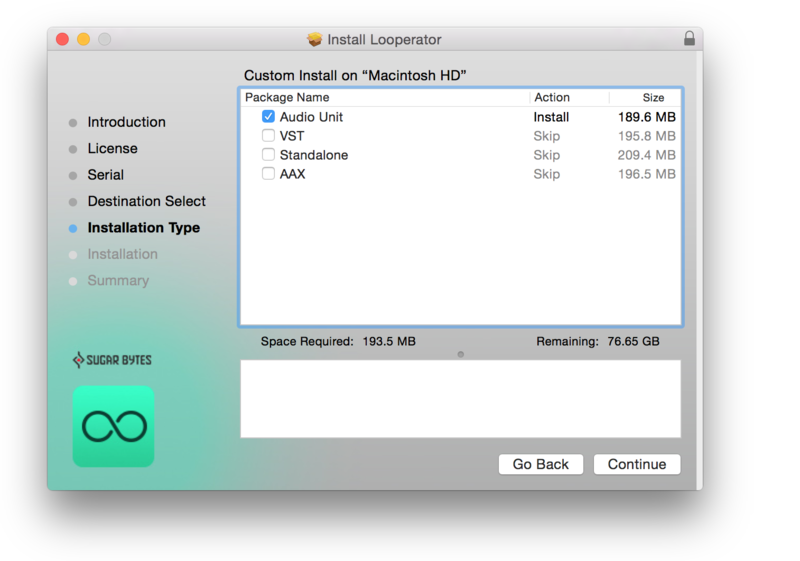
7. Select the software format (s) that you wish to install, depending upon the DAW (s) you are using > click ‘Continue’.

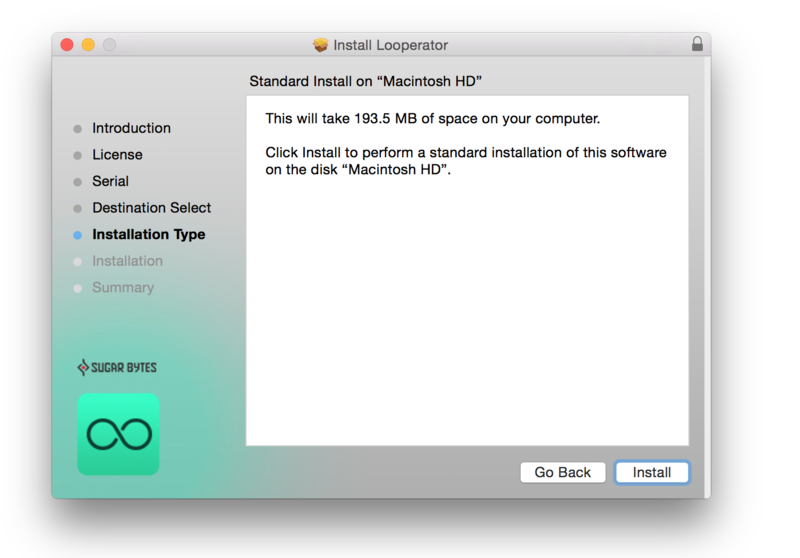
8. Review the installation and click ‘Install’.

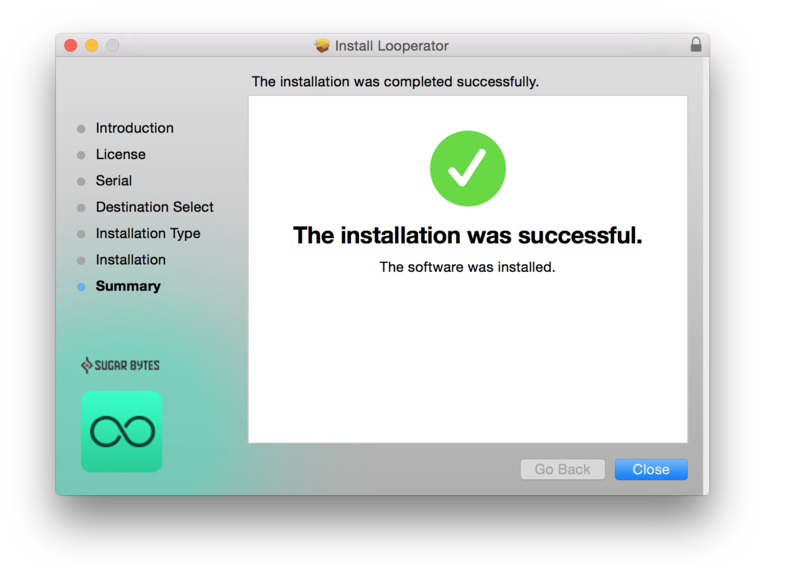
9. The installation of the software has successfully completed > click ‘Close’.

10. Restart your DAW and locate/open your purchased Sugar Bytes software from the plug-in selection.
Note: You may need to Refresh/Rescan your DAW's Plug-in List, if the software fails to appear.
The Software is now Activated and Ready for Use Within Your DAW!

Windows
1. After purchasing your product, visit Sugar Bytes to register your software.

2. Enter the email address that you wish to register the software to, as well as copy and paste/manually enter the serial number provided within your User Account > click ‘Register’.

3. Your software has successfully been registered > download your Windows (PC) installer.
Note: An email containing your Sugar Bytes login details and temporary password (in the form of a code) will be sent to the inbox of the email that you used to register the software with > this may have landed in the junk/spam folder of your email. After logging into your account, you can select the 'Change Password' option to personalise your secret password.

4. Double-click the .zip folder to extract and reveal its contents.
5. Double-click the .exe installer file to begin the installation process > click ‘Next’.

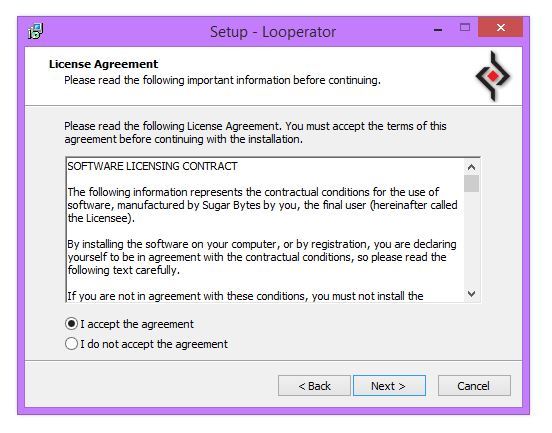
6. Select 'I accept the agreement’ > click ‘Next’.

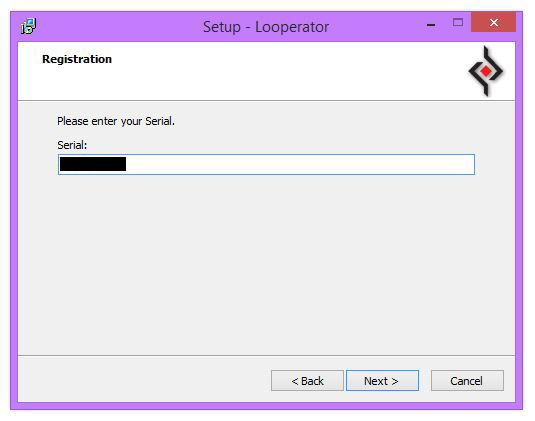
7. Copy and paste/manually enter the 8-digit serial code that exists in your Sugar Bytes account.

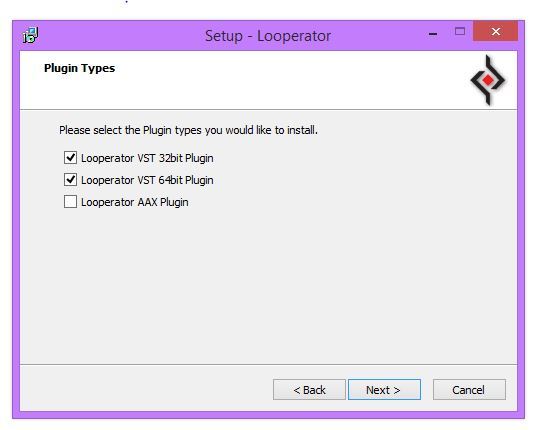
8. Select the format (s) that you wish to install > click ‘Next’.

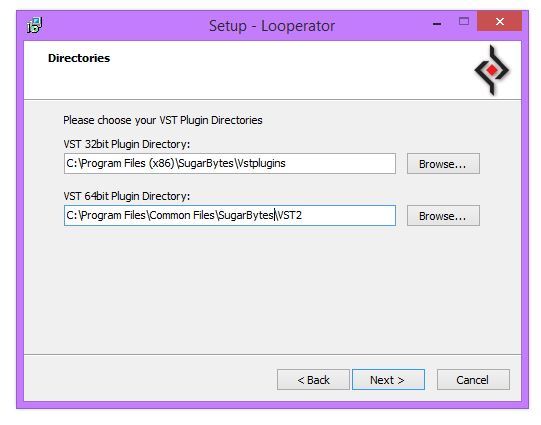
9. Select the software directories in which to install the software formats (32 and/or 64-Bit) to > click ‘Next’.

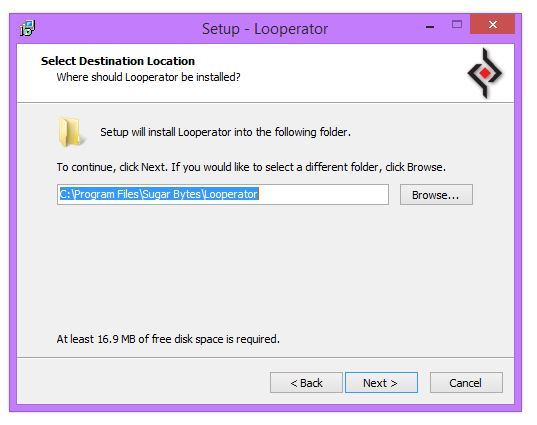
10. Select a folder in which to install the software to > click ‘Next’.

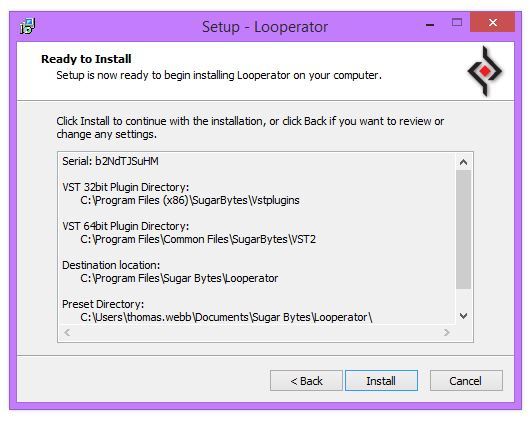
11. Review the installation and click ‘Install’.

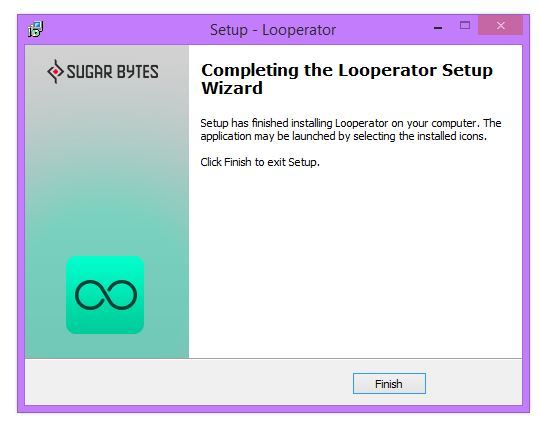
12. The installation of the software has successfully completed > click ‘Finish’.

13. Restart your DAW and locate/open your purchased Sugar Bytes software from the plug-in selection.
Note: You may need to Refresh/Rescan your DAW's Plug-in List, if the software fails to appear.
The Software is now Activated and Ready for Use Within Your DAW!