Log In

Free gifts available with your purchase

Sound of Northern Vietnam
Introducing Ha Noi, an ode to the magic of Vietnam’s capital city. This project is the outcome of an immersive creative residency in Vietnam, undertaken by MNTRA Instruments' gifted in-house sound and visual designer, Noah Sherrin.
Born from the sound world of Hanoi, a city renowned for its dramatic contrasts, vibrant music, and rich history, Ha Noi is MNTRA's look into the heart and soul of the city's unique musical heritage. The MNTRA team were graced by the talents of top-tier, local musicians who contributed characteristic sounds and expressive performances, drawing from time-honored traditions and innovative contemporary techniques.
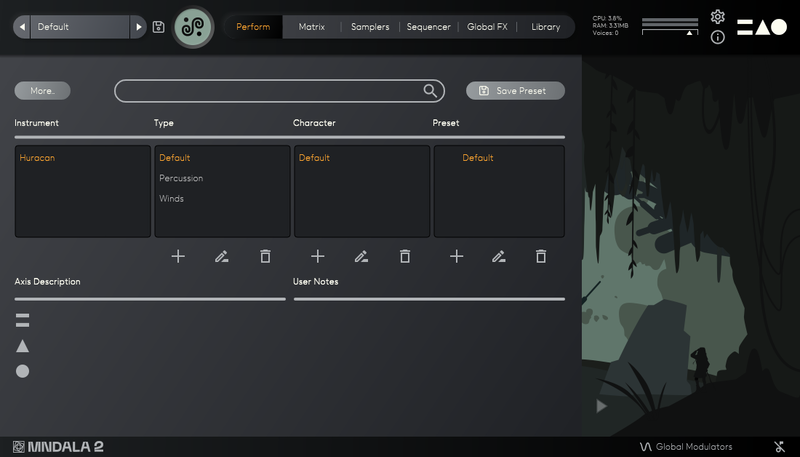
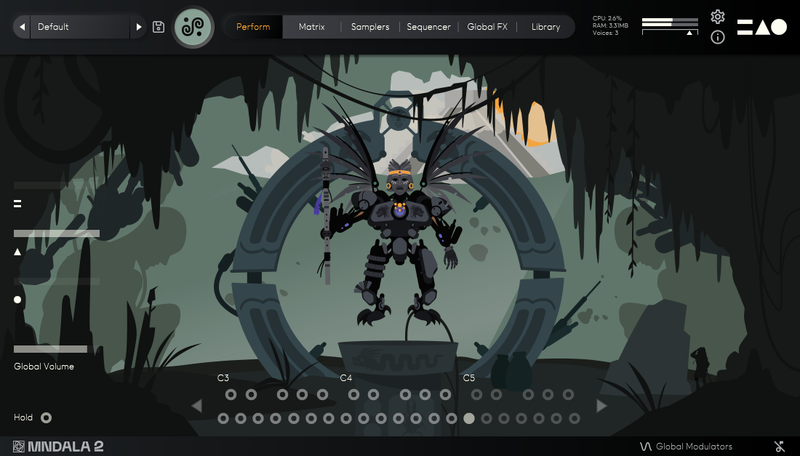
The Perform View artwork flow’s from the story of Hoan Kiem Lake, or The Lake of the Restored Sword, in the center of Hanoi’s Old Quarter. The story says a fisherman once came across a large shiny blade while casting his net in the lake and gifted it to a rebel leader named Lê Lợi. The sword gave Lê Lợi and his army immense strength, enabling them to defeat their enemies. After the war was won, Lê Lợi, now emperor, was taking a boat ride on the lake when the Golden Turtle God, Kim Qui came up and asked him to return it to his master the Dragon Lord Long Quân. Grateful for the strength the sword had given him, Lê Lợi returned the sword to the Golden Turtle who took it in his mouth and swam down into the lake. Some say you can still see the shiny reflection of the sword at the bottom of the lake. Depicted in the style of a Đông Sơn drum, massive ornamental bronze drums crafted by people of the Đông Sơn culture, the story is told through abstract drawings and geometric patterns in concentric circles.
Leveraging the transformative power of MNTRA Instruments' MNDALA 2 engine, these already-vivid sounds have been artistically reinterpreted and reshaped into a multitude of new forms. This creative endeavor presents a dynamic palette brimming with a myriad of sonic-colors that reflect Hanoi, including not only instruments but also soundscapes captured throughout Northern Vietnam.
With Ha Noi, you are invited into the soundworld of this special city. Ha Noi tells a rich tale of heritage and innovation that resonates with the heartbeat of a city in motion.
Instruments
Voice
- Ca Trù Voice (Long, Broken)
Vocal techniques in the Ca trù musical tradition. Ca trù is an ancient form of musical storytelling featuring a female vocalist, often accompanied by a Đàn đáy player, and involving the interaction of the spectator.
Played by: Vu Thi Thủy Linh
Strings
- Đàn Tranh (Bend 1, Bend 2, Bend 3, Bend Up, Bend Down, Tremolo, Vibrato)
The Đàn tranh is a plucked zither with a long soundbox and many strings (14-25). These kinds of bends are characteristic to the emotional quality of the instrument.
Played by: My Chin
- Đàn Nhị (Straight, Straight Hard, Glissando)
The Đàn nhị is a two-stringed bowed string instrument. The instrument's small tubular body is often covered by snakeskin. This highly expressive instrument often carries the melodies of traditional Vietnamese music.
Played by: Ngô Thái Sơn
- Electric Đàn Bầu (Straight, Vibrato, Bend Up)
The Đàn bầu is a one-string zither and is essential to Vietnamese folk music, but also commonly employed in pop and rock. It is played by striking harmonics and bending them with a lever. Here it's plugged into a megaphone amplifier.
Played by: Ngô Tra My
- Đàn Đáy
The Đàn đáy is a plucked 3-string lute with silk or nylon strings. It is commonly used as an accompanying instrument in Ca trù music.
Played by: Pham Dinh Hoang
Percussion
- Trong Ban (Regular, Hand Hit, Flam)
A large traditional hand drum played with a stick or hand.
Played by: Le Quỳnh Trang
- Chèo Drum (Regular, Bounce, Flam, Side)
A small drum that serves as the rhythmic backbone for Chèo, a type of satirical musical folk theatre from northern Vietnam.
Played by: Le Quỳnh Trang
- Drum Set (Low, Mid, High, Double)
Group of drums from a traditional Vietnamese drum set, precursor to the modern trap drum kit.
Played by: Le Quỳnh Trang
Pitched Percussion
- T'rưng (High, Low, Muted)
The T'rưng is a bamboo xylophone used by the Jarai and Bahnar ethnic groups in Vietnam's Central Highlands.
Played by: Vu Thi Thủy Linh
Wind
- Sáo Mèo (Large Vibrato Fast, Large Vibrato Slow, Small Double Tongue 1, Small Double Tongue 2, Small Double Tongue 3)
The Sáo Mèo is a bamboo free reed wind instrument used by the H'mong ethnic group of northern Vietnam. Often two larger and smaller (male and female) pipes are coupled together to facilitate a wider range and tonal contrast.
Played by: Nguyen Hai An
- Sáo Bầu (Drone, Short, Straight)
The Sáo Bầu is a free-reed wind instrument. It has a gourd wind chest with a center playing pipe and two outer drone pipes.
Played by: Nguyen Hai An
- Tiêu (Double Tongue, Flutter, Overblown)
The Tiêu is a large vertically played bamboo flute.
Played by: Nguyen Hai An
- Sáo Trúc (Straight, Vibrato)
The Sáo trúc is a small bamboo flute with six or ten fingerholes that is often called the 'voice of Vietnam'.
Played by: Nguyen Hai An
FX (Soundscapes original and effected)
- Hanoi Ambiences - Birds
Urban wildlife recorded in central Hanoi with an LCR microphone array. Ran through an extensive chain of creative processing.
- Hanoi Ambiences - Fan
Recording of an oscillating fan with an LCR microphone array.
- Hanoi Ambiences - Traffic
Hanoi's infamous traffic recorded with an LCR microphone array.
- Hanoi Ambiences - Light Rain
Light summer rain captured in Hanoi's old quarter with an LCR microphone array.
- Hanoi Ambiences - Med Rain
The beginning of a monsoon recorded near the Temple of Literature in Hanoi with an LCR microphone array.
- Ninh Binh Ambiences - Heavy Rain
A heavy rainstorm on a lotus field in Ninh Binh, a small city on the Red River, captured with an LCR microphone array.
- Ninh Binh Ambiences - Traffic Rain
Rain and background traffic in Ninh Binh, a small city on the Red River, captured with an LCR microphone array.
Features
- 80+ Presets
- 43 Instrument Sample Maps
- 14 Soundscapes Sample maps (Original and Processed)
- Up to 7 Round Robins
- Up to 2 Microphone Channels
- Recorded at 24-bit 192 kHz
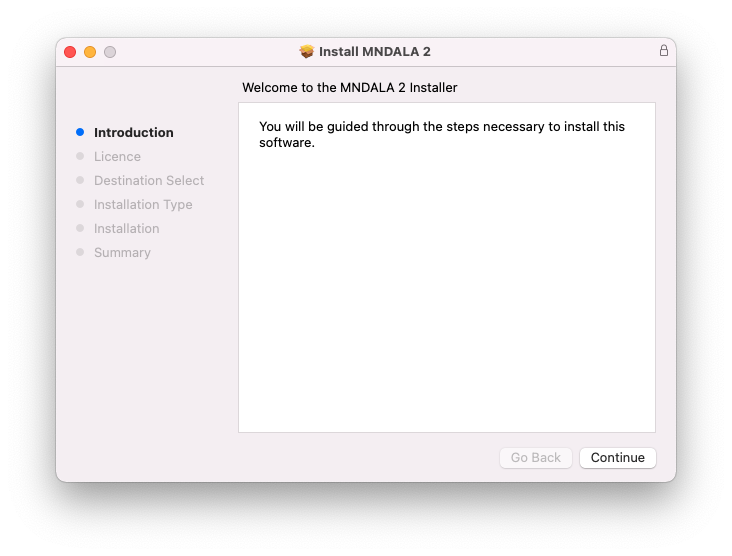
- 64-bit VST3/AU/AAX plugin for Windows & Mac OS (10.11+) including full M1 Chip support
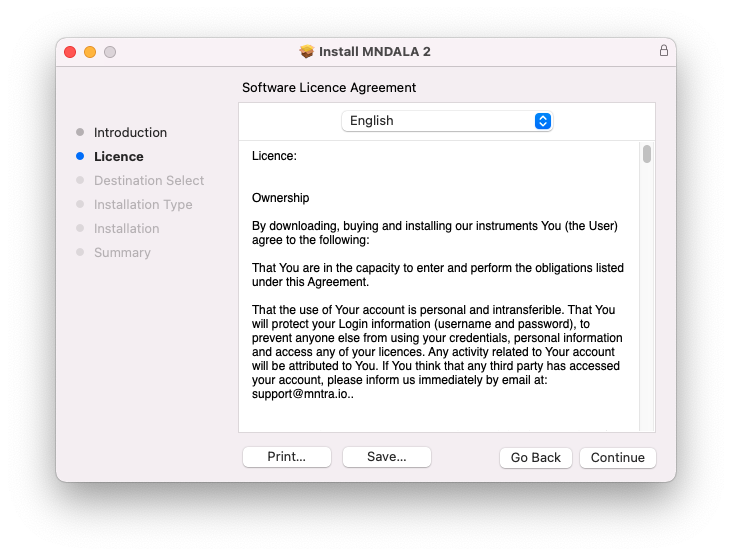
- No fuss copy protection, simply install and the instrument is uniquely encrypted to be used within your system.
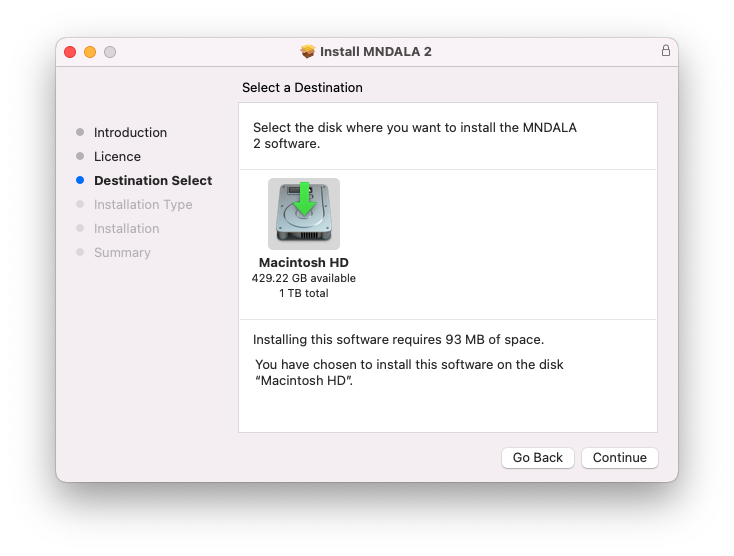
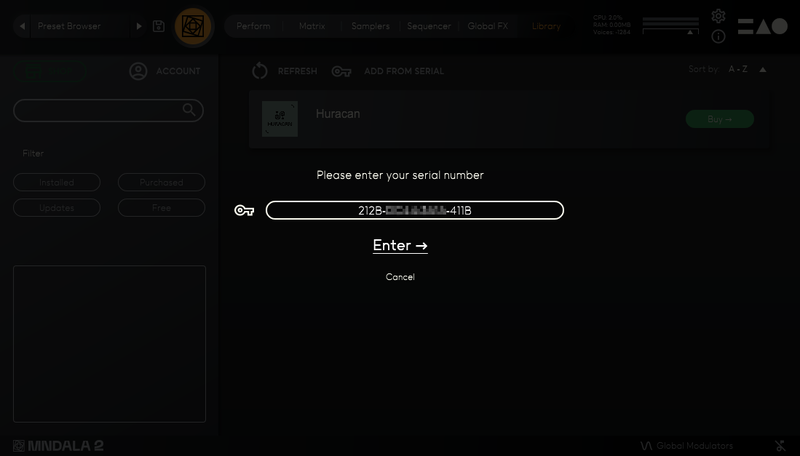
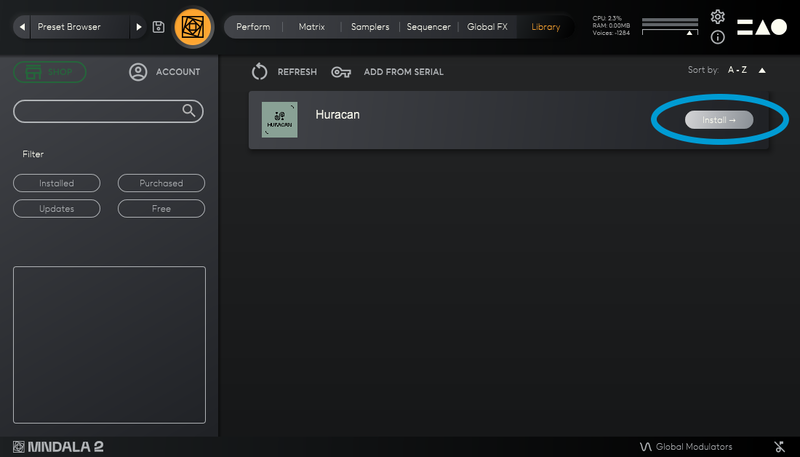
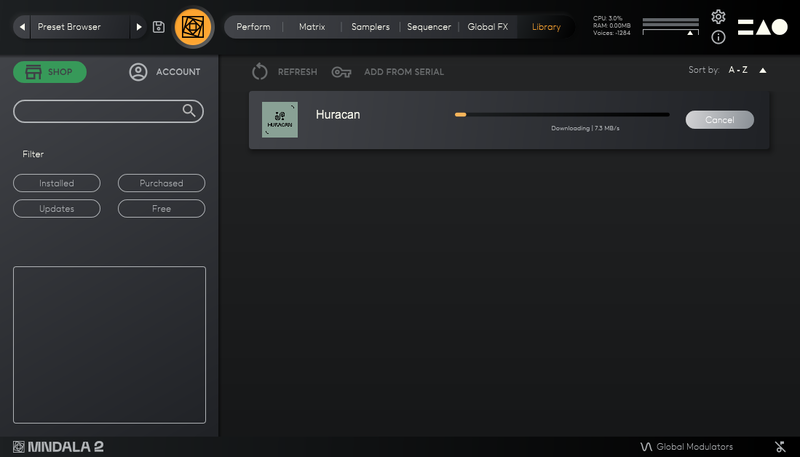
- Seamless download, updates, and installation within MNDALA 2 with a registered MNTRA account
- 57 sample maps
System Requirements
- 4 GB installed, 8 GB recommended for setup
- Minimum 8GB of RAM and an i5 or better CPU required, SSD drive recommended
- Supported by all popular VST/AU/AAX compatible DAWs
- MacOS 10.11+ (64-bit only) (Silicon processor supported)