Log In

Free gifts available with your purchase
Polyrhythmic Cinematic Drums
Drumbada is a polyrhythmic cinematic drum engine equipped with 5 groups of 3 drummers each. It is based on the unique sound of the "Bombo Legüero," a rare South American bass drum that has never been deeply sampled before.
Drumbada also introduces the Crew-playing algorithm, which reproduces the behavior and imperfections of 15 percussionists playing together.
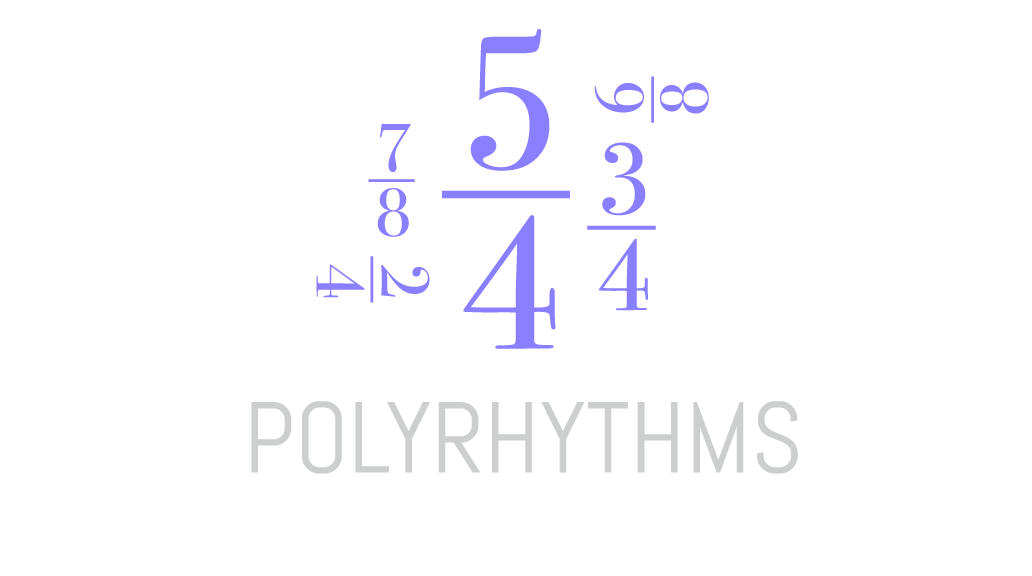
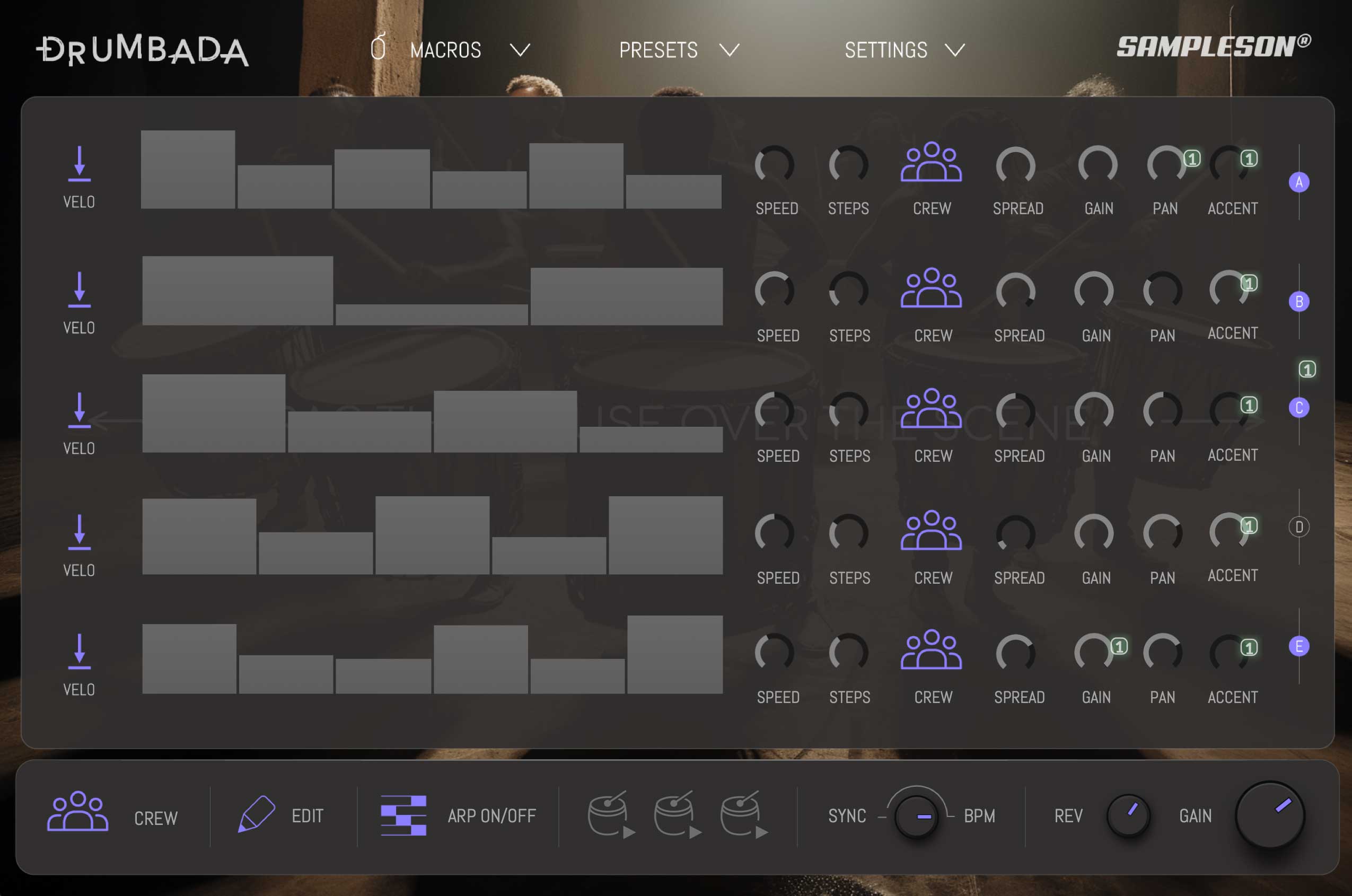
Drumbada simplifies the process of creating polyrhythms by offering intuitive controls within its five groups of sound sources and arpeggiators. With independent adjustments for signature, speed, spread value, and accent, users can effortlessly explore various rhythmic combinations without feeling overwhelmed.
This thoughtful design allows for natural experimentation and encourages creative exploration, making polyrhythms accessible to musicians and producers of all skill levels.
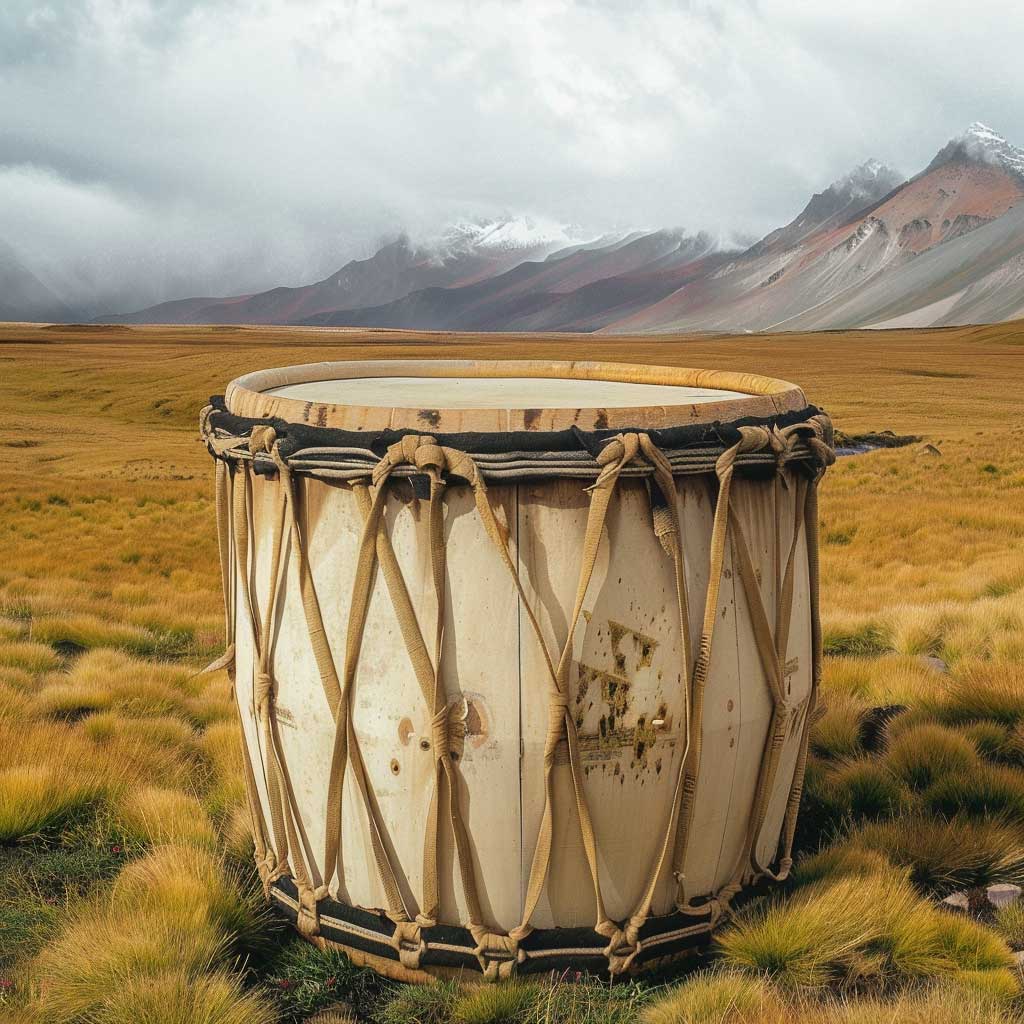
A Rare Bass Drum
The "bombo legüero" is a drum popular in Latin American folklore. It owes its name to the characteristic it is believed to have, which is being heard even at 6 miles of distance. It consists of two leather membranes with hair attached to a box made from a hollowed trunk secured by straps made of leather or rawhide. Both the rims and the membranes are struck with leather-covered mallets called sticks or drumsticks. The legend tells that a butcher in a village, who lived in the middle of the countryside, had a drum to inform neighbors that he had meat for sale.
Crew Algorithm
Drumbada faithfully replicates the organic imperfections of a dynamic ensemble of 15 percussionists playing together. With precise control over the timing of each group of percussionists, you can finely adjust the rhythmic feel to suit your composition. Additionally, manipulate accents with ease to emulate the nuanced impact of subtle or strong hits, bringing authenticity and depth to your drum tracks.
Featuring an intuitive interface and a user-friendly mouse-drag UI zone, Drumbada grants you unparalleled control over your sound by seamlessly integrating multiple parameters into a single, effortless gesture. This transformative capability positions Drumbada as an indispensable creative tool, ideal for both live performances and studio composition alike.
4K Scalable Interface
Features
- Polyrhythmic cinematic drums.
- 5 sound sources with independent arpeggiators.
- 8-Round-Robins Bombo Legüero drum.
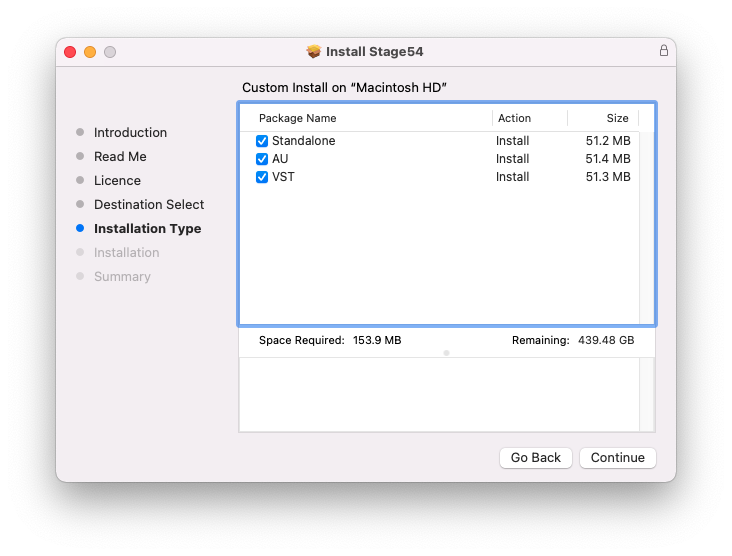
- ~300 MB.
- Low CPU usage.
- Crew Algorithm engine.
- Automated parameters for DAWs.
- Scalable HD interface.
MacOS
- macOS 10.7 or later
- VSTi or AU plugin host required
- 4 GB RAM
- Note: Pro Tools is not supported.
Windows
- Windows 7 or later
- VSTi plugin host required
- 4 GB RAM
- Note: Pro Tools is not supported.