Log In

Free gifts available with your purchase

Your favourite instrument for deep and warm basses and 808s
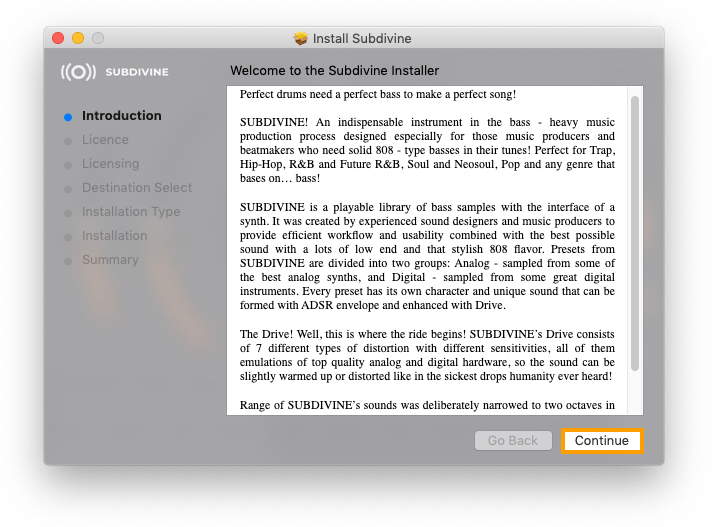
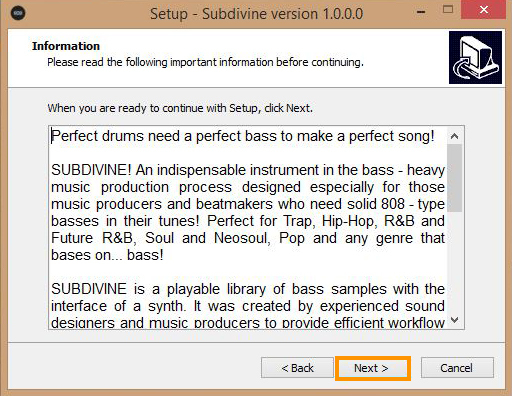
Subdivine! An indispensable instrument in the bass-heavy music production process designed especially for those music producers and beatmakers who need solid 808-type basses in their tunes! Perfect for Trap, Hip-Hop, R&B and Future R&B, Soul and Neosoul, Pop and any genre that bases on… bass!
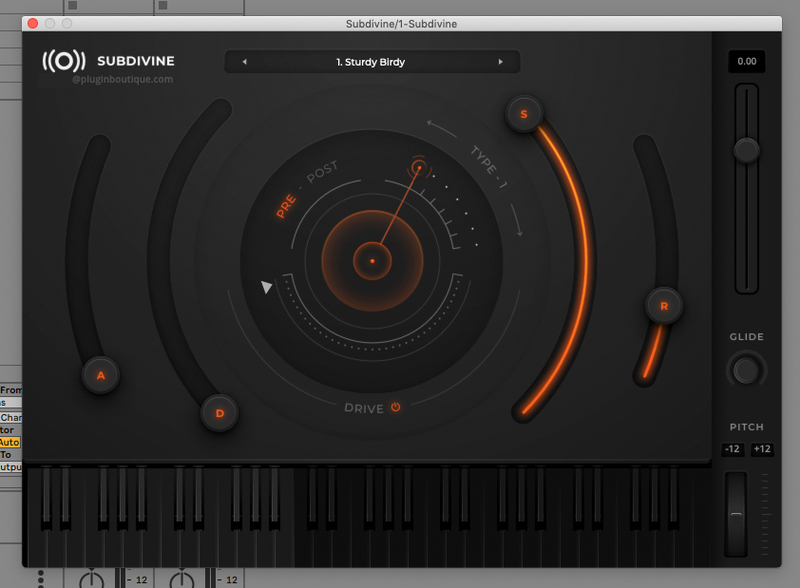
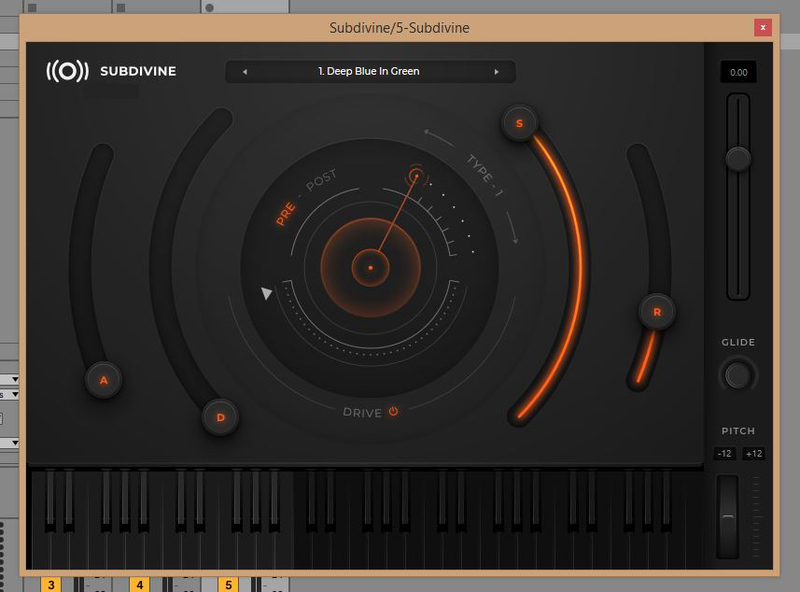
Subdivine is a playable library of bass samples with the interface of a synth. It was created by experienced sound designers and music producers to provide efficient workflow and usability combined with the best possible sound with lots of low-end and that stylish 808 flavour. Presets from Subdivine are divided into two groups: Analogue - sampled from some of the best analogue synths, and Digital - sampled from some great digital instruments. Every preset has its own character and unique sound that can be formed with ADSR envelope and enhanced with Drive.
The Drive! Well, this is where the ride begins! Subdivine's Drive consists of 7 different types of distortion with different sensitivities, all of them emulations of top quality analogue and digital hardware, so the sound can be slightly warmed up or distorted like in the sickest drops humanity ever heard!
Range of Subdivine's sounds was deliberately narrowed to two octaves in order to keep the library compact, and the instrument efficient in providing the high-quality low end.
Subdivine is available in two most popular plug-in formats: VST3 and AU, so you will be able to use it in DAWs that support these formats (and others).
Features
- Perfect for Trap, Hip-Hop, R&B, Future R&B and Soul
- 7 types of distortion
- Analogue and Digital presets
System Requirements
Mac
- 64-bit only
- OS X 10.12 or higher (Apple Silicon compatible)
- 8GB of system RAM
- 10GB of free space
- VST3
- Audio Unit
Windows
- 64-bit only
- Windows 7 or higher
- 8GB of system RAM
- 10GB of free space
- SSE3 support
- VST3
Supported Hosts
- Cubase
- Logic
- FL Studio
- Ableton Live 10.1 and above
- Studio One
- Garage Band

Donatan
Diamond & Multi-Platinum Music Producer
"Great selection of sounds, just the right amount of control over them. SUBDIVINE allows to quickly create good sounding basslines, which makes it a perfect instrument for every busy producer."