Log In

Free gifts available with your purchase
A Sample Instrument
The first instrument from Shout Audio with sounds by producers Dresage and Bad Snacks. Illustrated by Ruby Taylor. Both simple and inspiring to use. With enough sounds and variety to produce a whole track. Always available at a low price because Shout Audio believe good music software should be affordable.
Free for Non-Profits
Shout Audio are committed to the education of young people, which is why their products are always free for non-profit organisations. If you are a non-profit in need of some Shout Audio software, simply get in touch at support@pluginboutique.com.
Drums
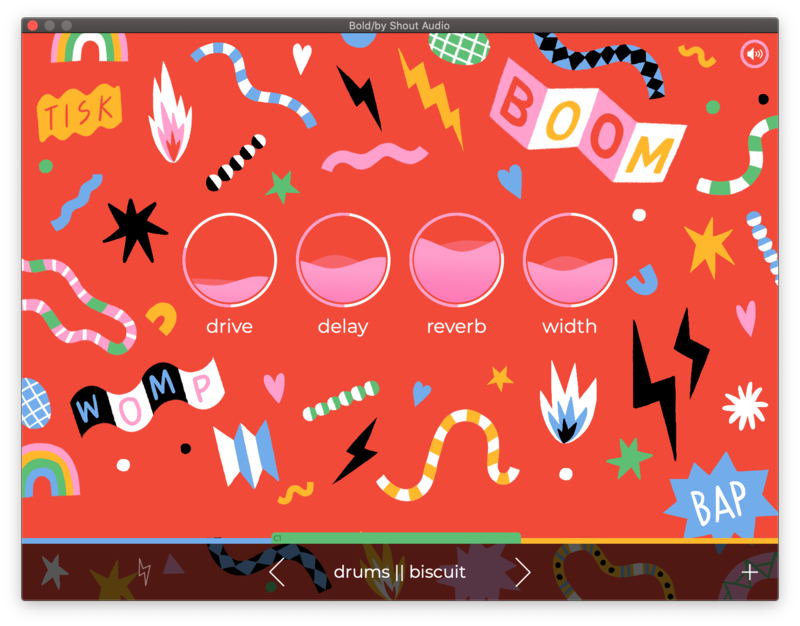
Analogue and foley-inspired drum sounds. Four kits, each consisting of 24 samples.
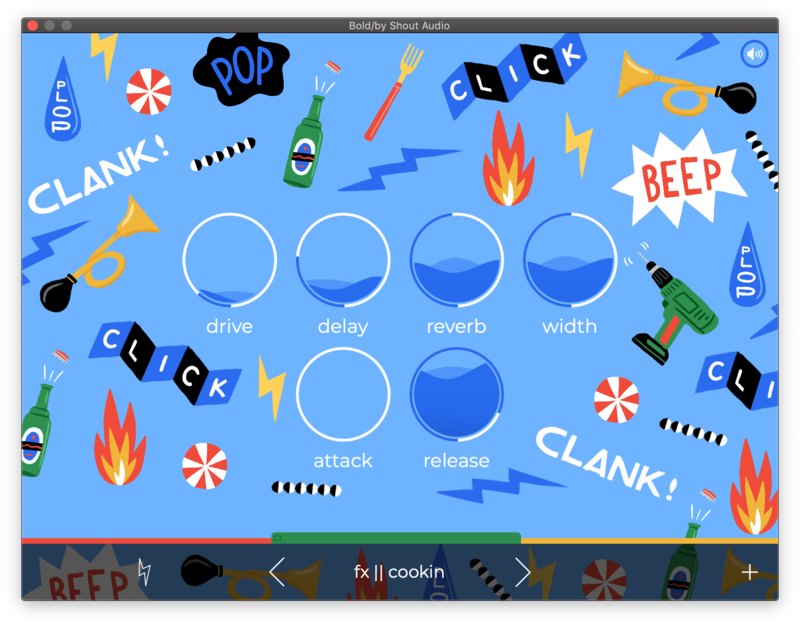
FX
One more foley kit and two beautiful string patches of easy-to-play one-finger chords.
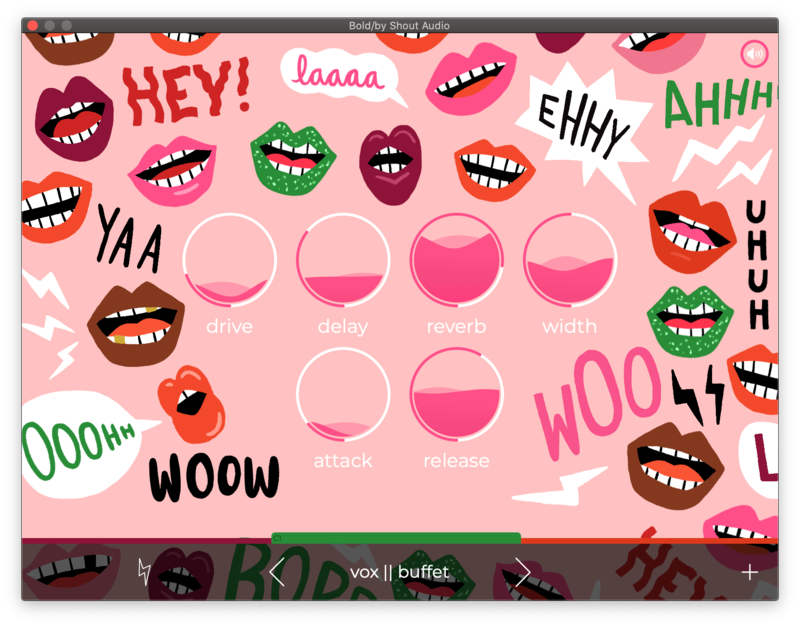
Vox
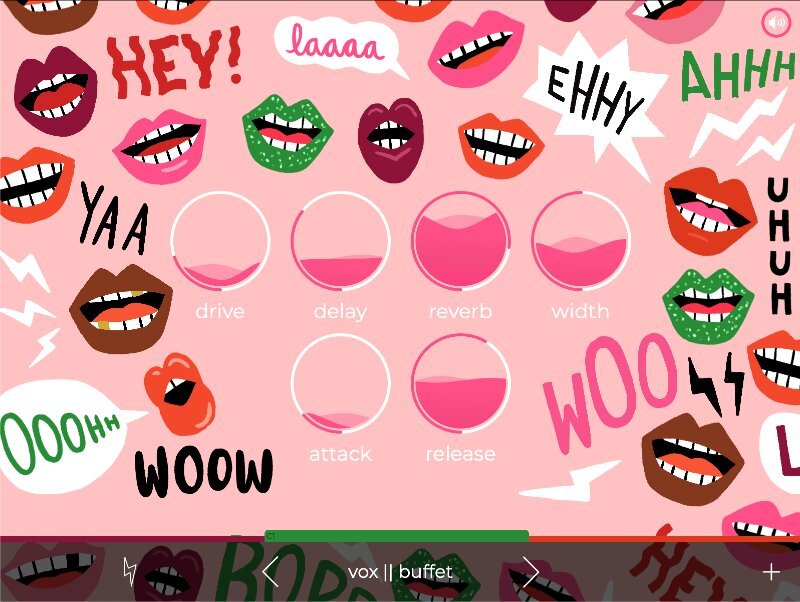
A fan favourite. Three vocal one-shot kits with runs, adlibs, and more.
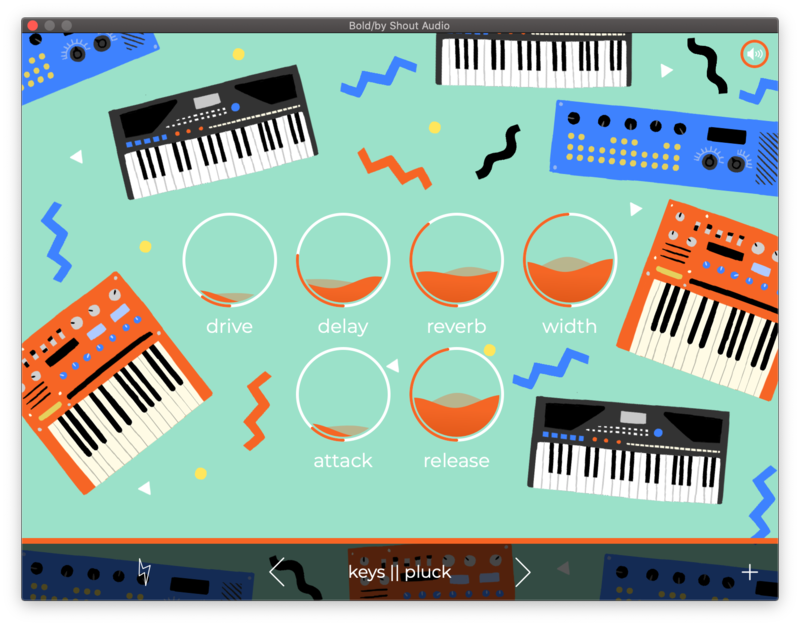
Keys
Eleven playable polyphonic synth and sample patches with arpeggios.
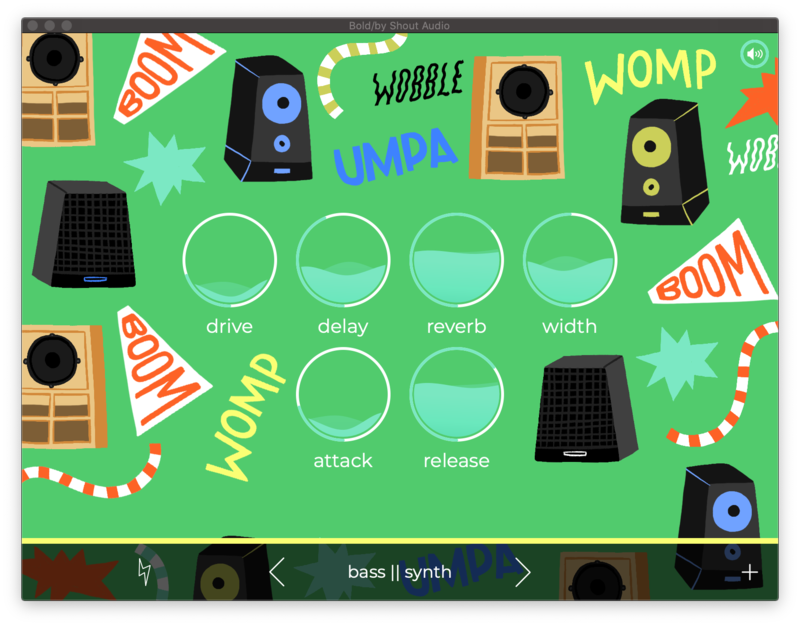
Bass
Can't forget the low end with a synth and electric bass to fill out the bottom.
Features
- Lovingly built from over 350 handcrafted samples.
- Over 600MB of content.
- 24 presets from drums, bass, keys, fx, and vocals.
- Built-in effects with drive, delay, reverb, and stereo width.
- English/Spanish.
System Requirements
- MacOS 10.14 or higher (64 bit only)
- Windows 10 (64 bit only)
- 650MB of hard drive space (1.3GB for download)
- Compatible DAW that supports VST2 or AudioUnit
Damian Taylor
Grammy-nominated Producer.
"There is such a great clear concept to the instrument, and featuring contributions by one of my faves Dresage."
The Lavender Scare
The Lavender Scare is a queer-influenced indie rock band from Los Angeles.
"BOLD takes a fun, easy approach to instrument plugins. Off the bat, it has a really useful library of sounds, and it's easy to use. The colours and design make it a lighthearted and joyful experience."